
$49.90
Free delivery · 7–14 days
PS4 VR Controller Charging Dock - Dual Charge Station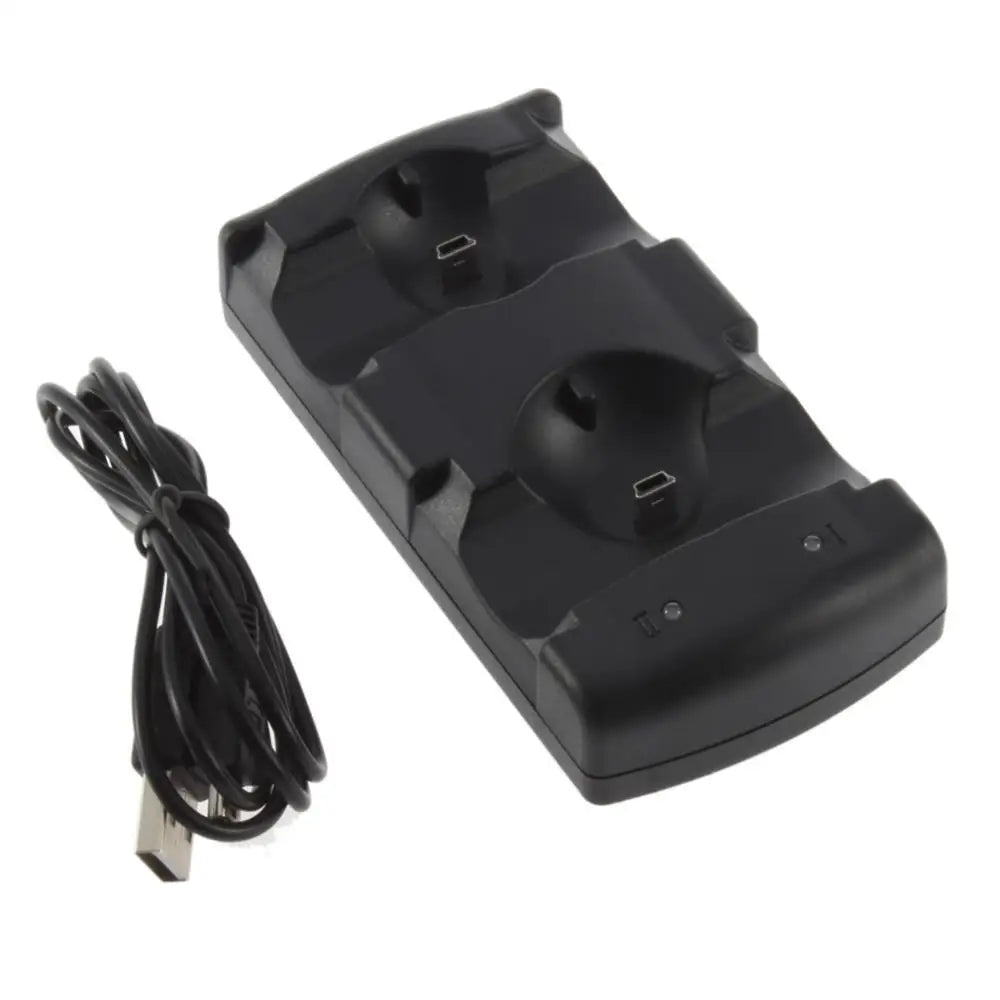
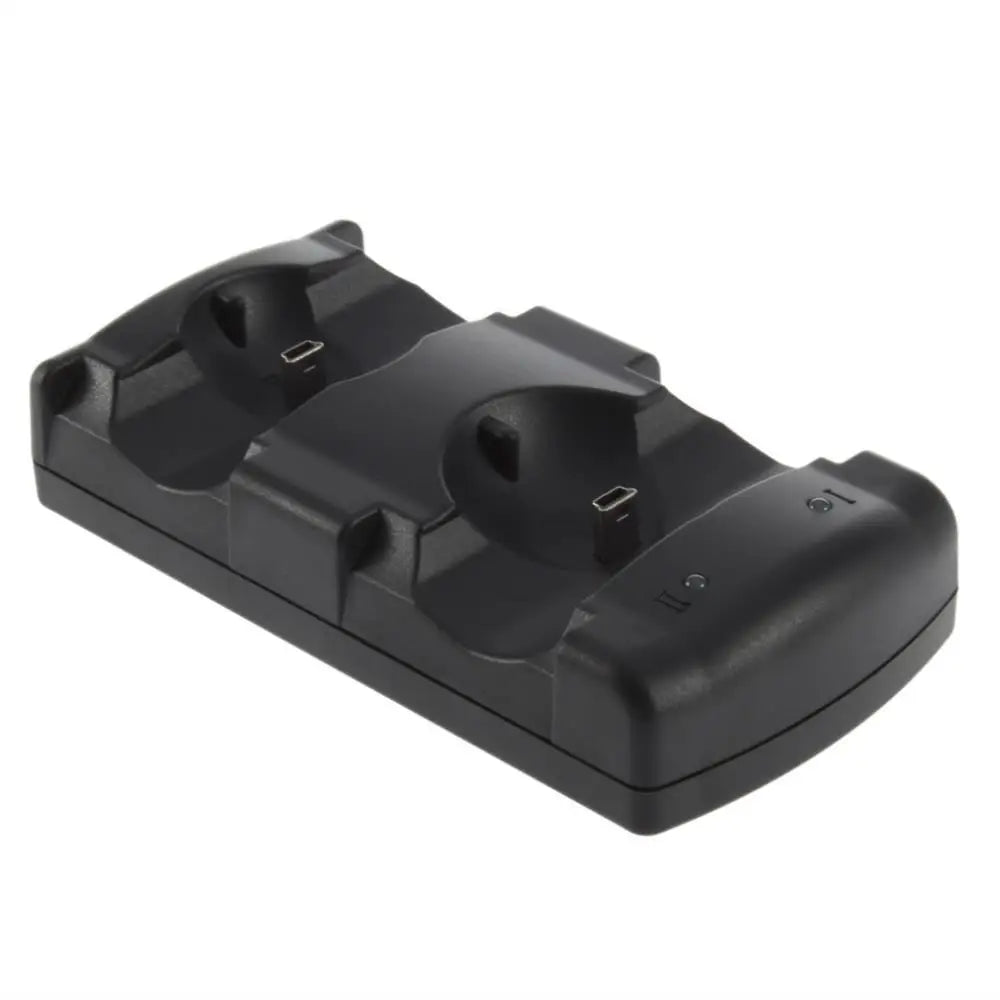
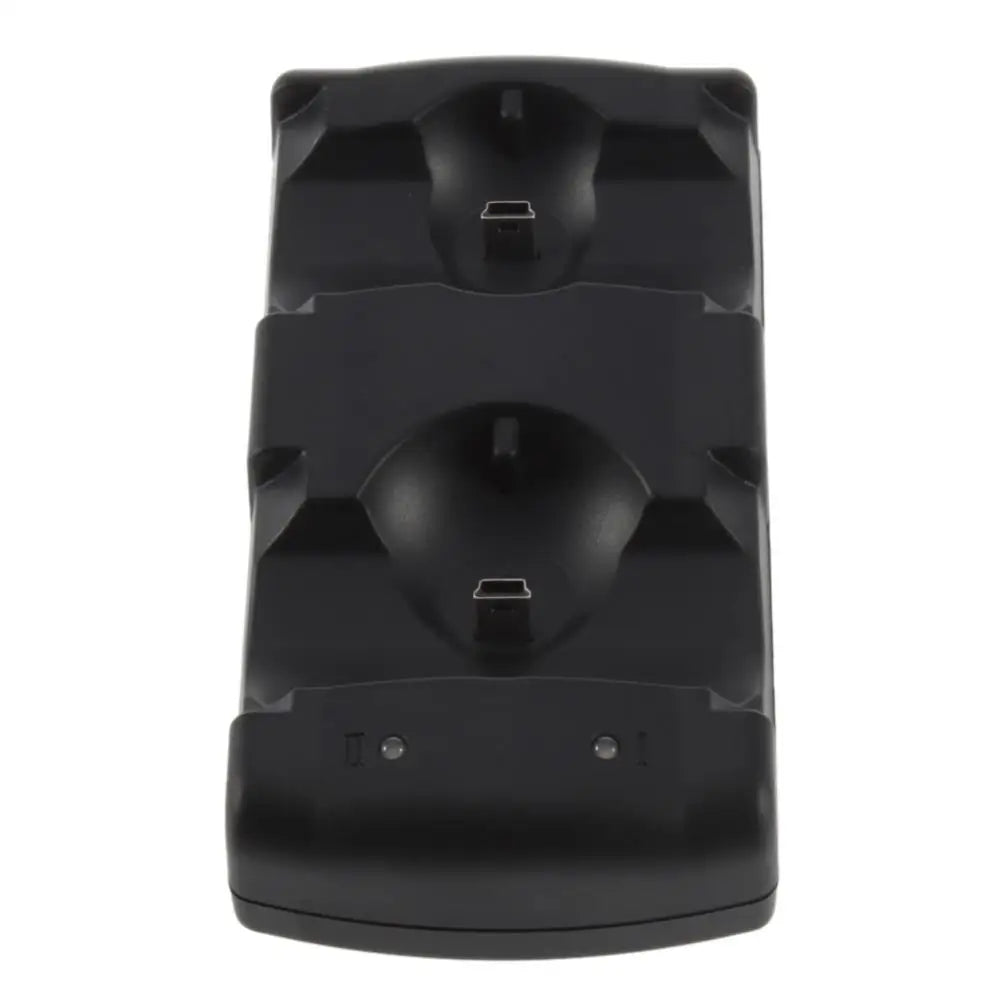
Two controllers, always ready. Drop both PS3 pads on the dock after play and grab them full next time — no more cable hunting or dead batteries mid-game.
Read the full descriptionTwo controllers, always ready. Drop both PS3 pads on the dock after play and grab them full next time — no more cable hunting or dead batteries mid-game.
Stop scrambling for cables when your controller dies. Drop both controllers on the dock after play and grab them full the next session.
Co-op players keep both controllers powered without juggling a single cable. Each pad gets its own cradle and charges independently, so you always have a fresh backup.
The indicator lights on each cradle tell you instantly when a controller is charging, finished, or not seated correctly. No guessing if the spare is full before your friend comes over.
No per-controller plugging. Just seat the pad in the cradle and walk away. The dock handles the connection, and you never have to dig behind the console again.
Set the dock on your TV stand or desk near the console, with enough room for two controllers. Keep it within reach of the included USB cable.
Plug the USB cable into any powered USB port — your PS3, a TV, or a wall adapter. The dock's indicator lights will flicker, confirming it's live.
Seat each pad straight down into a cradle. The red charge light comes on immediately. Wait a couple of hours and the light turns green — both controllers ready.
Two-cradle stand with built-in charge contacts
Plugs into any standard USB port
Basic setup instructions
You are deep into a co-op boss fight, and your controller blinks red then dies. Your partner holds aggro while you scramble behind the TV for the one mini-USB cable that always hides behind the console. The moment is gone.
For years the solution was the same: plug the controller straight into the PS3 and play hunched over a six-foot tether that ties up a USB port. Only one pad charges at a time, so the spare stays dead until you remember to swap. It works, until you forget again.
This dual dock sits next to your console like a little parking lot for controllers. After every session you drop both pads into the cradles, the lights confirm they are charging, and next time you turn on the PS3 they are full. No cable hunt, no dead spares, no interruptions.
| This Dock | Single Cable | |
|---|---|---|
| Charges two at once | — | |
| Frees console USB port | — | |
| Drop-and-go | — | |
| No cable tangle | — | |
| Always know charge status | — |
Yes. The cradle is shaped for official Sony PlayStation 3 controllers including DualShock 3 and Sixaxis. It won't fit PS4 or other brands.
Absolutely. Each cradle charges independently, so you can dock two controllers and they will both charge simultaneously.
Yes. The light glows red while charging and switches to green when the controller is full, so you can see the status at a glance.
It comes with a USB cable that you can plug into any USB wall adapter or a free port on your PS3 or TV. No extra power brick required.
Officially it is designed for Sony DS3/Sixaxis. Some third-party pads with the same charging port and dimensions may fit, but we can't guarantee those.
A fully depleted controller takes about 2‑3 hours, similar to charging via cable. After that the dock stops sending power to prevent overcharging.


 Dual PS3 Controller Charging Dock - Charge Two at Once