
$49.90
Free delivery · 7–14 days
Switch Pro Controller Charging Dock with LED Indicator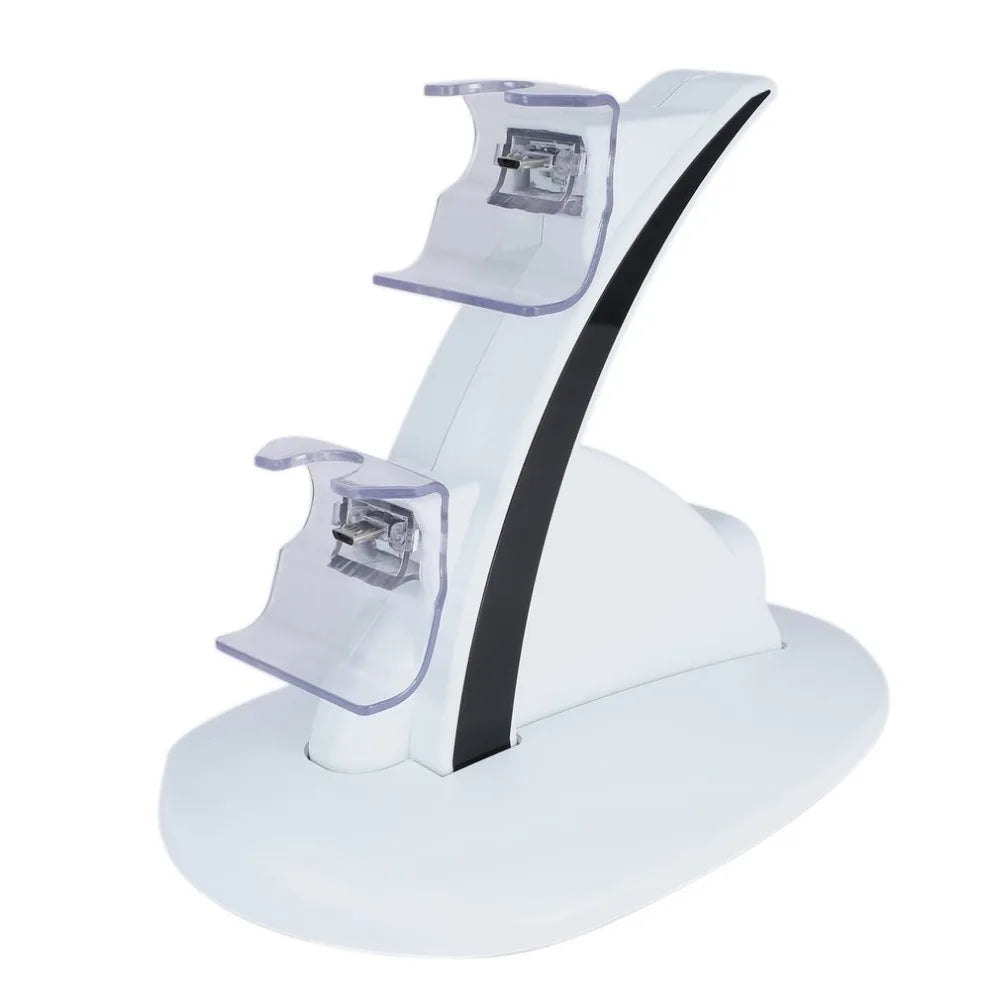
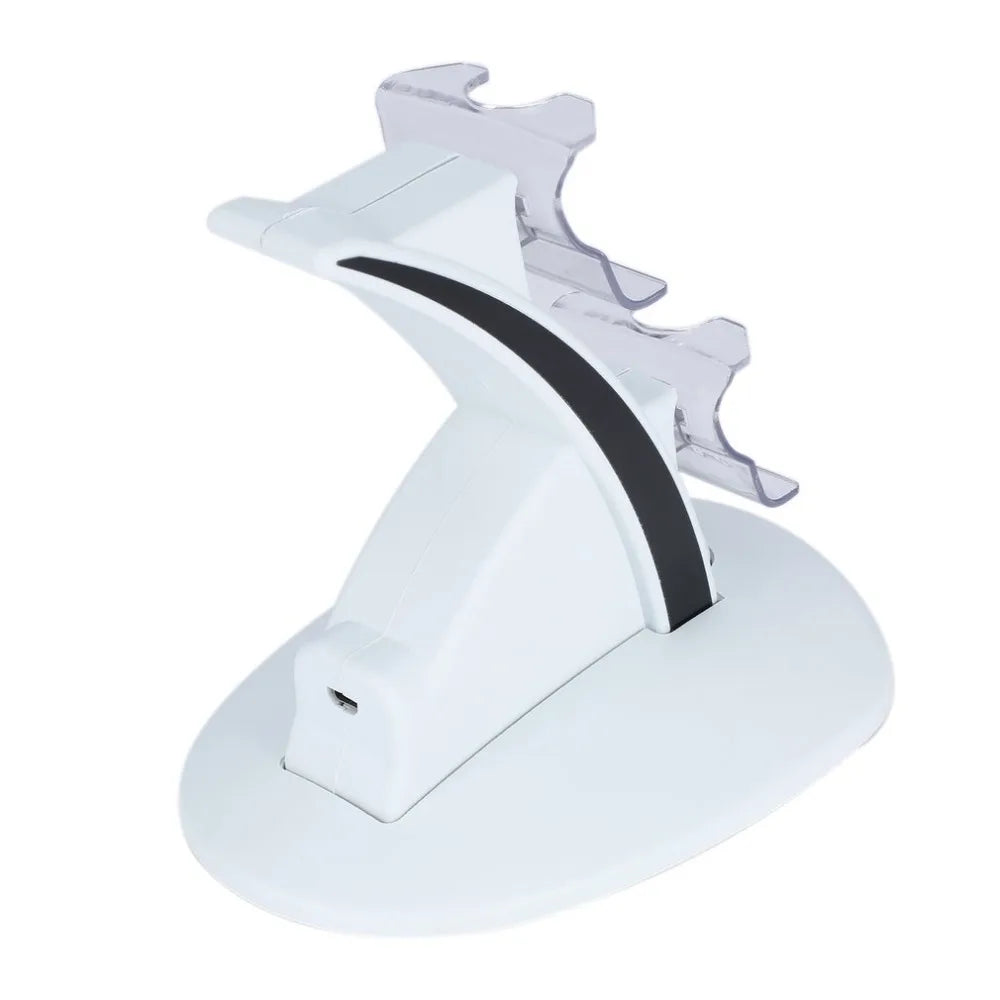
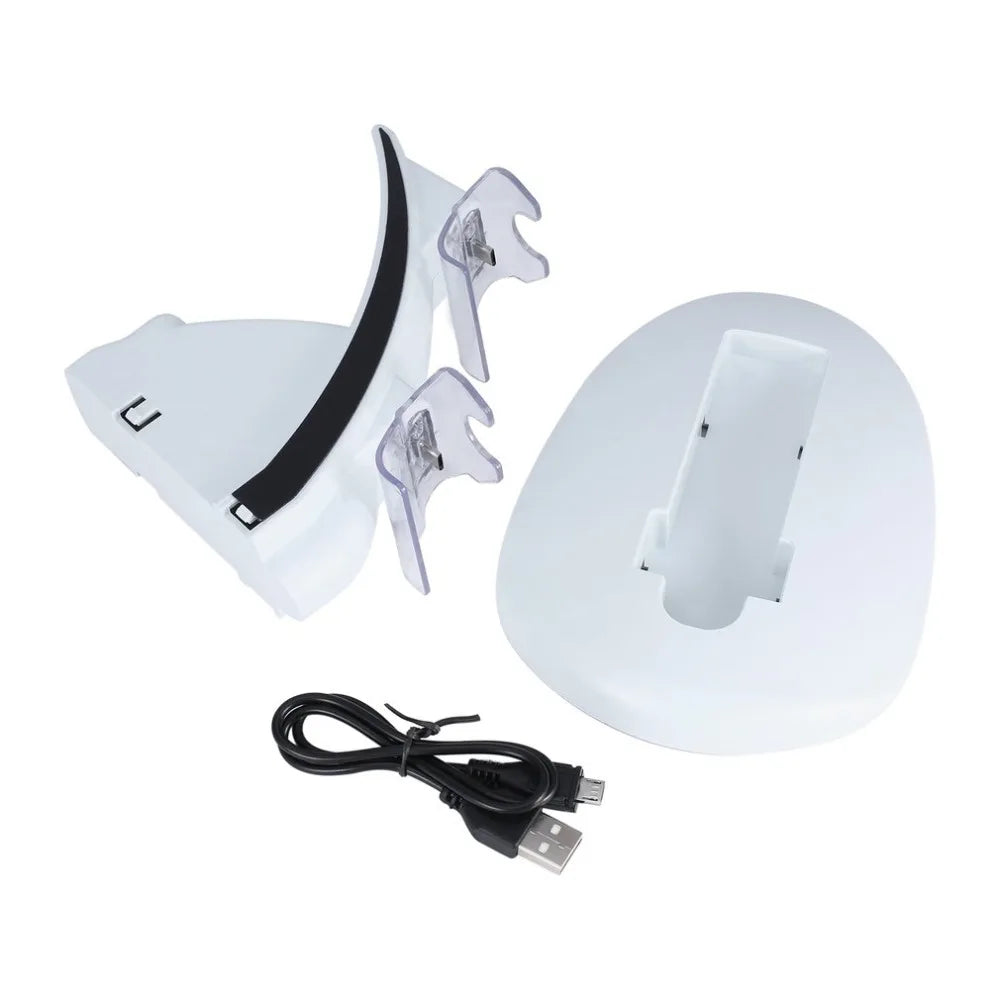
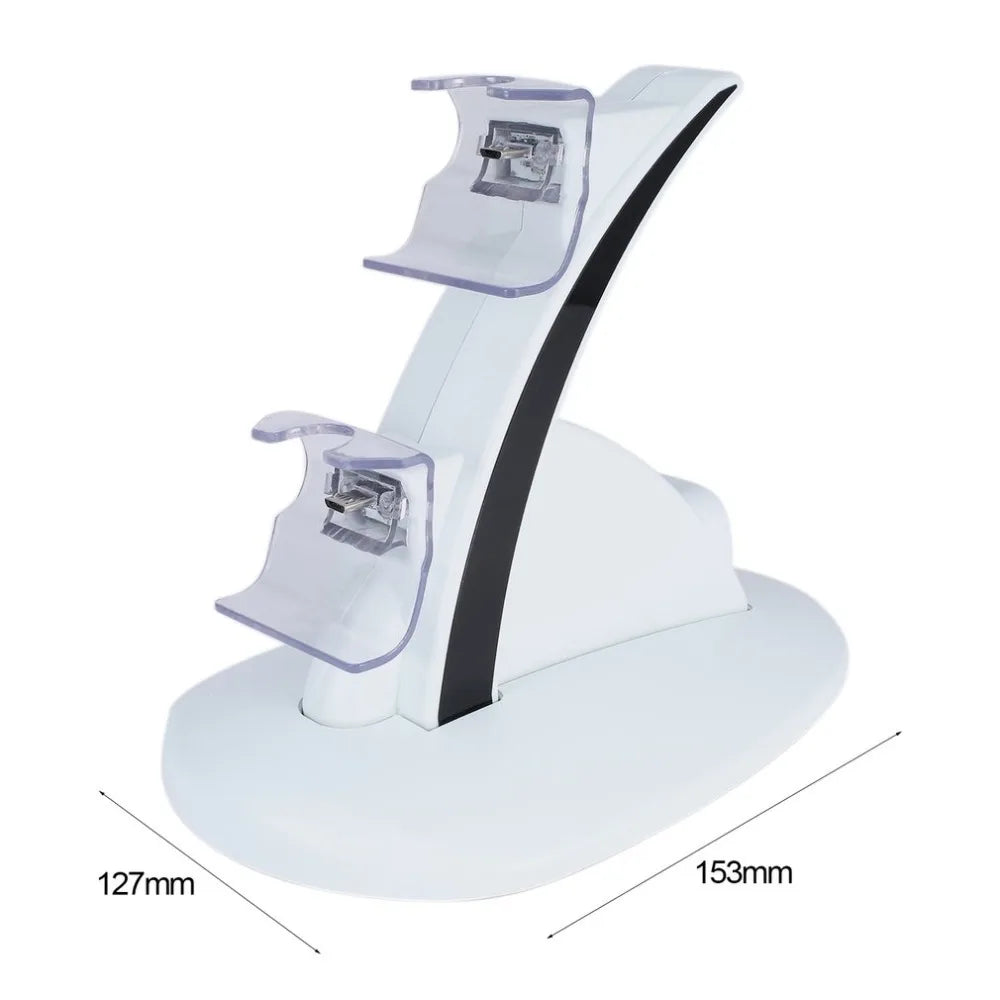
Stop losing matches to dead controller batteries. This dual charging dock keeps both pads topped off and ready, with at-a-glance LED status so you always know where you stand.
Read the full descriptionStop losing matches to dead controller batteries. This dual charging dock keeps both pads topped off and ready, with at-a-glance LED status so you always know where you stand.
Stop hunting for AA batteries mid-game. Drop both controllers in, glance at the LED, and grab a fully charged pad whenever you sit down.
Player one and player two charge together. No waiting for one cable to swap between pads. Both controllers are always topped off, so co-op nights and party sessions never get interrupted by a dead battery.
Red means charging, green means ready. The at-a-glance LED system tells you exactly which pad is topped up without having to turn on the console. No more guessing if a controller is charged mid-session.
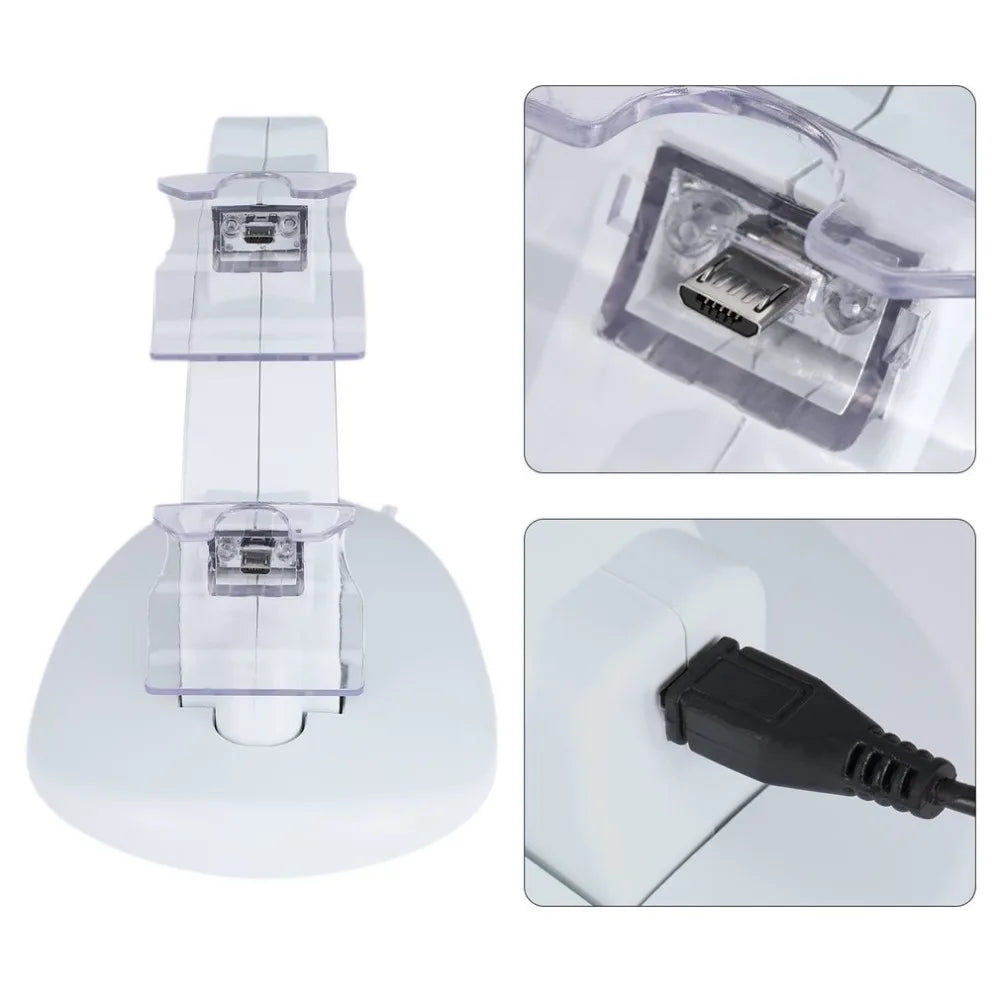
The included USB cable powers the dock straight from your Xbox's USB port or any USB adapter you already own. Set it once, and the dock becomes the permanent home for both controllers — always charging, never in the way.
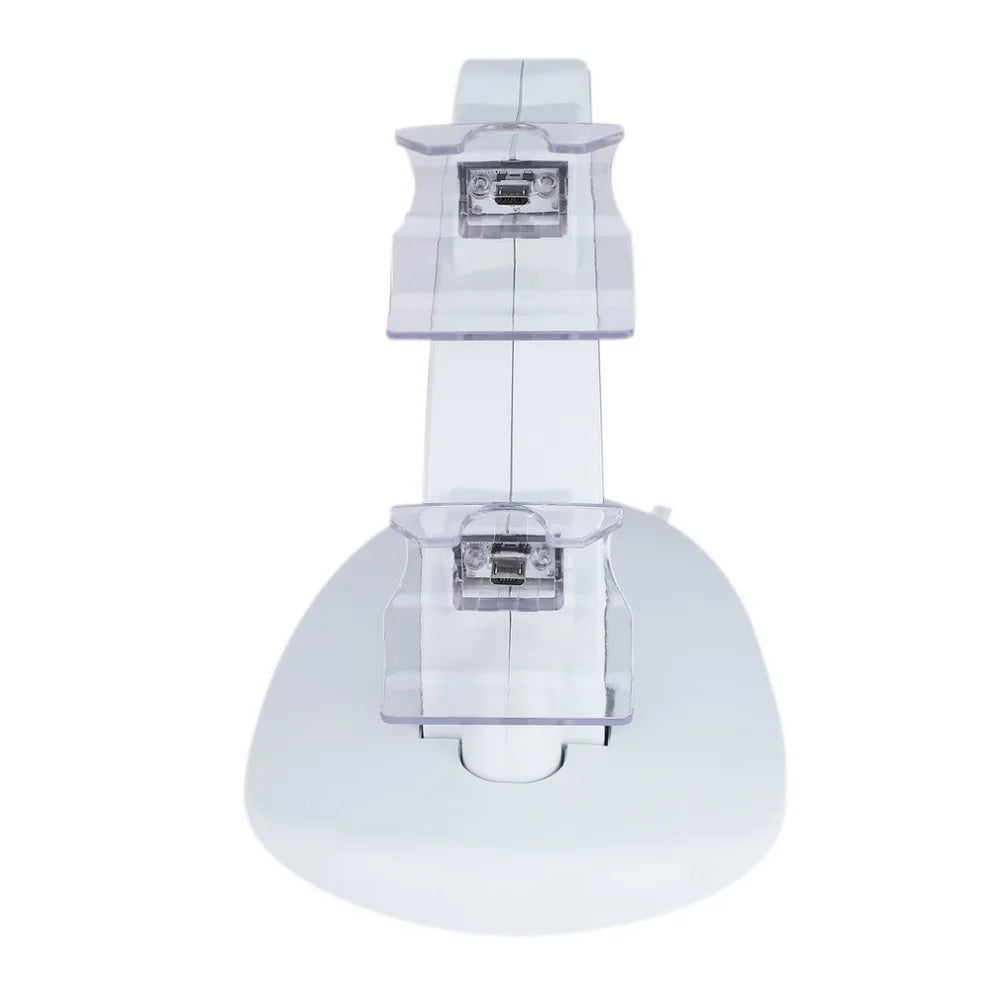
The dock is lightweight and compact, with two clearly shaped controller slots and small LED windows on the front. Place it on your TV stand or gaming desk.
Uncoil the included USB cable and plug it into the back of the dock. Run the other end to an open USB port on your Xbox console or a standard USB wall adapter.
Snap the rechargeable battery packs into your Xbox One controllers in place of the standard AA battery door. They sit flush and connect automatically.
Set each controller into its slot — the LED lights up immediately. Red while charging, green when full. Both pads live here between sessions, always ready.
Compact dock with two controller bays and LED indicators
Powers from console or adapter
Replace AA bays; snap into controllers
Plug, seat, drop — that's it
You're mid-match, the clutch moment, and then it happens — the controller shudders, the light blinks red, and your character walks into a wall. The round is lost, the session is done, and you're left in the dark scrambling for AA batteries that are just as dead as your pad.
You've tried everything: buying bulk AA packs, a single play-and-charge cable that leaves you tethered to the couch, or just hoping for the best. But the drawer keeps filling with empties, and you're still pausing the game at the worst times. It's wasteful, expensive, and never actually solves the problem.
Imagine walking into your game room, grabbing a controller, and knowing it's full. No cables, no battery swaps, no interruptions. This dock keeps two pads charged at once, so both you and player two are ready the moment you sit down. It's the simple fix that makes battery anxiety a distant memory.
You set up the dock in minutes and both controllers begin charging with LED indicators showing status.
You stop reaching for disposable batteries; the dock becomes the default home for both controllers between sessions.
Picking up a charged pad becomes automatic and mid-match deaths stop interrupting your play.
You've skipped weeks of AA purchases and the dock has paid for itself in saved battery costs.
| This Dock | Disposable AAs | Single-pad Cable | |
|---|---|---|---|
| Charges two controllers at once | — | — | |
| Ongoing cost | One purchase | Buy AAs forever | One cable |
| LED charge status | At a glance | Never know | Check on screen |
| Keeps controllers untethered | Yes | Yes | Tethered while playing |
| Environmentally wasteful | Low | High (disposable) | Low |
Yes. The battery packs are designed to match the shape of all standard Xbox One wireless controllers, including the original, S, and X models. Just snap them in and dock.
Absolutely. Each slot is independent, so you can charge two pads simultaneously without splitting power. Both will be full in about 2.5 hours from empty.
A red light means the battery is still charging. It turns green when the controller is fully topped off. If no light appears, check the controller is seated straight.
Everything you need is in the box: the dual-charge dock, USB cable, and two rechargeable battery packs that replace your AA batteries.
The rechargeable packs are shaped for official Microsoft Xbox One controllers. Some third-party pads that use the same battery compartment will work, but we can't guarantee all.
A completely drained pack takes about 2.5 hours to fully charge via the dock. Partial top-ups are faster — often an hour gets you through a long session.


 Xbox One Controller Charging Dock with Dual LED Slots