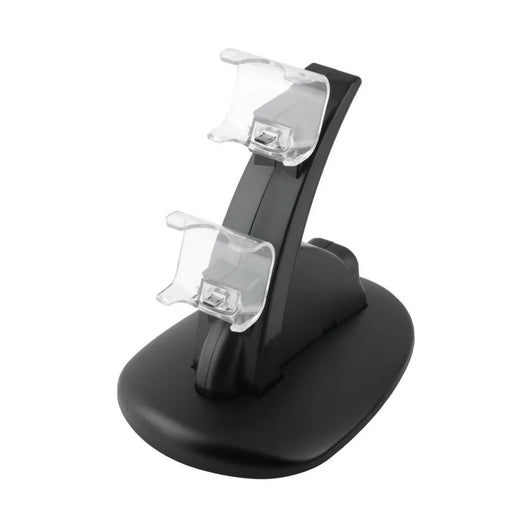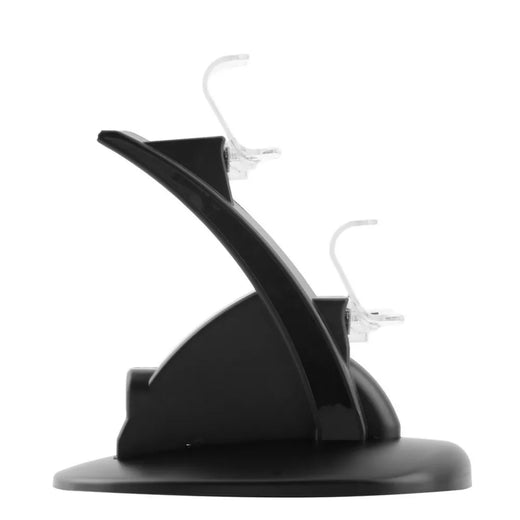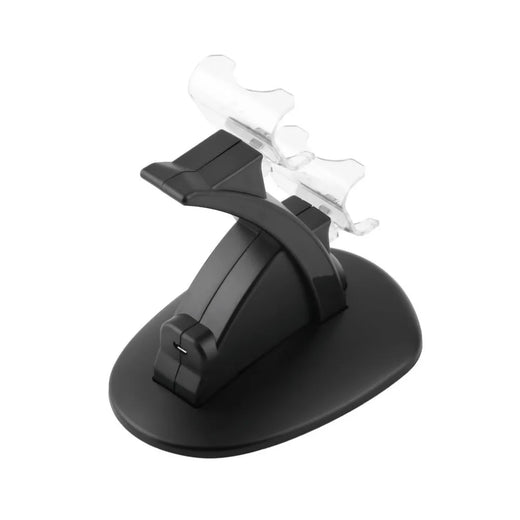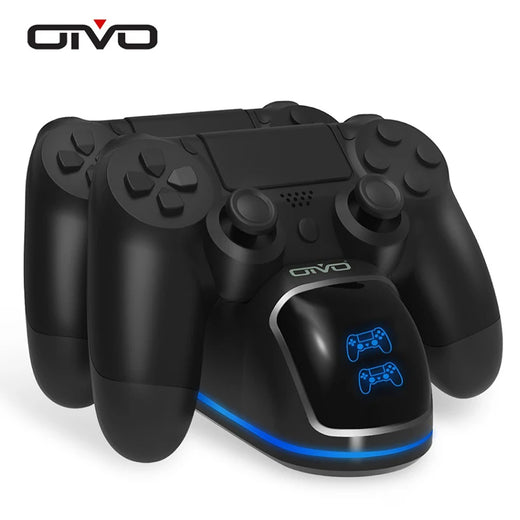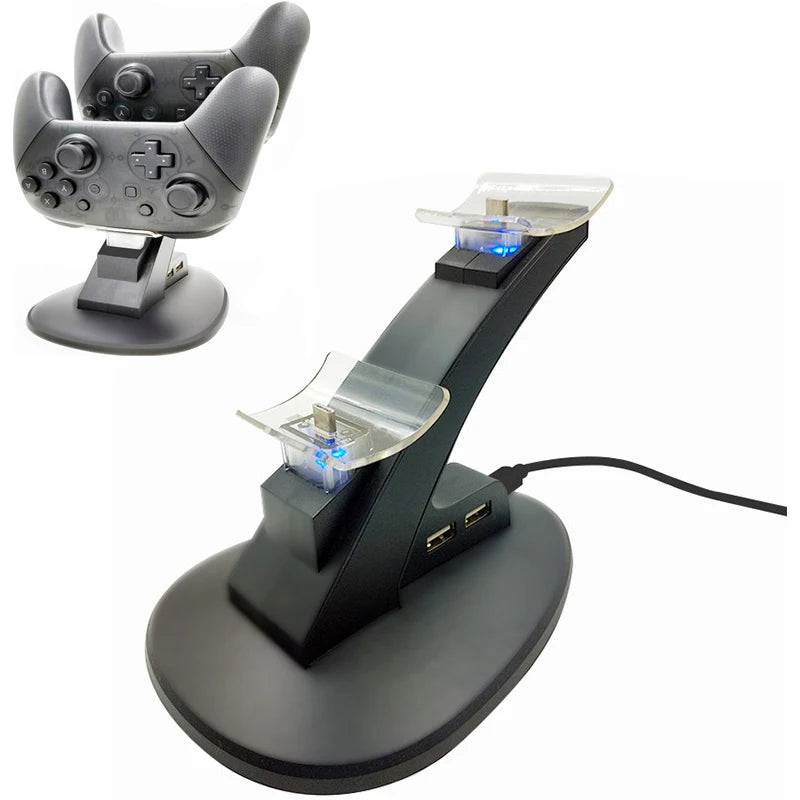
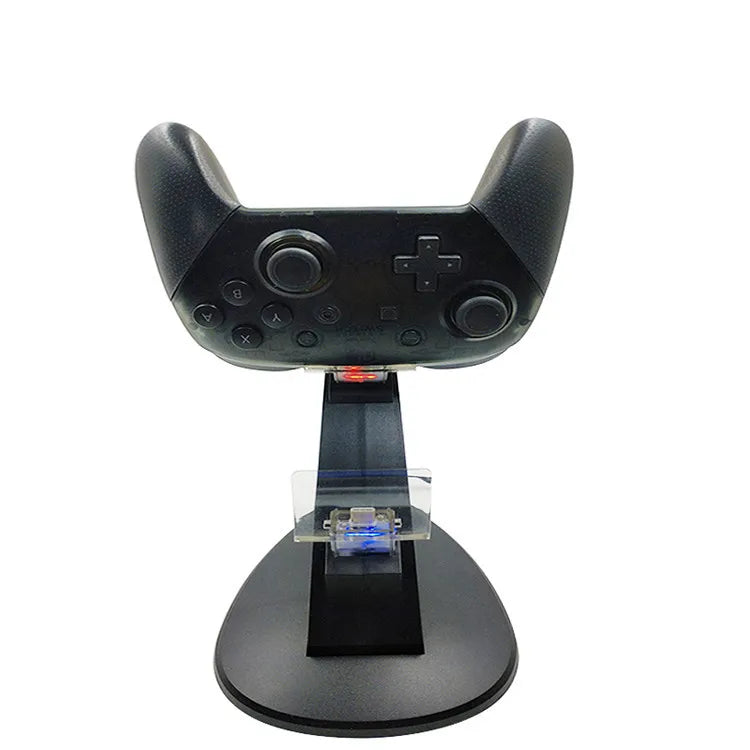
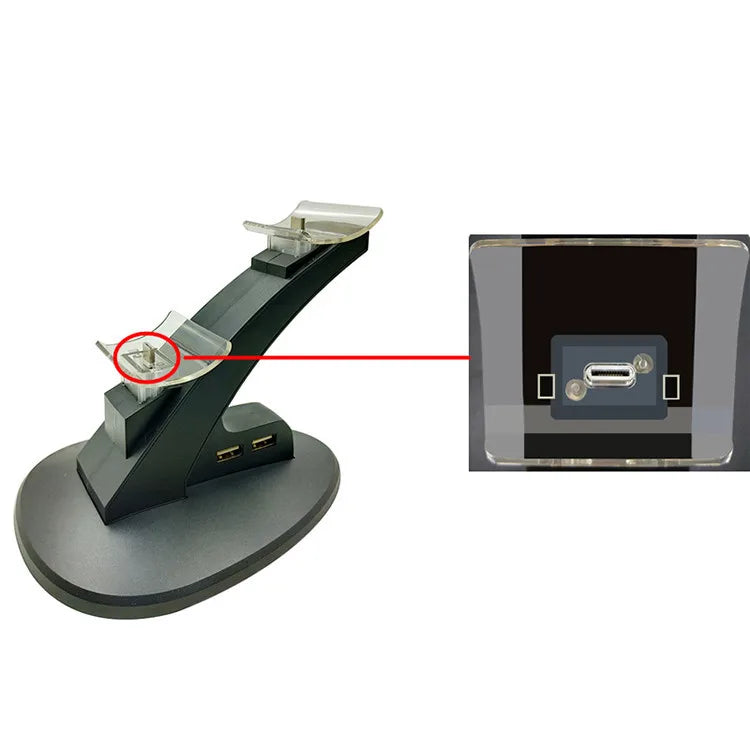
Switch Pro Controller Charging Dock with LED Indicator
Two controllers, always charged and ready
No more dead controllers mid-match. Drop them in, watch the lights, grab them full.
Built to End the Cable Hunt
Two slots, two lights, and a compact footprint that belongs next to your console.
Two slots, zero waiting
Charge two Pro Controllers side by side. The second one is always ready to grab the moment a battery icon blinks — no cable to share, no waiting your turn.
Charge status at a glance
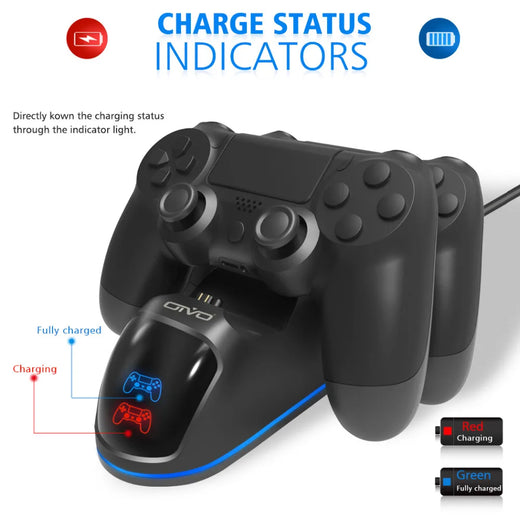
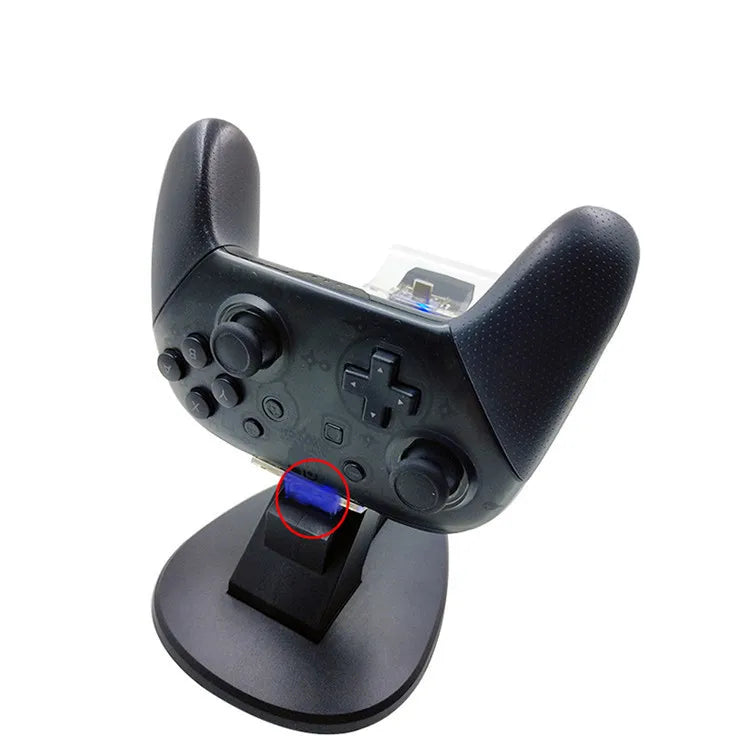
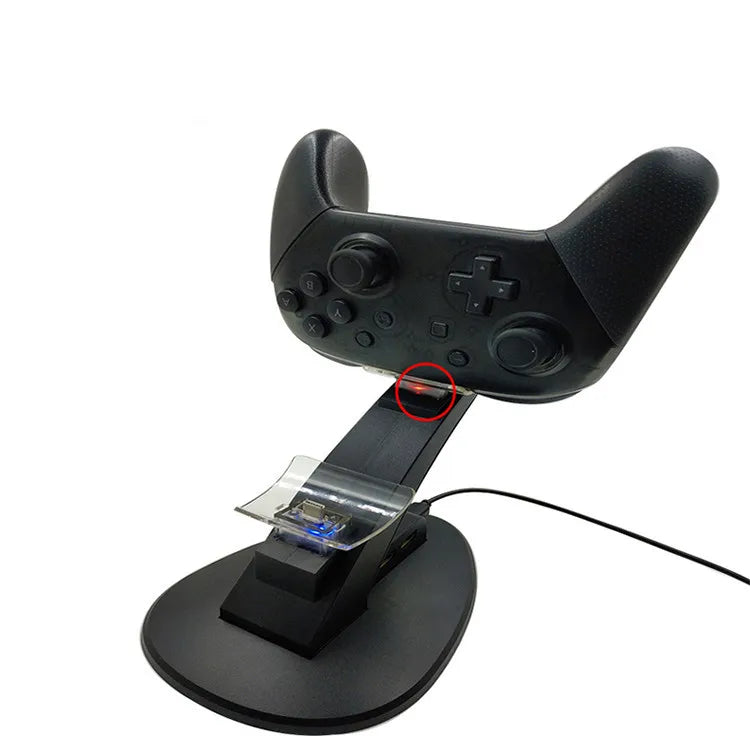
A clear LED changes from red to green so you know exactly when a controller is full. No more squinting at the Switch battery menu or guessing if the cable is actually connected.
Tidy, cable-free couch
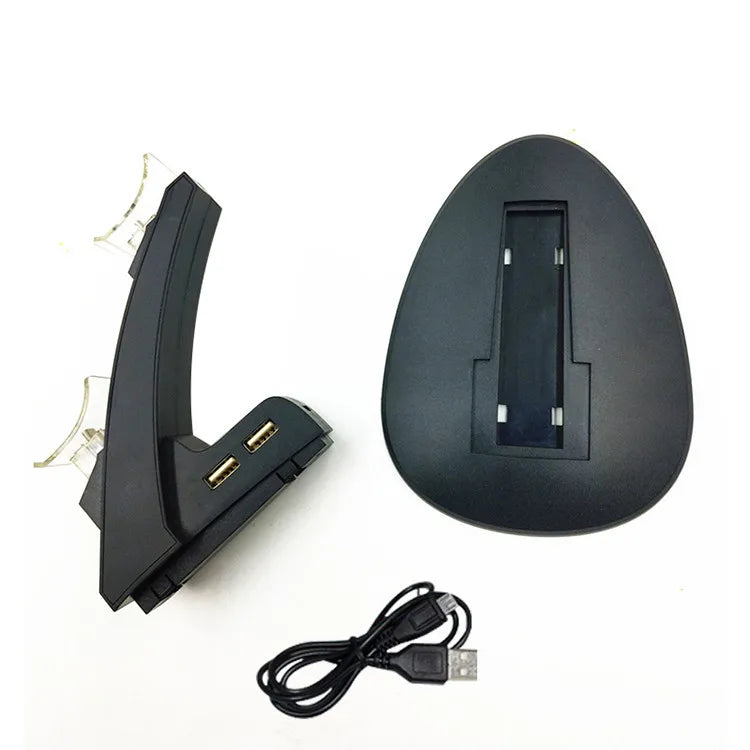
One compact dock replaces a tangle of USB-C cables on the floor. It sits neatly beside the TV, charges via a single USB connection, and even doubles as a display stand for your controllers when not in use.
From the Couch Co-op Crowd
Real owners on keeping controllers alive.
Both controllers charged and ready for Smash every Friday. The LED is simple but so satisfying.
I have two kids who forget to charge everything. Now they just drop controllers in at night and it’s a non-issue.
Sits tight behind my monitor, green light tells me it’s done. Stream is smooth when the backup is full.
Cleaned up the cable mess. The included USB cable is a bit short for my media unit, but I used a longer one I had.
Mario Kart party — four people, two controllers, never a dead one. This thing is the cheapest party insurance.
Tiny, does the job, no brainer. The LED actually tells me what’s happening.
It’s light plastic, which worried me, but it holds controllers steady and they charge. No wobble.
Nice way to display my retro pro controllers too. They sit upright, look clean.
After a long workday I just want to game, not hunt cables. This dock fixed that.
Simple, subtle, worth it. The green light is my happy dot.
Installed in a rental apartment. No holes, no giant stand, just a clean little dock.
The second controller is always ready. My friend grabbed it mid-match and it was full. That exact moment sold him.
From Box to Charging in Seconds
No app, no settings, no patience required.
Connect the USB cable
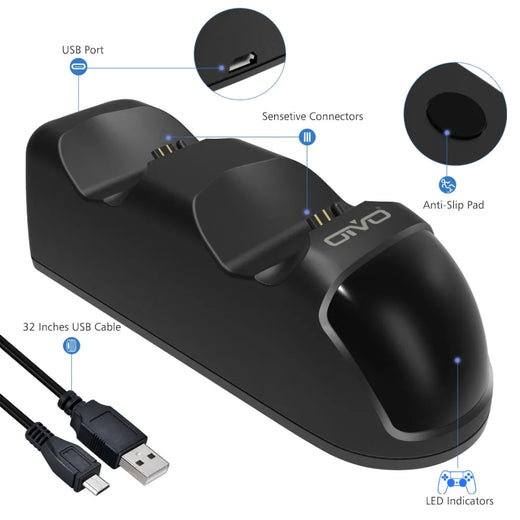
Plug the included USB cable into the dock’s input port, then into a powered USB port on your Switch console, a wall adapter, or a power bank.
Seat the controllers
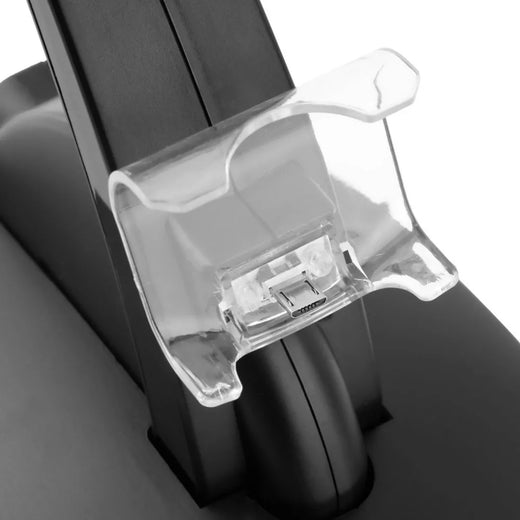
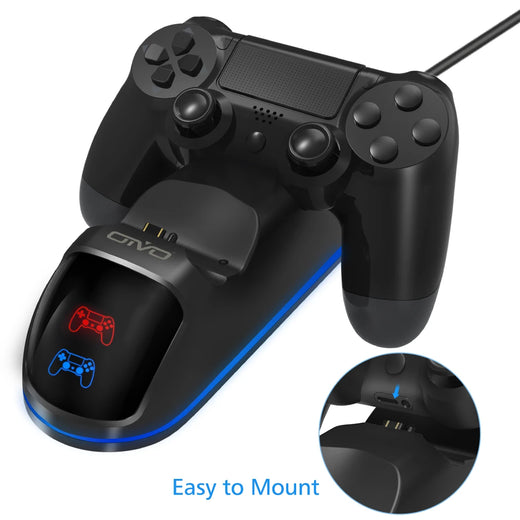
Line up each controller’s USB-C port with the dock’s charging pin and drop it straight down. The LED turns red to confirm charging has started.
Watch for green
When the light changes to green, the controller is fully charged and ready. Grab it and go — no need to unplug anything.
The Numbers
Quick facts that matter when the controllers are dead.
Dock vs Loose Cable
Why a dock beats the charging cable that came with the controller.
| This DockBEST | USB-C Cable | |
|---|---|---|
| Charges two controllers at once | ✓ | ✗ |
| Shows charge status with LED | ✓ | ✗ |
| Tidy single cable to dock | ✓ | ✗ |
| Doubles as display stand | ✓ | ✗ |
Everything You Get
No surprises — just what you need.
From Cable Chaos to Dock Order
The charging dock that ends the scramble for a working controller.
The Mid-Match Death
The crowd is into it. You’re landing every combo, the screen is shaking, then — nothing. The controller dies and the room groans. Someone starts hunting behind the TV again.
The Cable Behind the TV
Every session, the same ritual. The charge cable is somewhere in the snake pit of cords behind the console, buried in dust. You fish it out, untangle it, plug in, and wait. By the time the controller has enough juice, the moment is gone.
Drop and Go
Now you drop both controllers into two molded slots. LEDs flick on — red for charging, green for full. Between rounds, you grab one and it’s always topped up. The cable hunt is over, and the game never stops for dead batteries again.
On lithium-ion charging and battery care
How Much Space It Takes
On your desk or shelf, it’s smaller than you think.
Simple Care for Long Life
A few seconds of attention, occasionally.
About this item
Stop pausing the game to hunt for a charging cable. This dual dock charges two Switch Pro Controllers at once, with clear LED status lights so you always know when they’re ready to grab.
Questions Before You Buy
The real stuff — no marketing fluff.