
$33.90
Free delivery · 7–14 days
Russian Keyboard Cover for MacBook, Colorful Silicone Skin
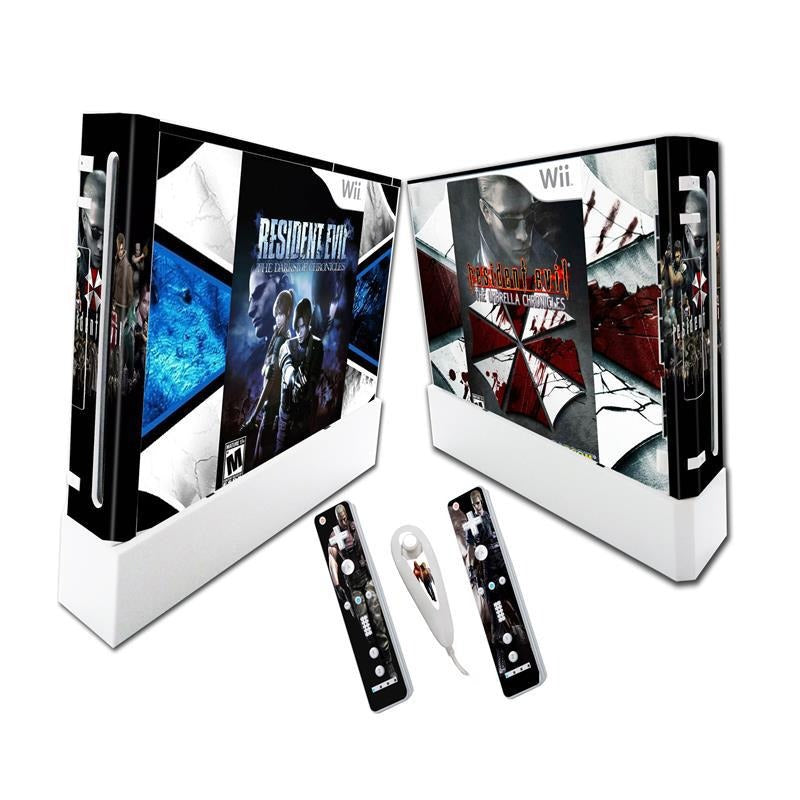


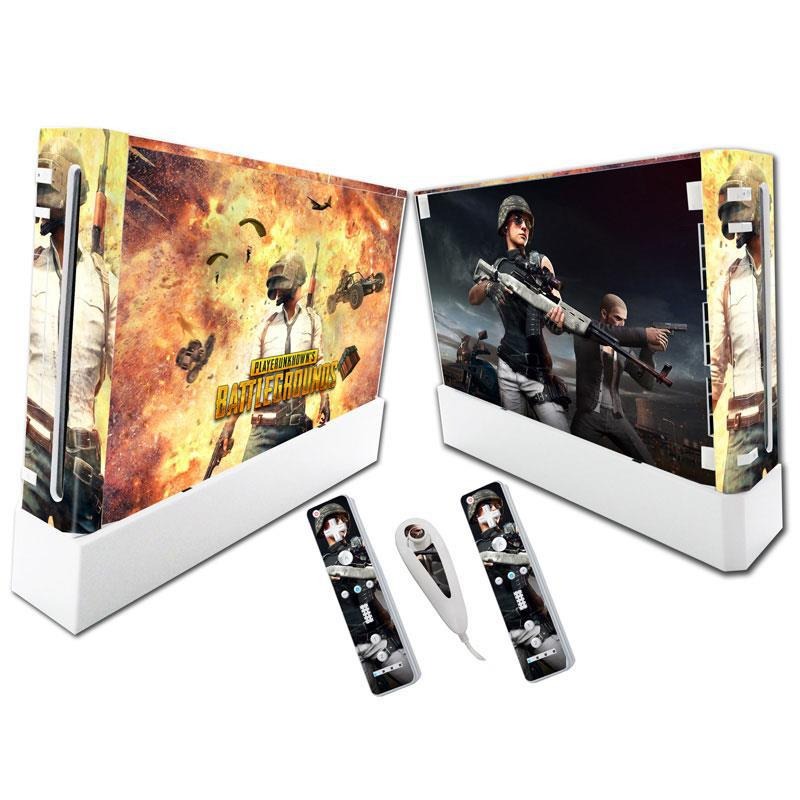


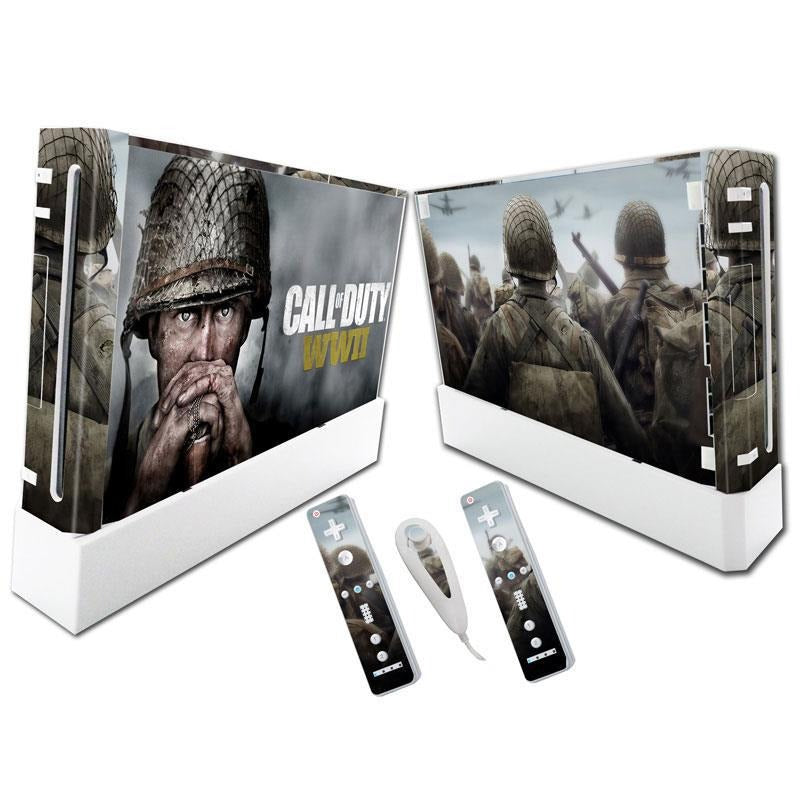


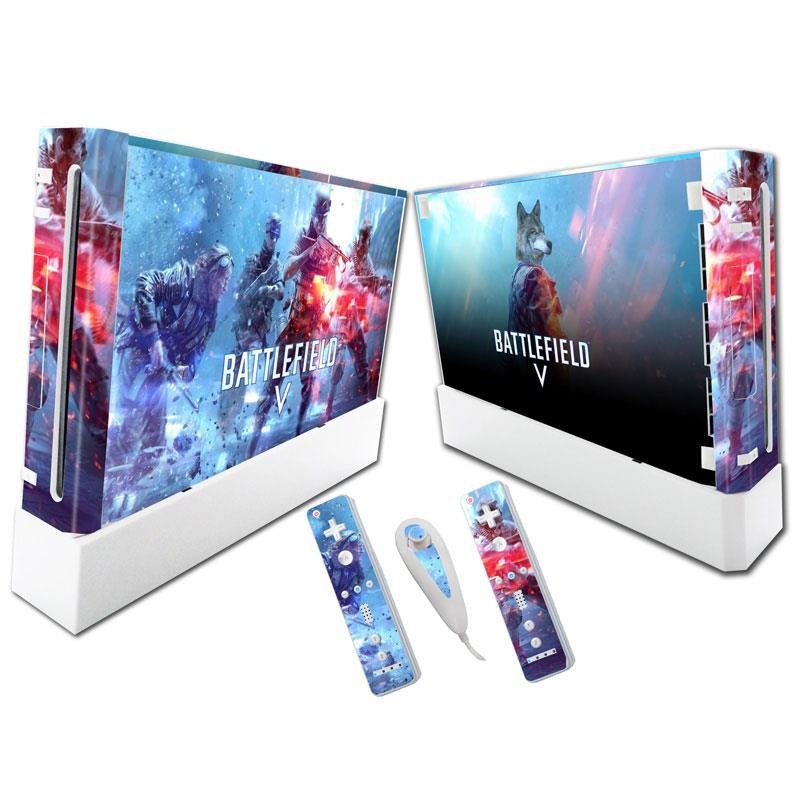
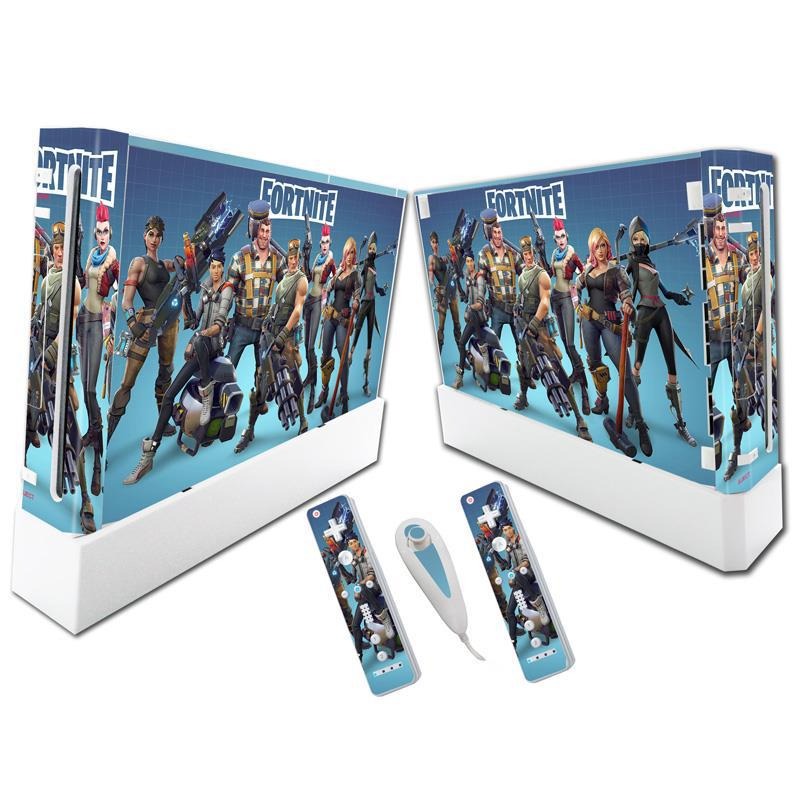


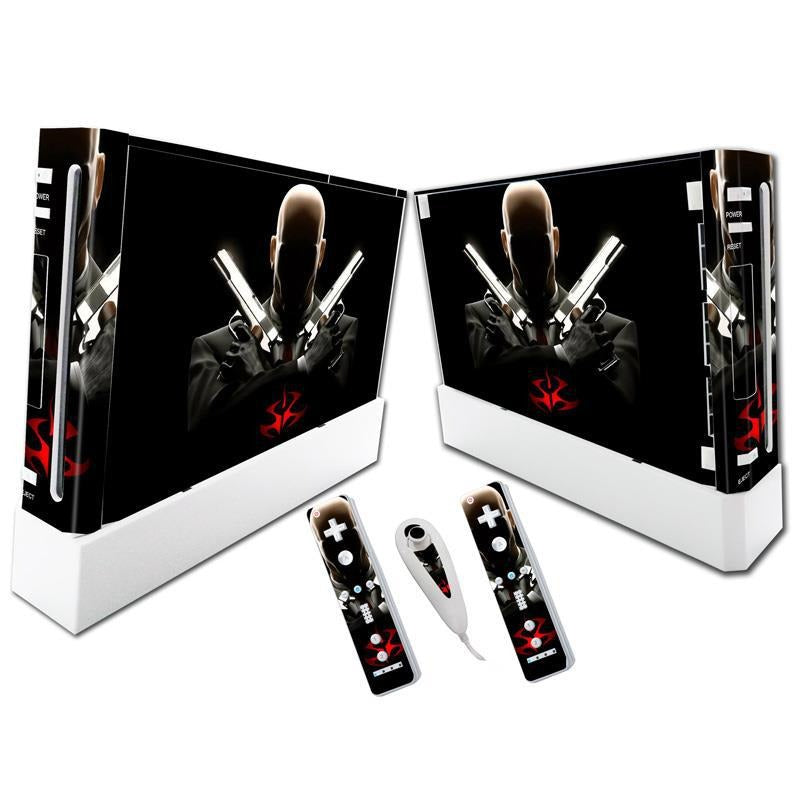


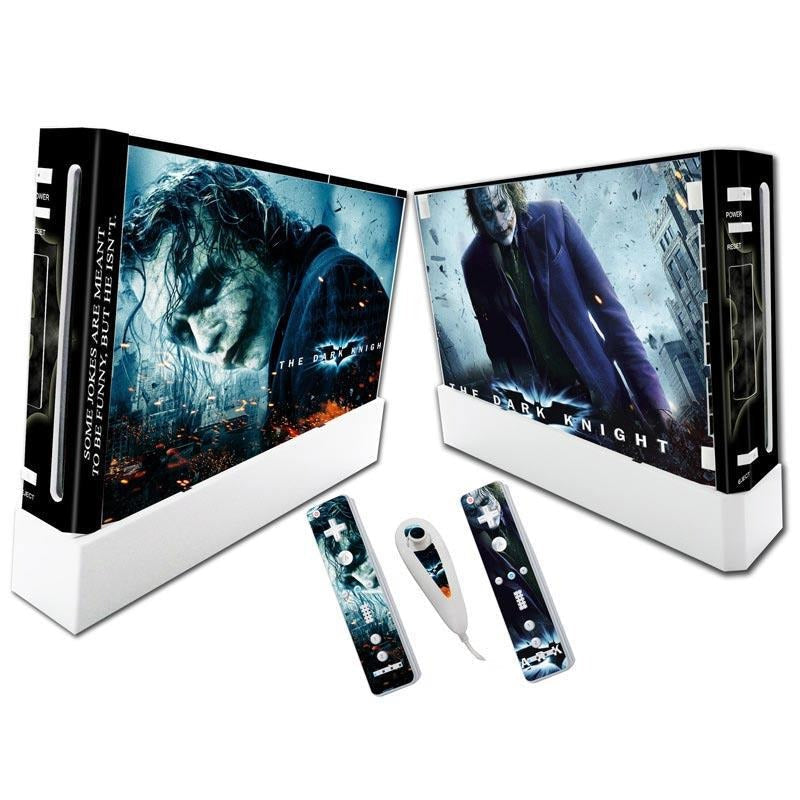


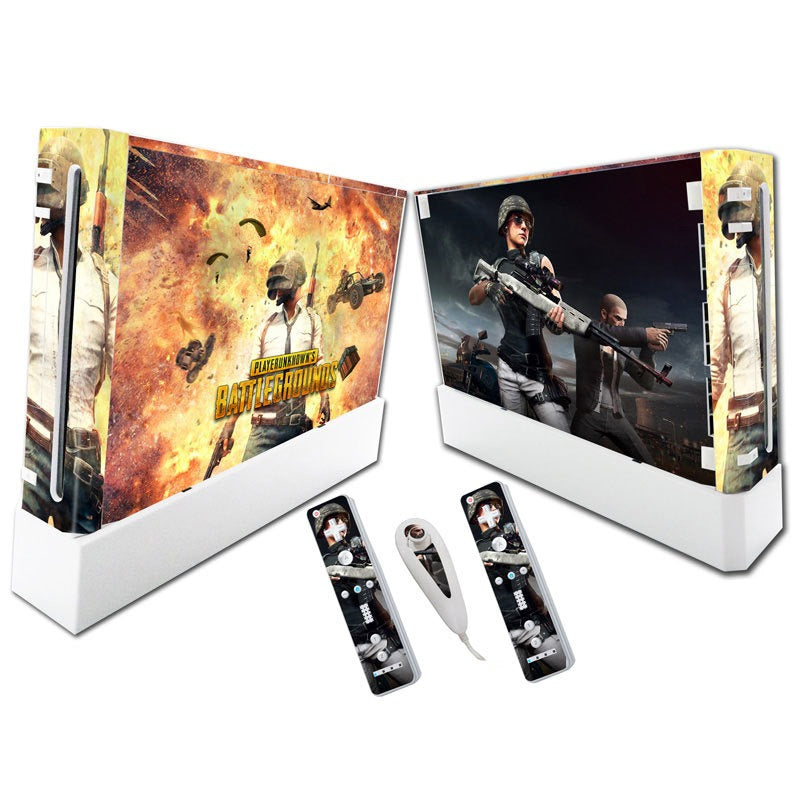

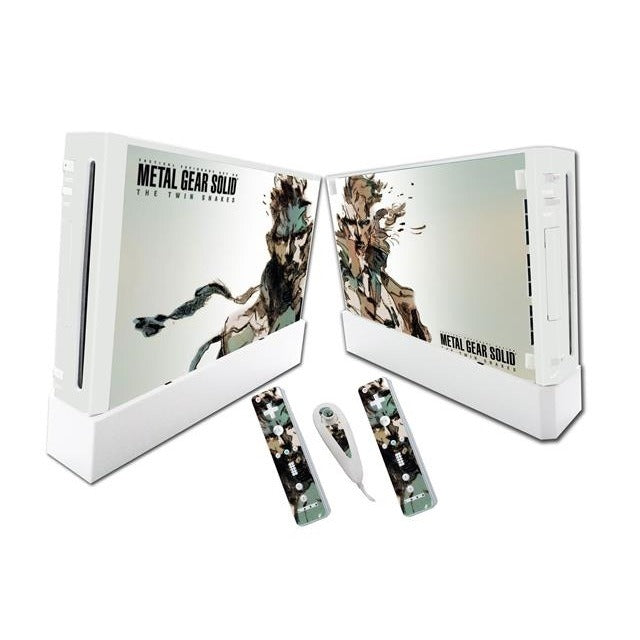

Your plain white Wii, rewrapped as a game-themed setup you are proud to leave out. One kit covers the console, both remotes and the Nunchuk, so the whole gaming corner finally matches.
Read the full descriptionYour plain white Wii, rewrapped as a game-themed setup you are proud to leave out. One kit covers the console, both remotes and the Nunchuk, so the whole gaming corner finally matches.
Turn your Wii into a custom game-themed setup with a full vinyl skin kit
Tired of a bone-white console and mismatched controllers? Wrap the whole set in glossy game art and it finally looks like the setup you actually play on.

The vinyl runs across the front, the side and the top panels, so the console reads as one finished piece instead of a white box with a sticker on one face. Panel seams sit where the original shell breaks, which keeps the look clean from the TV stand.

Two Wii Remote skins and one Nunchuk skin carry the same artwork as the console. Pick it up from the couch and the controllers look like they came with the console, not like leftovers from a different set.

Cutouts are aligned to the Wii ports and buttons, so the vinyl sits flush around every connector. You are lining up art, not guessing where the openings go.
Unplug the Wii and let it cool. Wipe the shell with a dry cloth so no dust gets trapped under the adhesive.
Set the console skin on the ports and buttons before you press anything down. The openings are already cut, so the alignment is the only thing you have to get right.
Press each panel flat from the middle toward the edges to push out air. Don't stretch the vinyl around corners, or the print can distort.
Apply the two remote skins and the Nunchuk skin the same way. Lift and re-press any edge that starts to lift after a few days of handling.
Full wrap with front, side and top panels and port cutouts
Shaped to follow the remote's curves, same artwork as the console
Compact skin that carries the same design across the controller set
The console skin is cut with openings aligned to the Wii ports and buttons, so the vinyl sits flush around every connector. The remote and Nunchuk skins follow the controller shapes. Compare your console with the white Wii shown in the photos before you order.
Lift it slowly from one corner, the way you would with any adhesive skin. Clean, dry surfaces keep the adhesive well behaved, so wipe the console before the first panel goes on and keep it unplugged while you work.
You get three pieces, console plus both remotes plus the Nunchuk, in one matching set. That is a far cheaper way to change how the room looks than replacing hardware, and it is a finish you can see from across the living room.
The print is a glossy PVC vinyl that wipes clean with a dry cloth. Remotes get handled every day, so check the edges now and then and press any lifting corner back down.
Yes. The kit has one Wii console skin, two Wii Remote skins and one Nunchuk skin, all with the same artwork.


 Wii Console Skin Set with Matching Vinyl Controller Wraps