
$33.90
Free delivery · 7–14 days
Russian Keyboard Cover for MacBook, Colorful Silicone Skin


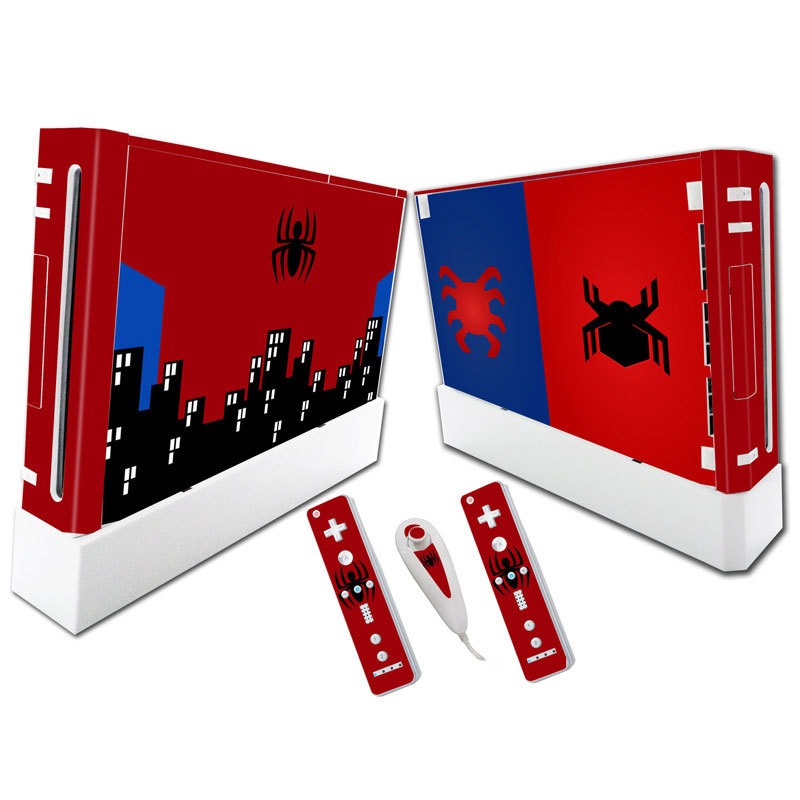






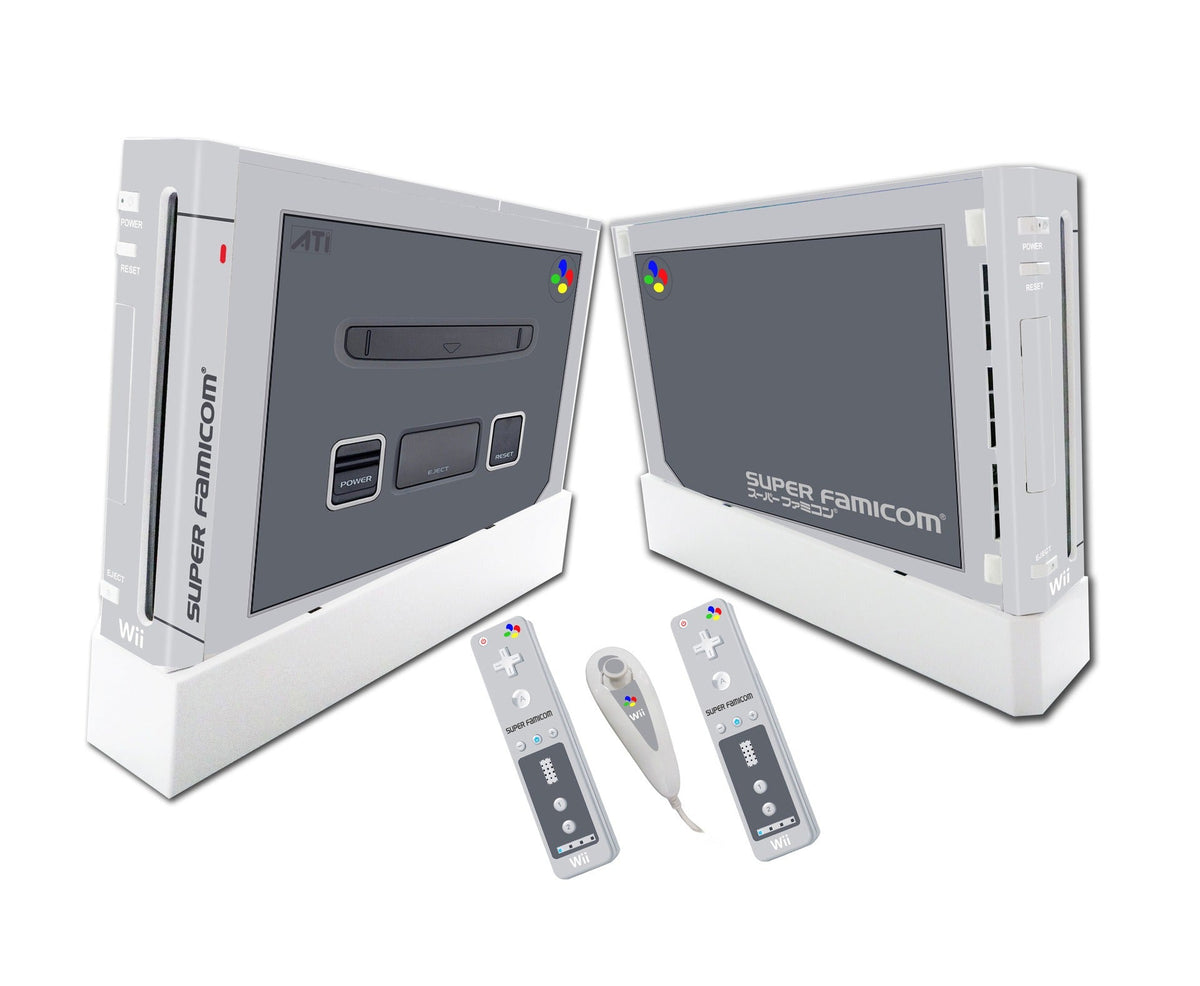
Your Wii has looked the same since the day you unboxed it. This full-body skin wraps the console and both Wii Remotes in game art, so the setup finally looks like one deliberate piece. The adhesive peels off clean, so you can change designs whenever you like.
Read the full descriptionYour Wii has looked the same since the day you unboxed it. This full-body skin wraps the console and both Wii Remotes in game art, so the setup finally looks like one deliberate piece. The adhesive peels off clean, so you can change designs whenever you like.
Customize your Wii in game artwork with a skin that leaves no glue behind
Your Wii has looked the same since the day you unboxed it. Now the full console and both remotes can match your favorite game, and come off without leaving glue behind.

The printed vinyl runs across the console front and side panels with full-bleed artwork. The artwork carries over to the remotes, so the console and controllers share one design instead of looking like leftover hardware. Each panel is cut to its own shape, which means the art lines up where the edges meet.

The adhesive is made to lift off without leaving residue, which is the problem that made loose decals a bad idea on a glossy console. Peel a corner back slowly and the skin comes away. The console surface stays clean underneath, so you can rotate designs as often as you like.

Both Wii Remote skins come with the set and use the same artwork as the console. Two remotes in the same design is the detail that makes the setup look finished, and it takes one step instead of hunting down matching stickers.
Clean the console and both remotes with a dry microfiber cloth. Dust and oil keep the vinyl from sitting flat.
Line up one edge of each panel before you lay the rest down. Starting with a straight edge keeps the artwork square.
Press from the middle toward the edges to push out air bubbles. Do not stretch the vinyl to force a fit, since that distorts the print.
Lay each remote skin the same way, working from one edge to the other and pressing the seams flat.
Lift a corner slowly and pull the skin back. The adhesive is made to come away without residue.
Printed full-bleed vinyl for the front and side panels
Cut for each remote with the same artwork as the console
The photos on this listing show Soul Calibur VI, The Witcher and Resident Evil 2 artwork. Check the variant photos before you order so you get the exact design you want.
The set is cut for the Wii console and the Wii Remote shape shown in the photos. It covers the front, the side panels and both remotes, so you do not need to buy separate pieces.
The adhesive is made to lift off without leaving residue. Wipe the console with a dry microfiber cloth before you apply it, and peel slowly from one corner.
Loose stickers usually cover only the front, and buying separate pieces for the console and each remote adds up fast. One set covers all three surfaces in matching art, and it comes off clean when you change your mind.


 Wii Console Skin Stickers, Spider-Man & More Designs