

$36.90
Free delivery · 7–14 days
Russian Keyboard Stickers for Laptop and PC Keyboards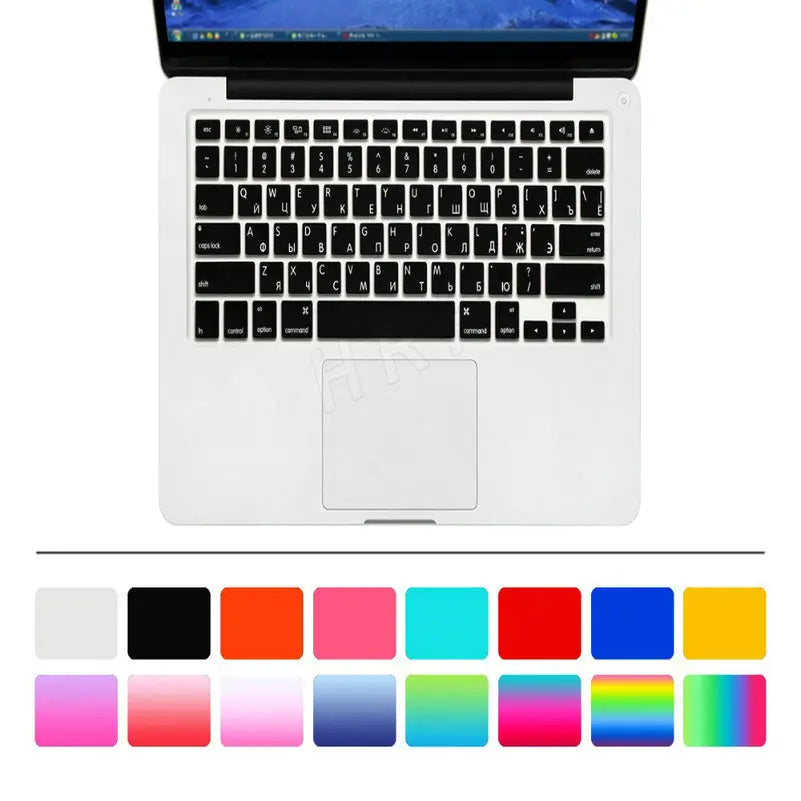
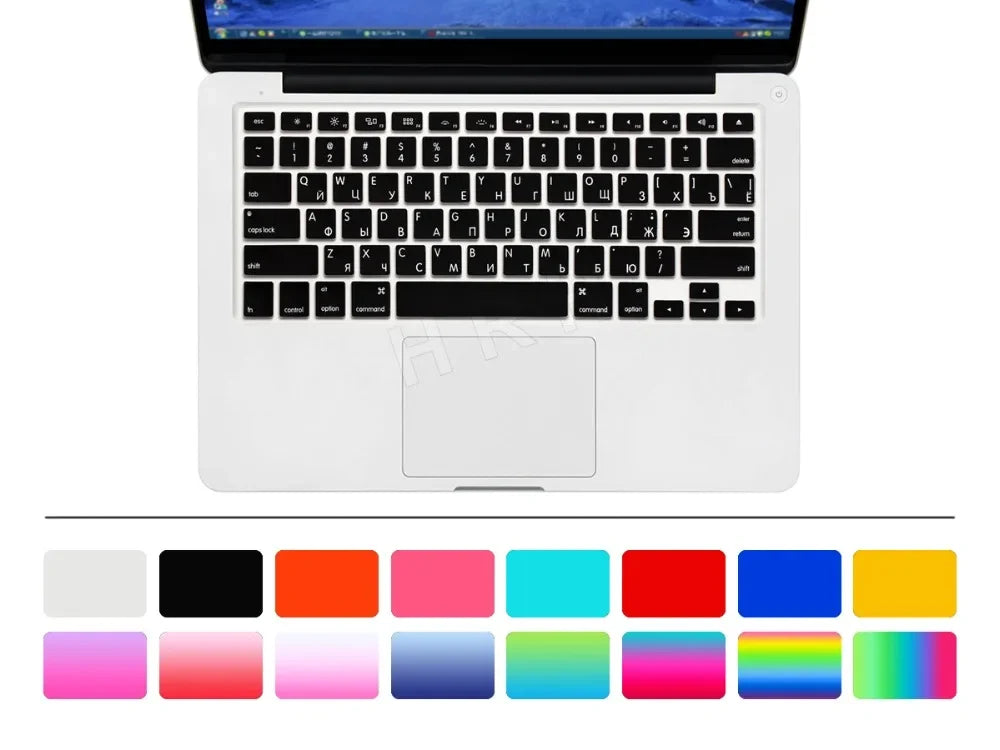
Type Russian without hunting for the keys. This silicone cover sits over your MacBook keyboard, puts Cyrillic letters beside the English ones and covers every key from the function row to the arrows. It comes in solid and gradient colors that make a tired keyboard look like yours again.
Read the full descriptionType Russian without hunting for the keys. This silicone cover sits over your MacBook keyboard, puts Cyrillic letters beside the English ones and covers every key from the function row to the arrows. It comes in solid and gradient colors that make a tired keyboard look like yours again.
Russian layout keyboard cover that adds color and Cyrillic key labels to MacBook keyboards
Stop squinting at English keys to find the Russian letters. Slip on a colorful silicone cover and your MacBook keyboard shows you the layout at a glance.

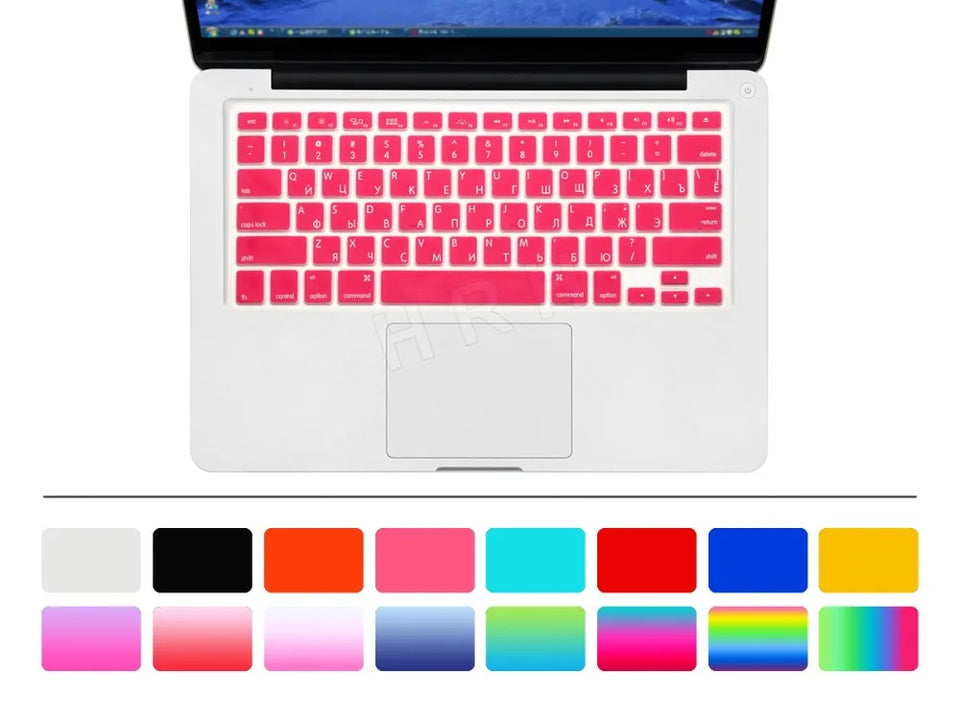
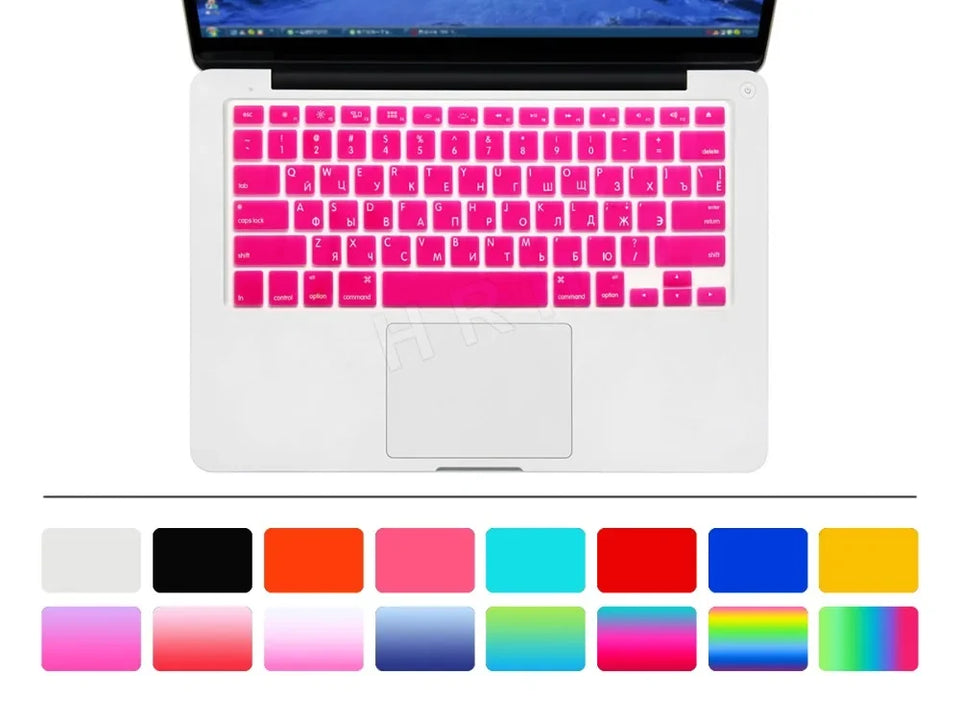
The Cyrillic letters are printed right next to the English ones on each key. You find the Russian letter without leaving the screen, which means fewer mistakes and no retyping a whole sentence. Keep the keyboard cleaner nearby and the print stays crisp.

The cover runs across the function row, the arrow keys, and the command and option keys. Nothing is left bare, so the layout reads the same from the top row to the spacebar. Line up the function row first and the rest settles into place.

Hot pink, lime, cyan and royal blue cover the solid range, with sunset and navy gradients for a softer look. A worn black keyboard suddenly looks like it was chosen on purpose.
The pack holds two silicone covers. Start with the one that matches your mood, and keep the second for another machine or a color change later.
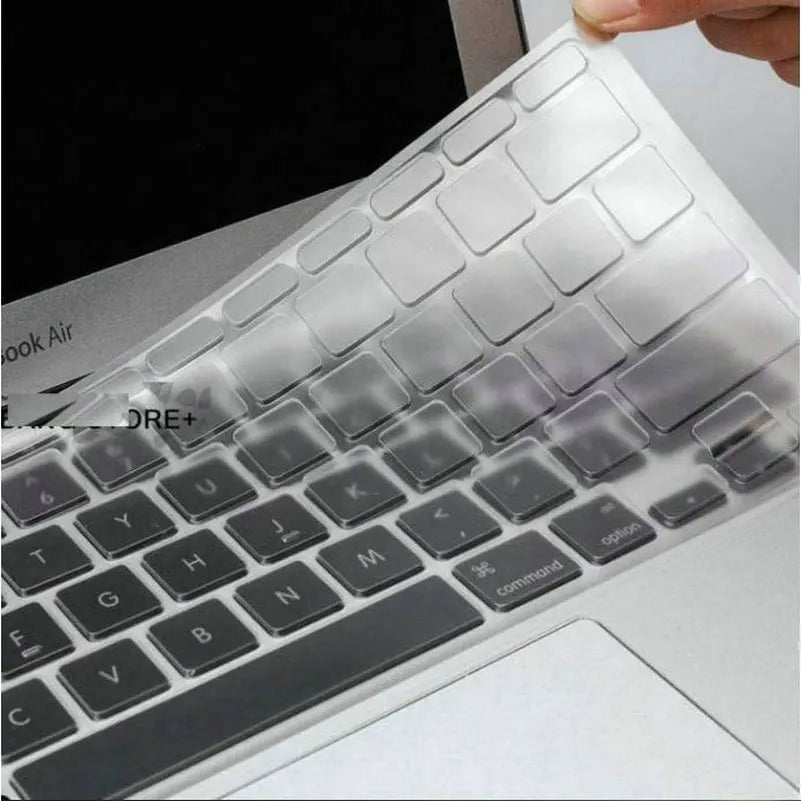
Lay the cover over the keys and align the top row and arrows before anything else. The silicone sits flat and smooth across the keys without bubbling.
Smooth the cover outward from the middle so the edges lie flat against the keyboard. Check that every Cyrillic letter sits on its key before you start typing.
A soft, slightly damp cloth lifts dust and skin oil off the surface.
Strong chemicals fade the printed letters and dull the silicone color.
Dirty or oily fingers trap grime under the edges. Clean hands make the cover lie flatter.
Air dry the cover completely before you close the lid.
The cover is made for MacBook keyboard layouts in the Air 13 and Pro 13 and 15 range. Check your model against the listing before you order, then line up the function row first so the arrows and modifier keys land on their keys.
The silicone is thin and smooth, so the keys still press the way they did before. Some people notice a slightly softer surface under the fingers. If you type fast, give it a day to settle in and see how it feels.
The letters are printed on a budget silicone cover, so they are not built to last forever. Clean gently with a damp cloth and avoid harsh cleaners. Look over the print and edges after a month of regular use. A second cover in the pack gives you a spare when one starts to show wear.
Yes. The cover adds Cyrillic labels next to the English keys, while your Mac keeps its own input settings. Switch languages the way you normally do, then glance down to see the Russian letter on the key you need.
It is a silicone skin rather than an adhesive sticker, so it lifts off without the sticky film that peel-off letter stickers leave behind. Peel it back from one corner and wipe the keyboard clean.


 Russian Keyboard Cover for MacBook, Colorful Silicone Skin