
$33.90
Free delivery · 7–14 days
Russian Keyboard Cover for MacBook, Colorful Silicone Skin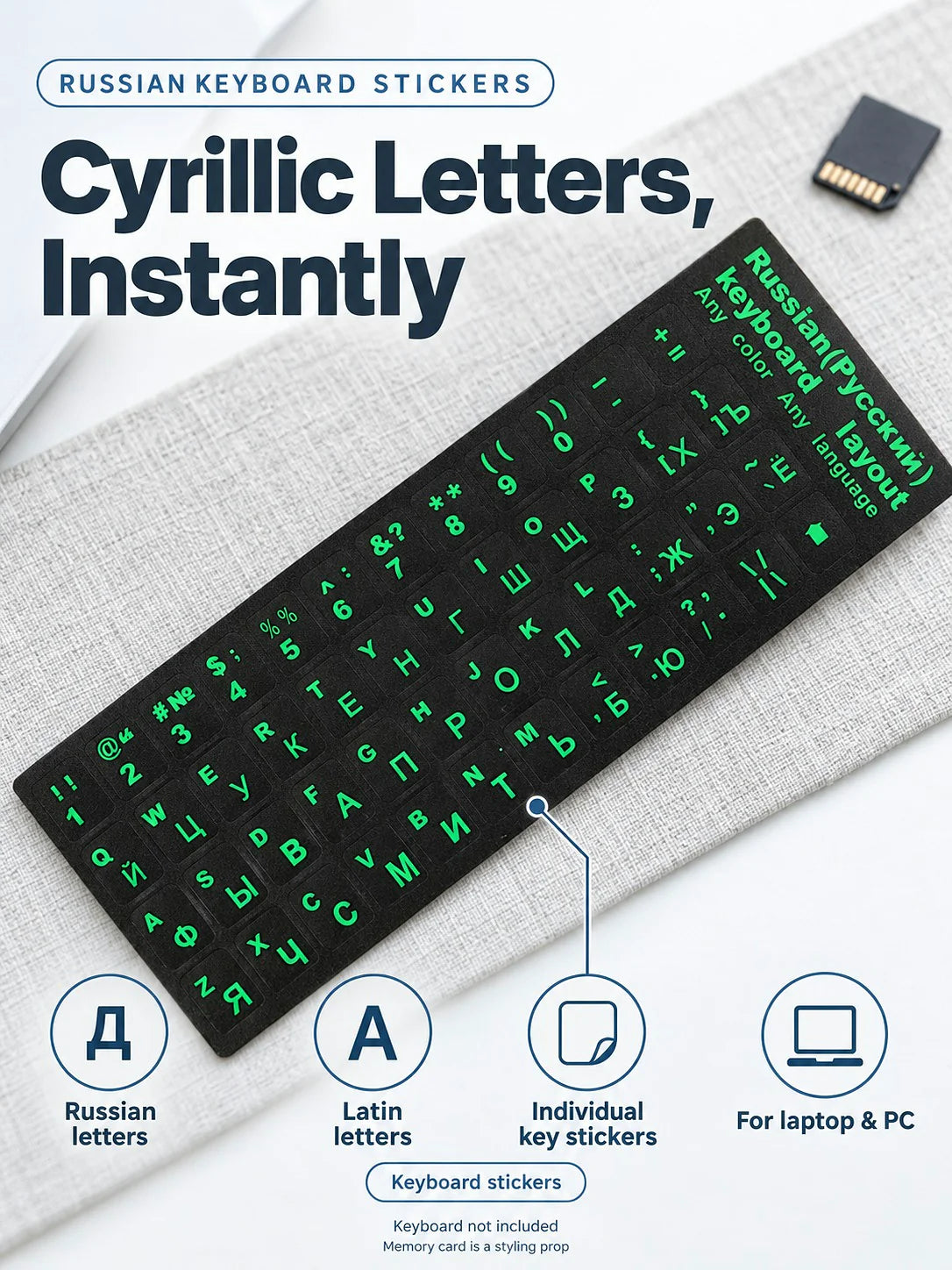
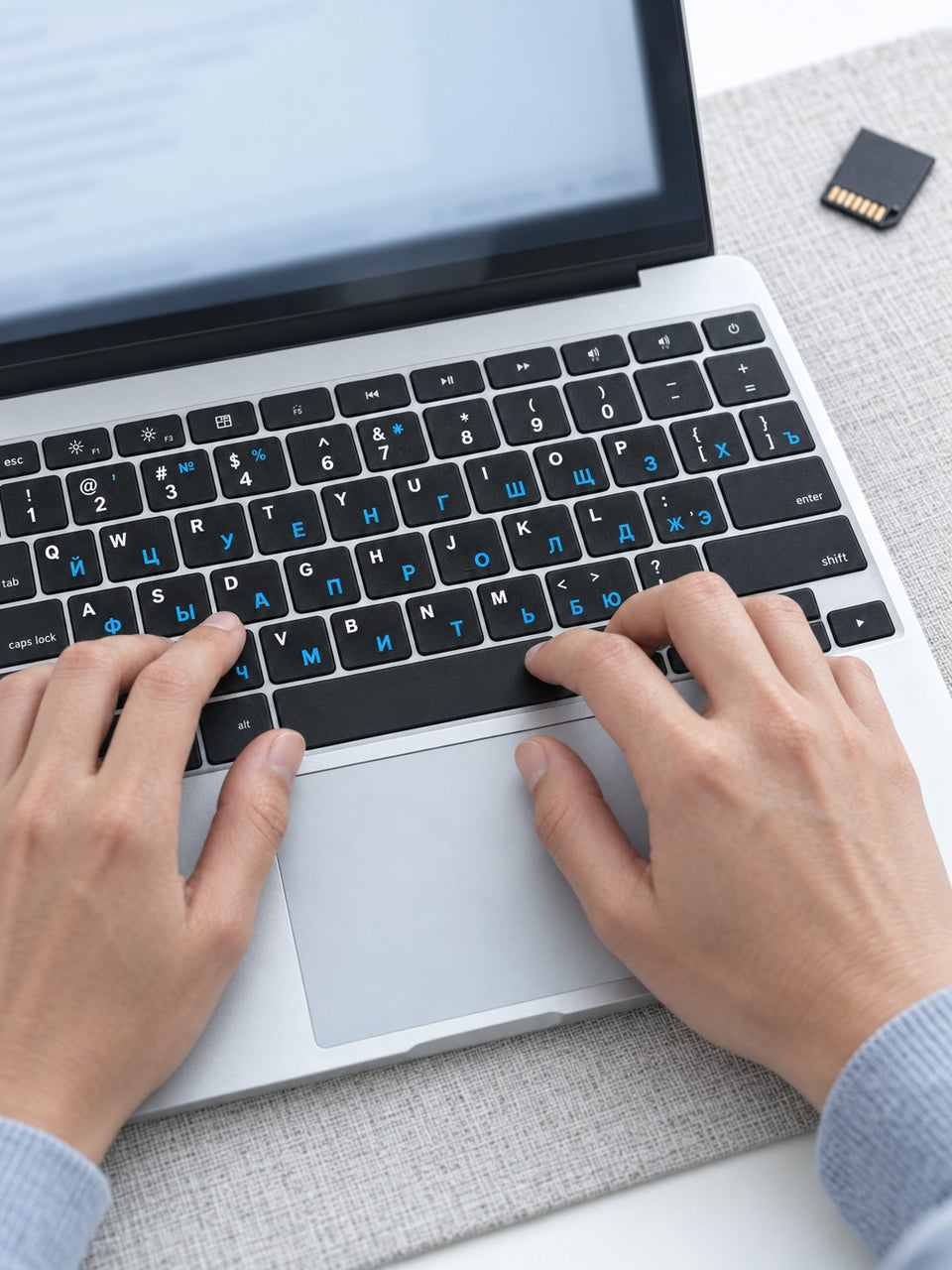
Type Russian without hunting for keys. One sheet of Cyrillic letters sits over a standard QWERTY keyboard, so the layout you know stays the layout you use. The letters are bright and easy to read on matte black vinyl, and the set comes with a clear protective cover.
Read the full descriptionType Russian without hunting for keys. One sheet of Cyrillic letters sits over a standard QWERTY keyboard, so the layout you know stays the layout you use. The letters are bright and easy to read on matte black vinyl, and the set comes with a clear protective cover.
Switch to a Russian keyboard layout instantly with easy-to-read Cyrillic stickers on a standard letter layout
Stop hunting for Cyrillic letters on an English-only keyboard. Apply one sheet and type Russian with clear, high-contrast letters in their usual spots.

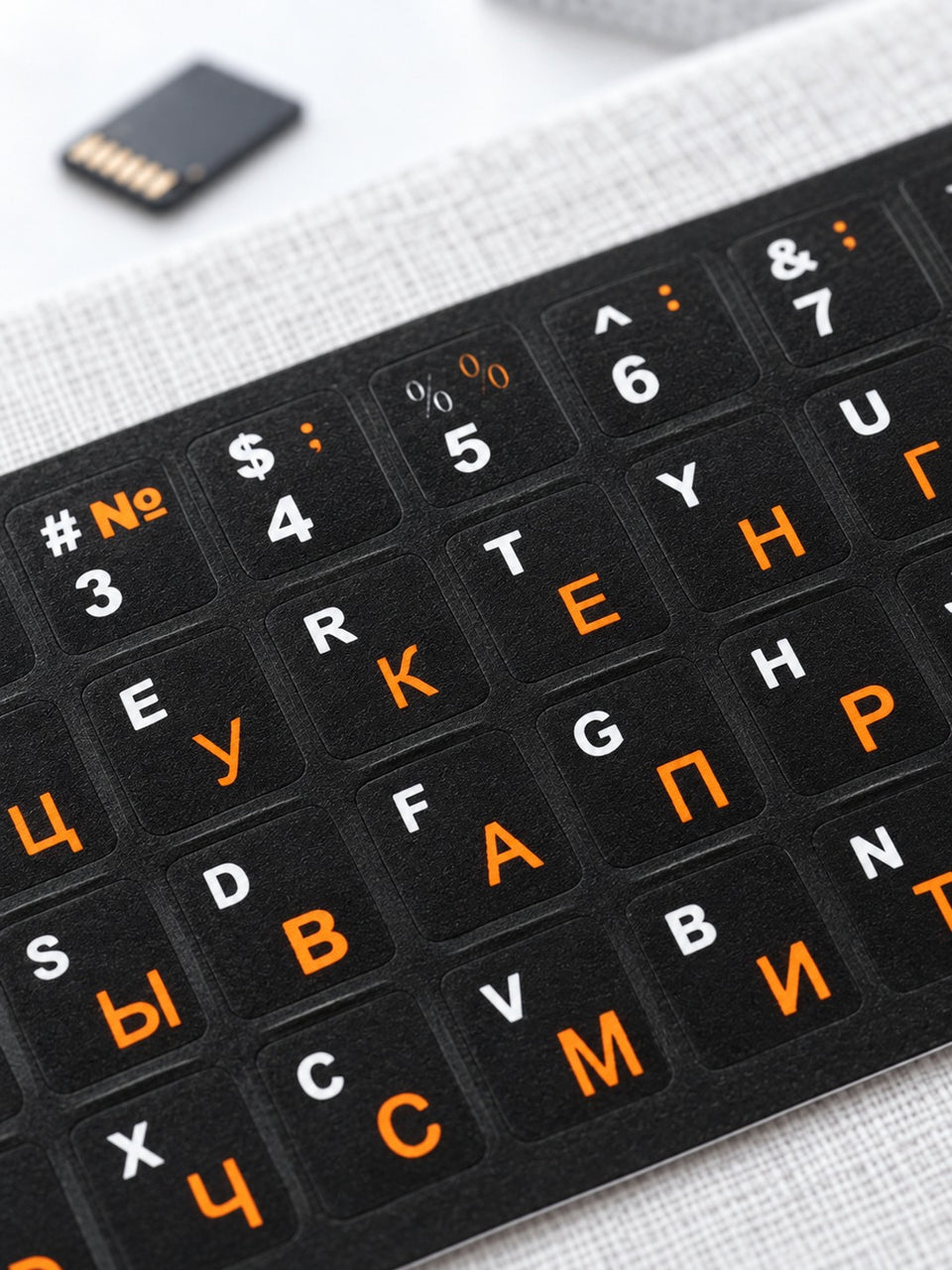
Each Cyrillic letter is printed on the standard QWERTY key position, so your fingers find the right key without a hunt. The Latin letters stay on the cap in white, so you can switch between languages without relearning the board.

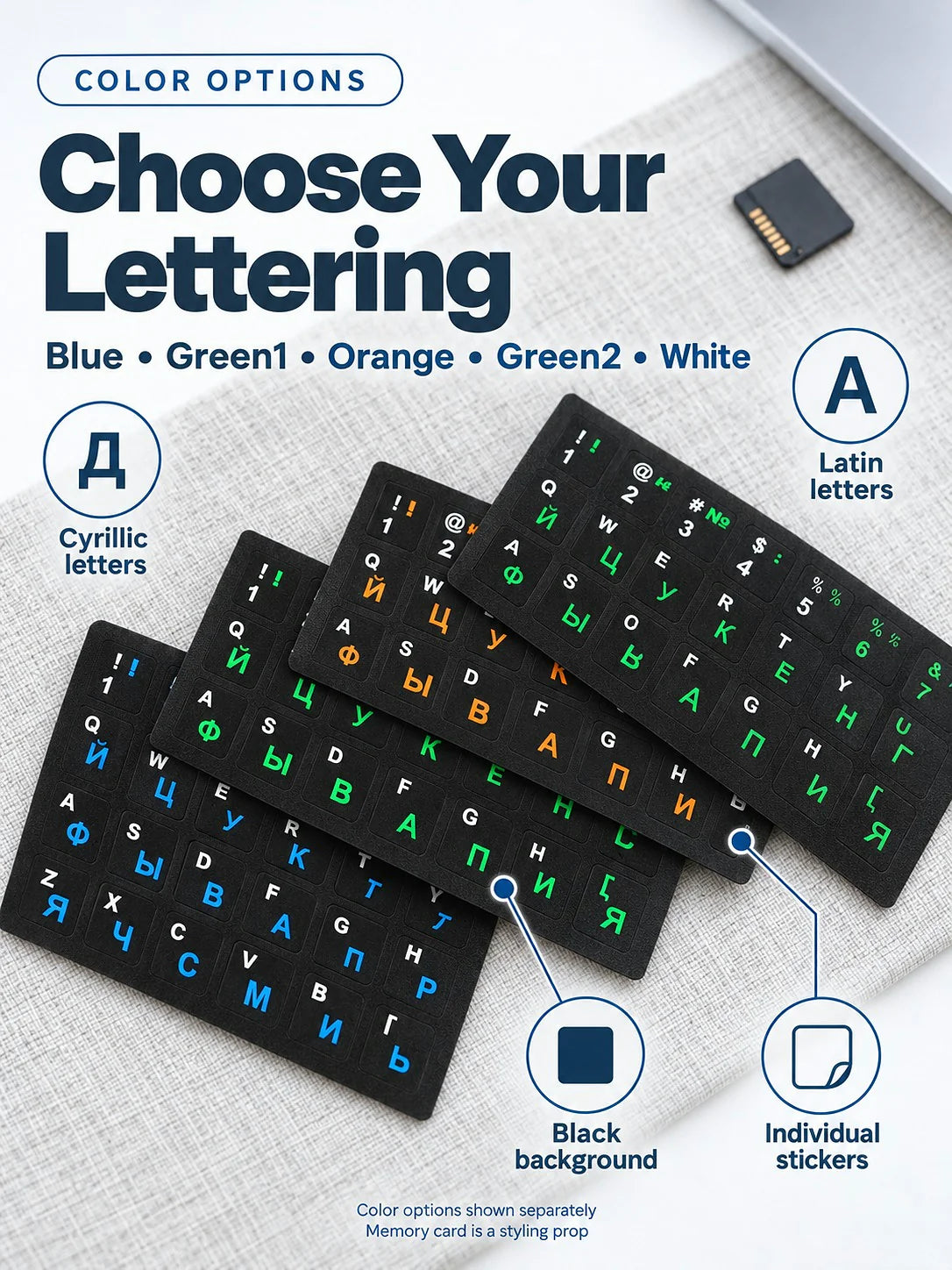
Bright green, orange and blue letters stand out against the matte black vinyl, so each label reads at a glance. Pick the colour that you can spot fastest from your usual seat.

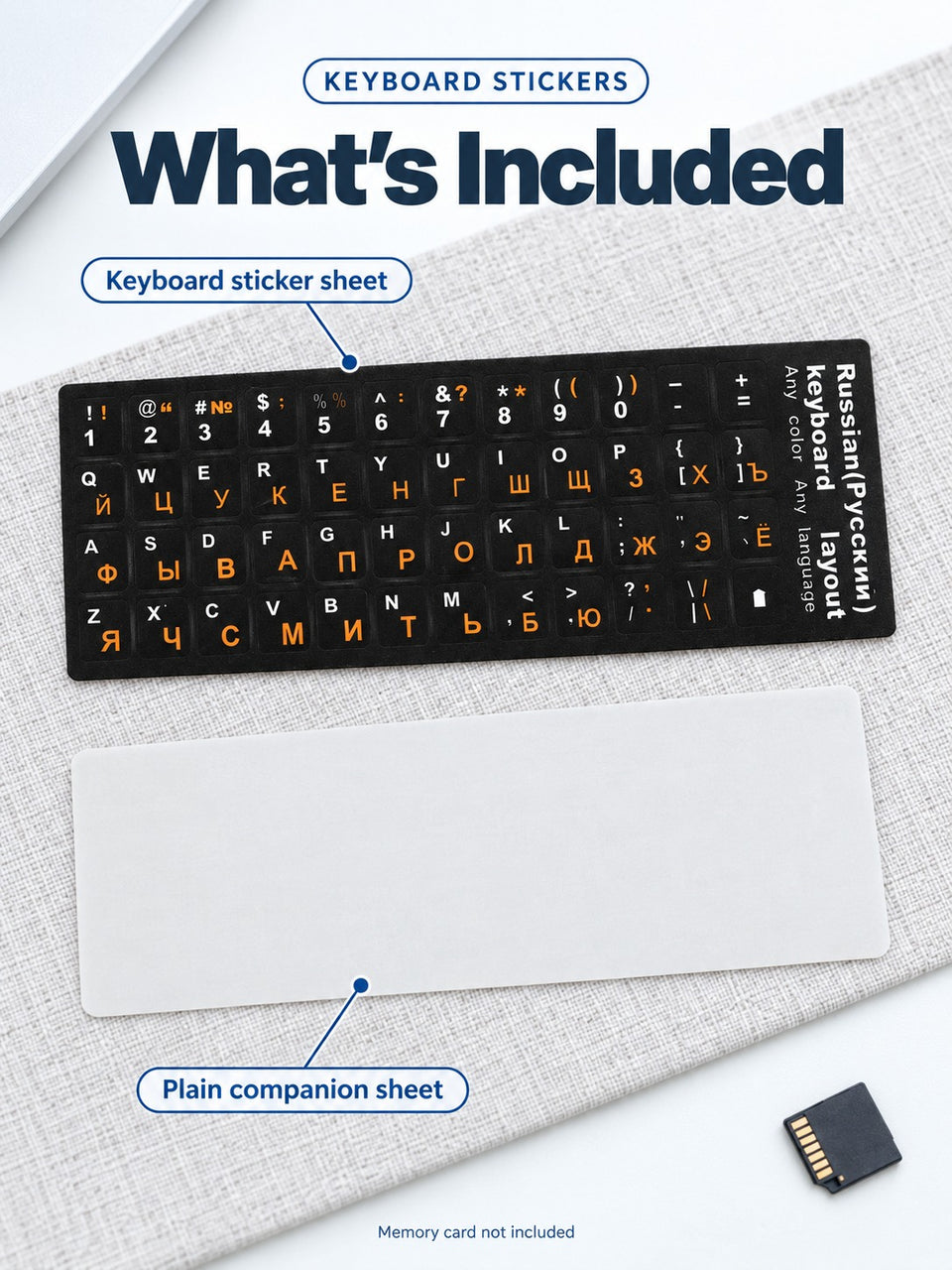
The box holds the full sticker sheet and a clear protective cover sheet. The cover keeps the printed surface clean until you are ready to apply it, so nothing else is needed to start typing in Russian.
Wipe the keys and the surface around them, then let the board air dry completely. Damp keys weaken the adhesive.
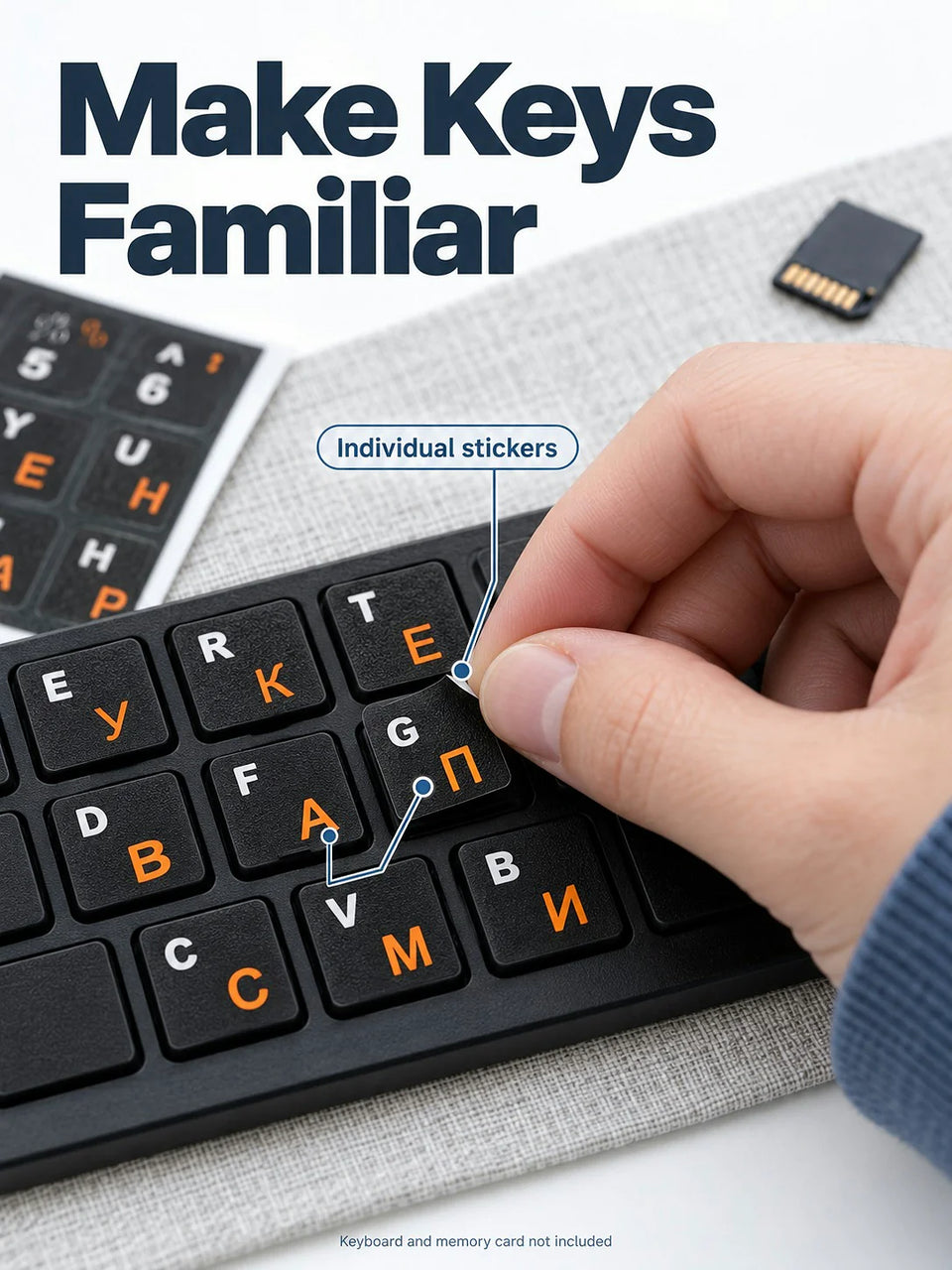
Lay the sheet over the keys and check that the Cyrillic letters line up with the key positions. Trim the edges with scissors if the sheet runs past the keys on your model.
Press each key area lightly, working from the middle toward the edges to push out air bubbles. Pressing hard can stretch the vinyl and make it hard to lay flat again.
The sheet shows letters only. Add Russian in your system settings and switch to it with your usual shortcut, then start typing.
Matte black vinyl with Cyrillic letters over a standard QWERTY layout, numbers and symbols in white, full-size coverage.
Transparent backing sheet that keeps the printed surface clean until you apply it.
The sheet is cut for a full-size keyboard with the standard letter arrangement used on most Mac, laptop and PC boards. Check the key arrangement against the sheet before you peel the backing. If the sheet runs past the keys on your model, trim the edges with scissors.
Yes. Each key carries the Latin letter in white and the Cyrillic letter in colour, so both sets stay visible on the same keycap. You are not covering the English letters, only adding the Russian ones alongside them.
Apply the sheet to dry keys and lift it off with a dry cloth when you no longer need it. Daily typing does wear printed edges over months, so check the sheet now and then. For the keys themselves, a keyboard cleaner works well once the sheet is off.
Yes. The stickers show you where the letters are, but your computer still needs Russian added as an input language before it types Cyrillic. Add it in your system settings once and switch with your usual shortcut.
A dedicated Russian keyboard costs more and needs setup, while this sheet works on the keyboard you already own. It is a budget sticker set, so expect everyday print quality rather than a premium finish. For students, home users and shared computers, that trade-off is the point.


 Russian Keyboard Stickers for Laptop and PC Keyboards