
$179.90
Free delivery · 7–14 days
Aluminum SATA Hard Drive Enclosure, USB 3.0 Fast Transfer

Plug a bare 2.5-inch SATA drive straight into your computer and it appears as fast USB 3.0 storage. The aluminum shell and braided nylon jacket are built for repeated plugging, so backups and file recovery take minutes, not an afternoon at a case.
Read the full descriptionPlug a bare 2.5-inch SATA drive straight into your computer and it appears as fast USB 3.0 storage. The aluminum shell and braided nylon jacket are built for repeated plugging, so backups and file recovery take minutes, not an afternoon at a case.
Turn any bare 2.5-inch SATA drive into a fast USB 3.0 external drive with no installation
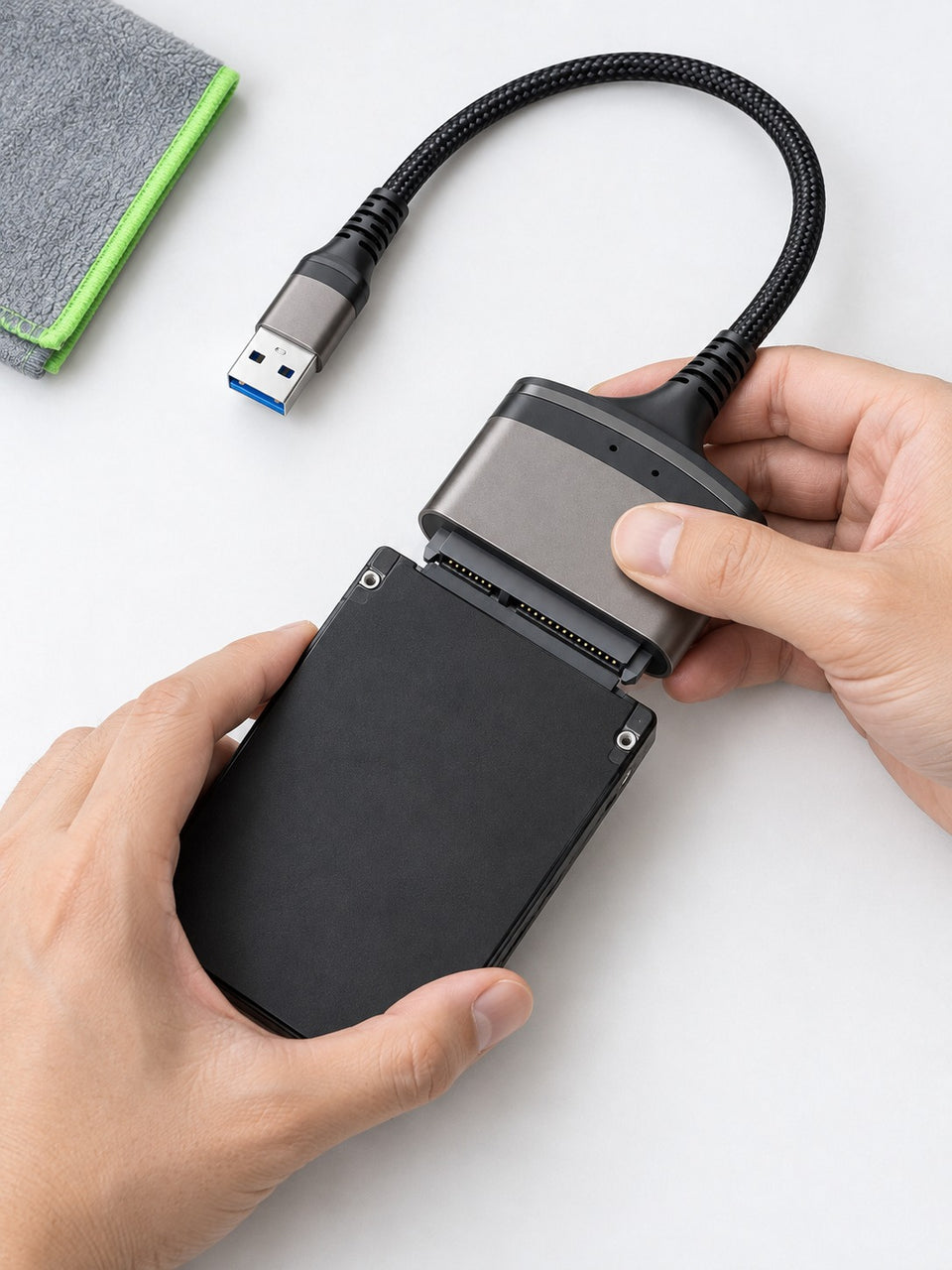
Stop digging through drawers of loose drives. Plug the SATA end into your 2.5-inch drive and connect USB 3.0 to start copying files, with no tools and no installation.

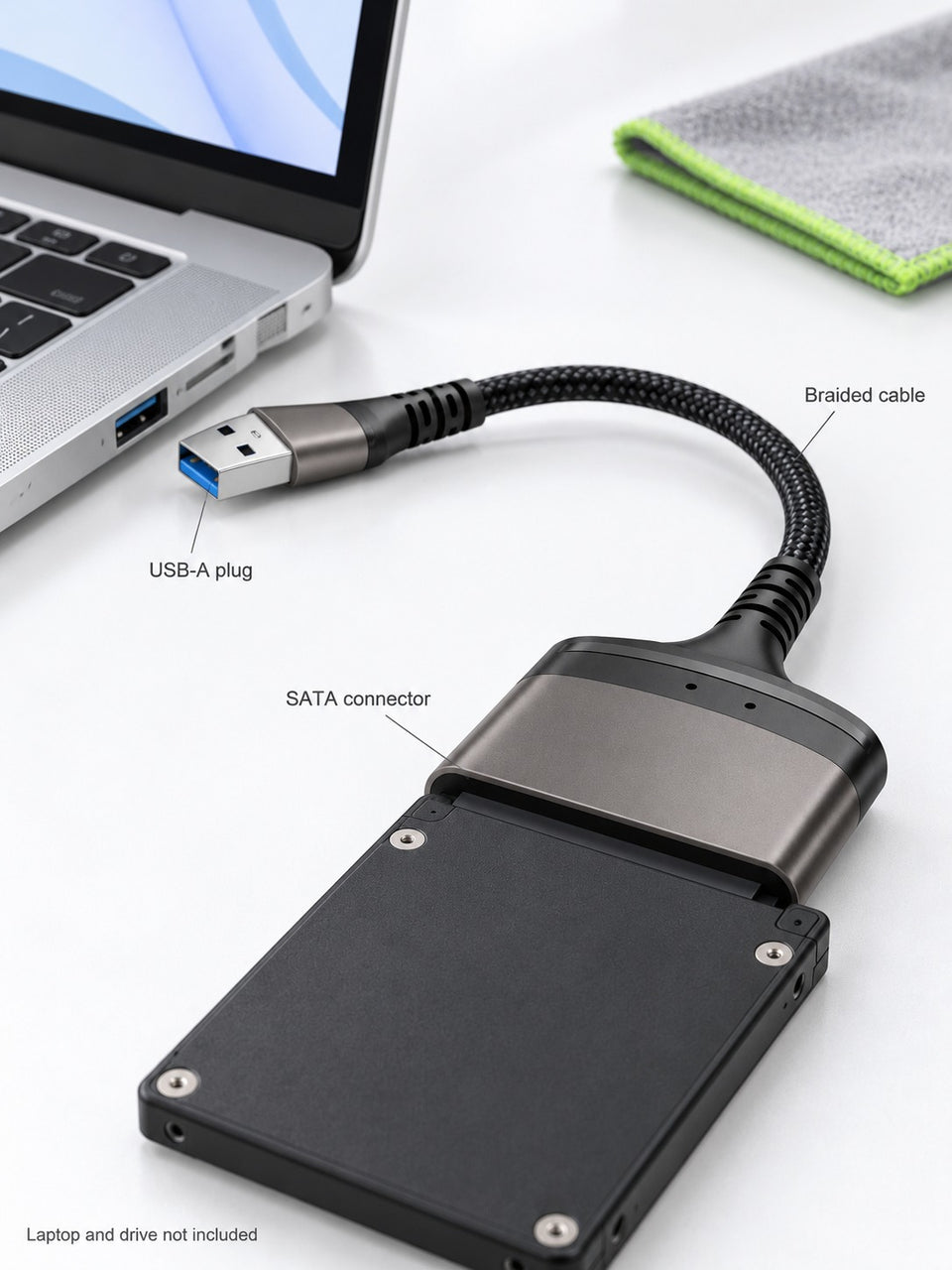
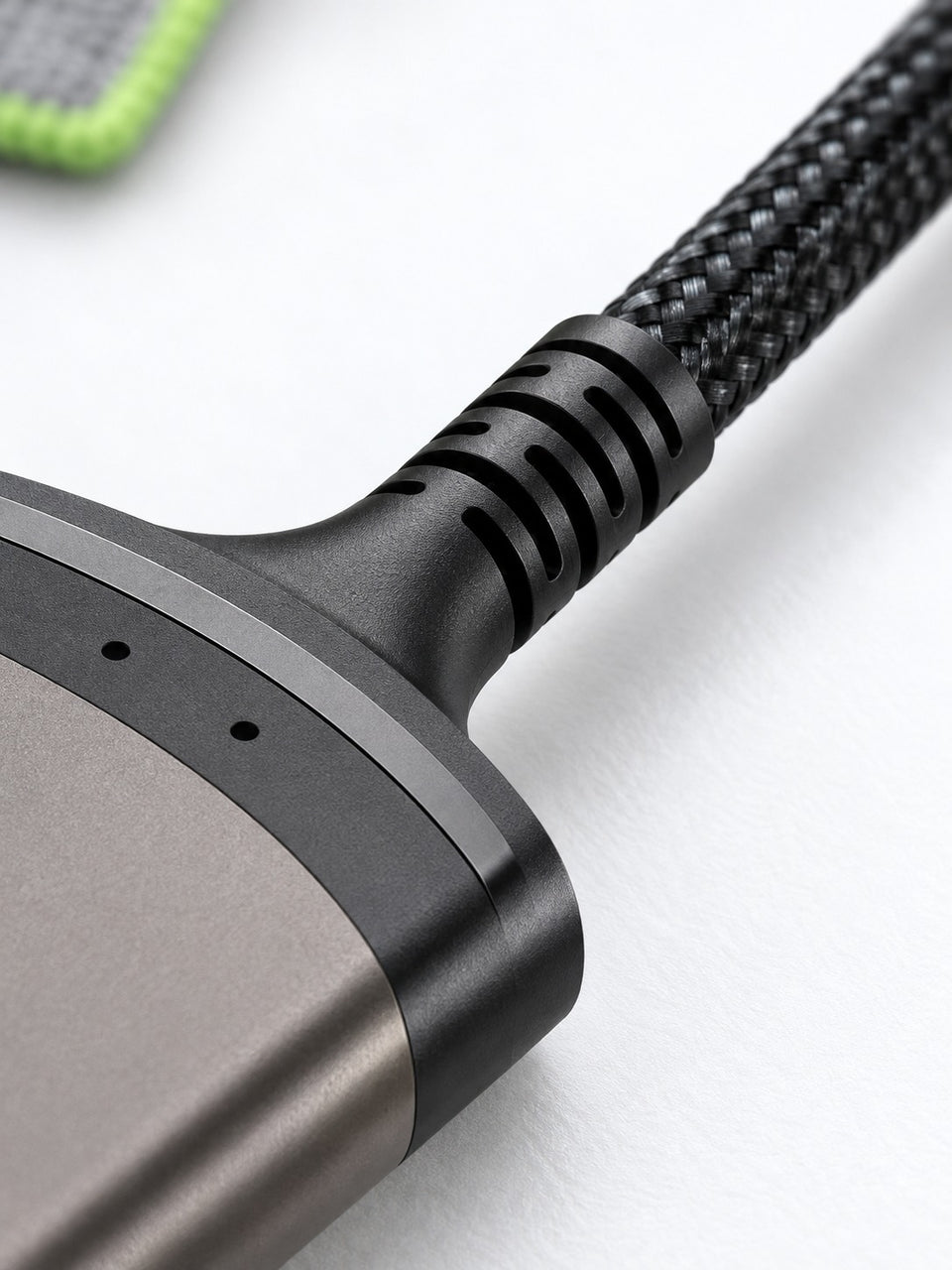
The housing is brushed aluminum alloy, not plastic. Strain relief sits at both ends, so the bend stress lands on the shell instead of the connector pins. Plugging and unplugging a drive over and over is the job this cable is made for.

The packaging calls out a built-in intelligent chip for safe and stable performance. The cutaway shows it sitting inside the housing with an aluminum foil shield and tinned copper conductors, which keeps the signal path clean during long copies.

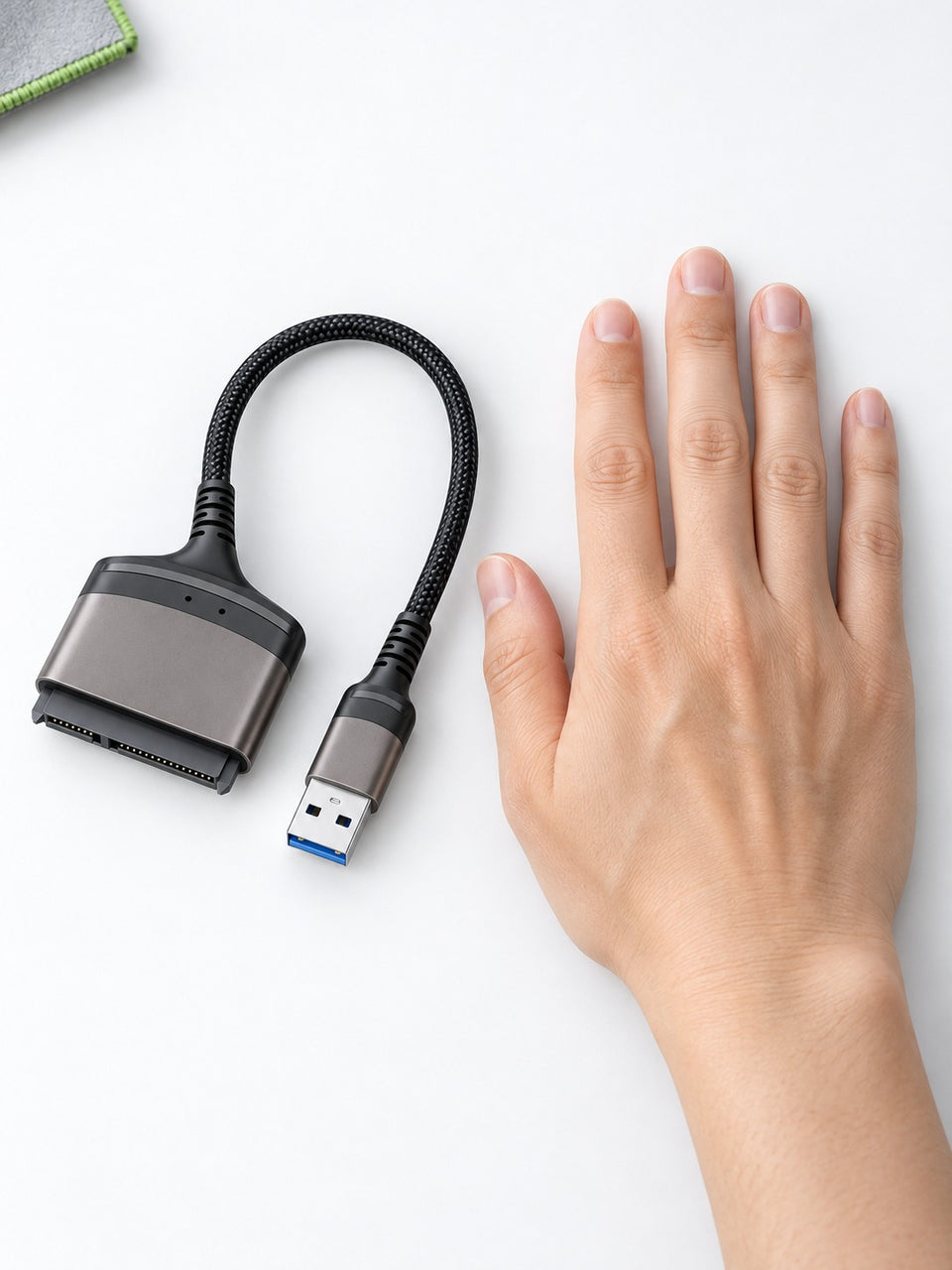
The braided black nylon jacket is rated for 10000+ bends on the packaging. It lies flat on the desk and resists kinking, so the cable stays usable through a long run of backup sessions.
Align the 2.5-inch SATA connector with the drive and press it in straight until it sits flush. Do not force it at an angle.
Connect the blue-insert USB 3.0 plug to a free port on your computer. The status light on the housing confirms the link.
Find the drive in your file manager, copy or back up your files, then eject it from the operating system before unplugging.
2.5-inch SATA connector with strain relief.
Metal plug with blue USB 3.0 insert.
Brushed gunmetal shell with the onboard intelligent chip.

An old laptop drive sits in a drawer with the only copy of your coursework or client files on it. You have no enclosure, no free bay, and no quick way to see what is on it. Every month it sits there, the risk of losing those files goes up.

This cable skips the box. The SATA connector seats straight onto the bare 2.5-inch drive, and the aluminum alloy housing with its onboard chip handles the link to your computer. No screws, no case to assemble, and nothing to install on the machine.

Once the drive appears, copy what matters to your main storage or run a backup. The braided nylon jacket and strain relief at both ends are built for repeated plugging, so the cable holds up when you use it again next month.
| This cable | Full enclosure | |
|---|---|---|
| Assembly needed | No | Yes |
| Housing material | Aluminum alloy | Varies by model |
| Strain relief at both ends | Yes | Varies by model |
| Works with a bare 2.5-inch drive | Yes | Yes |
| Stores the drive inside a case | No | Yes |
The cable passes power from the USB port to the drive, which covers most 2.5-inch SATA drives on a standard laptop or desktop port. A drive that draws more than the port supplies will disconnect or fail to spin up. In that case, connect the cable to a powered USB hub or a port with more output.
Yes, if the drive uses the 2.5-inch SATA connector. The cable works with hard drives and SSDs in that form factor. M.2 and 3.5-inch drives use different connectors and will not fit.
Yes. The USB 3.0 Type-A plug connects to Windows and macOS machines, and the drive appears in the file manager with no software to install.
The packaging prints 760MB/s and a one-gigabyte file transfer in about three seconds. Real speed depends on the drive, your computer's USB port, and file size, so run a test copy on your own setup to see your number.
No. An enclosure is a case you assemble around the drive. This cable connects the bare drive directly, so there is no box to fill or screw together. It suits a desk where you swap drives often. If you carry one drive every day, a sealed enclosure may suit you better. For a spare drive you check now and then, cable organizers can keep the cable tidy on the desk.
Cheap bare-drive adapters often have flimsy connectors that loosen or wear out with repeated bending. The aluminum shell, strain relief at both ends, and 10000+ bend rating are there for the people who plug in the same cable week after week, so you buy it once instead of replacing it.


 USB 3.0 to SATA 2.5-Inch Drive Cable, No Enclosure Needed