
$179.90
Free delivery · 7–14 days
Aluminum SATA Hard Drive Enclosure, USB 3.0 Fast Transfer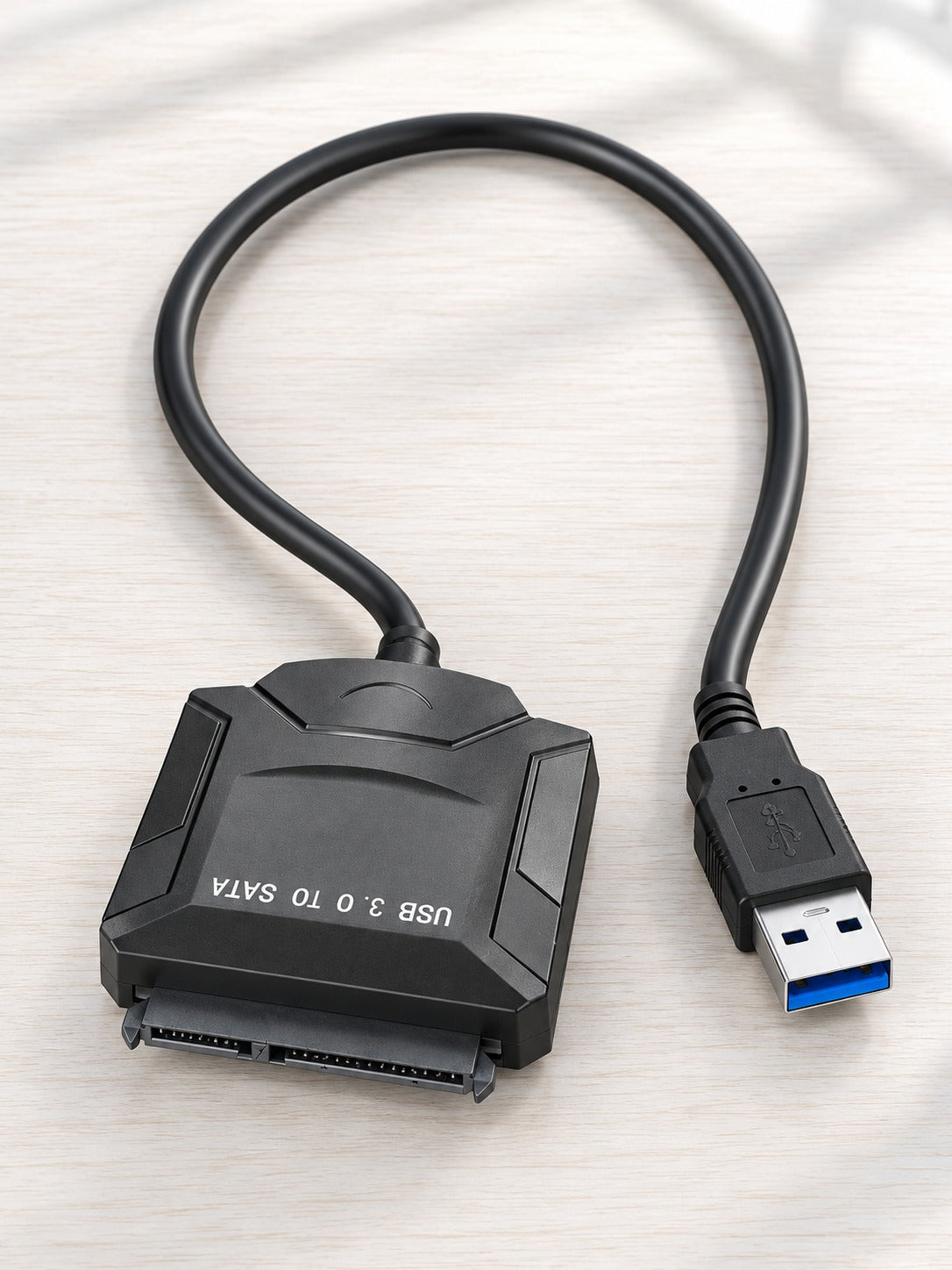
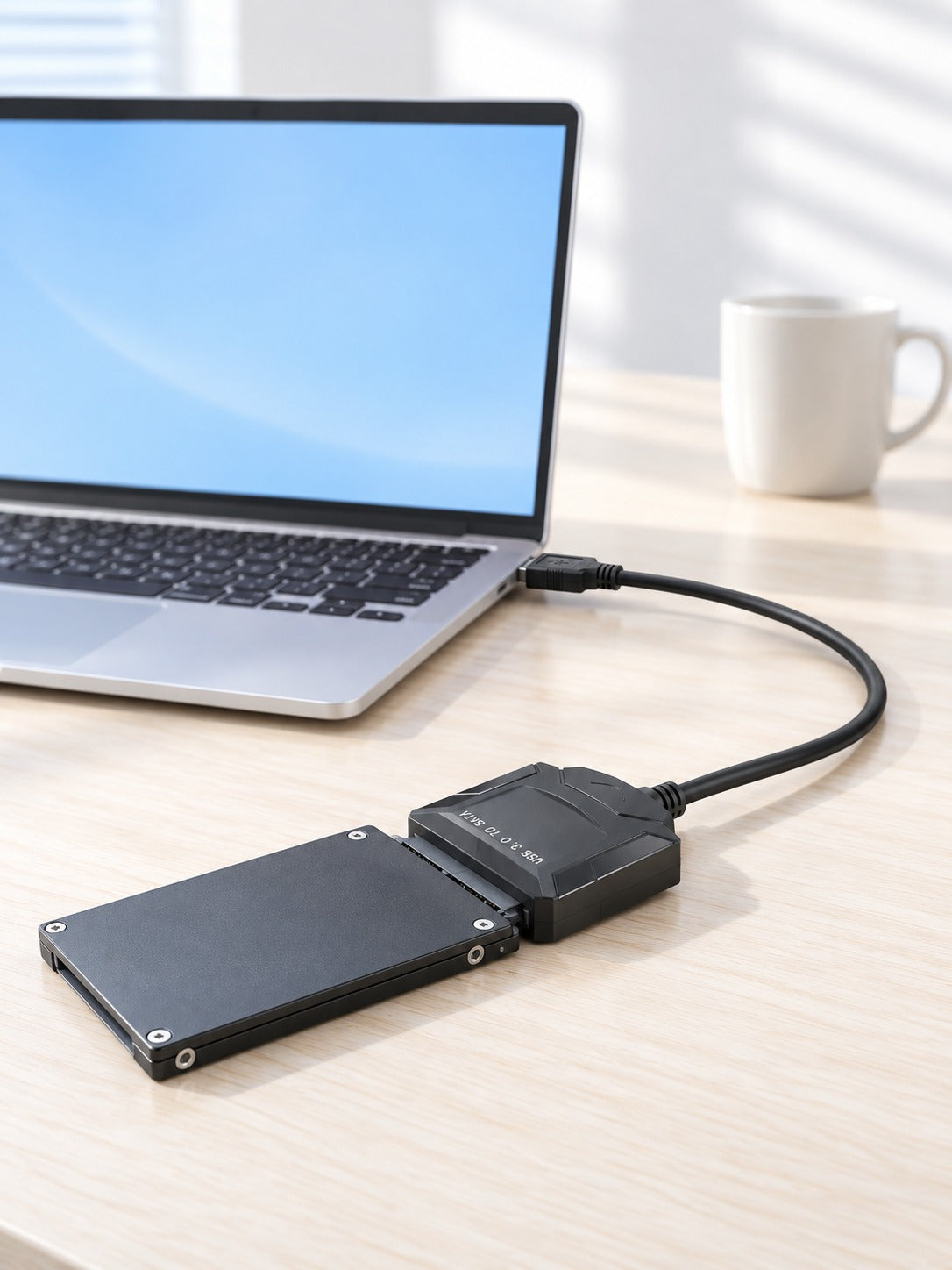
One USB 3.0 cable turns a loose SATA drive into a readable backup or recovery source on your desk. The 50cm flexible cable reaches a laptop or desktop without an enclosure or dock, and the connection order is printed right on the packaging.
Read the full descriptionOne USB 3.0 cable turns a loose SATA drive into a readable backup or recovery source on your desk. The 50cm flexible cable reaches a laptop or desktop without an enclosure or dock, and the connection order is printed right on the packaging.
Connect any SATA hard drive to your computer via USB 3.0 with one simple cable
Stop digging for an enclosure every time an old drive needs data off it. Plug the drive into the USB 3.0 end, connect power for 3.5-inch models, and your files are on the desk in minutes.

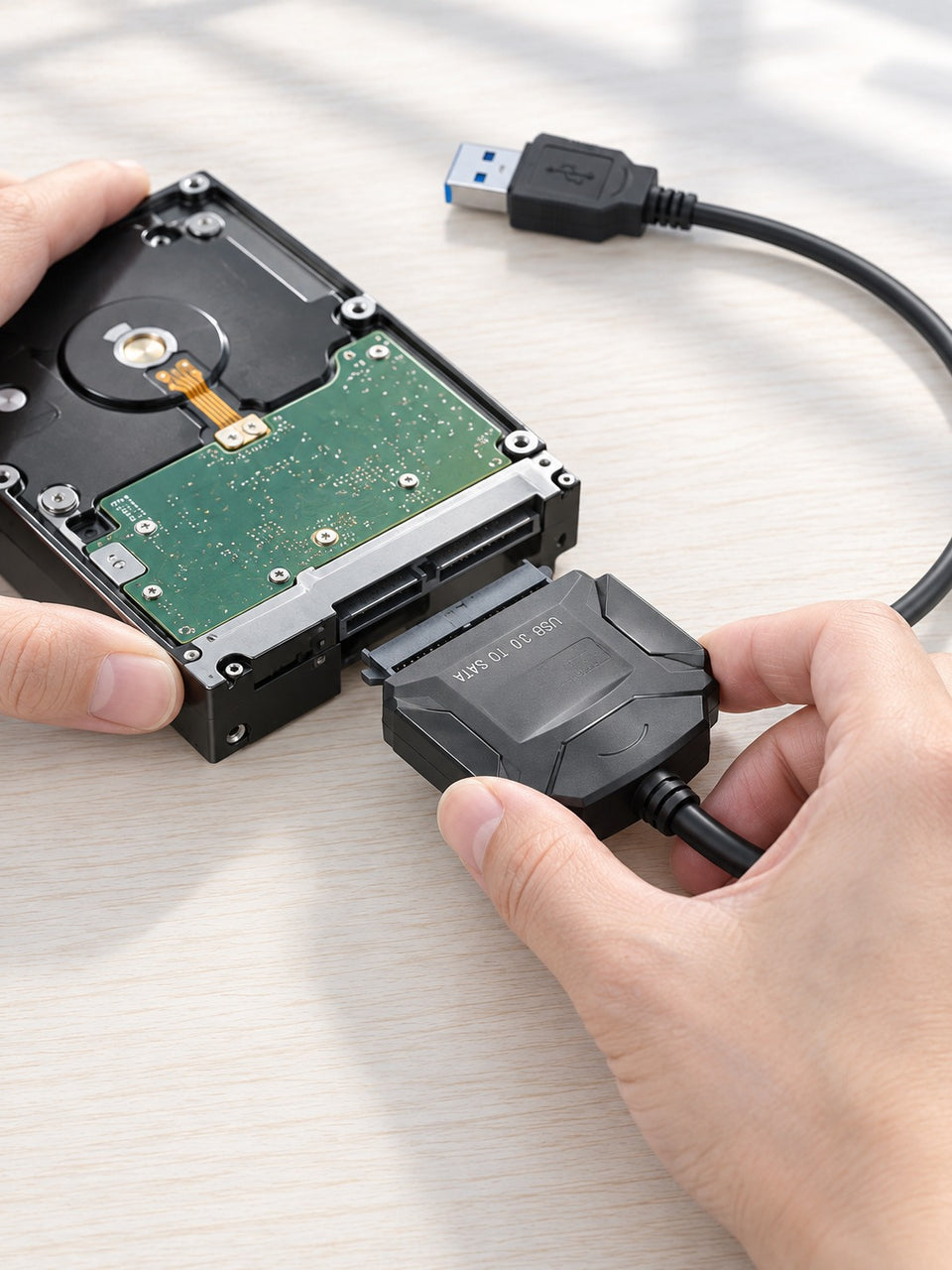
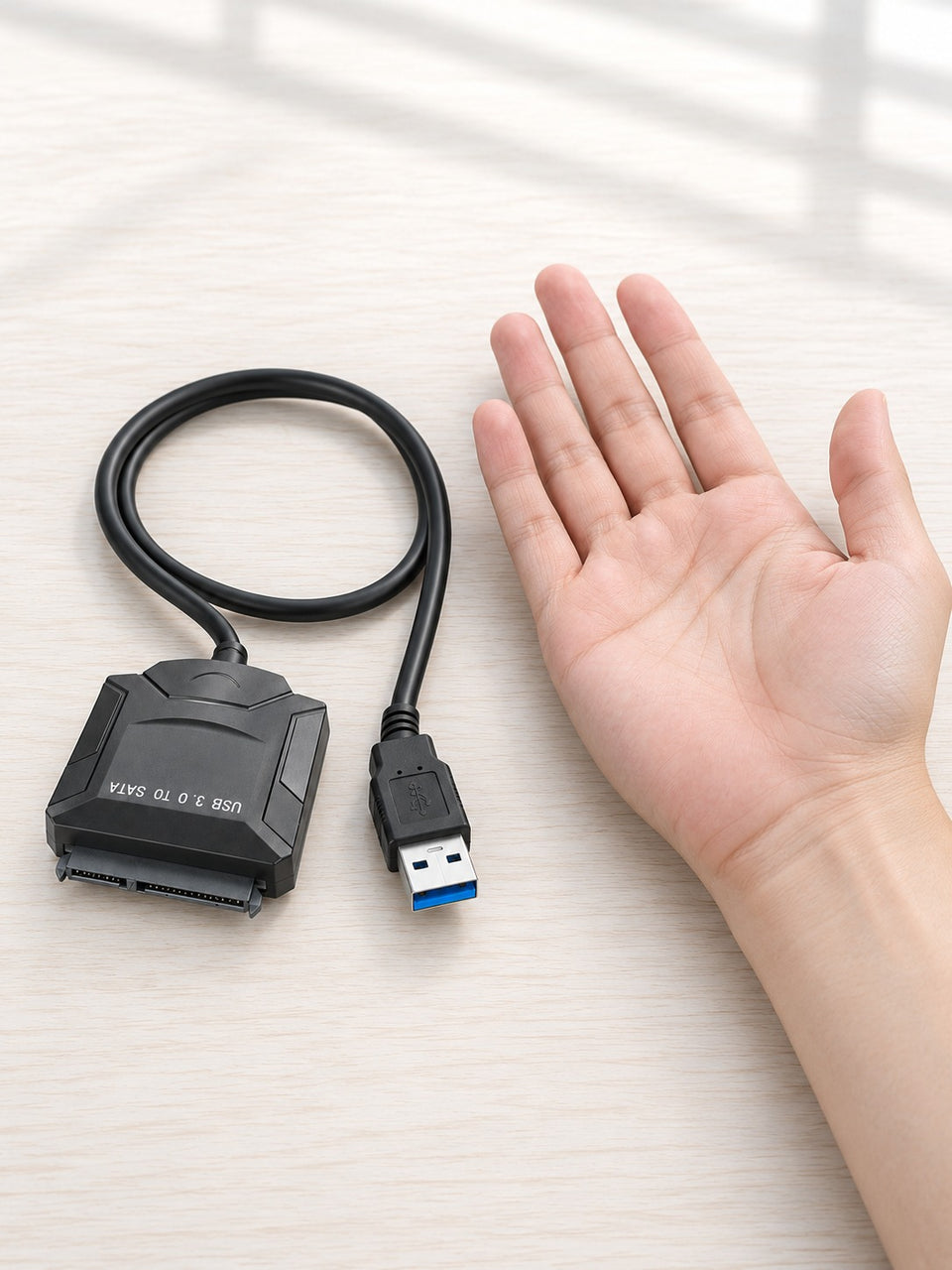
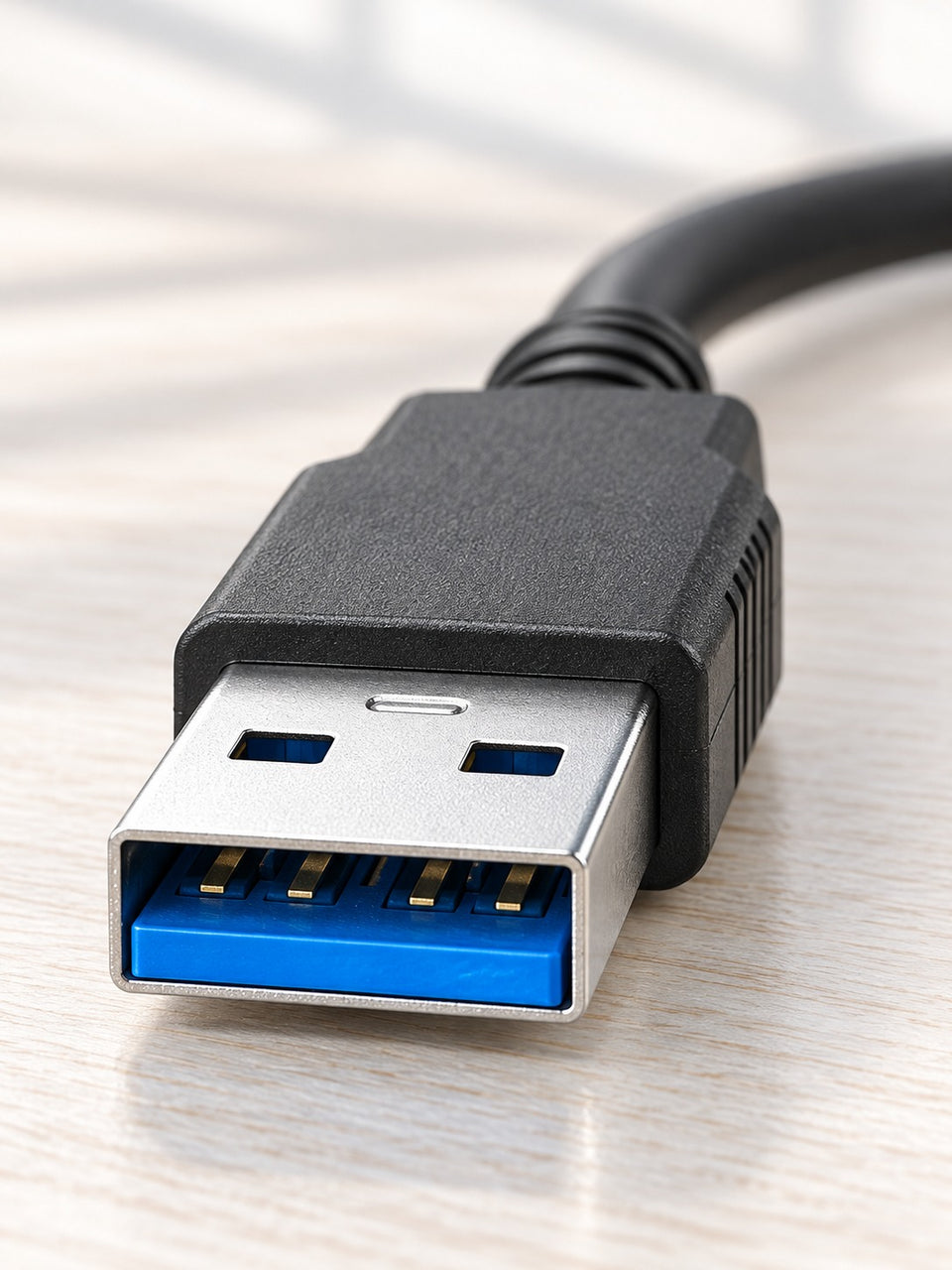
The matte black housing holds the SATA data and power connector on one end and a USB 3.0 Type-A plug with a blue insert on the other. The body measures 50mm x 42mm, so it sits flat beside the drive without crowding the desk.

The 50cm cable is flexible enough to route around a keyboard and reach a laptop or a desktop tower without stretching. The drive can rest on the desk while you copy files.

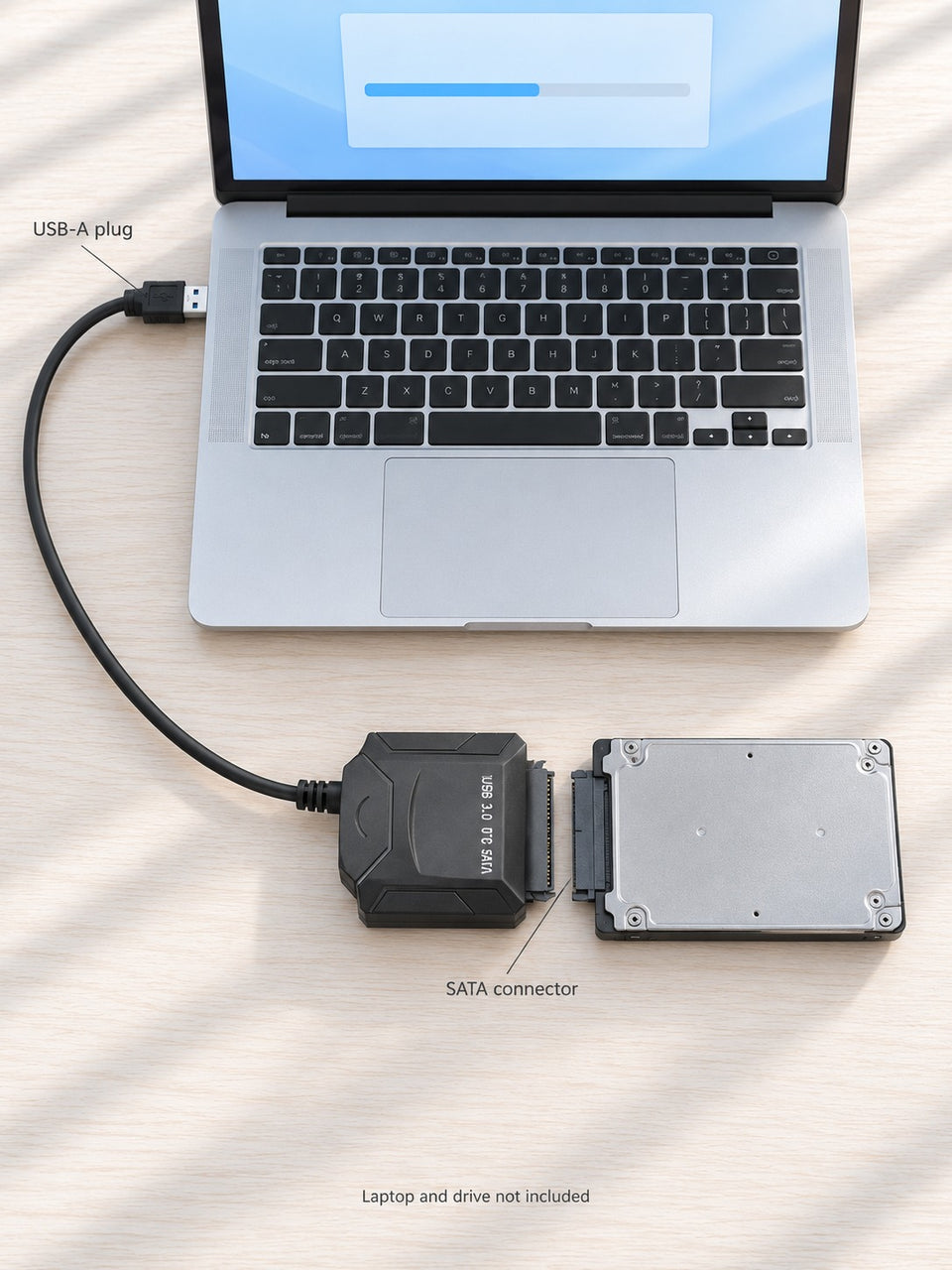
The packaging sets the order: connect the adapter to the drive first, then connect power for 3.5-inch models. Following that sequence avoids the most common reason a drive fails to appear.
Line up the SATA data and power connector with the drive's ports and press it in until it sits flush.
Plug the DC power jack into a suitable power source. Skip this step for 2.5-inch drives, which run from the USB port.
Use a USB 3.0 Type-A port, marked by the blue insert on the plug where possible.
The drive should appear as a new volume. Copy the folders you need, then eject the drive before unplugging it.

The drive holds the photos, the tax files, or the project folder you need today. It has no enclosure, no case, and no port your computer recognizes. Every search for an adapter eats an afternoon.

This adapter skips the enclosure entirely. The SATA end seats on the drive, the blue USB 3.0 plug goes into your computer, and the housing does the translation in between. No box to buy, no dock to clear off the desk.

The 50cm cable lets the drive sit beside the laptop while you copy folders across. Once the connection order is set, the whole job takes one sitting. The loose drive stops being a problem and becomes a working backup source.
Fits in the palm of your hand
Yes. The SATA connector fits both sizes. A 2.5-inch drive usually runs from the USB port alone. A 3.5-inch drive needs the DC power jack connected to a power source, so check that step before you expect the drive to spin up.
Only for 3.5-inch drives. Connect the adapter to the drive first, then connect power. Larger desktop drives draw more current than a USB port reliably supplies, so skipping the power jack can leave the drive unrecognized.
The cable is a direct link, so it is a good tool for reading and copying data. It does not protect the drive in storage. An enclosure costs more for a one-off job and adds a box to the desk. For a backup, copy the files to a second location as well, and keep the loose drive stored safely when it is not in use.
The cable is 50cm long and flexible. That covers a drive placed beside a laptop or on the desk near a desktop tower. A tower tucked under the desk may need the drive moved closer.
Yes. Any computer with a USB 3.0 Type-A port can use it, which covers most laptops and desktops made in the last several years. Plug the blue USB 3.0 end into the port and the drive appears in your file manager once it is recognized.


 USB 3.0 to SATA Hard Drive Cable for PC Data Backup