
$179.90
Free delivery · 7–14 days
Aluminum SATA Hard Drive Enclosure, USB 3.0 Fast Transfer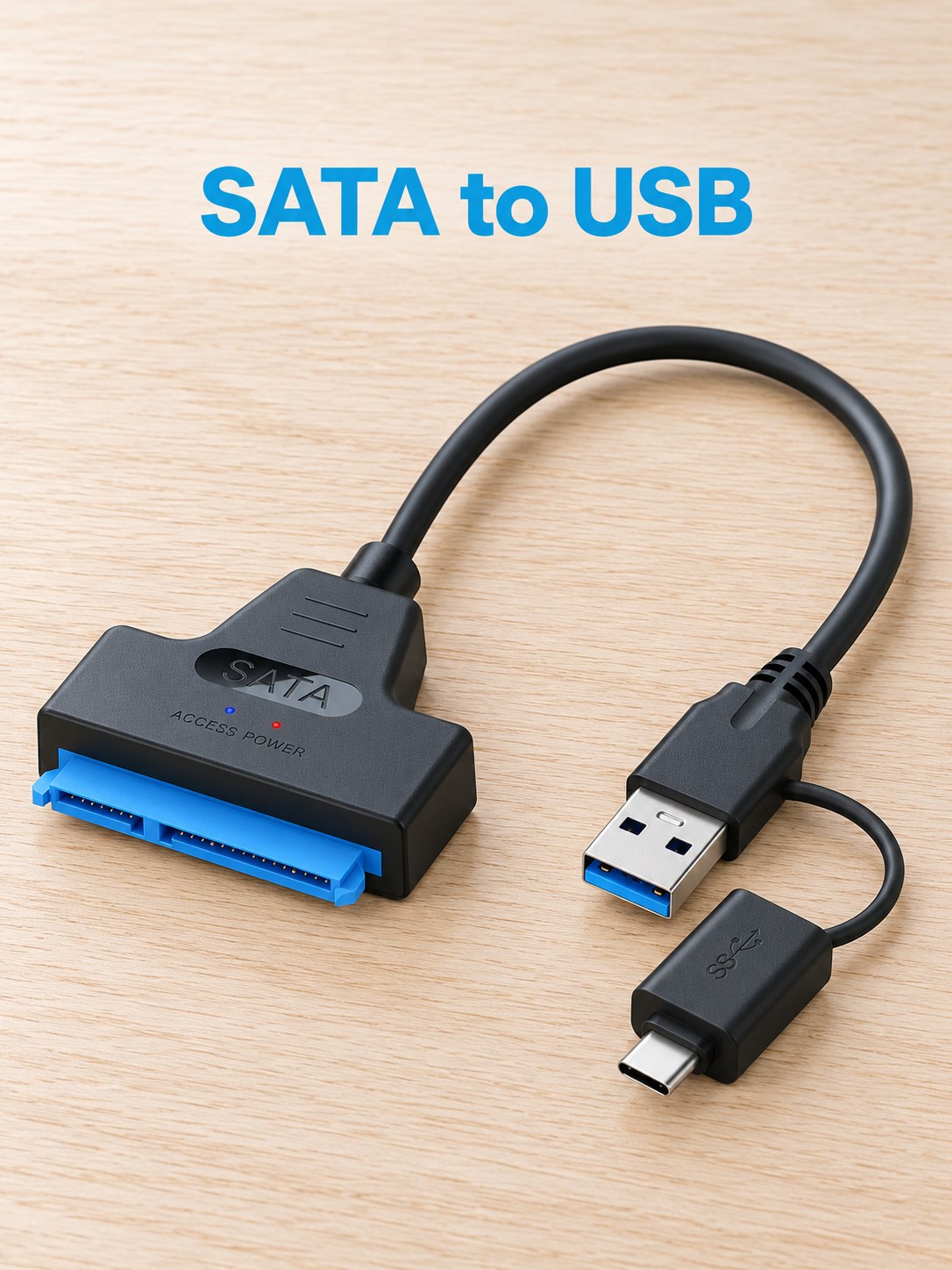
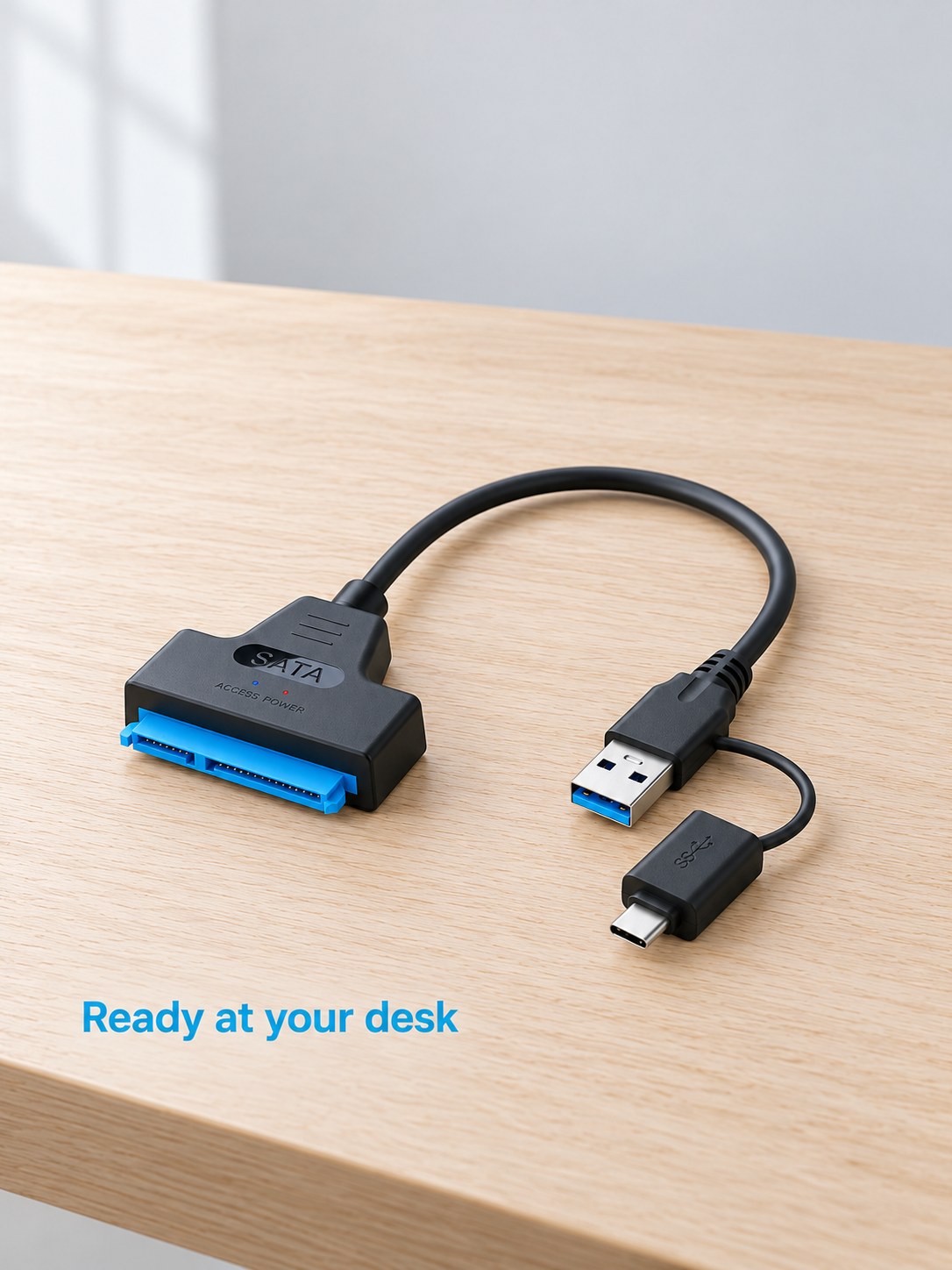
Plug a bare 2.5-inch SATA drive into any USB port and it becomes a working external disk. The cable covers USB-A and USB-C, supports UASP for faster reads and writes, and keeps your PC closed. One cable handles the job from start to finish.
Read the full descriptionPlug a bare 2.5-inch SATA drive into any USB port and it becomes a working external disk. The cable covers USB-A and USB-C, supports UASP for faster reads and writes, and keeps your PC closed. One cable handles the job from start to finish.
Plug in any 2.5-inch SATA SSD or HDD over USB 3.0 with UASP for faster transfers
Stop opening your PC to reach an old drive. Connect it over USB 3.0 with UASP and move the files in minutes.

Clones and large backups finish sooner, and the cable is the only hardware you need to get that protocol on a loose drive.

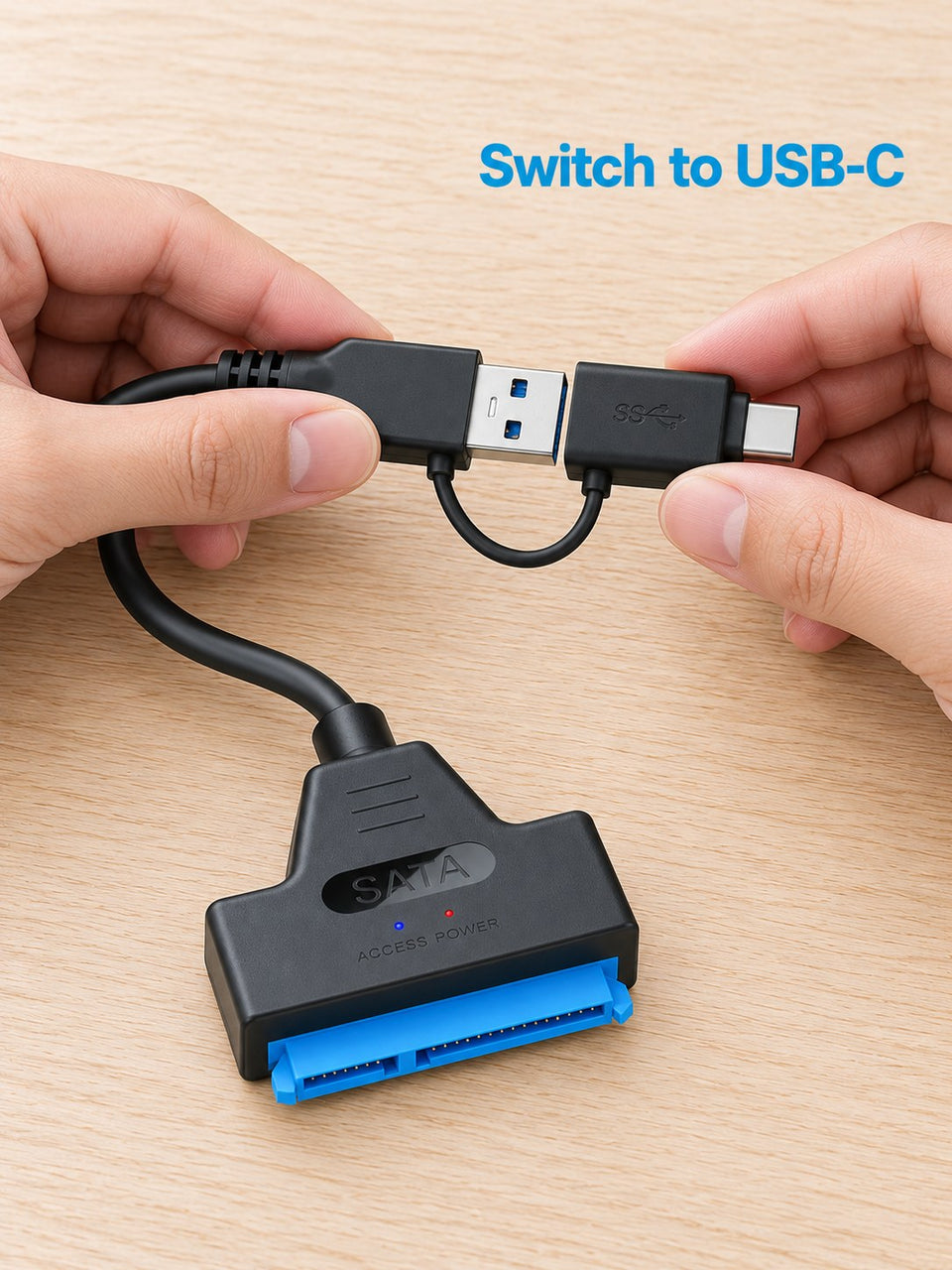
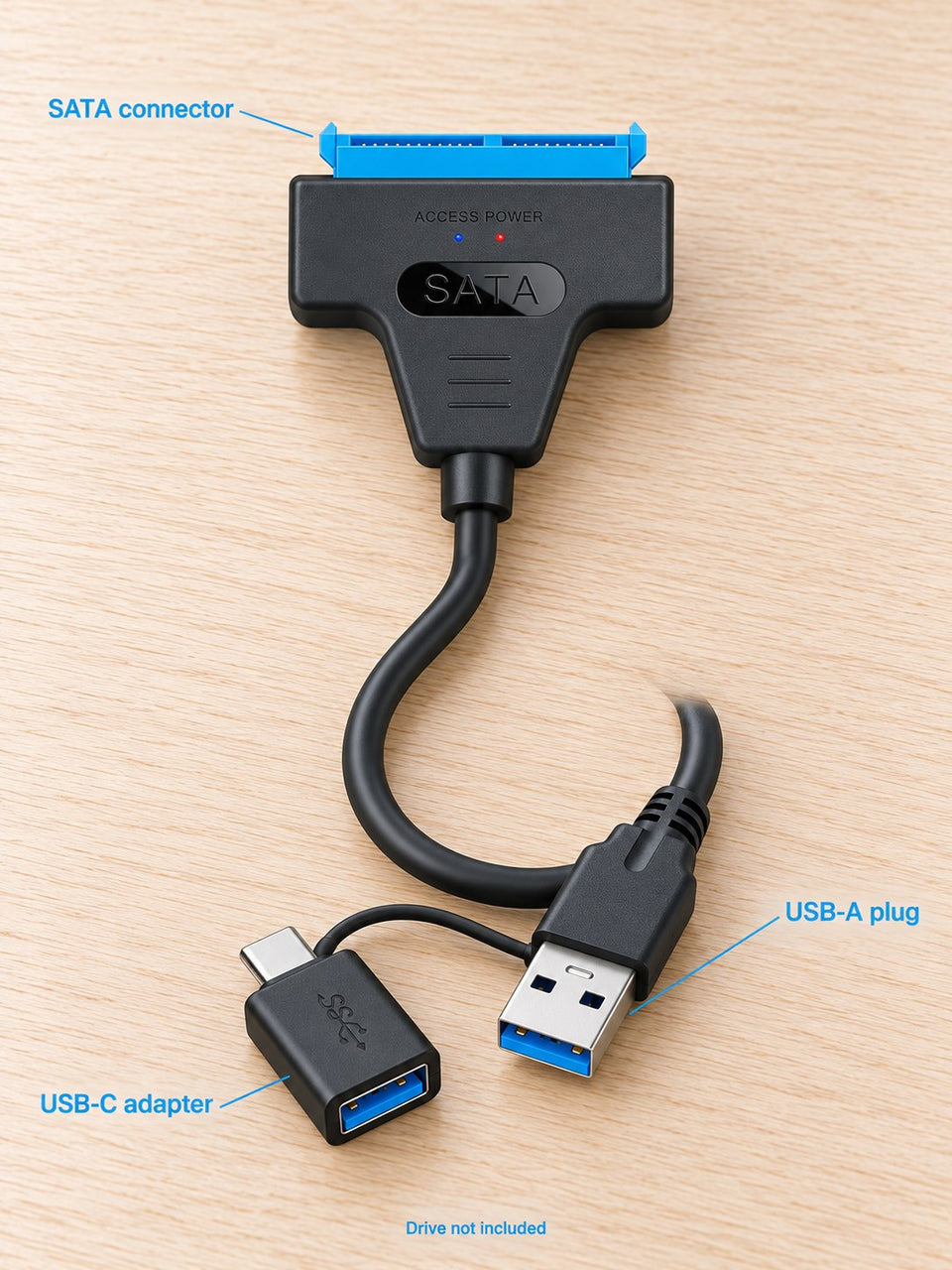
The USB-A plug goes straight into a standard port. For a USB-C laptop, fit the included USB-C to USB-A adapter cap onto the plug. You keep one cable for both port types instead of buying a second adapter.

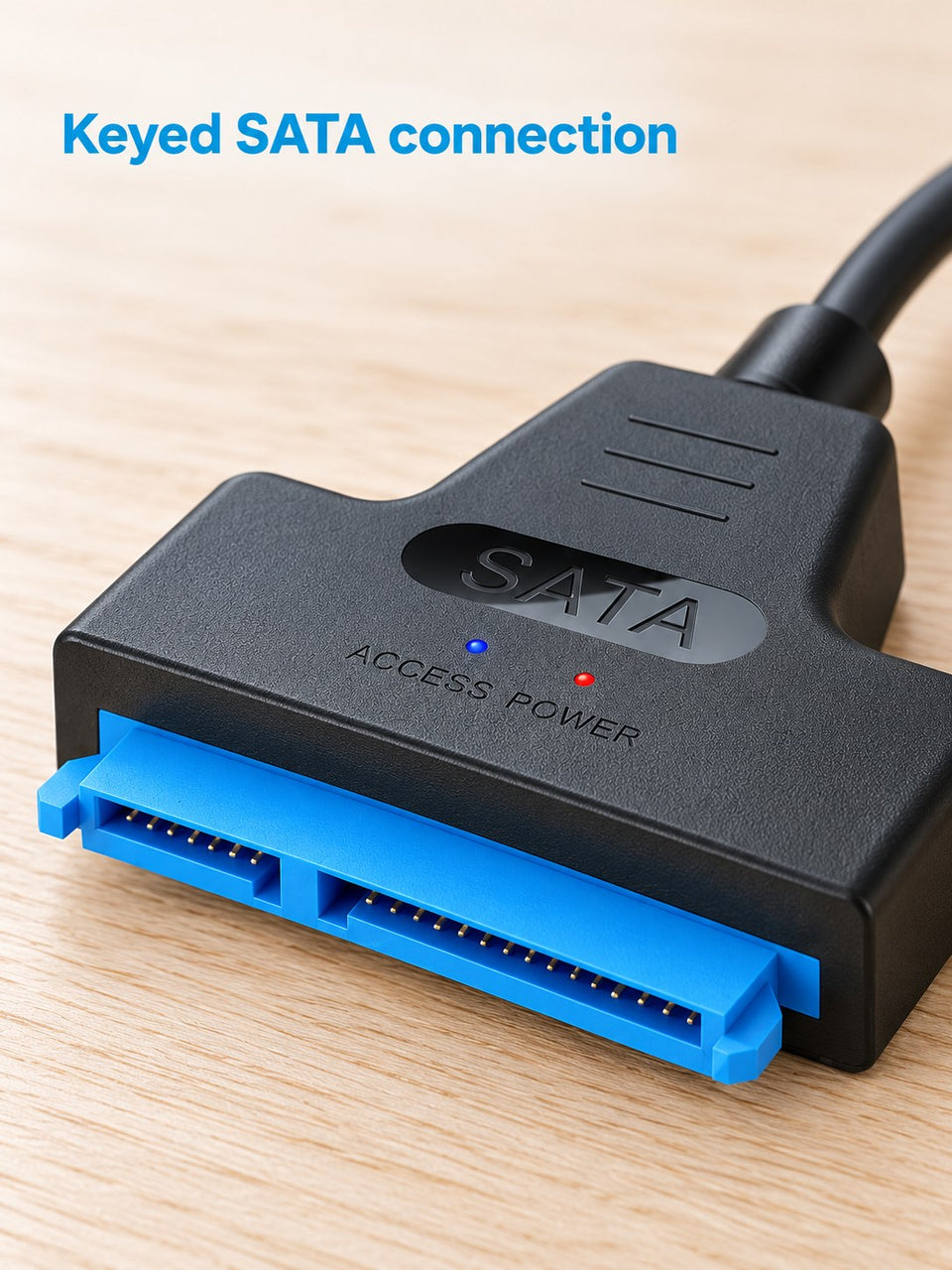
Access and power LEDs sit on the SATA housing. The power light confirms the drive is receiving power, and the access light flickers while data moves, so you know when it is safe to eject.
Line up the blue SATA connector with the drive's SATA port and press it in until it sits flush.
Use the USB-A plug for a standard port. For a USB-C port, fit the included adapter cap onto the plug.
Watch the power LED light up, then wait for the drive to appear in your file manager. Eject it from your OS before you unplug.
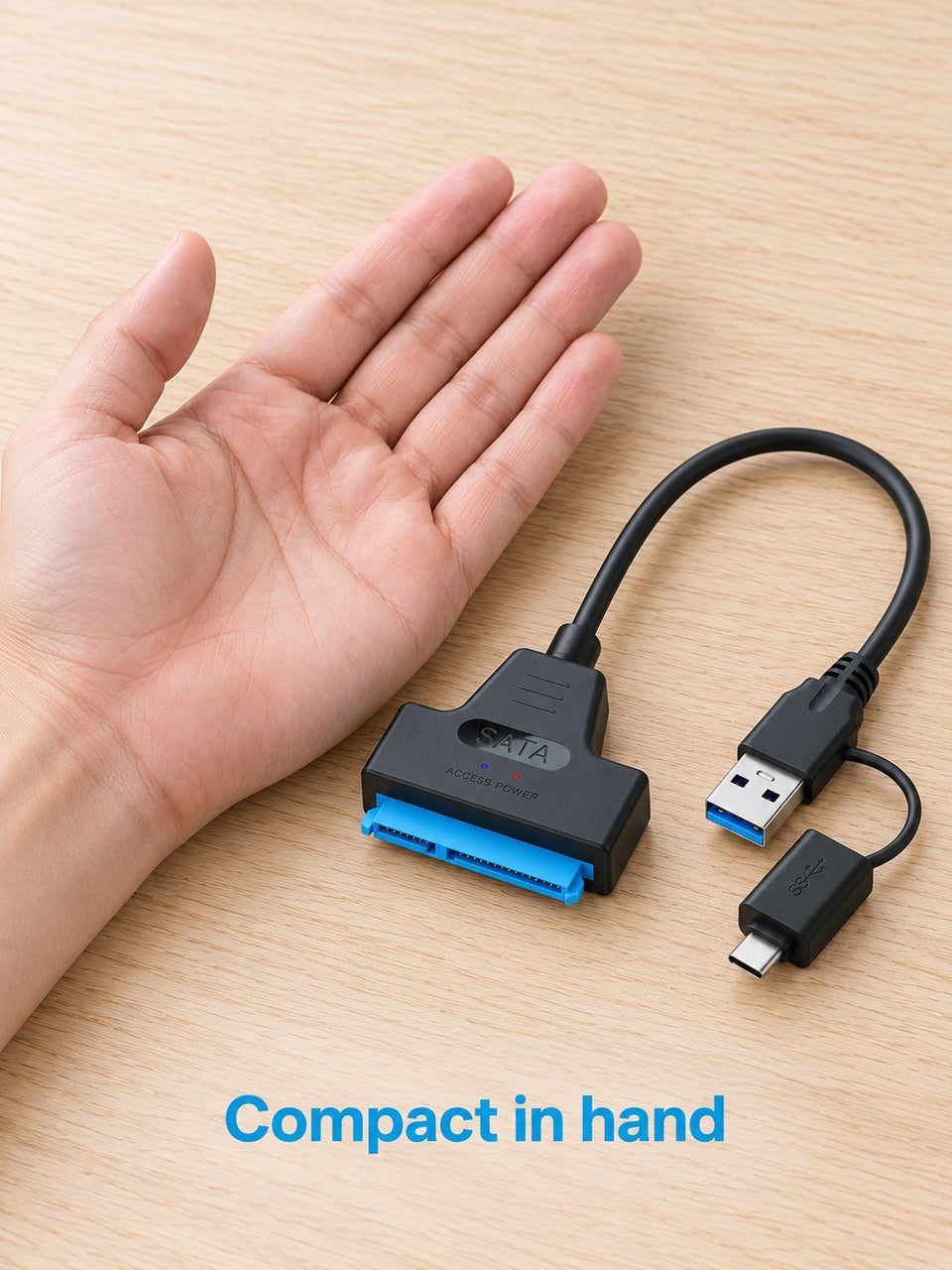
50cm cable with a blue SATA connector and a USB-A 3.0 plug
Fits the USB-A plug so the cable works with USB-C ports
It is built for 2.5-inch SATA drives, both SSDs and HDDs. A 3.5-inch drive will not seat or connect correctly, so use a 3.5-inch enclosure for those.
The USB-A plug fits a standard port as is. For a USB-C port, fit the included USB-C to USB-A adapter cap onto the plug. The cap comes off, so you can go back to USB-A without a second cable.
The cable carries UASP support, so no separate enclosure software is required. Driver needs depend on your OS and port. If transfers run at standard USB speed, check that your USB 3.0 controller supports UASP.
It will connect, but the transfer runs at USB 2.0 speed. The UASP gains only apply to a USB 3.0 port with UASP support.
For a one-off clone, backup or recovery, one cable replaces a bay or an enclosure that ties up a port and desk space. You get the same USB 3.0 link and UASP support for the job, at a fraction of the cost of an enclosure you may only use once.
Eject it from your OS first. Pulling the cable while the access LED blinks can interrupt a write and corrupt files. Once the LED goes idle and the drive is ejected, unplug.


 2.5-Inch SATA to USB 3.0 Adapter Cable with UASP Support