
$109.90
Free delivery · 7–14 days
Retro Game Stick with 2 Wireless Controllers, 4K HDMI



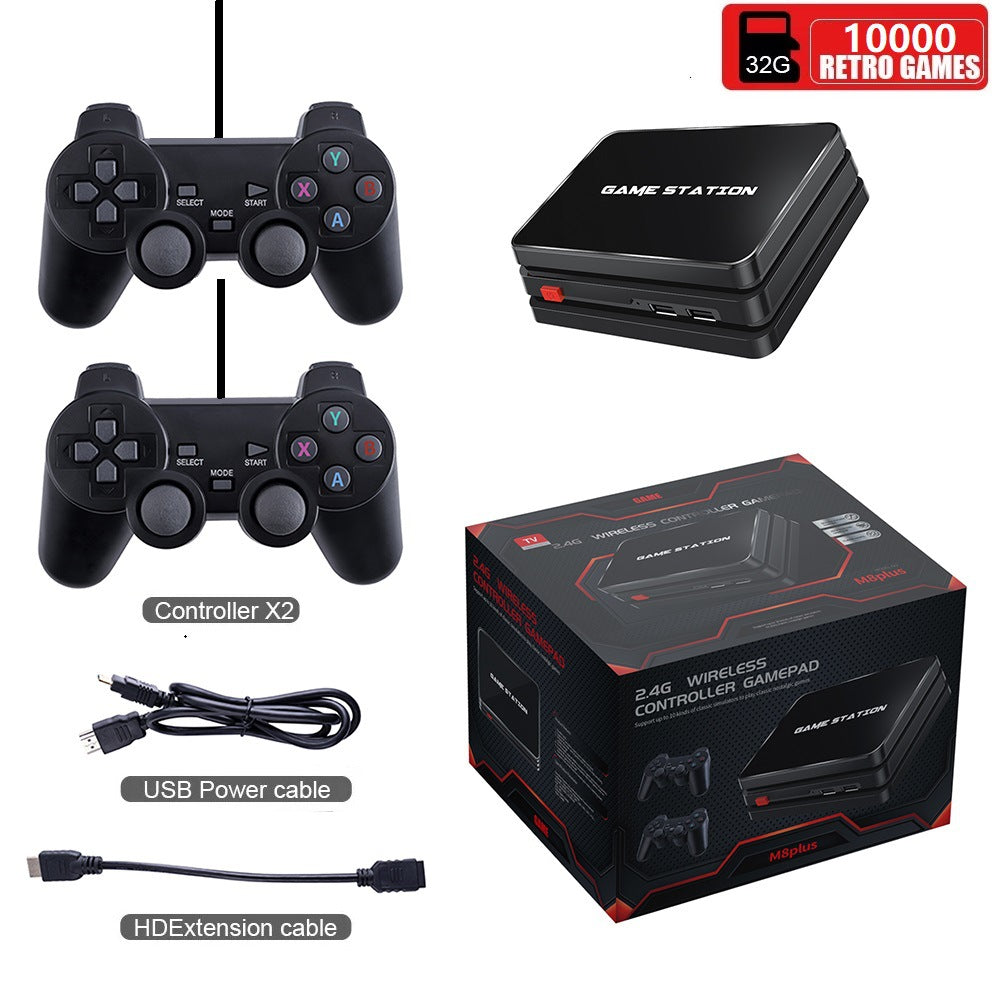

Game night should start with a press of the power button, not a search for cables. The stick plugs into your TV's HDMI port, and two wireless gamepads come in the box so the whole couch can play. It is a simple way to turn the living room into the game room.
Read the full descriptionGame night should start with a press of the power button, not a search for cables. The stick plugs into your TV's HDMI port, and two wireless gamepads come in the box so the whole couch can play. It is a simple way to turn the living room into the game room.
Turn your TV into a retro game console with two wireless controllers, plug in and play
Tired of one tangled controller and a console that lives in another room? Plug the stick into your TV, pair two wireless pads, and the whole family is playing in minutes.

The stick plugs straight into a free HDMI port on the TV. A charging port and a TF card slot sit on the body, so there is no box to hunt for and no extra cable run behind the set. Power it, switch the TV input, and the retro menu is waiting.

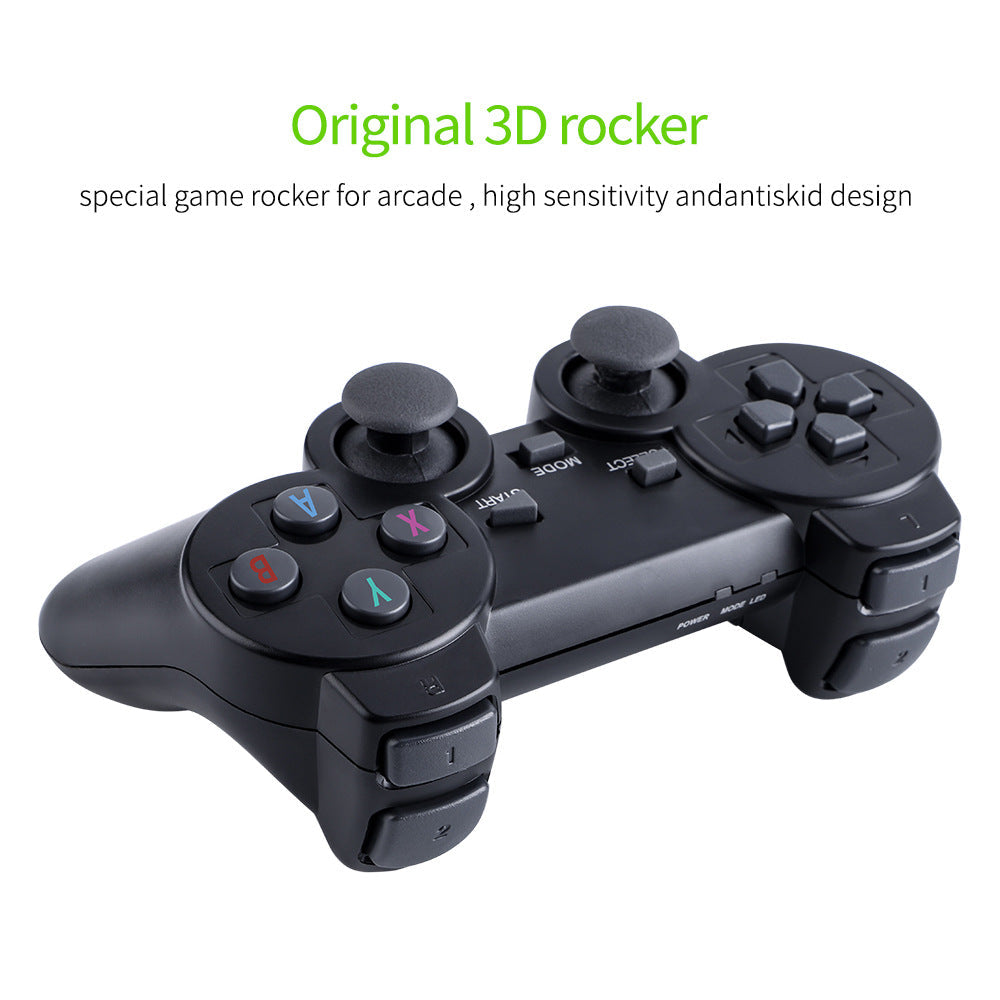
Both gamepads run on 2.4G wireless, so the cords stay off the floor and the sofa stays open. The analog rocker sticks and anti-skid grip hold up through long rounds of play. Looking for extra pads? See our wireless controllers gamepads.

Matte black plastic, sunken lettering and angular styling give the stick a look that sits neatly beside a TV stand. The small LED signal lamp shows the stick is live, so you can check the link from across the room.
Find a free HDMI port on the TV and push the stick in. If the port is out of reach, a longer hdmi cords tv solves it.
Connect the power cable, then switch the TV to the HDMI input the stick is using. The LED signal lamp lights when the stick is running.
Charge each gamepad through its charging port before the first session. Pair both 2.4G pads to the stick so each one connects from the sofa.
Use the SELECT and START buttons to move through the retro menu, then choose a two-player title and hand over the second pad.
Matte black HDMI stick with 4K Ultra HD label, charging port, TF card slot and LED signal lamp.
2.4G black pads with analog rocker sticks, anti-skid grips and POWER, MODE and SELECT controls.
Powers the stick and charges the gamepads through their charging port.
Any TV with a free HDMI port and an input switch works. The stick connects through HDMI for picture and sound, so you only need one port and a way to pick that input on the remote.
No app and no software install. Plug the stick in, power it, charge the pads and pair them once. After that, you pick a game from the menu and start.
The label is printed on the stick and tells you the hardware is marketed for 4K Ultra HD. The library is built from classic retro titles, so the games look like the originals scaled to your screen, not like modern releases.
The pads talk to the stick over 2.4G, a dedicated link built for this kit. You do not pair them through your TV or phone settings, and the connection stays with the stick in the room.
Families are the main audience. The menu is simple, the pads are light, and two players can share the couch from the start. Older players who want modern graphics will find it basic, and that is the point of a retro library.
A modern console plus a spare controller costs far more than this kit, and this kit already includes two pads. Cheap no-name sticks often ship without a second pad or drop the connection, so check that both pads come in the box before you buy.


 Retro TV Game Console With 2 Wireless Controllers