
$74.90
Free delivery · 7–14 days
Retro TV Game Console With 2 Wireless Controllers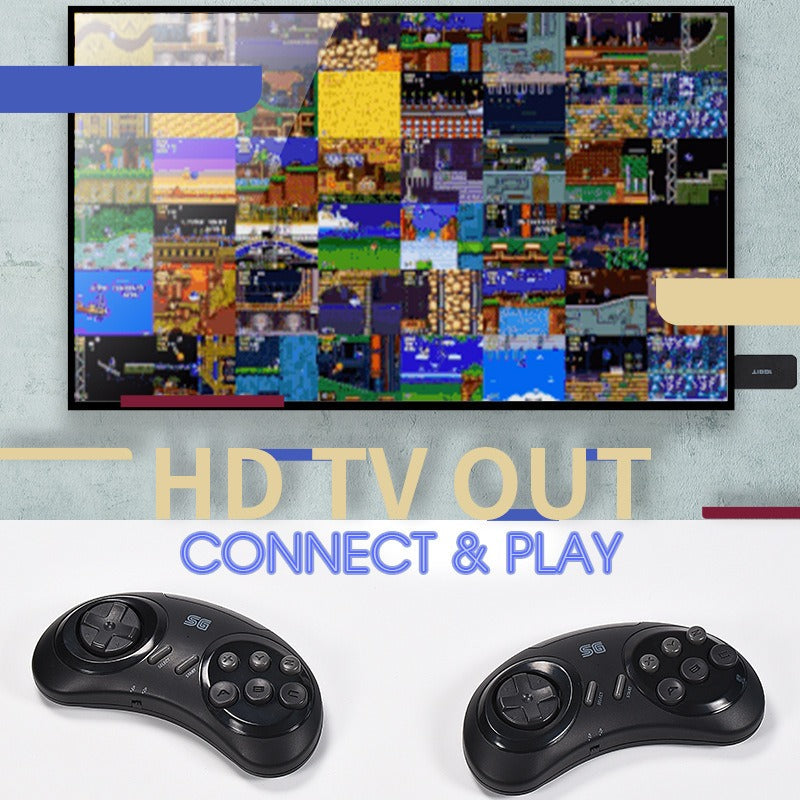


Plug this console into any HDMI TV and the Sega couch night starts in minutes. Two wireless six-button pads, 913 Sega games and 1000 FC games in English, and a save and load menu you open with SELECT + START. It is the simplest way to bring back the games you remember.
Read the full descriptionPlug this console into any HDMI TV and the Sega couch night starts in minutes. Two wireless six-button pads, 913 Sega games and 1000 FC games in English, and a save and load menu you open with SELECT + START. It is the simplest way to bring back the games you remember.
Plug in, connect to your TV, and play 900+ classic 16-bit Sega games with two wireless controllers
Tangled cables and dead cartridges stop the fun before it starts. Plug in this HDMI console, hand over a wireless pad, and 913 classic 16-bit games are ready for the whole couch.

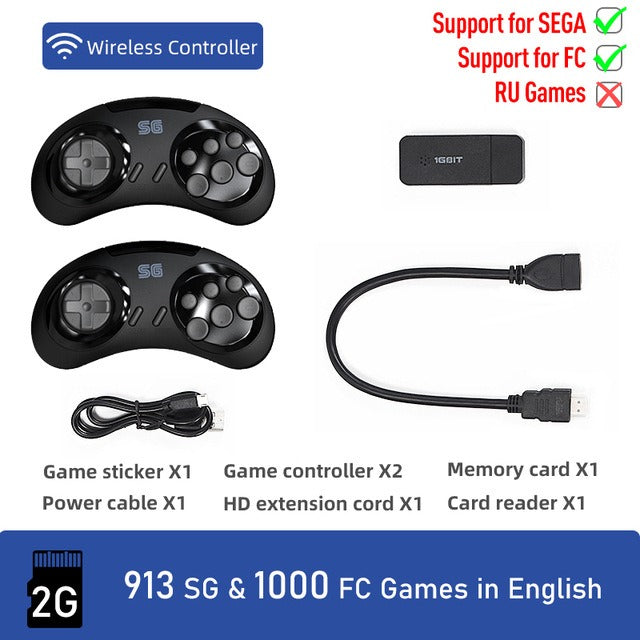
Two wireless controllers come in the box, each with a D-pad, SELECT and START, and a six-button Sega-style layout. Both players can jump in without cords stretched across the carpet. The matte black plastic sits well in the hand and the buttons fall where your thumbs expect them.

The built-in memory card holds 913 Sega games and 1000 FC games, all in English. No cartridges to dig out, no RF cable to hunt down. Russian-language titles are not supported, so the library is English only.

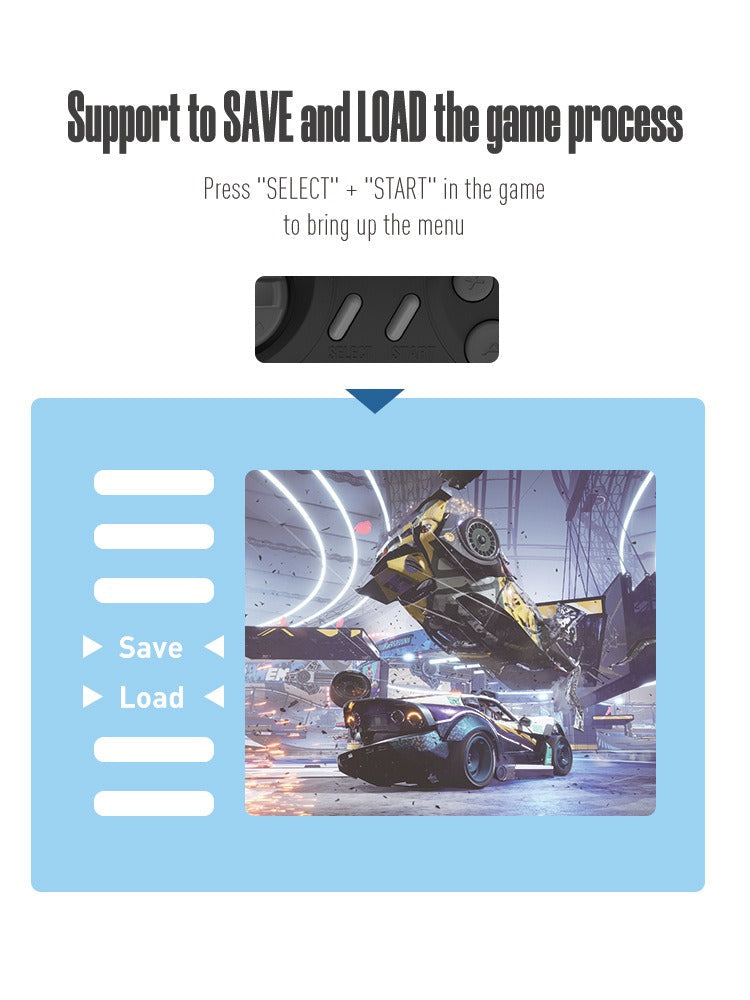
Press SELECT and START together during play to open the menu. Save your place, then load it the next time you sit down. Long bosses and tricky levels stop costing you the whole evening.
Connect the matte black HDMI dongle to a free HDMI port. Use the HD extension cord if the TV sits in a tight spot.
Connect the power cable, switch on the TV and select the matching HDMI input. The console menu appears on screen.
Follow the included video to load games onto the memory card with the card reader. The steps depend on which card variant you have.
Turn on both wireless controllers, pick a game and give the second pad to a friend.
Press SELECT and START in the game to open the save and load menu, then save before you switch off the TV.
Plugs straight into the TV HDMI port
Wireless, six-button Sega-style layout
Extra reach for tight TV setups
Holds the built-in game library
Used when loading games onto the card
A retro finish for the set
Powers the console
Somewhere in a closet there is an old Genesis with scattered cartridges and a second pad that went missing years ago. Getting it running means RF cables, hand tuning a CRT and one controller nobody wants to hand over. Most retro nights end before the second player gets a turn.
The console is a compact HDMI dongle with a built-in game memory card, so the library lives in one small unit instead of a shelf of cartridges. The package lists 913 Sega games and 1000 FC games, all in English. Plug it into the TV and the menu is waiting.
Two wireless pads are in the box, so the rematch can start the moment a sibling says remember this one. Press SELECT and START mid-game to save, then load that exact spot next time. Nobody loses the boss fight because the night ran late.
| This | Used Genesis | PC emulator | |
|---|---|---|---|
| Cartridges needed | No | Yes | No |
| Setup on the TV | Plug in | RF cables and tuning | PC and software setup |
| Second wireless pad | Included | Often missing | Depends on your gamepad |
| Save and load mid-game | Yes | No | Yes |
| Game library | 913 Sega, 1000 FC | Your own cartridges | Your own ROM collection |
The games load onto the included memory card. Follow the video in the box, since the steps depend on which card variant you have. After that, you plug in, pick a game and play, with no cartridges and no PC setup.
The library is 913 Sega games and 1000 FC games, all in English. Russian-language titles are not supported on this console, so the English library is the one to browse.
Yes. The dongle outputs through a standard HDMI port, so it works with any flat-screen TV that has an HDMI input. If the TV sits in a tight spot, the HD extension cord adds reach, and a spare hdmi cords tv works as a backup.
Press SELECT and START together during play to bring up the menu. Save your progress, then load that save the next time you sit down. You can stop mid-level and pick up the same spot later.
Yes. Two wireless six-button controllers come in the box, so two players can go head-to-head on the couch without any extra hardware.
The body is matte black plastic, compact and light enough to sit on any TV stand. For one purchase you get a full library, two pads and a save feature. Tracking down a used Genesis, a second pad and loose cartridges adds up fast, and that hardware is aging.


 Retro 16-Bit Sega Console with 913 Games & HDMI TV