
$74.90
Free delivery · 7–14 days
Retro TV Game Console With 2 Wireless Controllers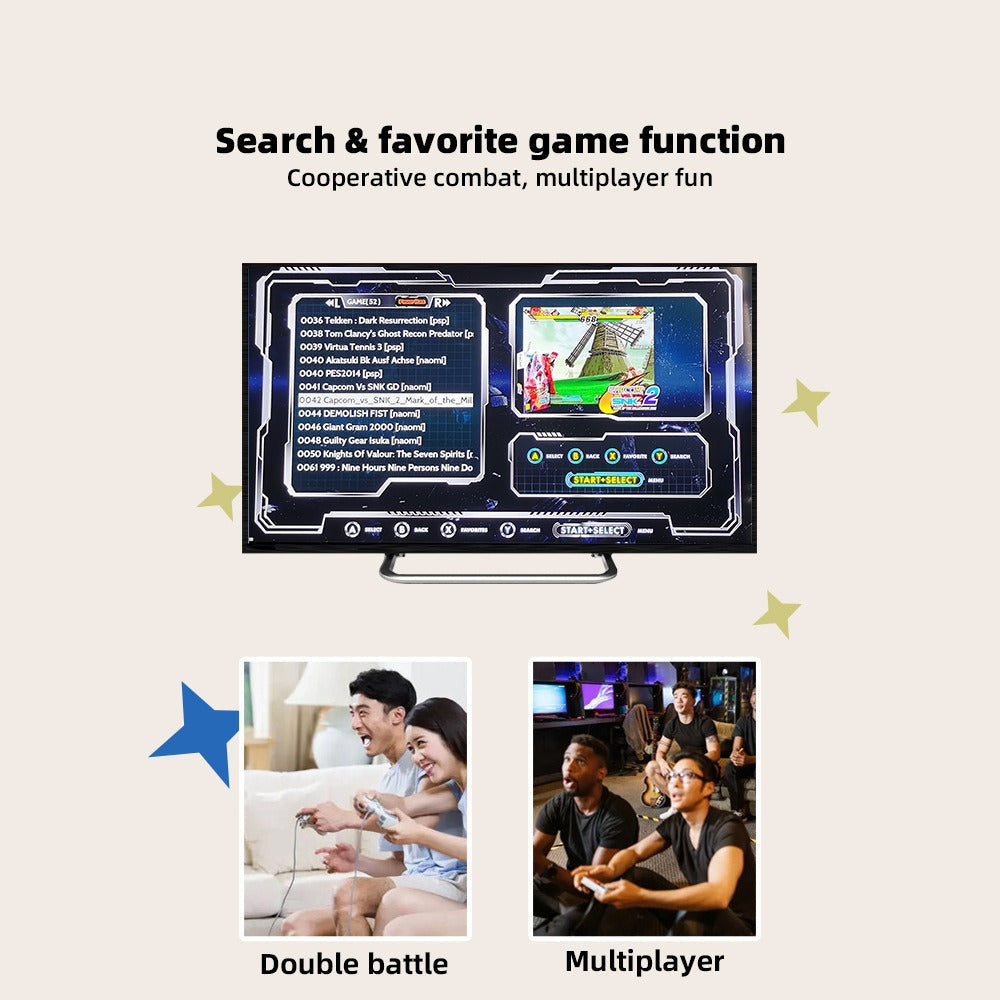
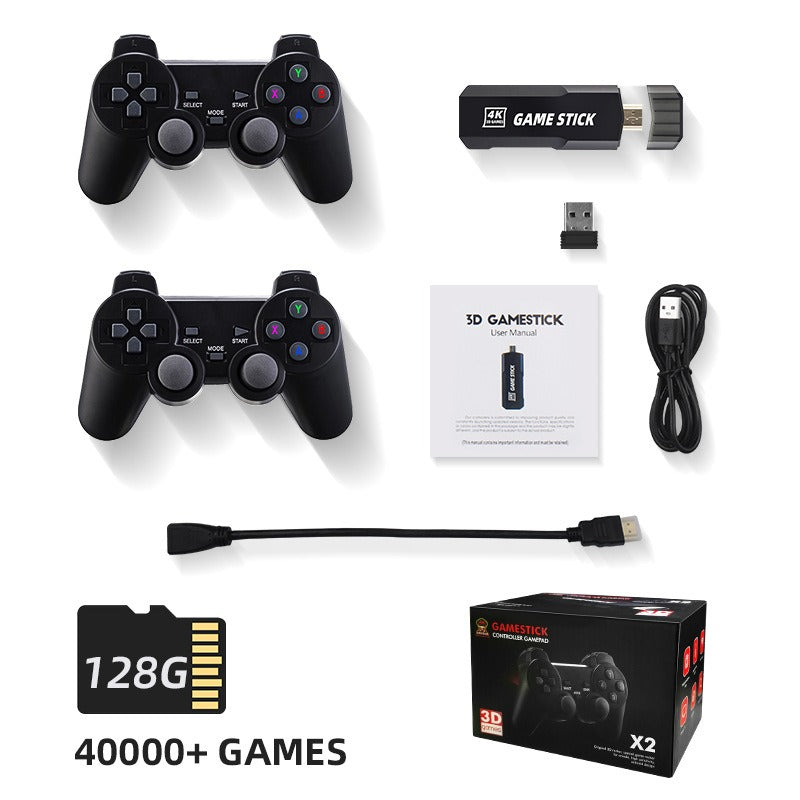
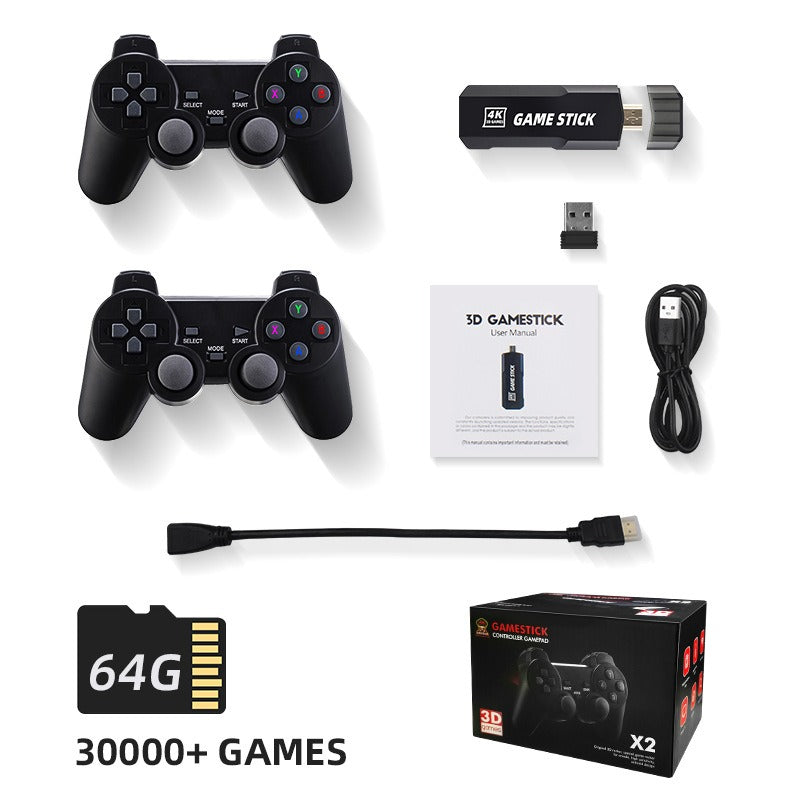
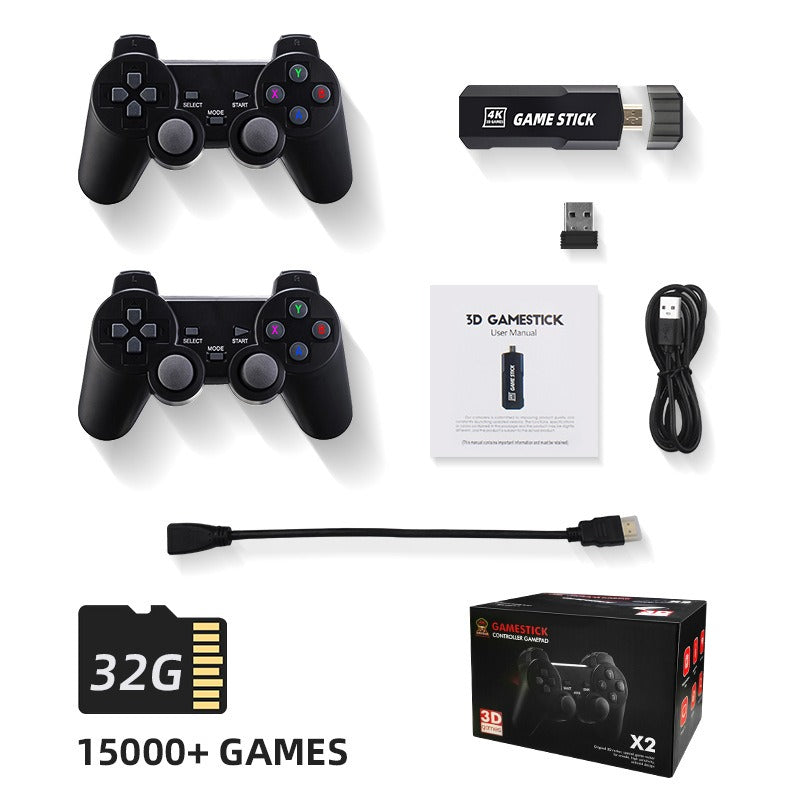
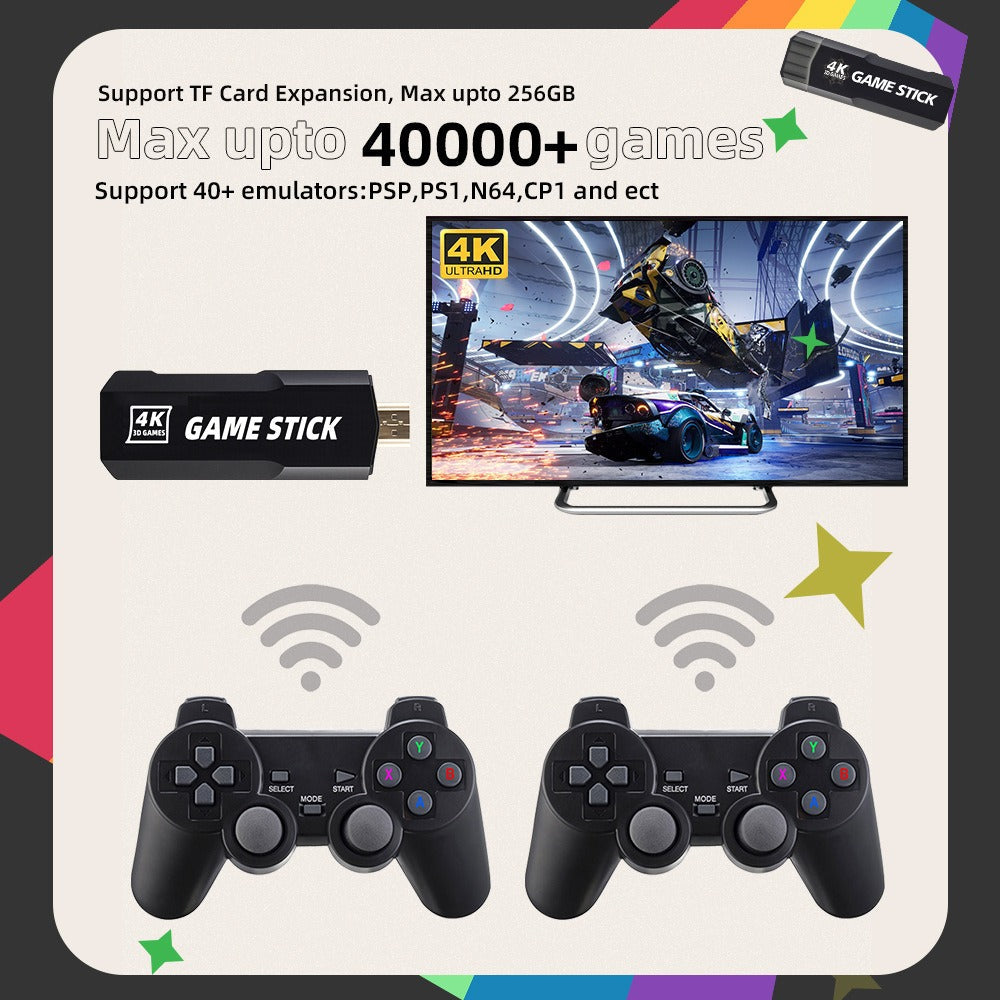
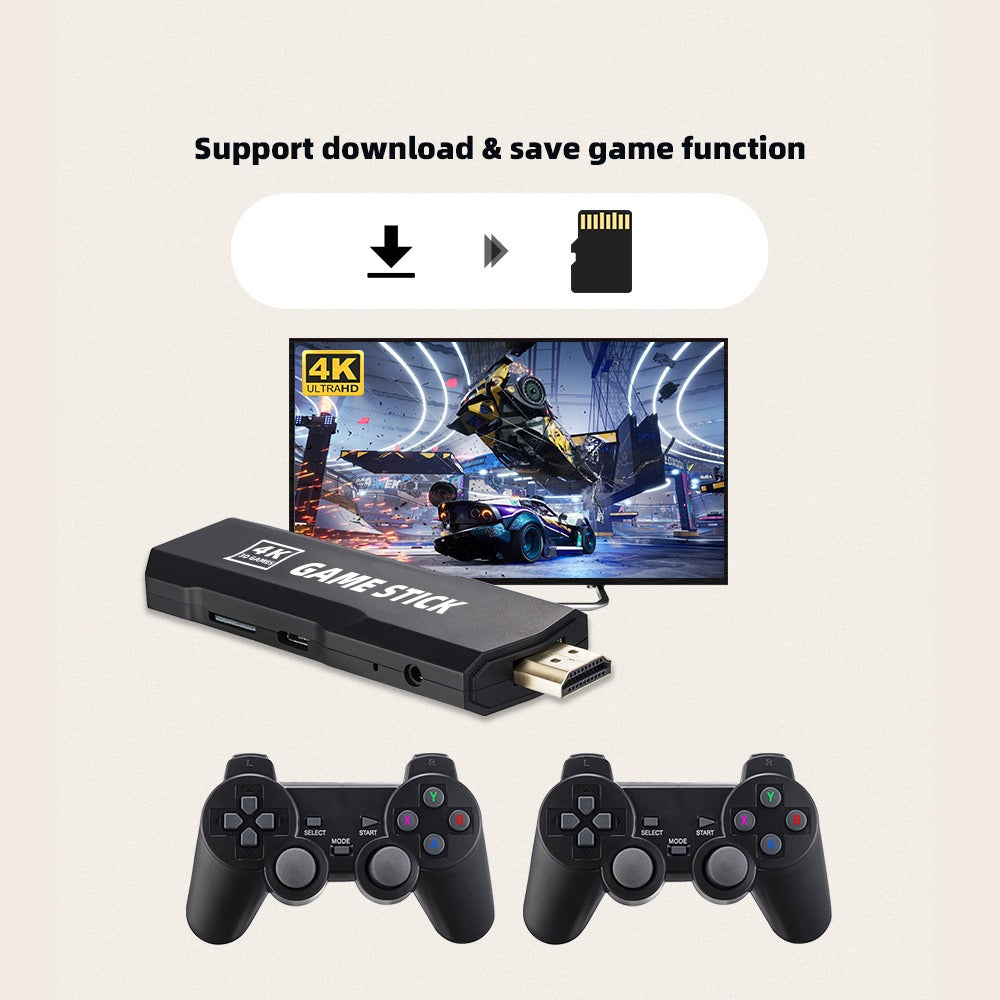
Plug one small stick into your TV and the classics you grew up with are on the couch in minutes. Two wireless gamepads with analog sticks mean two people can play at once without cable clutter. Storage sizes list 15000+, 30000+ or 40000+ games.
Read the full descriptionPlug one small stick into your TV and the classics you grew up with are on the couch in minutes. Two wireless gamepads with analog sticks mean two people can play at once without cable clutter. Storage sizes list 15000+, 30000+ or 40000+ games.
Thousands of retro games on your TV in 4K-style HD, with wireless two-player controllers out of the box
No more digging through closets for old hardware or fighting over one controller. Plug in one small stick, pick a classic, and hand a wireless pad to a friend.

Both gamepads have analog sticks and SELECT, MODE and START buttons, and they connect through a single USB 2.4G receiver. Player two does not need a cable running across the living room, so the couch stays open for friends.

The microSD card ships with the stick and comes in three sizes. The 32G version lists 15000+ games, the 64G version lists 30000+, and the 128G version lists 40000+. Pick the size that matches the collection you want on the TV.
The on-screen list has search and favorites, so the game you grew up with is one search away. Save the ones you return to most and they sit at the top of the menu for the next session.
Connect both wireless pads to the USB charging cable and let them charge fully before the first game night.
Plug the stick into the HDMI extension cable, then connect the extension to a free HDMI port on the TV. The extension keeps the stick easy to reach.
Use the USB cable to power the stick. Select the matching HDMI input on the TV.
Insert the 2.4G USB receiver and turn on both gamepads. They link to the same receiver, so player two is ready once player one is.
The game list appears on screen. Use search or favorites to find a title, then hand over the second pad.
Plugs into any TV HDMI port
Matte black plastic with analog sticks
2.4G link for both pads
Puts the stick somewhere easy to reach
Charges the stick and the gamepads
32G, 64G or 128G depending on variant
Setup steps and button guide
Retro-style packaging

The old console is somewhere in a box under the stairs, the cables have knotted themselves into a ball, and the one game you want to show your friends is stuck on a controller that only works with one player. Game night keeps getting postponed because setting it up feels like a project.

The stick plugs into an HDMI port on your TV, the 2.4G receiver links both wireless pads, and the game list appears on screen. The whole couch can join in, and nobody has to crawl behind the TV to make it work.
Plug in the stick, pair both pads through the receiver, and reach the game list. HDMI input selection is the step most people spend an extra minute on.
You learn the search and favorites menus and save the classics you return to most, so each session starts faster.
The stick becomes the default for evenings and gatherings, and the old console hunt stops.
| This | Old console stack | Single-pad plug-in mini | |
|---|---|---|---|
| Wireless gamepads | 2 included | Wired, one per console | 1 included |
| Game library | 15000+ to 40000+ games | One game per cartridge | Limited preloaded list |
| Cables to manage | One stick, one HDMI extension | Multiple cables and adapters | One stick and a cable |
| Space behind the TV | Stick only | Several boxes | Stick only |
| Two-player play | Yes | Yes, if you own two pads | Partial |
The stick is listed with 4K HD output and connects to any TV with an HDMI port, including the HDMI extension cable in the box for tight spots. Older sets without HDMI will need a separate adapter that is not included.
The 32G card lists 15000+ games, the 64G card lists 30000+, and the 128G card lists 40000+. The size you choose sets the library, so pick the one that covers the games you want to play.
Yes. Both gamepads connect through the included 2.4G USB receiver, and the USB cable charges them. Charge the pads fully before the first session so neither one drops out mid-match.
The card ships with the library preloaded. The listing does not describe adding your own files, so check the included manual before you plan around it.
One box gives you a library of 15000+ to 40000+ games, two wireless pads, a receiver, an HDMI extension and a microSD card. A used console brings one system and usually one controller, and a single-pad mini leaves the solo-play problem unsolved.


 Retro Game Stick with 2 Wireless Controllers, 4K HDMI