
$30.90
Free delivery · 7–14 days
HD15 VGA Extension Cable for Monitor and PC, 1.5-5m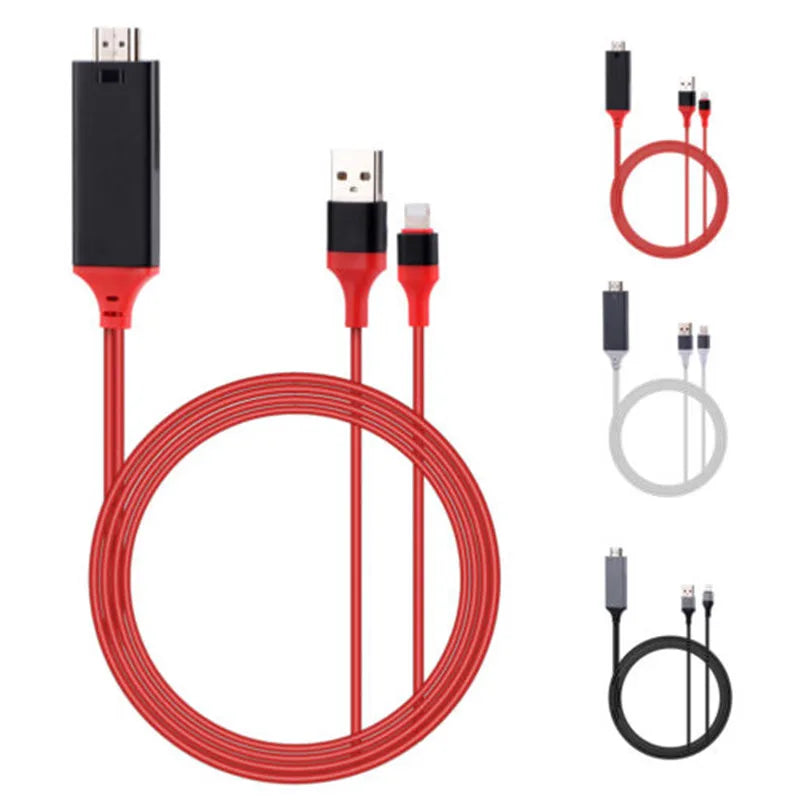


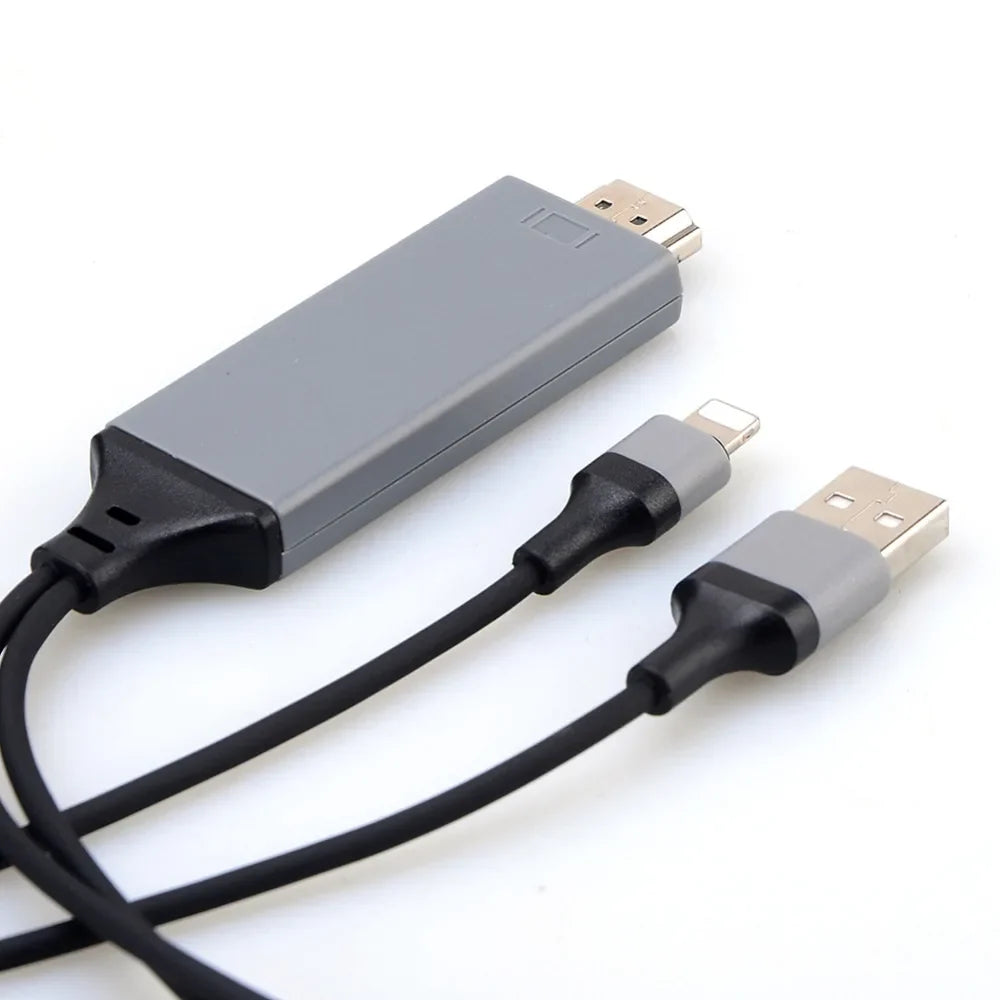


Your phone's videos and photos fill the big screen without a Wi-Fi setup or a streaming box. The cable runs from a grey HDMI plug to your iPhone's Lightning port, with a separate USB lead for steady power. Built for iPhone 5 to 7 owners who want the whole room watching together.
Read the full descriptionYour phone's videos and photos fill the big screen without a Wi-Fi setup or a streaming box. The cable runs from a grey HDMI plug to your iPhone's Lightning port, with a separate USB lead for steady power. Built for iPhone 5 to 7 owners who want the whole room watching together.
Mirror your iPhone screen to any HDTV via HDMI with a single plug-in cable
Stop crowding around a six-inch display. Plug one HDMI end into your TV, connect your iPhone, and share movies and photos with the whole room.

The HDMI output end has glossy gold-plated contacts and a grey aluminium-look housing. The black rubberised cable runs into reinforced strain relief, so the plug is not pulling on the connection every time the cable gets bumped behind the TV.

The HDMI plug and the separate USB power lead together make up a kit of roughly 2 m. Run the HDMI to the TV, the Lightning end to your iPhone, and the USB lead to a power source, with no extra streaming box on the shelf.

The USB input is its own line, so the adapter gets the power it needs instead of drawing everything from the phone. Plug it into a powered USB port or a power bank, and the picture stays on the TV while you work through the playlist.
Connect the grey HDMI end to a free HDMI input and note which input number you used.
Connect the USB lead to a powered USB port or a power bank so the adapter has steady power.
Push the Lightning 8-pin end into your iPhone firmly until it seats snugly.
Switch the TV to the HDMI input, then open your video or photo album on the iPhone.
Grey aluminium-look HDMI housing, Lightning 8-pin plug for iPhone 5 to 7 series, approx. 2 m total length.
Black cable with a USB input port that keeps the connection powered.
This cable is built for the Lightning 8-pin port on iPhone 5 to 7 series. Newer iPhones with USB-C will not fit, so check your port before ordering.
The dual-cable design takes its power from the USB lead, which keeps the connection running. Plan for a free USB port on the TV or a power bank nearby.
Most photos and personal videos show on the TV. Some apps and protected streaming content block output, so those may stay on the phone.
The kit is approximately 2 m in total length, which covers a typical living room setup from a TV stand to a sofa. Measure from your TV to the seat if your room is unusually large.
Wireless mirroring needs matching Wi-Fi and can lag or drop mid-film. This is a direct wired link with no app pairing, and it costs less than buying a streaming stick.


 Lightning to HDMI Adapter Cable for iPhone 5 to 7 TV