
$36.90
Free delivery · 7–14 days
Humidifier for Dry Skin — Rechargeable Nano Mist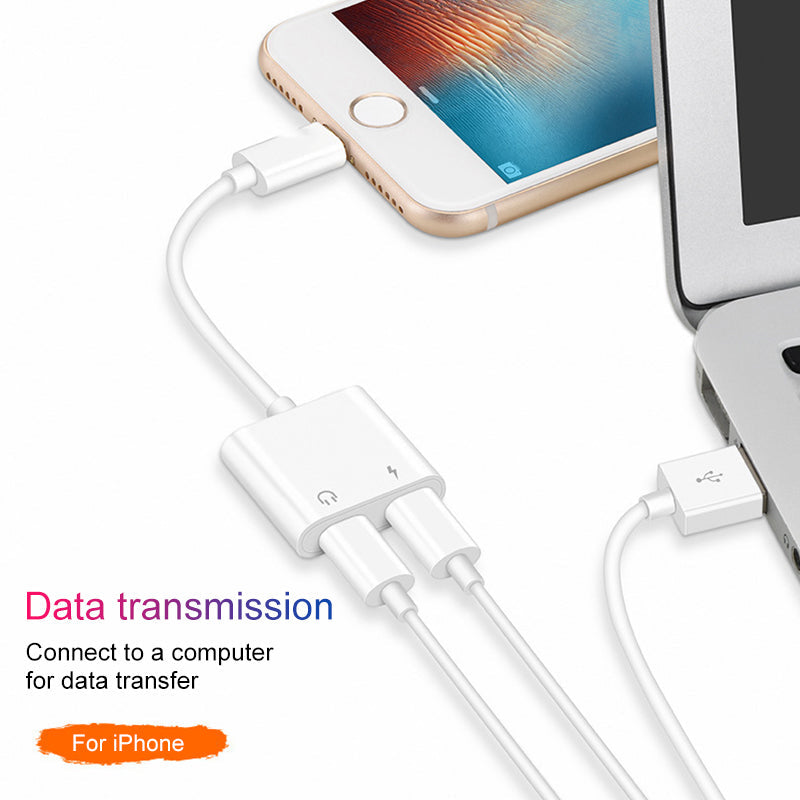

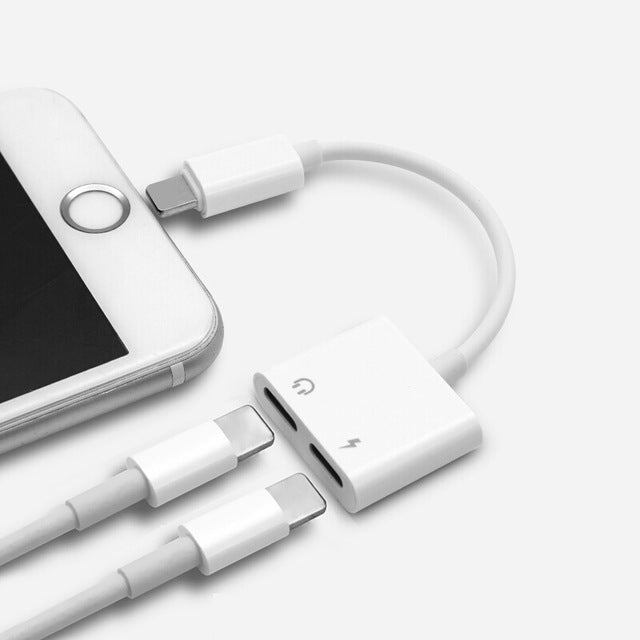
Charge your iPhone and listen to music at the same time with dual Lightning connectivity. The Y-splitter adapter supports simultaneous charging, audio, and calling — ending the one-port trade-off…
Read the full descriptionCharge your iPhone and listen to music at the same time with dual Lightning connectivity. The Y-splitter adapter supports simultaneous charging, audio, and calling — ending the one-port trade-off…
Charge your iPhone and listen to music at the same time with dual Lightning connectivity
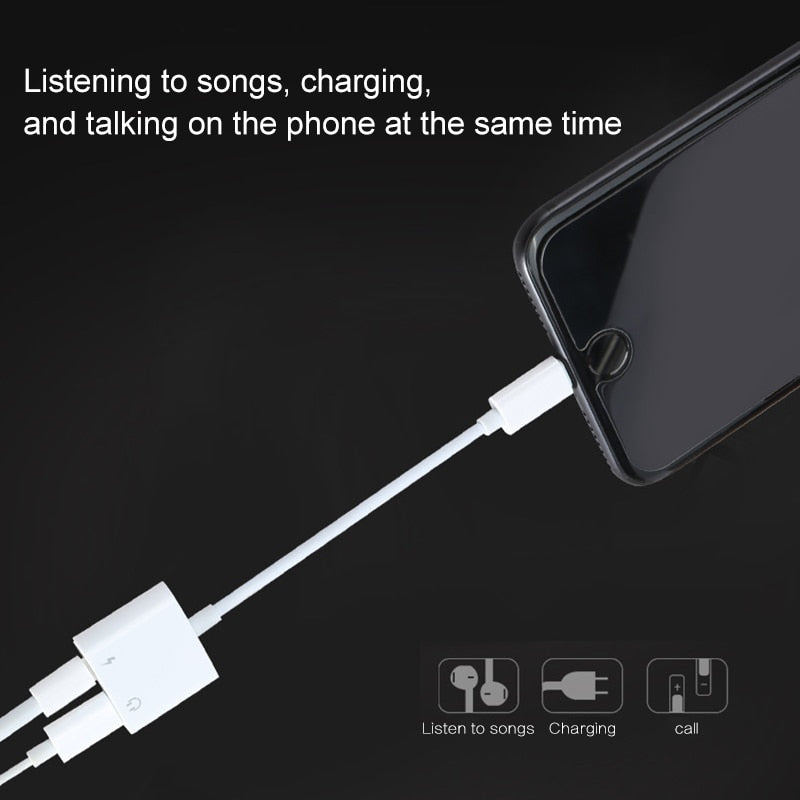
That dead-battery panic when you plug in headphones? Gone. Charge, listen, and take calls — all through one port, at the same time.

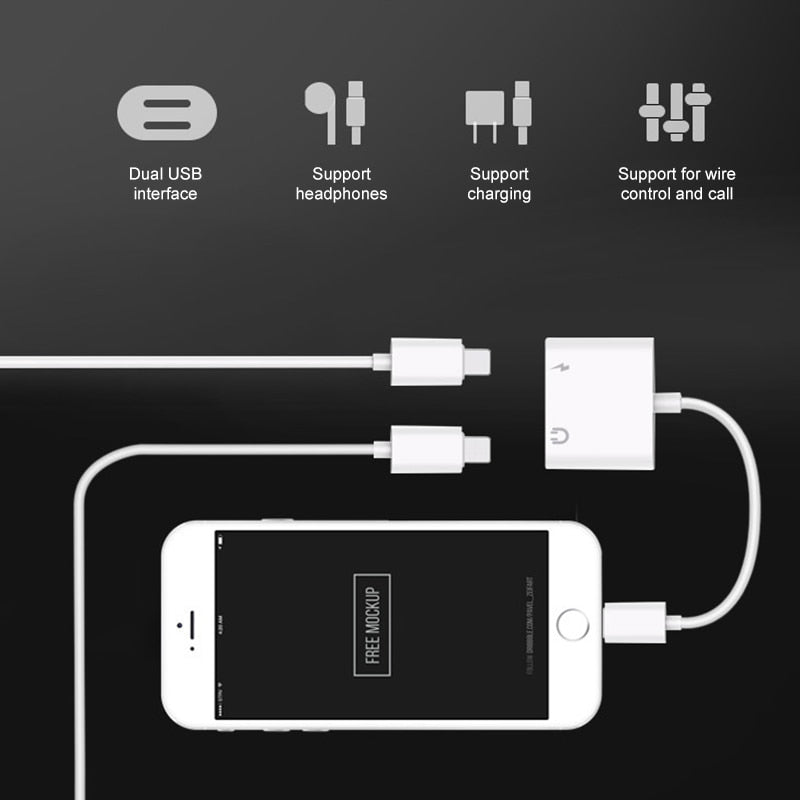
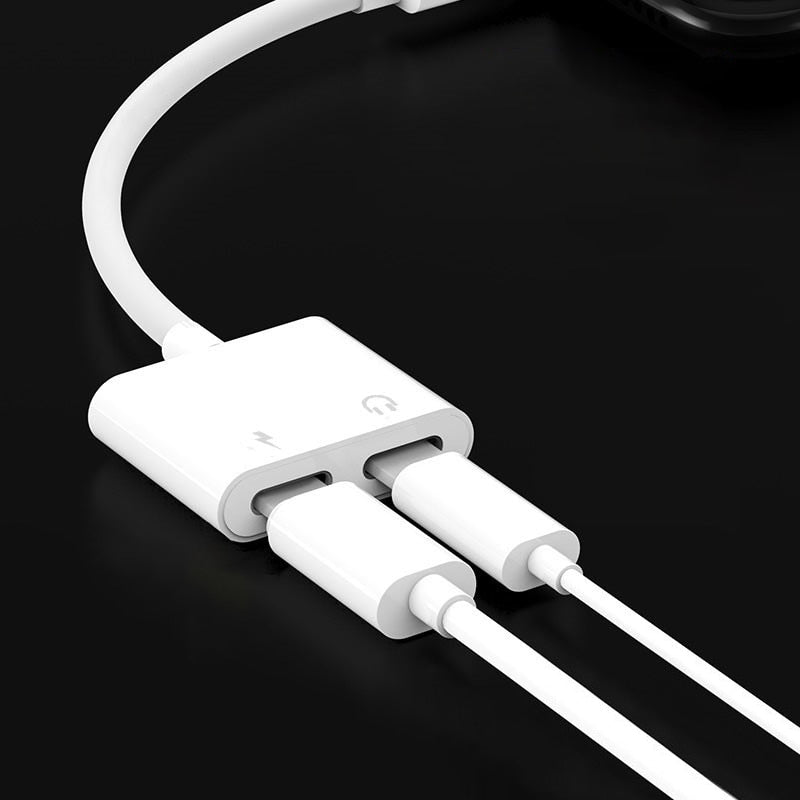
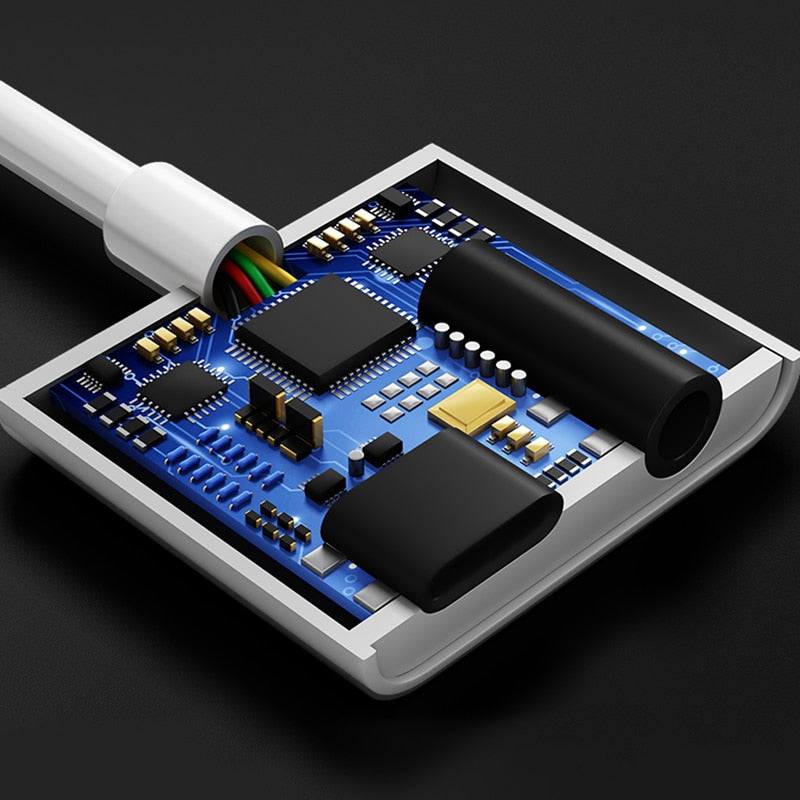
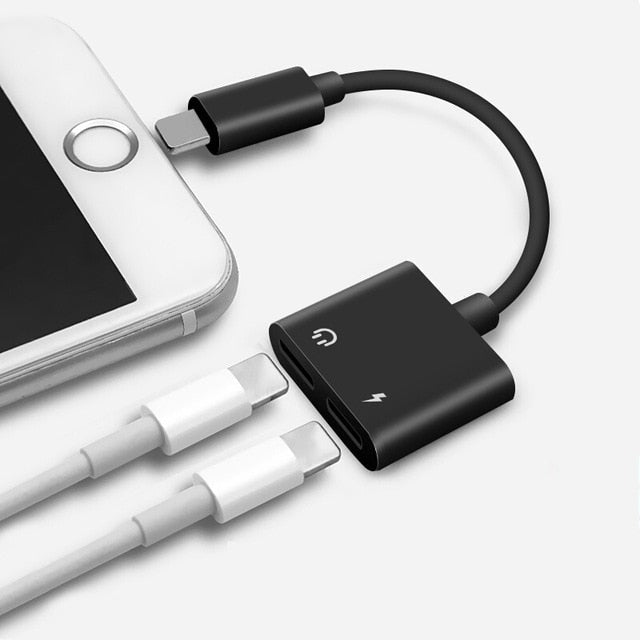
The two Lightning ports split one connector into a charging path and an audio path. Plug in a power source and your headphones, and your iPhone charges while playing music, podcasts, or calls — both work together, no delay, no switching.

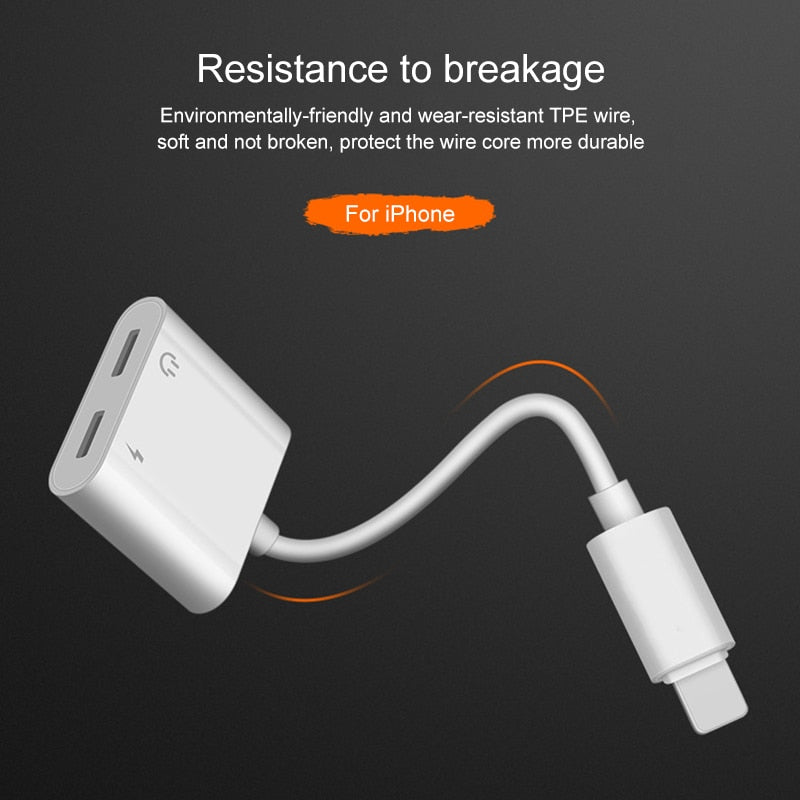
The wire is made from environmentally-friendly TPE — it feels soft, bends easily, and resists the wear that cracks cheap PVC splitters at the connector. This one survives being coiled, tossed in a bag, and pulled out dozens of times a day.

Wire control support means you can answer, end, and adjust volume right from your headphone buttons — all while the phone charges. No need to disconnect anything when a call comes in.
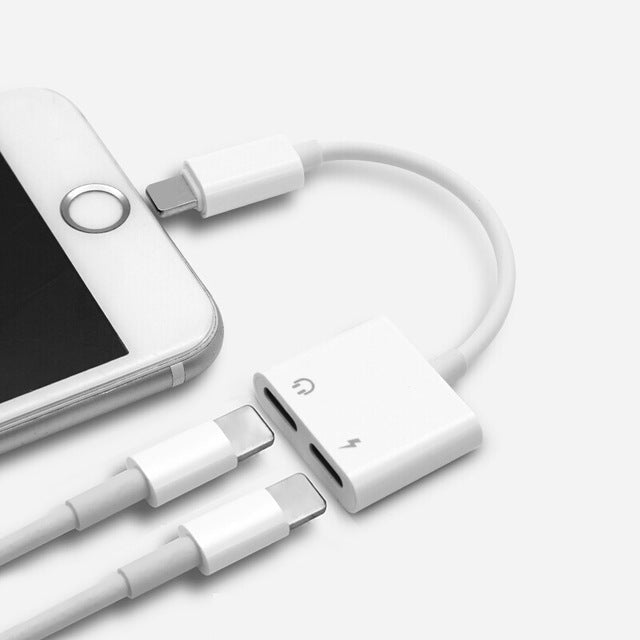
Plug the Lightning adapter firmly into your iPhone's port until it clicks.
Connect your regular Lightning charging cable to one port on the adapter.
Insert your wired Lightning headphones into the second port. Your phone starts charging and your audio plays immediately.
Adjust volume, skip tracks, answer calls — all with your headphone controls while power flows.
Compact Y-splitter with two Lightning ports, matte white finish
Standard Lightning to USB cable for power delivery
Lightning to 3.5mm aux cable for headphones

You grab your bag, pop in your Lightning headphones, and start the playlist. Halfway to work, the battery drops to 10%. You can charge or you can listen — never both. The phone sits there, draining, while your music plays and you watch the percentage fall.
We looked at that one Lightning port and thought: it can do more. The dual-port splitter turns a single connector into both power and audio. Plug it in, connect a charging cable, plug your headphones into the other port, and you get both at the same time — no adapters, no settings, no waiting.

Once it's set, you stop thinking about it. You charge on the train, take calls at your desk, listen to a podcast in bed — all while the phone tops up. The flexible TPE cable handles daily packing and unpacking without splitting or fraying. It's the adapter that just works, every single day.
| This Adapter | Generic Splitter | Bluetooth Earbuds | |
|---|---|---|---|
| Charge while listening | — | — | |
| Cable durability | Wear-resistant TPE | Poor PVC, cracks easily | N/A (no cable) |
| Call & volume control | — | ||
| No extra battery to charge | — | ||
| Audio never drops | Often crackles | Can disconnect |
Yes. The adapter is built for Lightning iPhones — X, 8, 8 Plus, 7, and 7 Plus. Once connected, both charging and audio run simultaneously, no setup needed.
Absolutely. The wire control is fully supported. Answer, end, adjust volume, and skip tracks work just like when the headphones are plugged directly into the phone.
TPE is far more flexible and wear-resistant than the PVC used in cheap splitters. It bends without stress at the connector, so it lasts much longer — even with daily coiling and bag toss.
Charging speed depends on your power source. The adapter itself doesn't limit the power; if your charger delivers fast charge, the phone will fast charge while audio plays.
You get the main Y-splitter adapter, a Lightning charging cable, and a Lightning-to-3.5mm aux audio cable. Three pieces total.
Cheap splitters often crack at the connector within weeks. This uses TPE wire that survives daily use. Over a year or two, you won't have to replace it multiple times — so it actually costs less in the long run.


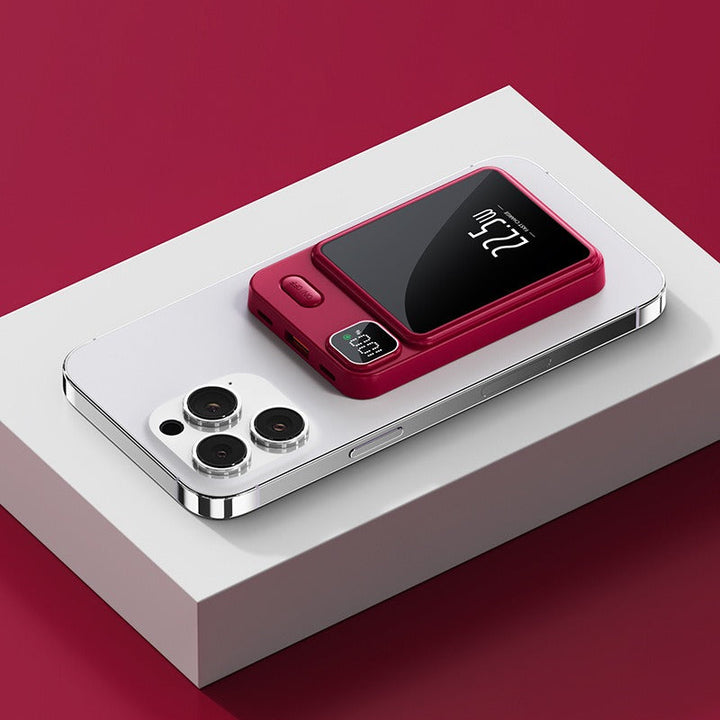
 iPhone Lightning Splitter: Charge & Listen at Once