
$94.90
Free delivery · 7–14 days
Drone Controller Tablet Mount with Aluminium Holder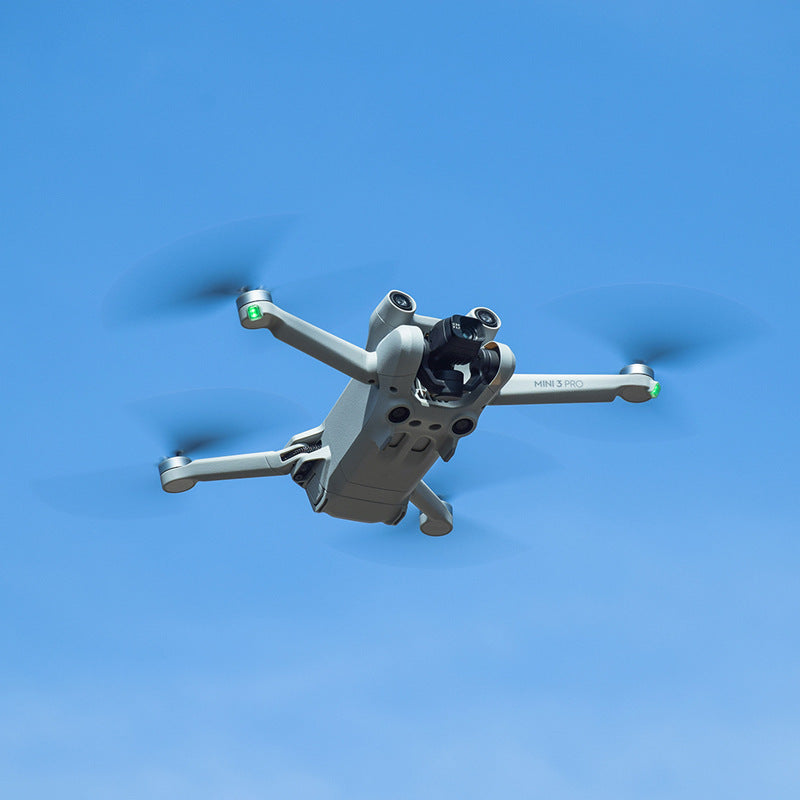


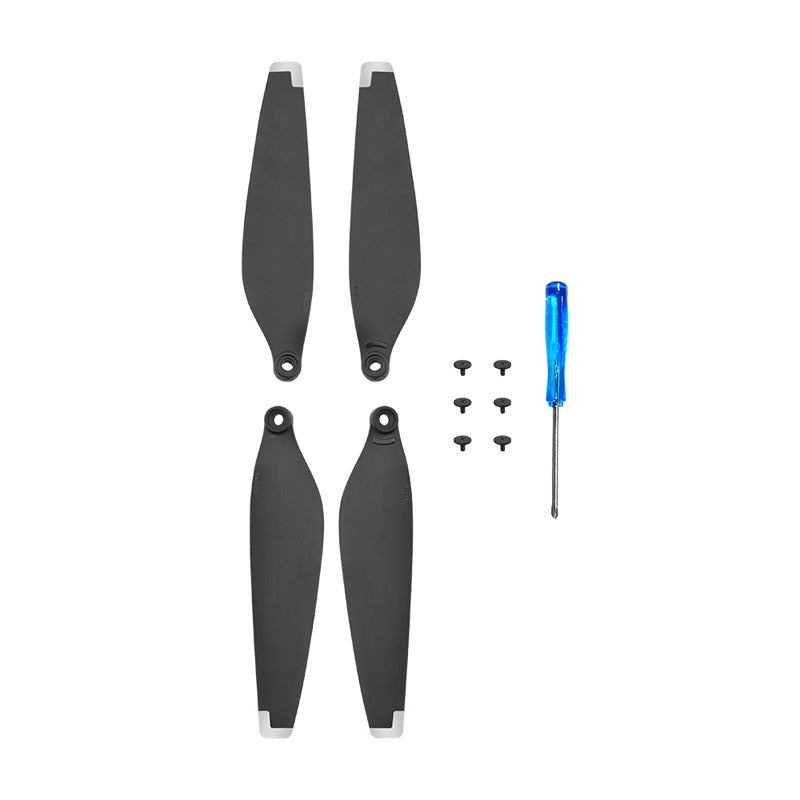

Swap in a matched set of low-noise blades and get back to flying the same day. Eight blades in four pairs come with twelve screws and a blue-handled screwdriver, so nothing else is needed for the change. Keep a spare pair in your bag and a cracked prop stops being a week-long problem.
Read the full descriptionSwap in a matched set of low-noise blades and get back to flying the same day. Eight blades in four pairs come with twelve screws and a blue-handled screwdriver, so nothing else is needed for the change. Keep a spare pair in your bag and a cracked prop stops being a week-long problem.
Low-noise replacement propellers designed for the DJI Mini 3 Pro
A cracked blade should not cost you a week of flying. Swap in a matched low-noise set with screws and a screwdriver already in the box.
Each blade seats on the hub with one screw. The included Phillips screwdriver does the job, so you do not need to hunt for a second tool before you fly.
The white tips stand out against the charcoal body. A quick look before takeoff shows whether all four rotors are turning the same way and whether a blade is out of line.
The blade profile is built for quieter outdoor flights. Fit a set on all four arms and the drone sounds calmer on a windy afternoon at the park.
Turn the drone off and check the damaged blade for cracks, chips or a bent tip. Any damaged blade should be replaced before the next flight.
Undo the single screw holding the blade on the hub with the blue screwdriver, then lift the blade off.
Seat the matched blade flat on the hub and start the screw by hand so it does not cross-thread.
Turn the screw until the blade sits firm. Stop there. Overtightening can strip the hole or crack the hub.
Turn the blade by hand and check it spins freely with no wobble before you power on.
4 pairs in two blade designs, charcoal with white tips
Spares for the quick-release hub
Fits the blade screws without extra tools
They are sold as replacement blades suitable for the DJI Mini 3 Pro. Each blade mounts with a single screw hole, the same layout the drone uses. Check each blade seats flat on its hub before you power on.
No. These are replacement blades for the Mini 3 Pro, sold separately from DJI. The white-tipped finish matches the look most pilots expect from OEM props, and the kit includes everything needed to mount them.
Each blade is fixed with a screw through the hub, so tighten until snug and check the blade does not wobble. Overtightening can strip the hole, so stop as soon as the blade sits flat and firm.
No measured decibel figure is published for this kit. The blade profile is built to cut noise on outdoor flights, and most pilots notice the difference most on calm, open-field days.
The kit gives you 8 blades in 4 pairs, plus 12 screws and a screwdriver. Buying single replacements after each crash adds up quickly, and a spare pair in your bag means one hard landing does not ground you for a week.
Keep one design on all four rotors so thrust stays even, then keep the other pair as a spare. Mixing designs on one drone can cause vibration.


 DJI Mini 3 Pro Low-Noise Replacement Propellers Set