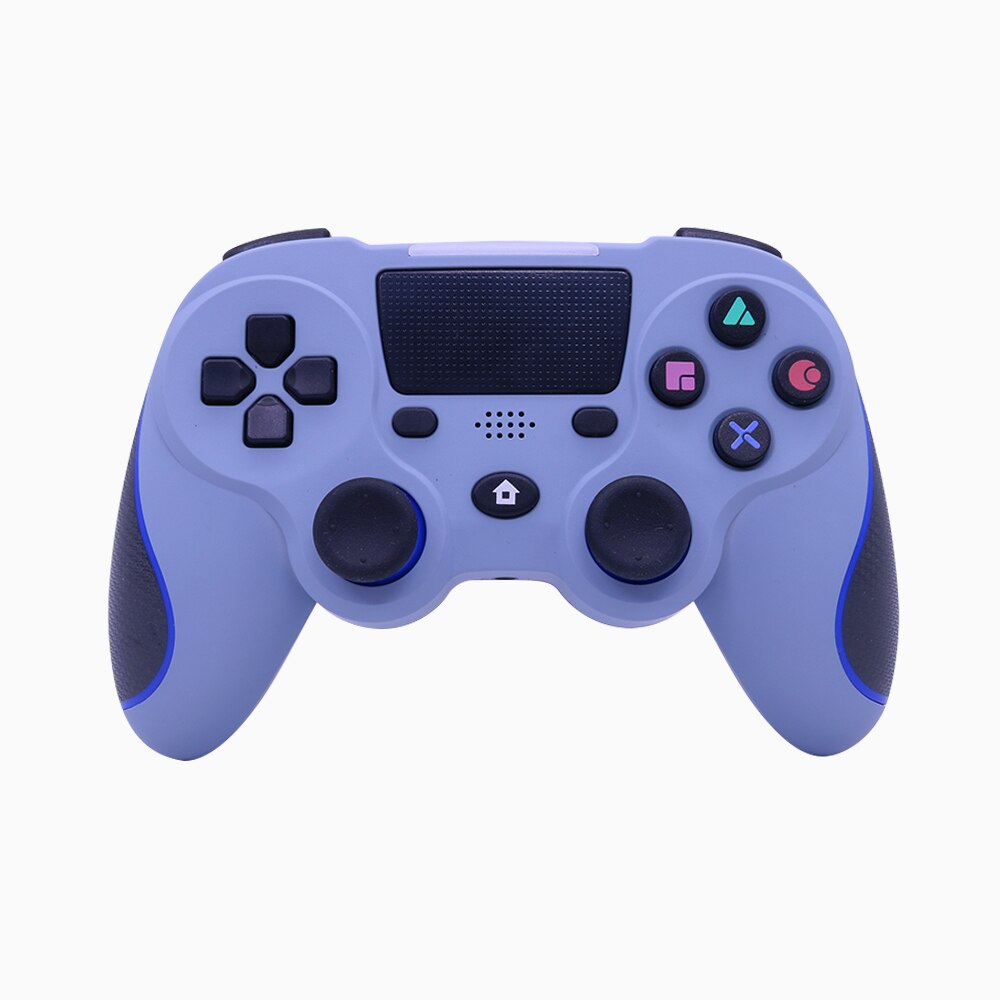
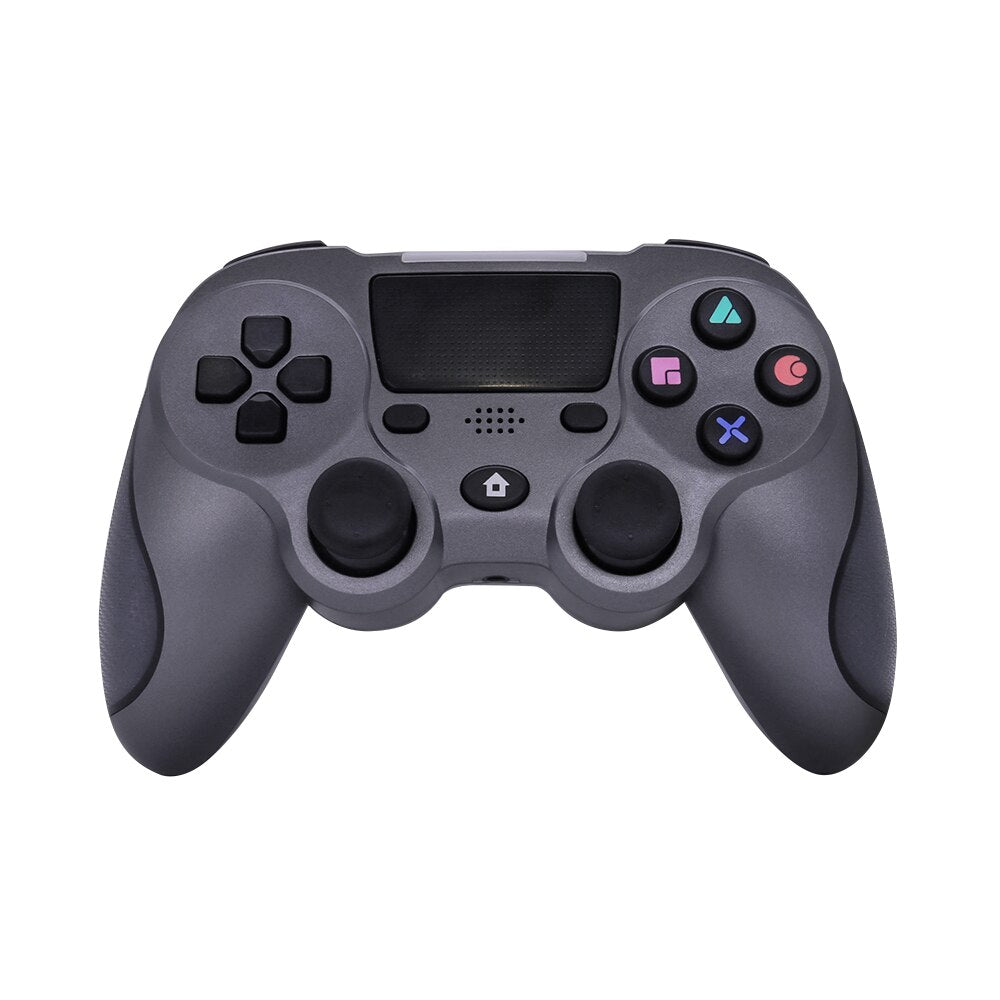
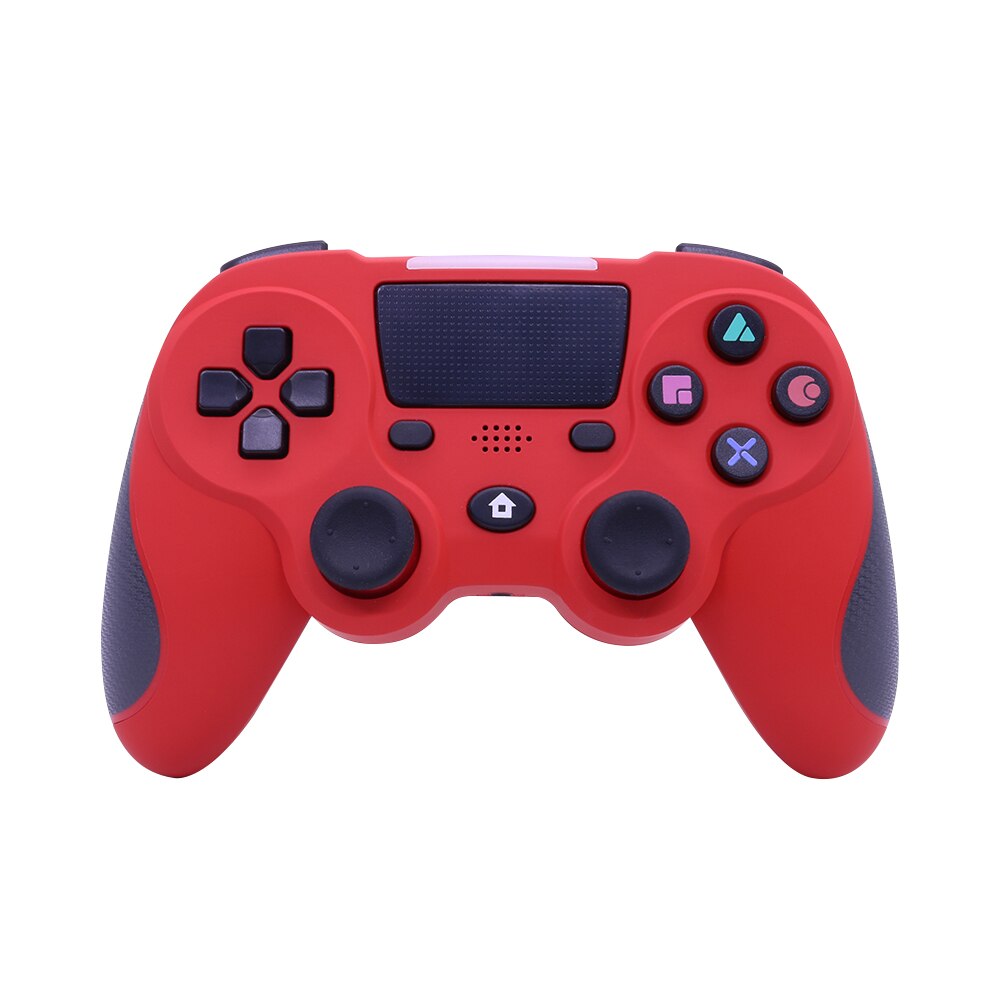
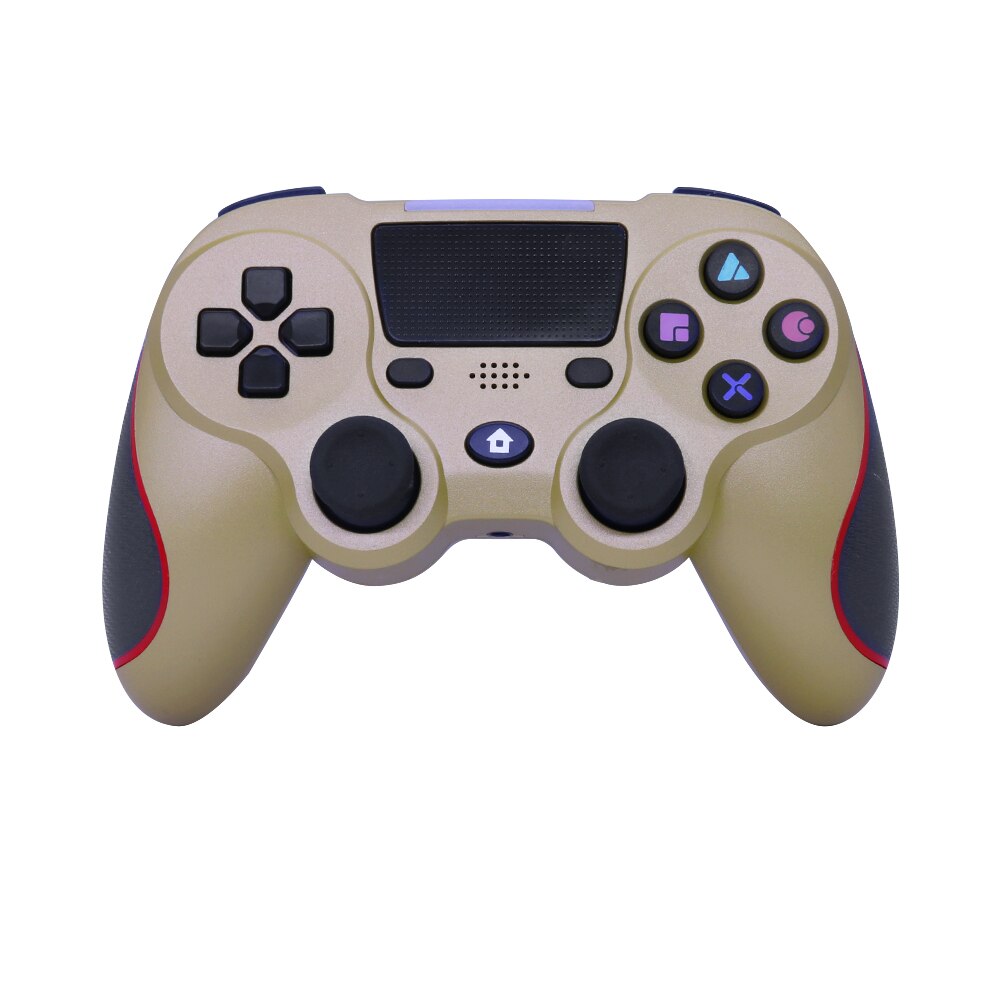
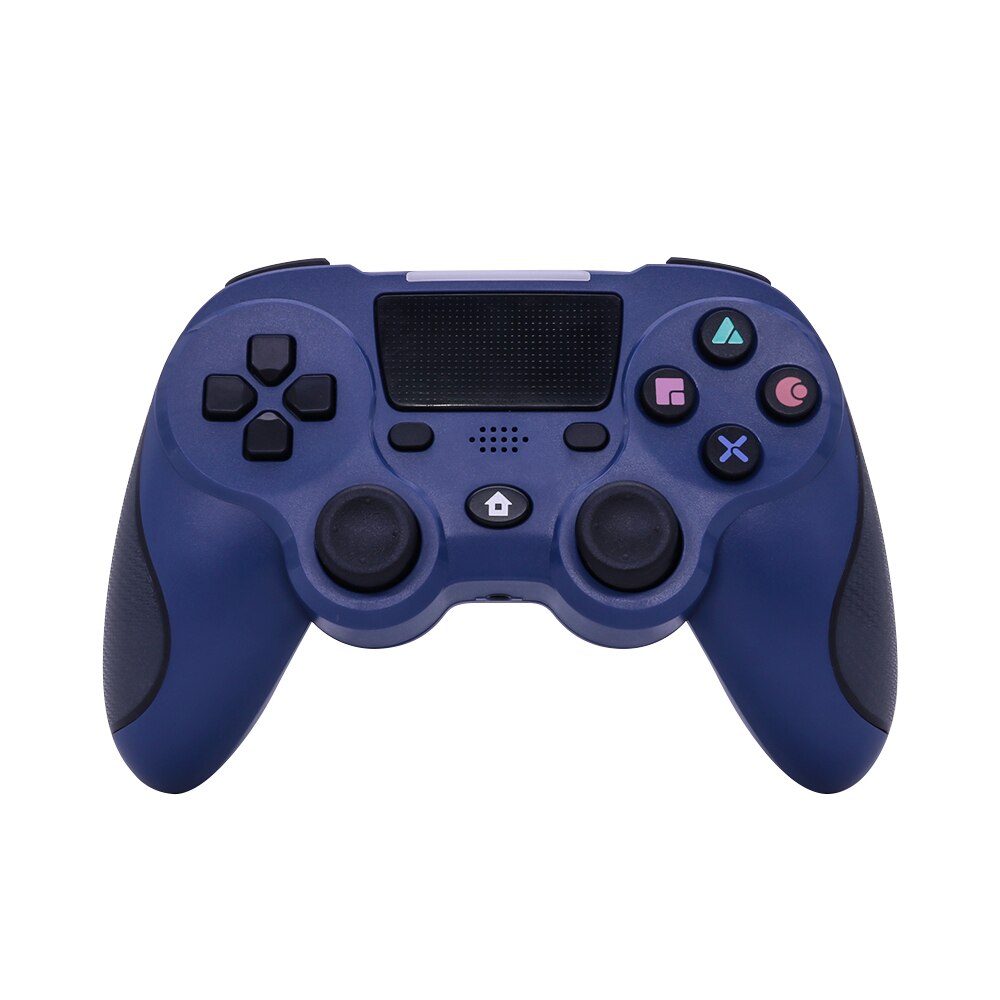
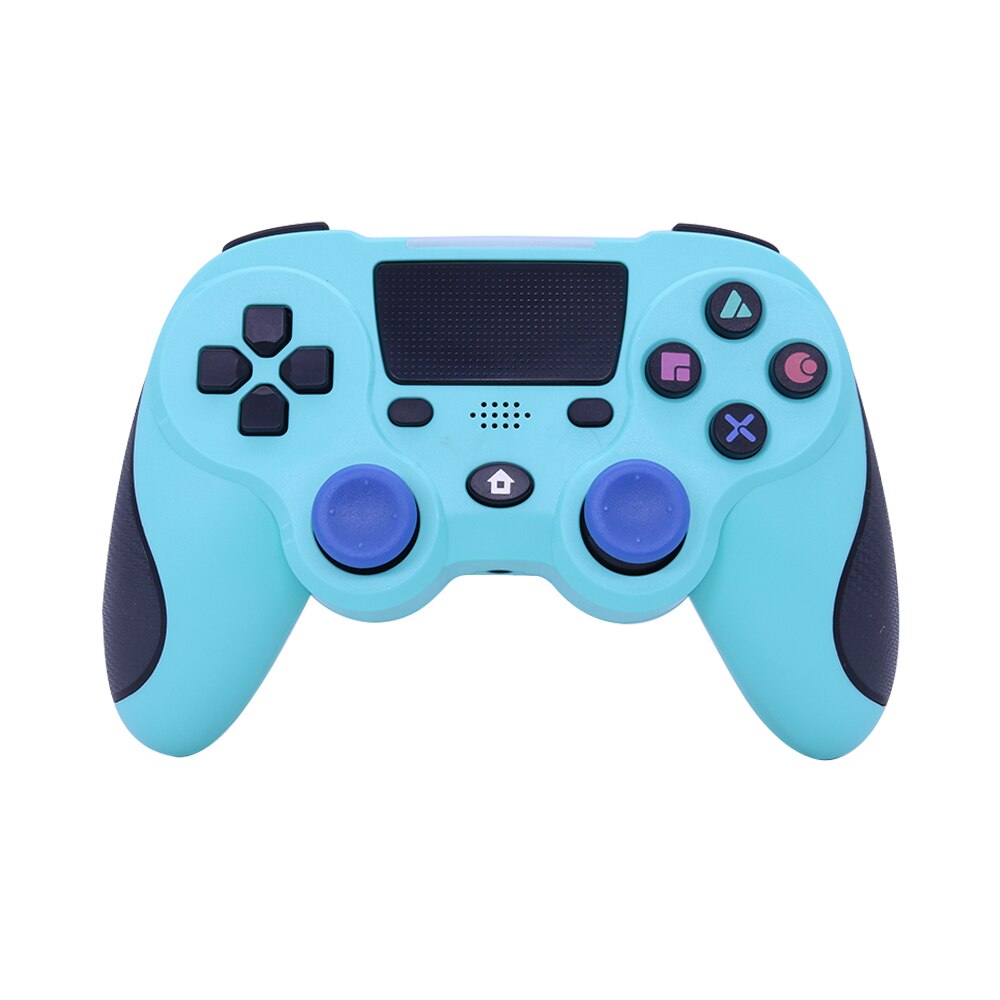
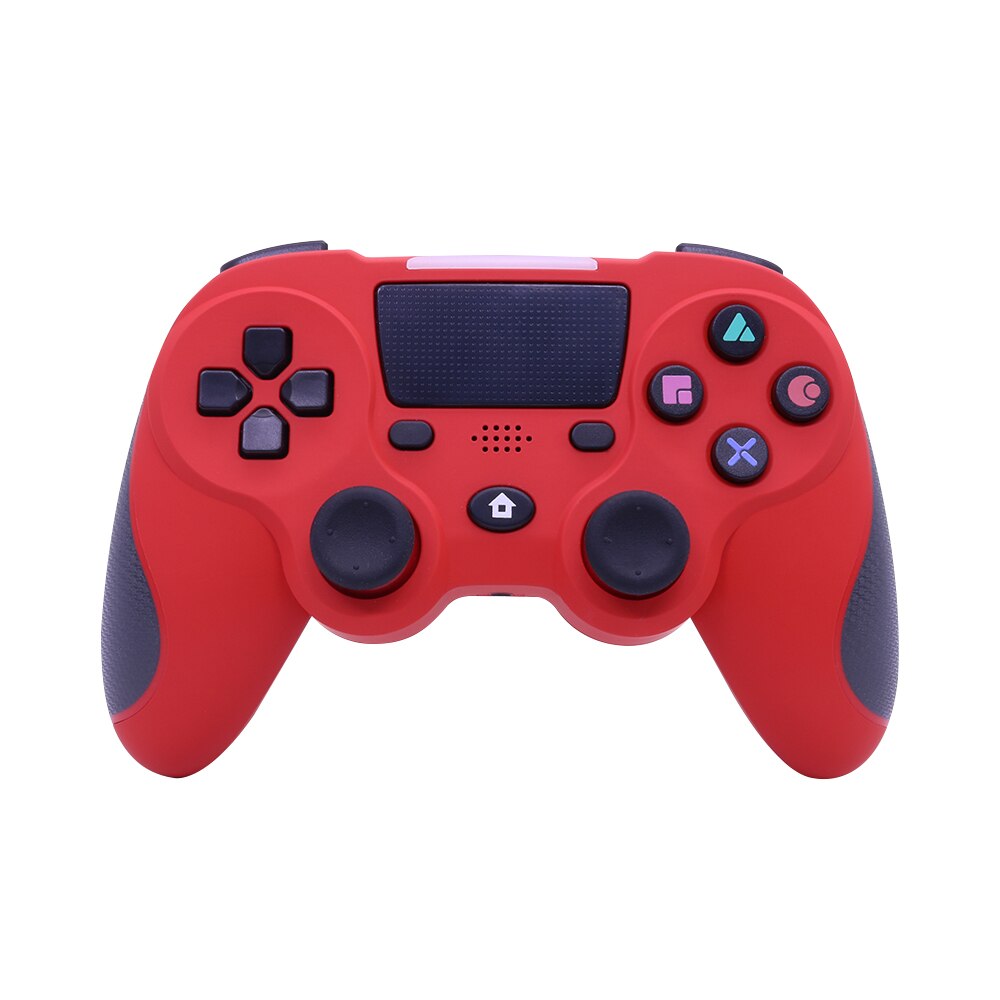
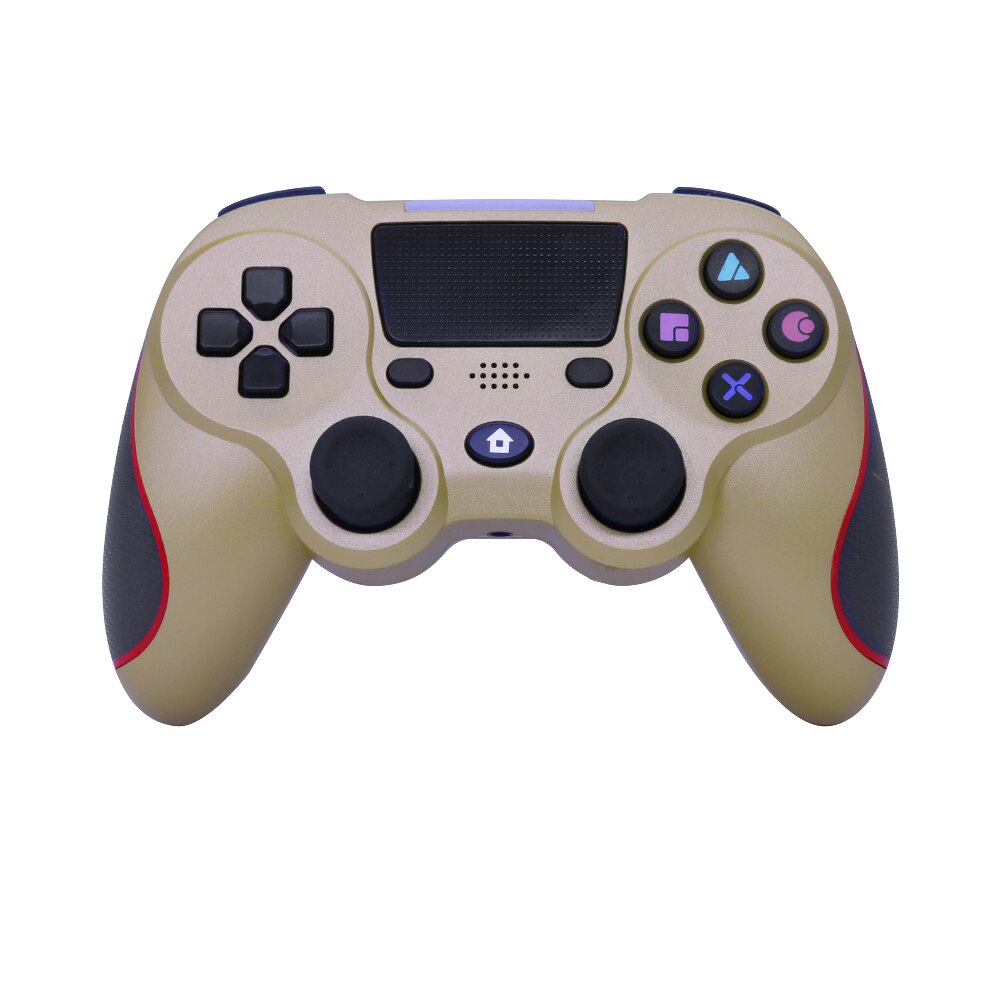
Wireless P4 Gamepad Controller With Dual Vibration
Play P4 your way—wireless and in control
Stop wrestling with a cable or cramped grips during long sessions. Get the tactile, connected control and immersive feedback your multiplayer setup needs.

Every Input Within Reach
The useful difference is in the way the controls work together during real home gaming.

Move With Freedom
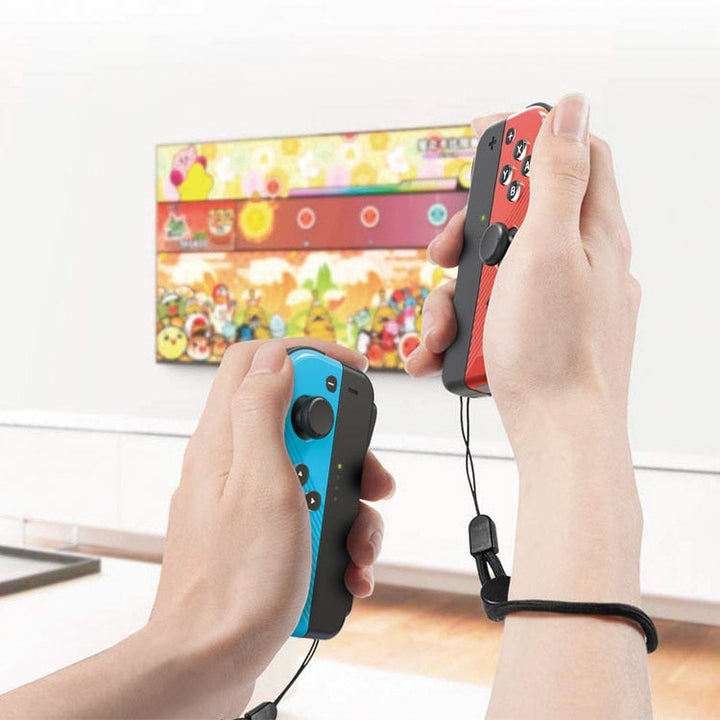
Bluetooth connectivity removes the need to stay tethered to the console during home gaming and multiplayer sessions. Put the cable aside while you move, aim, and settle into the couch.

Feel Every Moment
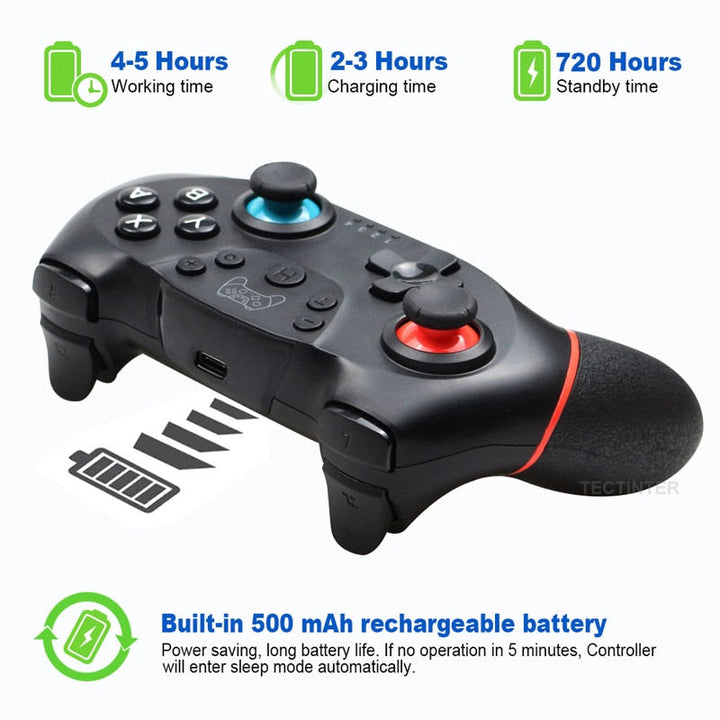
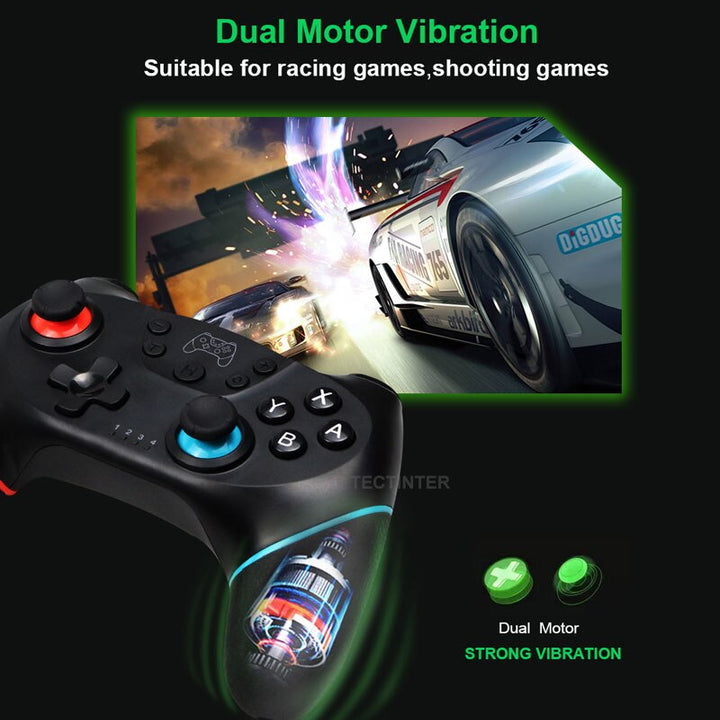
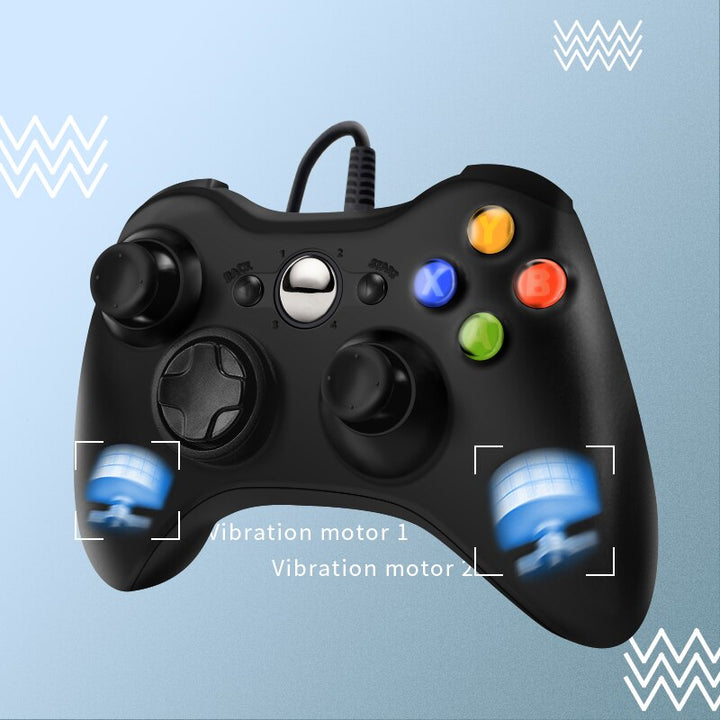
Dual vibration, six-axis motion sensing, and the illuminated light bar add physical and visual feedback to compatible gameplay. Inputs feel more connected than they do on a basic controller with only buttons.

Reach Every Control
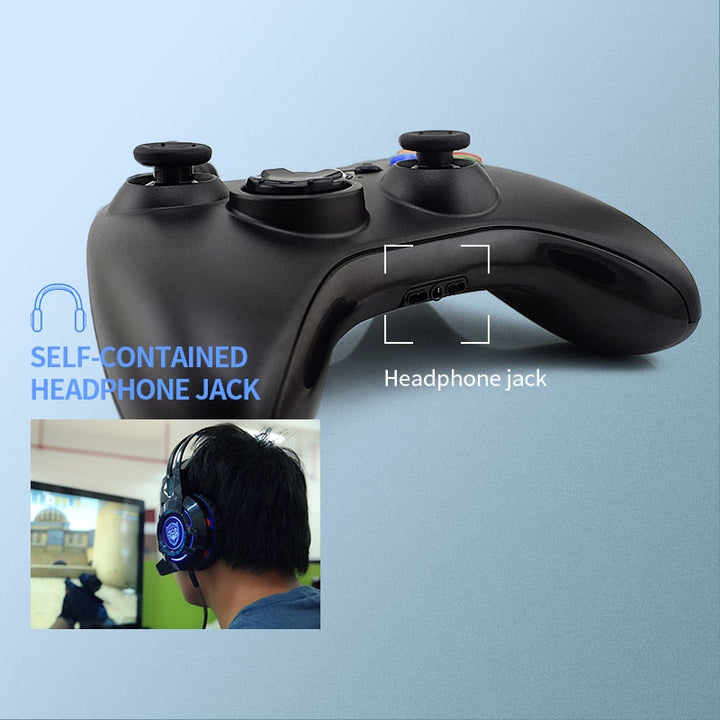
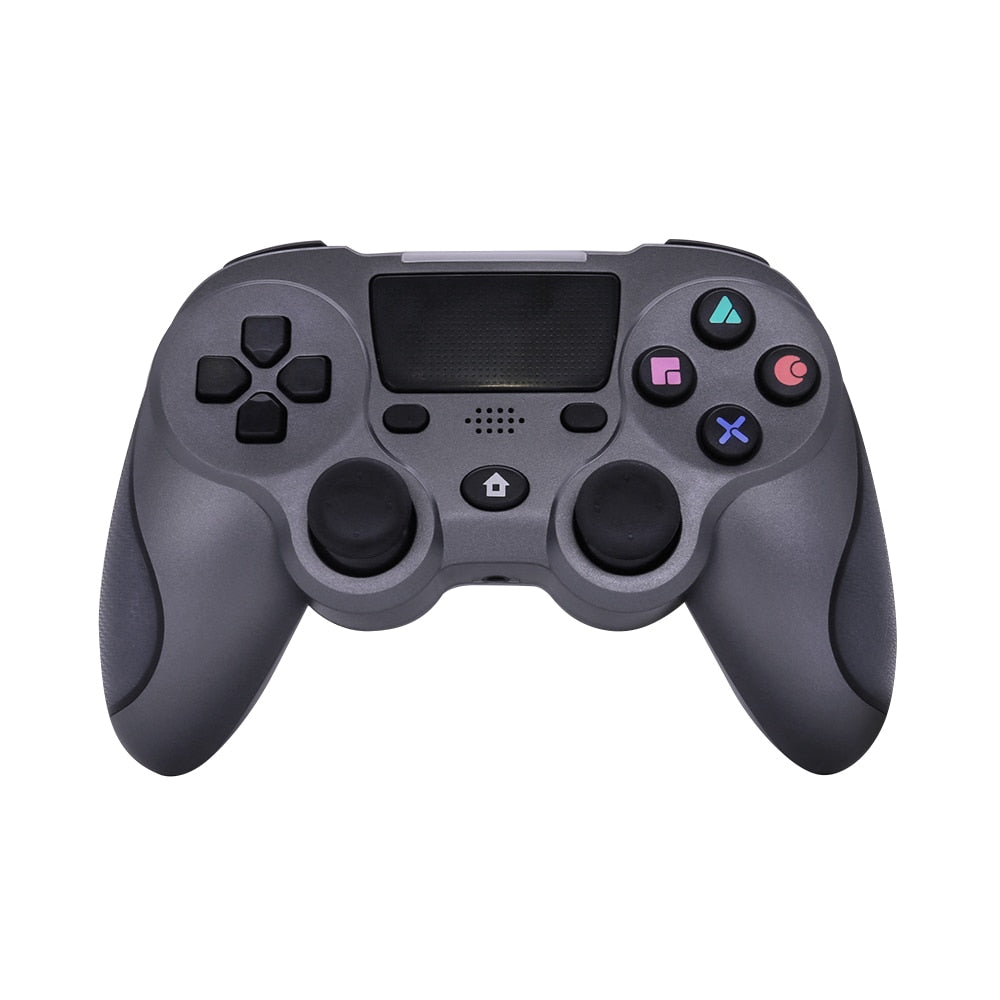
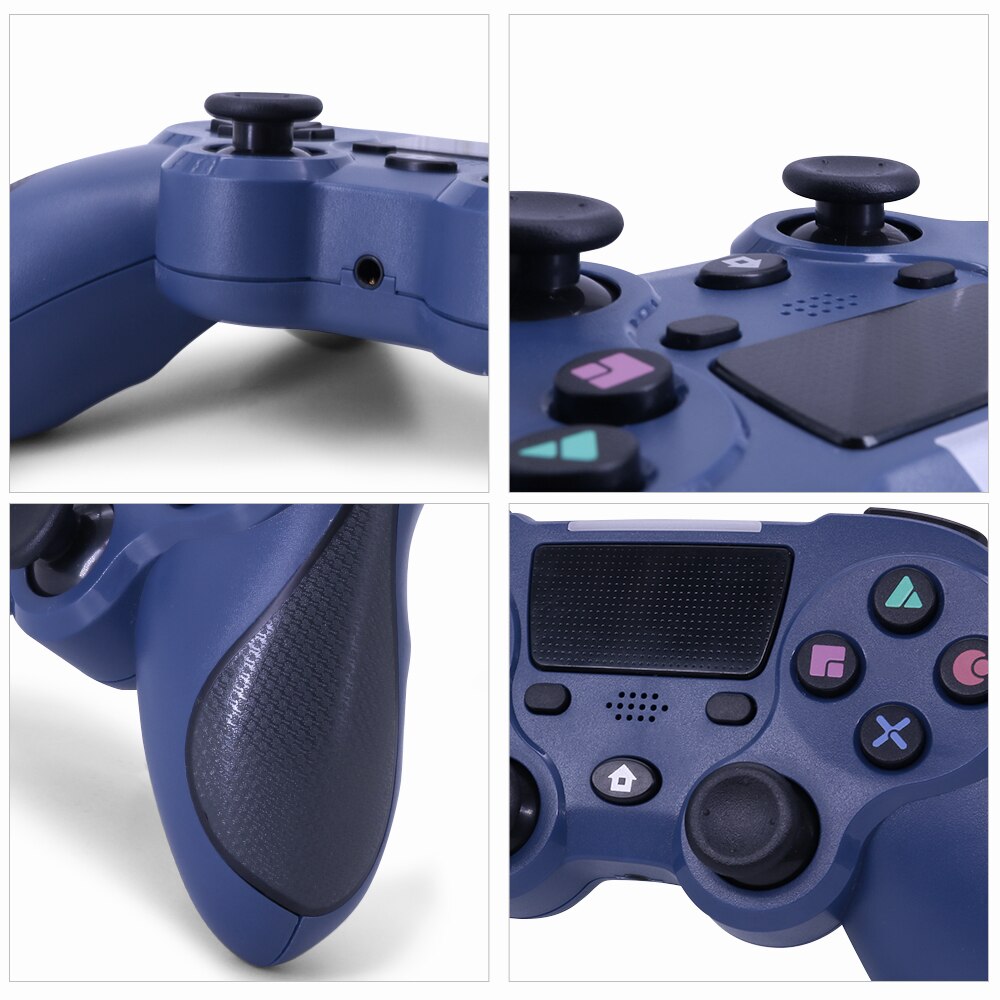
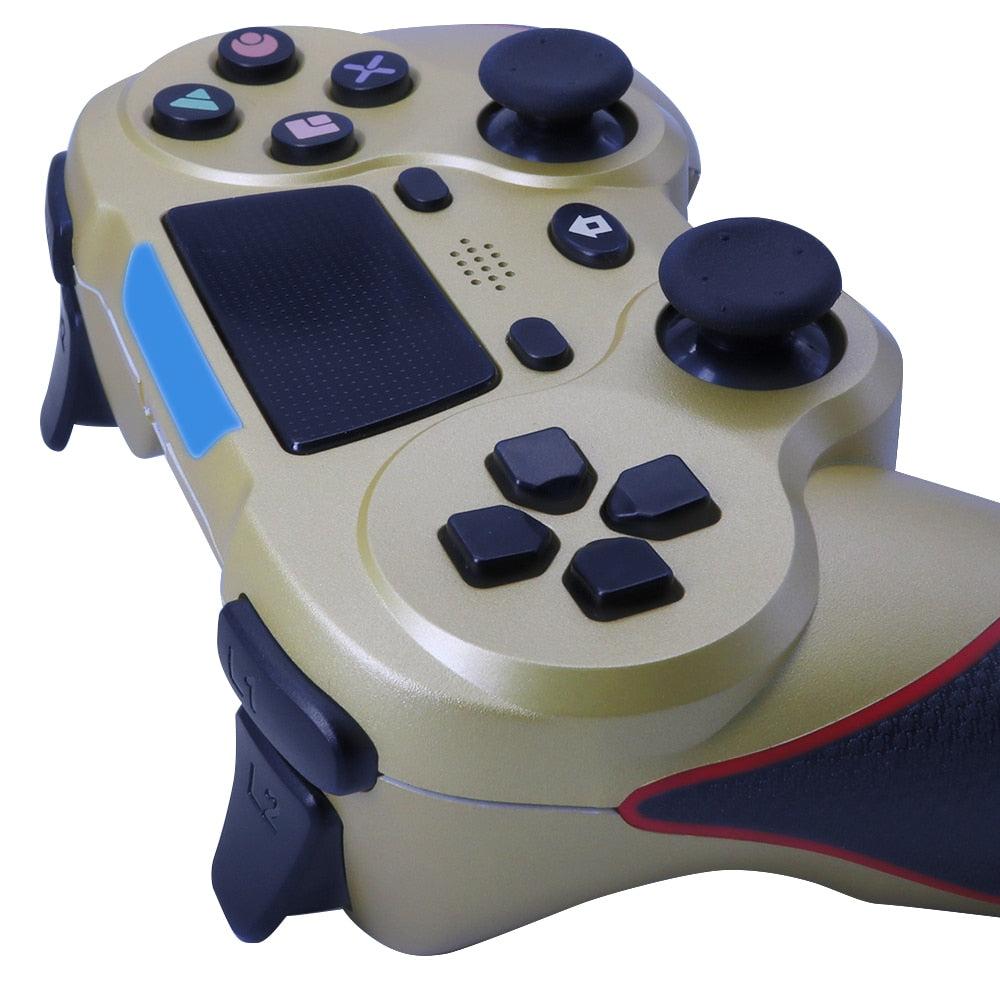
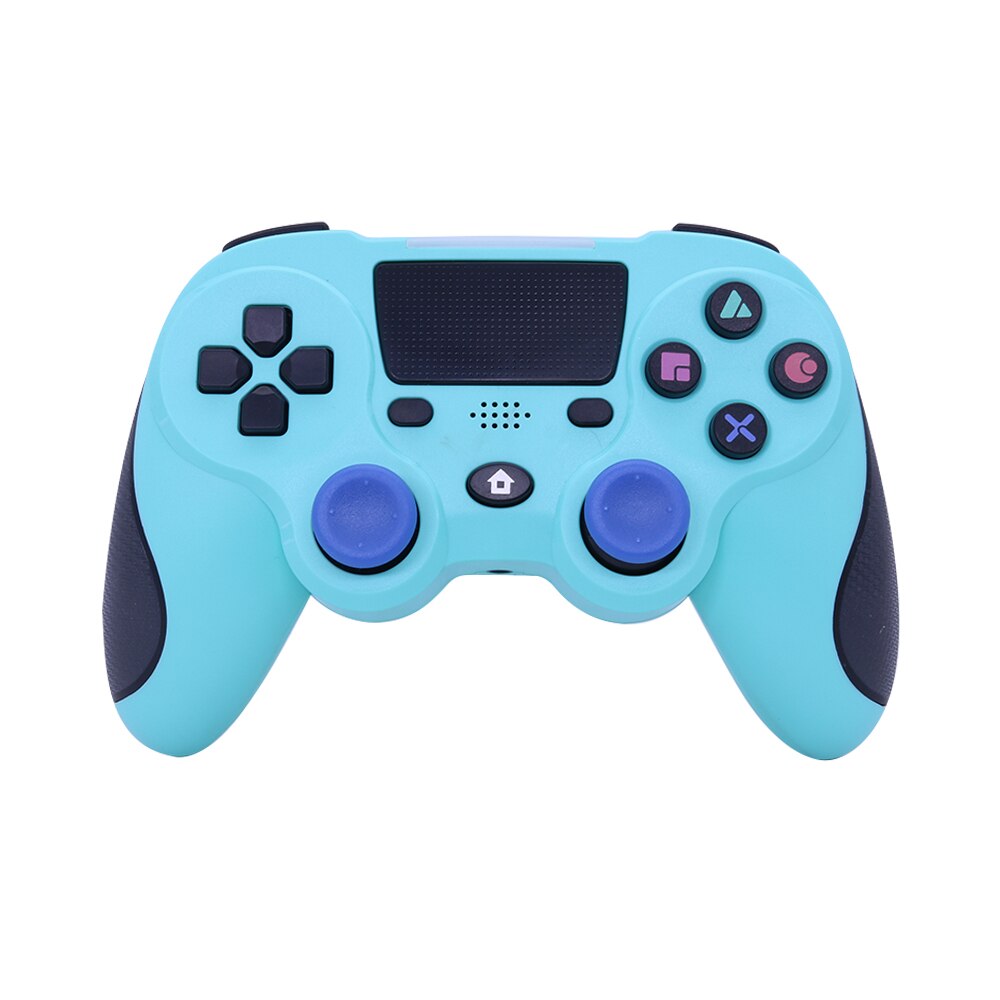
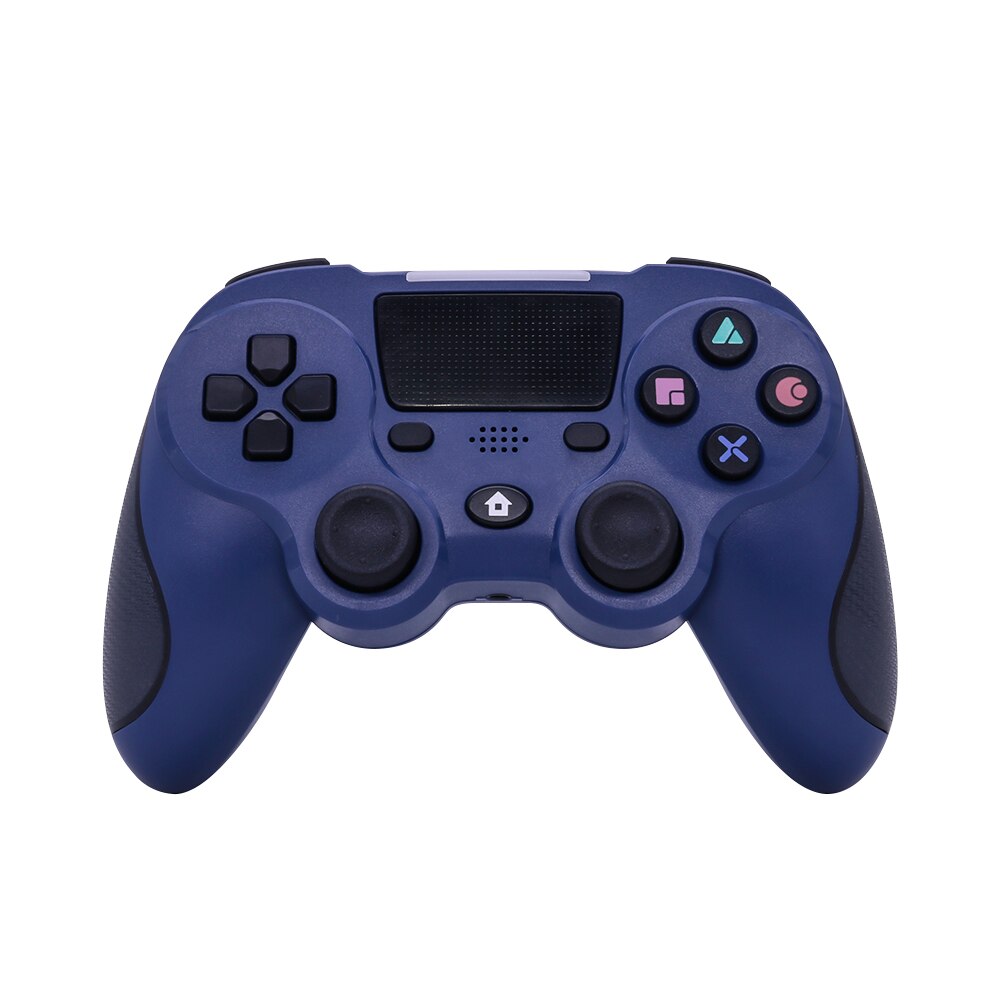
Dual analog sticks, a directional pad, four action buttons, shoulder triggers, a touchpad, and a 3.5mm audio jack keep core P4 inputs accessible across different games.
Hold On Comfortably
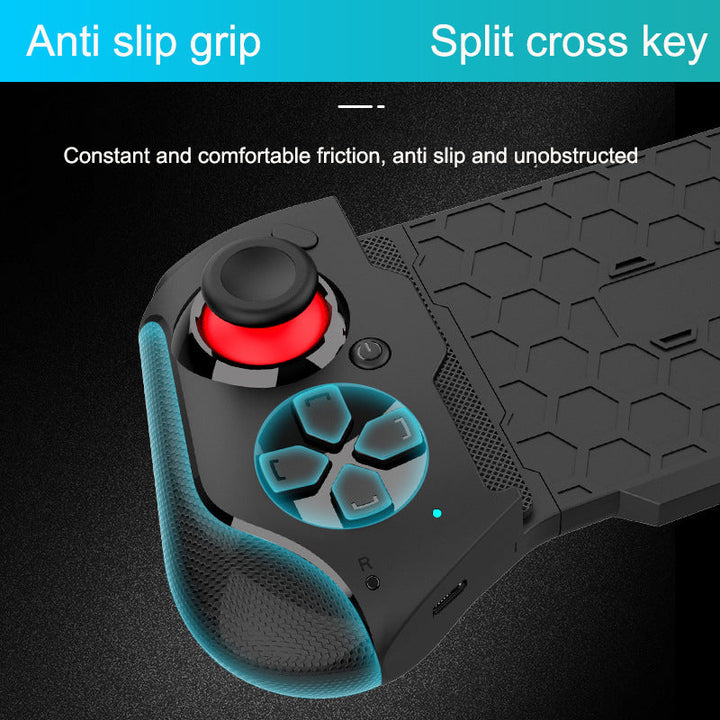
Textured molded-plastic grips give your hands a more secure, tactile hold during extended console sessions. The finish is practical rather than luxury, with a shape made for steady everyday play.
Connect, Pair, Play
Move from the package to a wireless session with a simple setup routine.
Charge The Controller
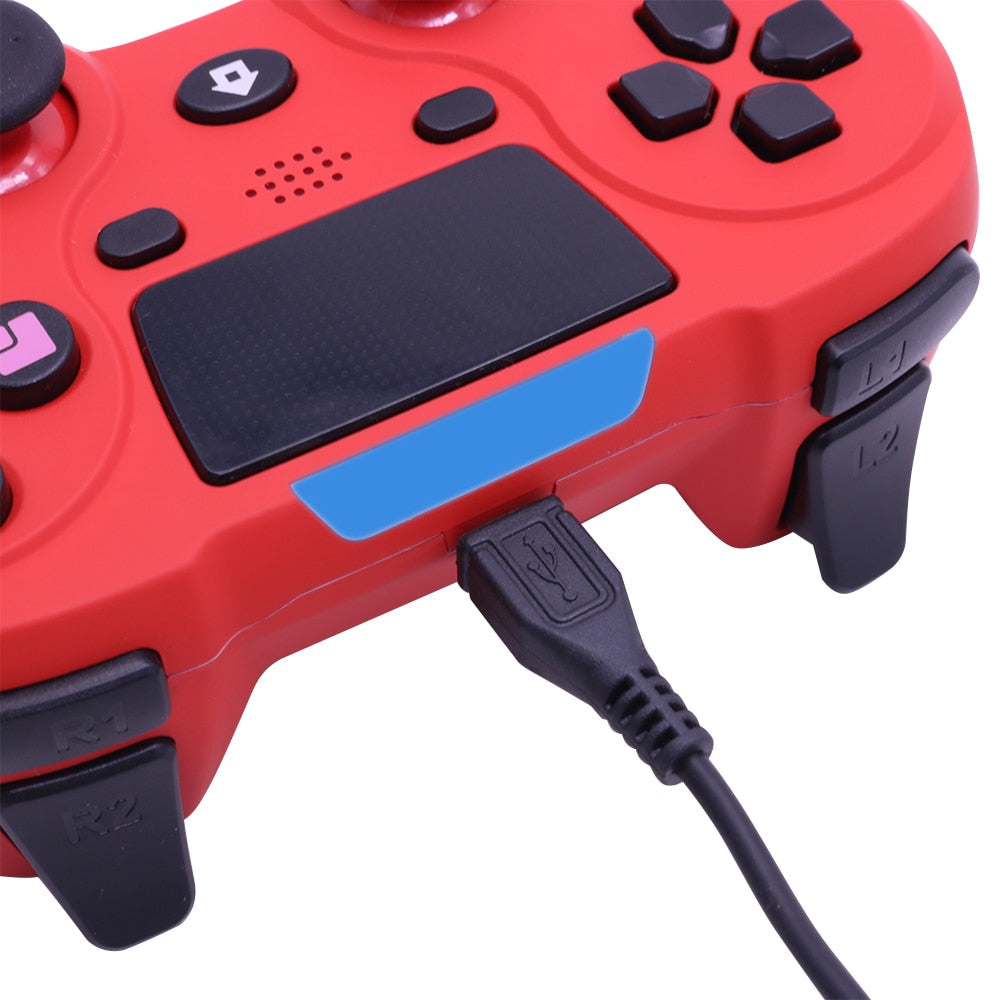
Connect the gamepad to power with the included USB charging cable before your first extended session.
Open Your P4 Pairing Menu
Use your console's controller connection process and keep the gamepad close while pairing.
Test The Main Inputs
Check both analog sticks, the directional pad, action buttons, shoulder triggers, touchpad, and light bar from a low-stakes game or settings screen.
Settle Into Play
Once connected, keep the cable clear of your play area and use the textured grips for a steady hold.
The Numbers Behind Play
A quick look at the connection, motion, and audio details shoppers ask about first.
More Freedom, More Control
Choose the setup that fits the way you actually play.
| This wireless P4 gamepadBEST FIT | Wired or basic spare | |
|---|---|---|
| Wireless play | Yes | No or partial |
| Touchpad input | Yes | Partial |
| Motion sensing | Six-axis | Partial |
| Vibration feedback | Dual vibration | Partial |
| 3.5mm audio jack | Yes | Partial |
| Textured ergonomic grips | Yes | Partial |
| Useful as a multiplayer spare | Yes | Yes |
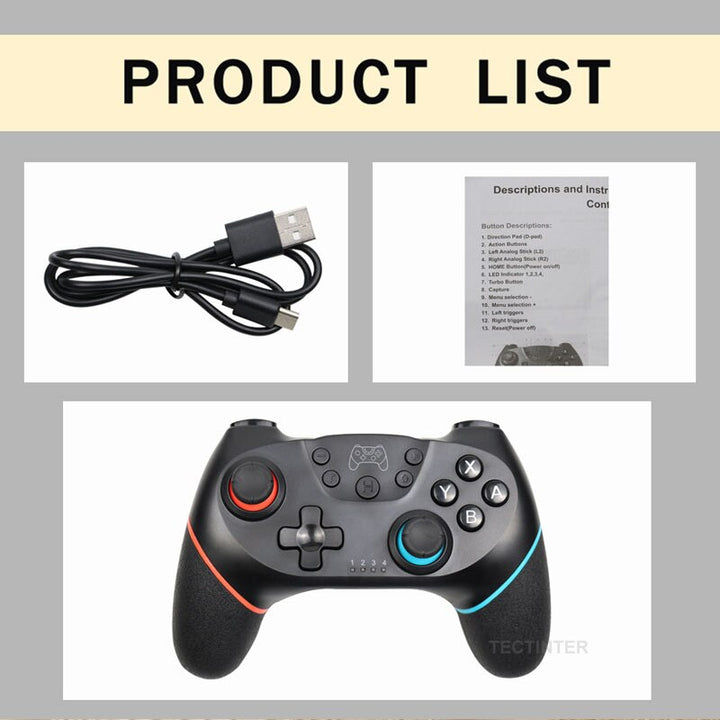
Everything Shown Included
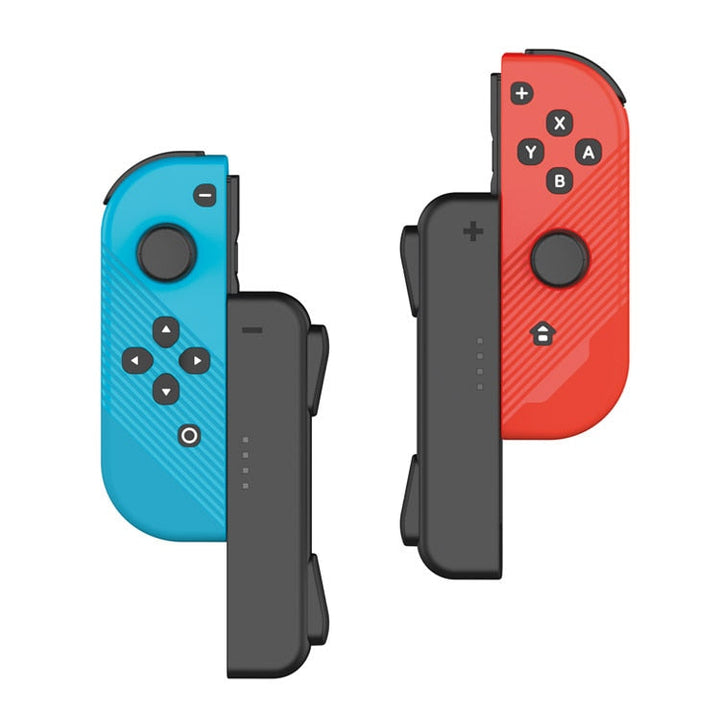
The visible two-item package keeps the spare-controller decision straightforward.
From Tethered To Ready
A familiar control layout, wireless freedom, and physical feedback turn a frustrating setup into one you can settle into.

When The Cable Gets In The Way
Long sessions are harder when a cable pulls across the room and a cramped grip keeps your hands tense. Wired or aging spare controllers can also leave important inputs feeling crowded.

The Complete Wireless Setup
This P4-compatible wireless gamepad brings dual sticks, the directional pad, action buttons, shoulder triggers, touchpad, motion sensing, vibration, and a light bar into one familiar layout. Connect it for a cleaner place to play, then reach the controls without shifting your hands.

Ready For The Next Session
Keep a charged controller nearby for the next guest, replacement moment, or extended story game. The textured grips, touchpad input, illuminated feedback, and familiar button map give your setup the practical second option it has been missing.
About this item
Settle into wireless P4 play with complete controls, textured ergonomic grips, and feedback you can feel.
Wireless Bluetooth P4-compatible control with immersive vibration and motion sensing
- uncomfortable extended gaming
- limited control precision
- cable-restricted gameplay
- lack of immersive feedback
Questions Before You Play
Straight answers about compatibility, comfort, controls, and the value of keeping a second gamepad ready.
Explore More Gaming
You might also like