
$64.90
Free delivery · 7–14 days
Wireless PS4 Controller for Precise, Comfortable Gaming


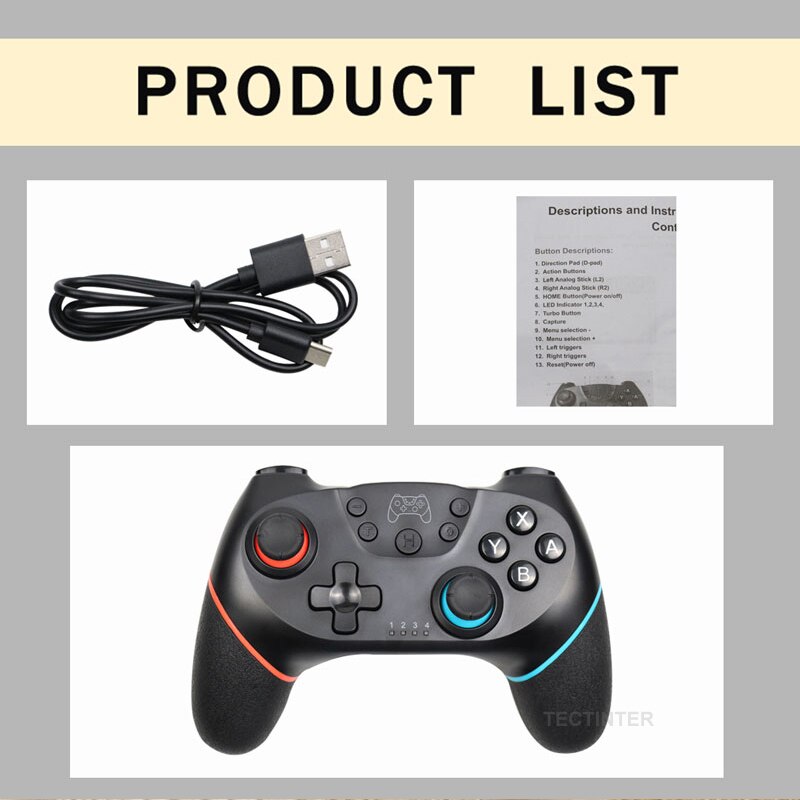

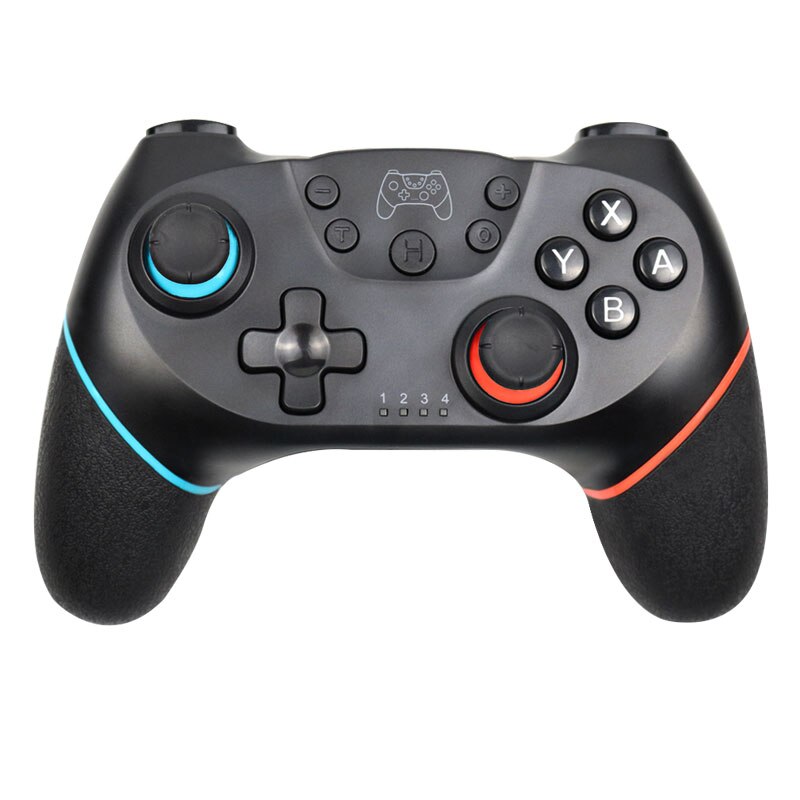

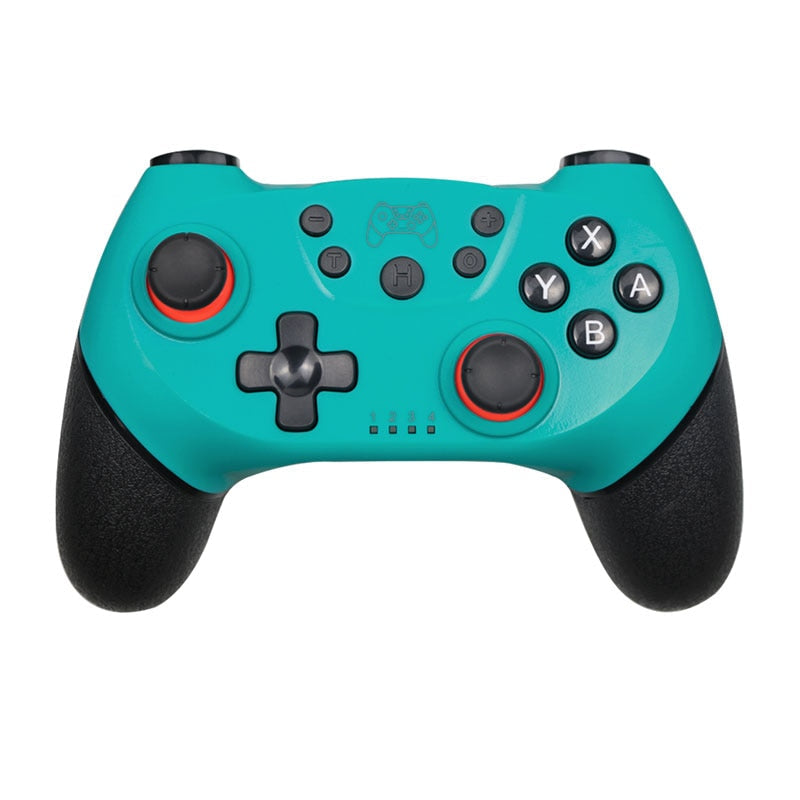

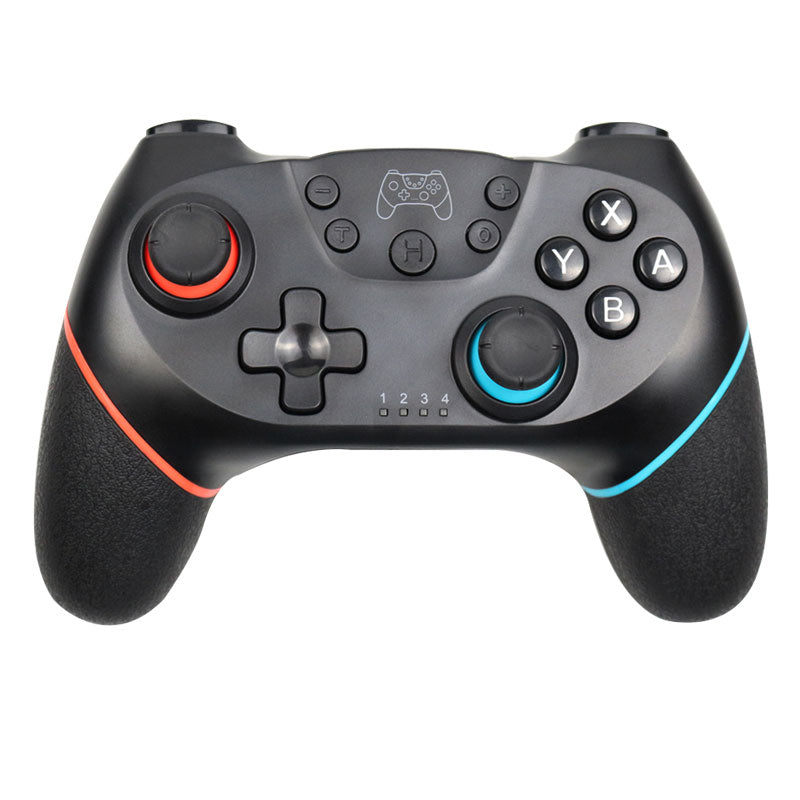
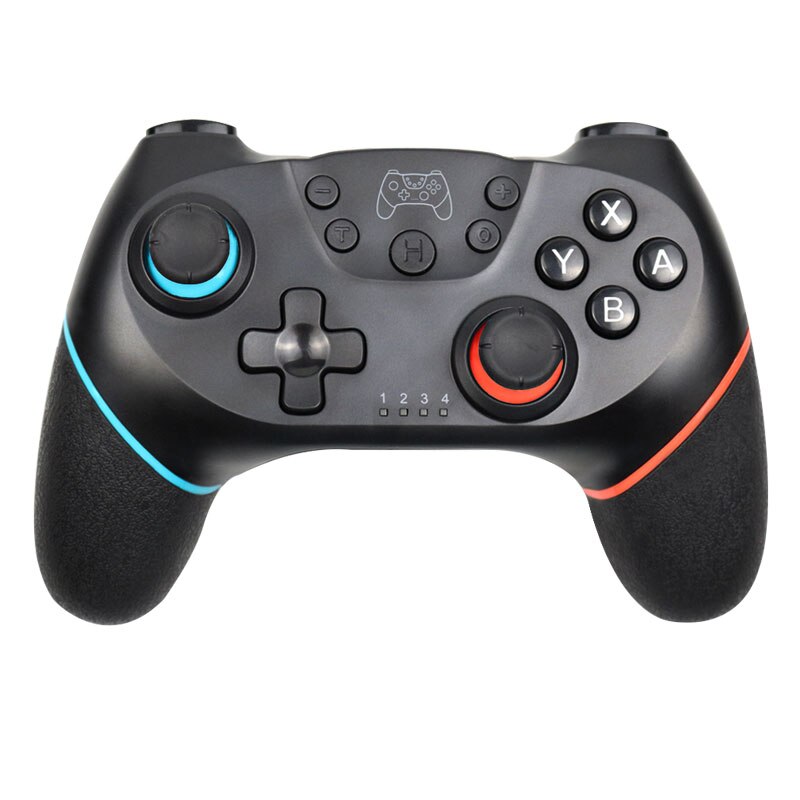
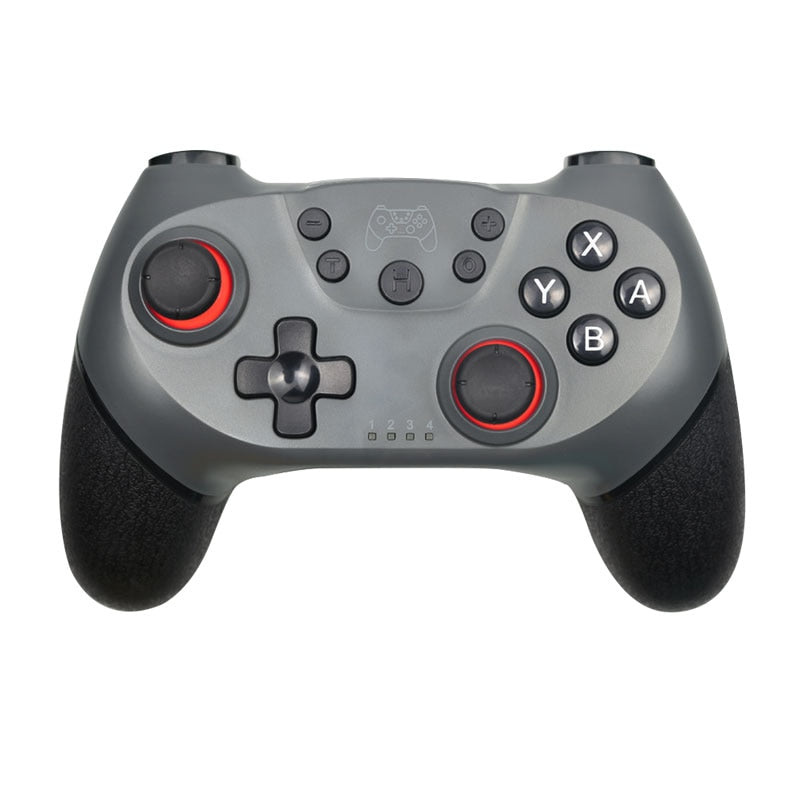

Leave the cables behind. This wireless gamepad delivers dual motor vibration and responsive motion controls in a comfortable, ergonomic shell – built for Nintendo Switch gamers who want to feel…
Read the full descriptionLeave the cables behind. This wireless gamepad delivers dual motor vibration and responsive motion controls in a comfortable, ergonomic shell – built for Nintendo Switch gamers who want to feel…
Wireless Bluetooth gamepad with dual motor vibration and 4-5 hour battery for Nintendo Switch gaming
Immerse yourself in every race, every firefight. Dual motor vibration puts the action in your hands, with 4‑5 hours of play per charge and a rock‑solid Bluetooth connection.

Two independent vibration motors deliver nuanced feedback. A sharp rumble for explosions, a rhythmic buzz for engine revs – it transforms gameplay into a physical experience.

Bluetooth 5.0 pairs instantly with your Switch, Switch Lite, or OLED model. No lag, no interference – just 10 meters of freedom from the dock.

Matte‑plastic handles with a fine texture prevent slipping during sweaty matches. The shape mimics the official Pro Controller, so your muscle memory fits right in.
Plug the USB‑C cable into the controller and a power source. A full charge takes 2‑3 hours.
Turn on the console and navigate to Controllers → Change Grip/Order.
Hold the small button on the top of the controller until the LED rings flash rapidly.
The controller appears as ‘Pro Controller’ on screen. Tap it to complete pairing.
The LEDs will stay solid. Launch your game – the controller is ready.
USB‑C to USB‑A
Quick start guide

A cable tethering you to the dock. A controller that barely vibrates, leaving the action flat. Battery anxiety after an hour of play. It breaks the immersion and puts your session on pause.
This gamepad connects directly via Bluetooth – no dongles, no cables. Dual asymmetric motors kick in with every explosion, collision, and skid. 6‑axis motion sensing adds a layer of control you didn’t know you needed.

4‑5 hours of untethered gaming. A 500 mAh battery that recharges in 2‑3 hours. Textured grips that fit your hands perfectly. Suddenly, marathon sessions are the new normal.
No moisture exposure. Dry hands before use.
Wipe with a soft, dry cloth. Avoid solvents.
Use the included cable. Unplug once full.
Avoid drops and extreme temperatures.
Yes. It connects via Bluetooth just like with the standard Switch or OLED model. No dock required.
You'll get around 4 to 5 hours of continuous play with vibration enabled. Recharge takes about 2-3 hours via USB‑C.
Absolutely. The built‑in 6‑axis gyroscope works with games like Splatoon, Zelda, and Fortnite that support motion aiming.
You’re getting the same core features – Bluetooth, rumble, motion – in a third‑party build. The cost per hour of entertainment is far lower, making it a smart pick for multi‑controller households.
In our testing, latency was imperceptible. Bluetooth 5.0 maintains a stable connection up to 10 meters.


 Bluetooth Gamepad for Nintendo Switch — Wireless Pro