Skip to content
Home Game Controllers Mobile Gaming Controller ...
1/7 Similar
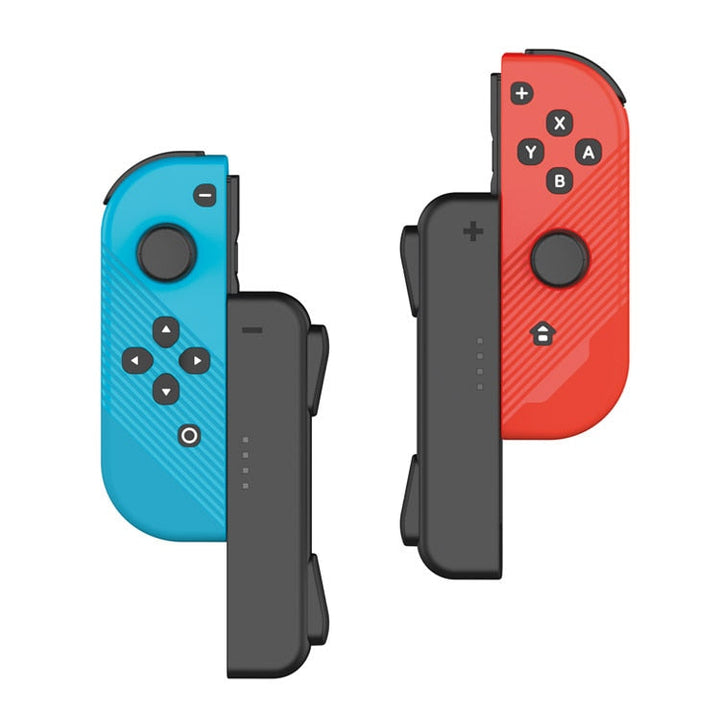
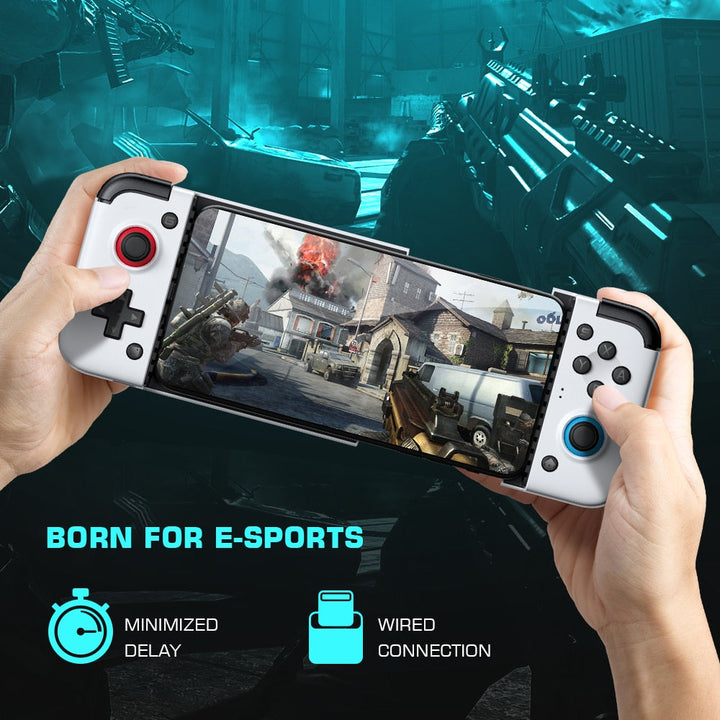
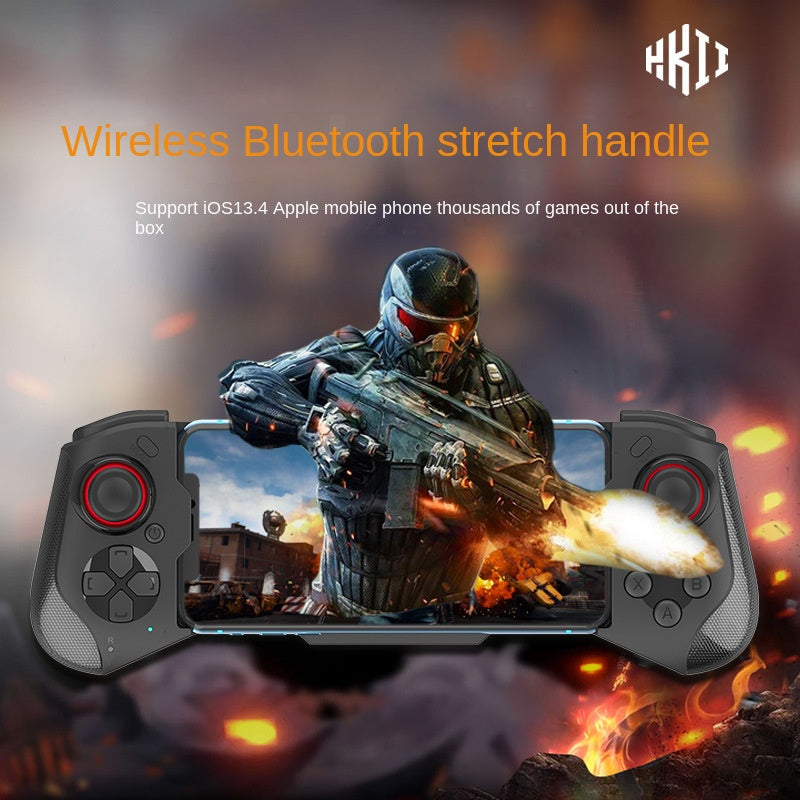
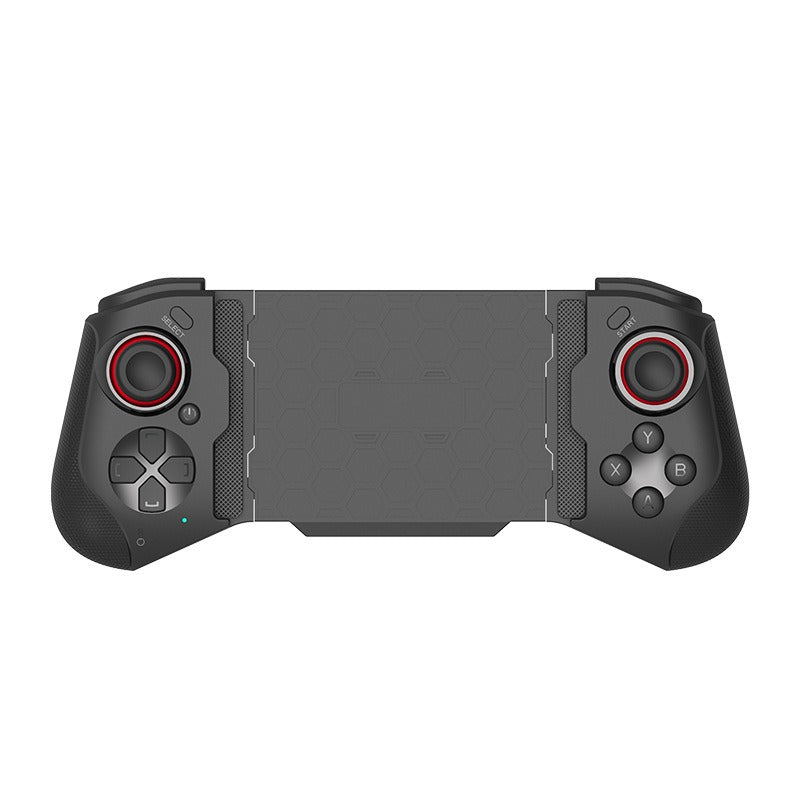
Mobile Gaming Controller With Wireless Dual Joysticks
-33%
In stockmobile gaming controller Buyer protection
wanelo Original

Mobile Gaming Controller With Wireless Dual Joysticks

Color: MOCUTE-060(Black)
Connectivity
Wireless Bluetooth
Joysticks
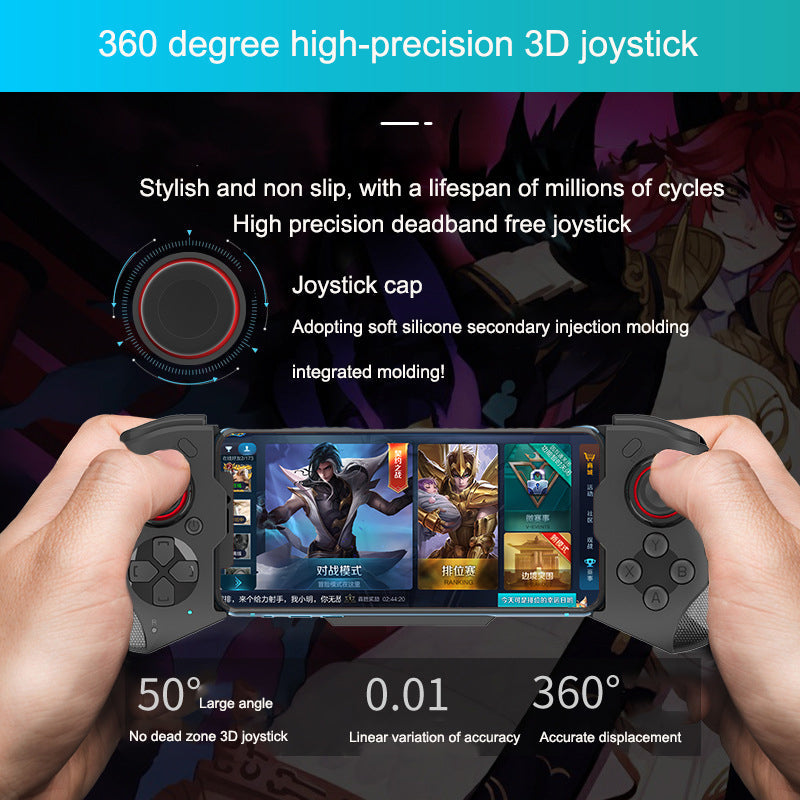
Dual high-precision 3D joysticks
Joystick movement
360° displacement
Joystick angle
50° large angle
Joystick presses
L3 and R3
Directional control
Split cross key
Grip
Textured anti-slip plastic
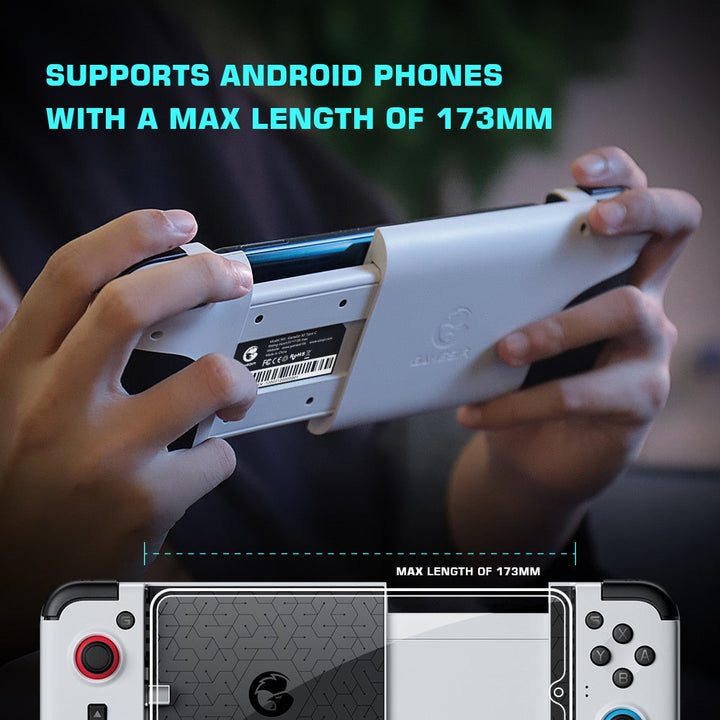
Phone support
iOS13.4 Apple mobile phones
Touchscreen Upgrade

Turn every match into confident control

Stop fighting cramped touch controls, slippery phones, and imprecise aim. Bring physical joysticks, shoulder controls, and a steadier six-finger setup to mobile gaming.

CONTROL DIFFERENTLY

Built For Precise Mobile Input

Every major control answers a limitation of touchscreen play, from crowded inputs to an unstable phone.

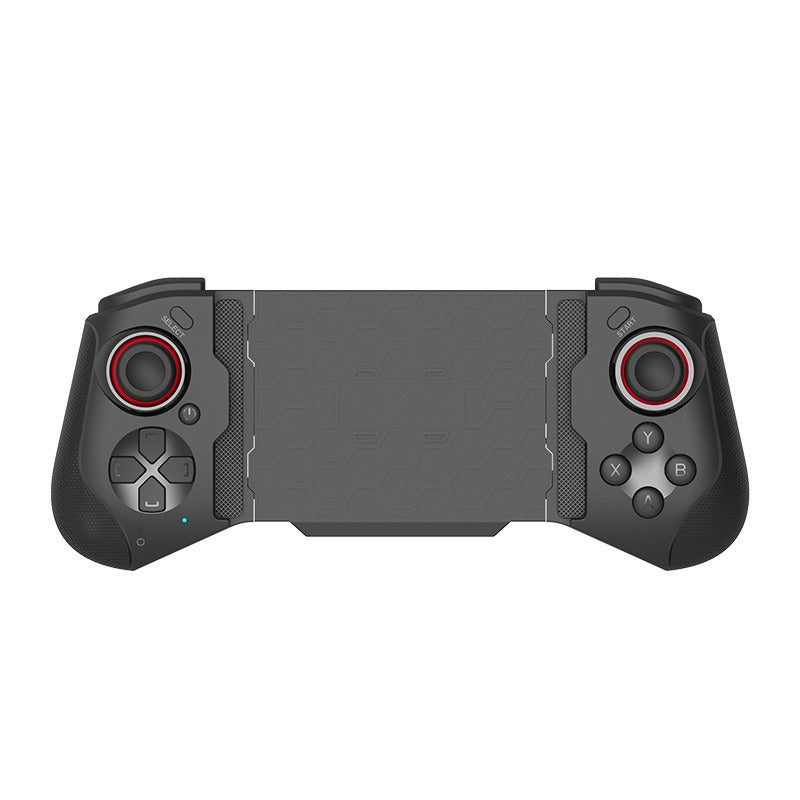
Dual high precision joysticks shown on controller
DUAL JOYSTICKS

Aim with precision

The two high-precision 3D joysticks provide physical movement and aim input, with 360° displacement and a claimed deadband-free design.

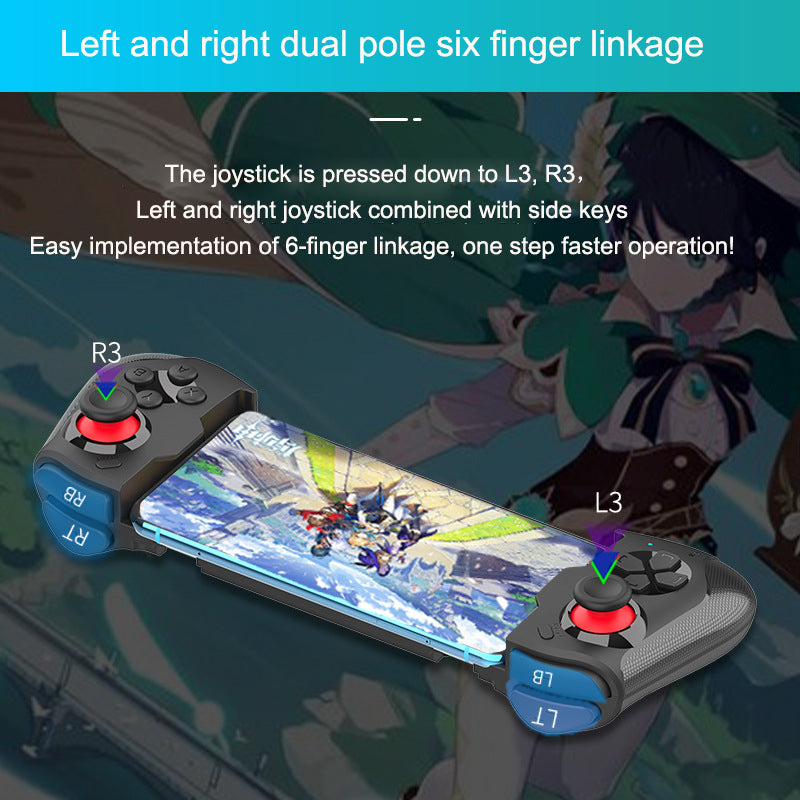
Controller shoulder keys and L3 R3 controls
SIX-FINGER CONTROL

Unlock more inputs

L3/R3 press functions, shoulder side keys, and the split cross key let players distribute actions beyond the touchscreen.

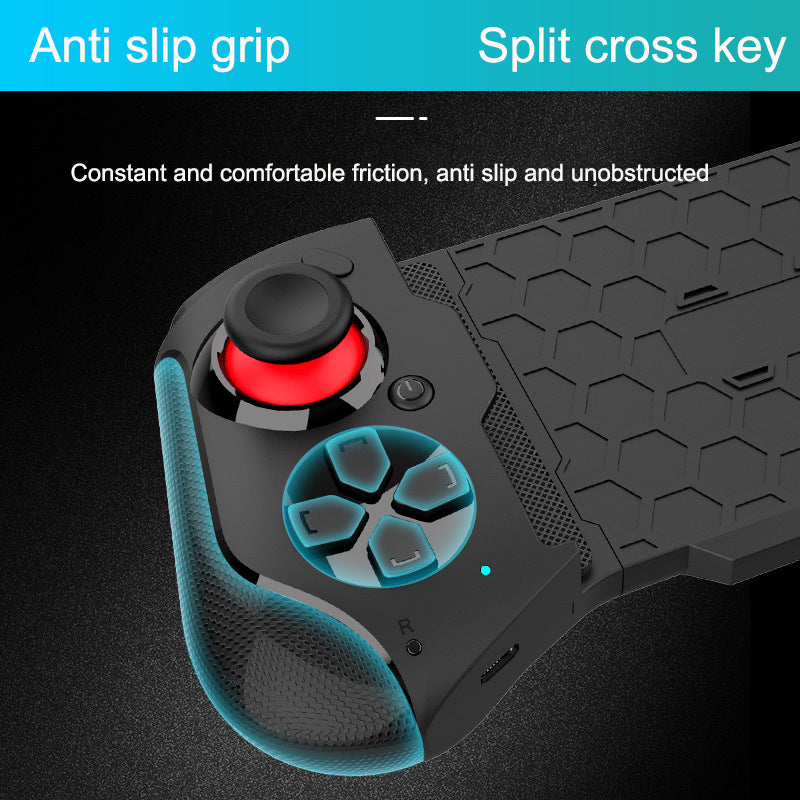
Textured anti slip grip and split cross key
STRETCHING HOLDER

Hold your phone steady

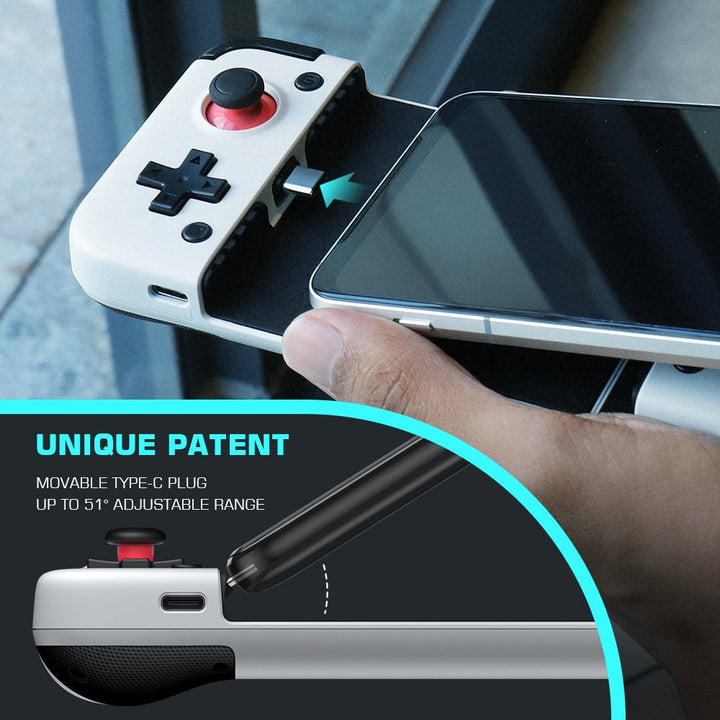
The stretching cradle holds a smartphone centrally, while textured anti-slip grips reduce shifting during active play.

START PLAYING

Pair It In Three Steps

Set the holder, connect Bluetooth, then learn the physical layout inside a supported game.

1

Stretch the holder open

Extend the phone cradle and place your compatible smartphone centrally. Check that it sits securely before playing.

2

Pair by Bluetooth

Turn on Bluetooth pairing, connect with the compatible device, and confirm that your game recognizes an external controller.

3

Map your hands

Place your thumbs on the joysticks and practice the shoulder keys, split cross key, and L3/R3 presses one layer at a time.

QUICK FACTS

The Numbers Behind Control

A compact read on the controller's listed compatibility and physical input system.

COMPATIBILITY
iOS13.4
Apple compatibility
DISPLACEMENT
360°
Joystick displacement
ANGLE
50°
Large joystick angle
LINKAGE
6
Finger linkage
THE UPGRADE

Touchscreen Or Physical Control

Choose the input style that matches how you actually play.

Dual-joystick controllerPHYSICAL CONTROLTouchscreenBasic phone grip
Physical joysticksYesNoNo
Shoulder keysYesNoNo
Centered phone holdYesNoPartial
L3/R3 joystick pressesYesNoNo
Six-finger input layoutYesPartialNo
One-time hardware upgradeYesNoYes
IN THE BOX

Your Setup Starts Here

The controller is the hardware upgrade. Your smartphone and mobile games are not included.

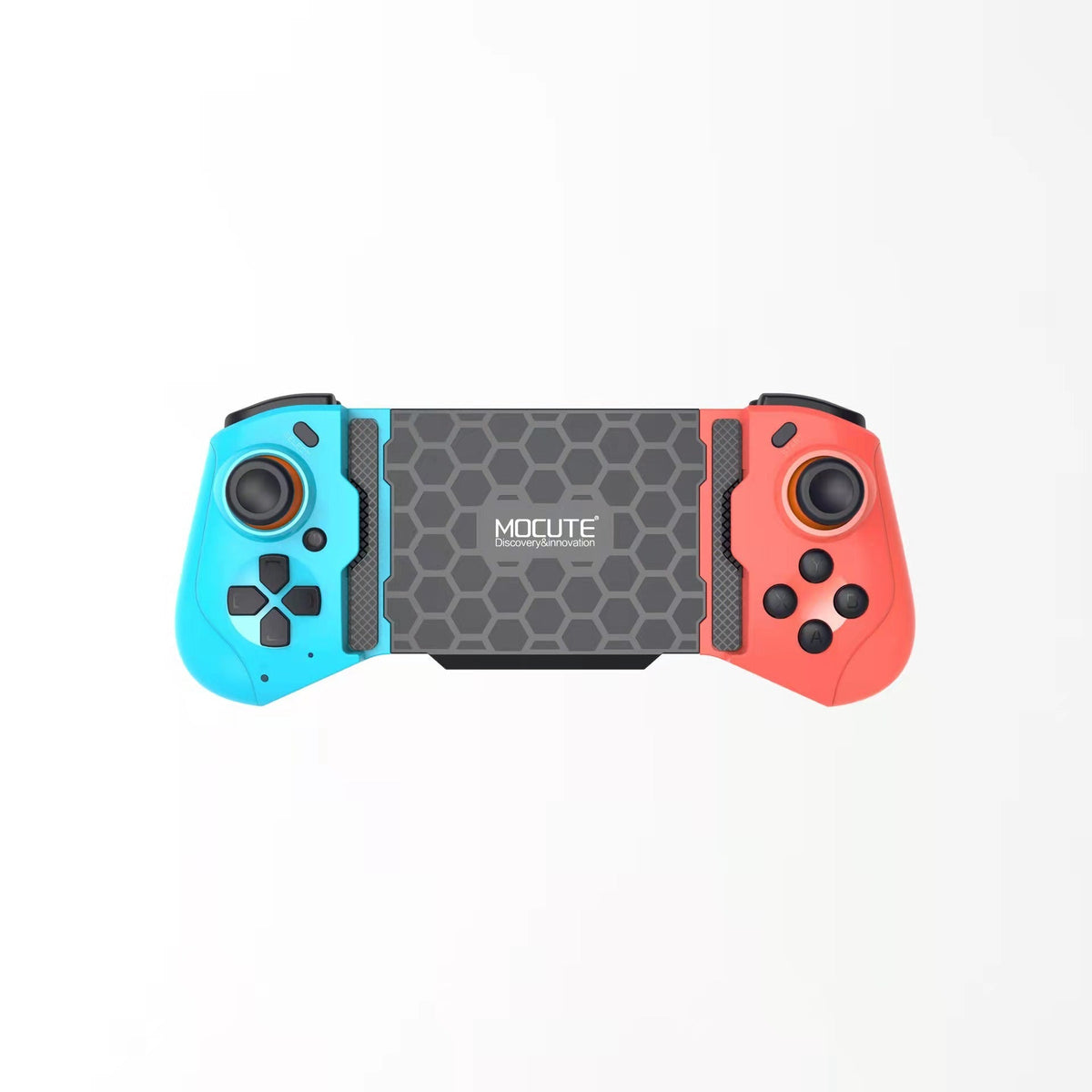
MOCUTE stretching wireless controller ×1Compact matte plastic body with integrated phone holder.
Smartphone cradle ×1Stretching holder for a centered compatible phone.
Smartphone ×Not includedUse your own compatible Apple mobile phone.
Mobile games ×Not includedGame support depends on the individual title.
FROM THERE TO HERE

A Better Way To Play

The phone stays at the center. Your hands get physical controls for the moments when touchscreen inputs become hardest to manage.

Hands crowd smartphone screen during mobile game
CHAPTER 01

When Touch Gets In The Way

Touch controls become hardest to use precisely when the match matters most. Fingers cover the action, aim and movement compete for the same flat surface, and a shifting phone turns a good run into avoidable frustration.

Stretching controller holds smartphone with physical controls
CHAPTER 02

A Physical Layout For Mobile

The stretching holder keeps a compatible smartphone centered while dual joysticks, shoulder keys, the split cross key, and L3/R3 presses give each hand a clearer job. It turns a crowded touchscreen into a more deliberate handheld setup.

Textured controller grip beside split directional key
CHAPTER 03

Ready For The Next Match

Once your phone is secure and Bluetooth is paired, supported mobile games feel more tactile. Aim, movement, direction, and side inputs have dedicated places, so you can play with less scrambling and more control.

About this item

Main information
Categorymobile gaming controller
Details
ConnectivityWireless Bluetooth
JoysticksDual high-precision 3D joysticks
Joystick movement360° displacement
Joystick angle50° large angle
Joystick pressesL3 and R3
Directional controlSplit cross key
GripTextured anti-slip plastic
Phone supportiOS13.4 Apple mobile phones
Accuracy claim0.01 linear variation
Lifespan claimMillions of cycles

Replace touchscreen scrambling with a centered smartphone setup built for physical control. Dual 3D joysticks, shoulder inputs, L3/R3 presses, and an anti-slip grip make supported mobile games feel mo

Transform a smartphone into a six-finger mobile gaming setup with wireless dual-joystick control.

  • limited touchscreen control
  • imprecise aiming and movement
  • hand fatigue during extended gaming
  • lack of physical shoulder controls
COMMON QUESTIONS

Before You Choose

Clear answers about compatibility, pairing, fit, and the physical control layout.

Which phones and iOS versions does this controller support?
The listed support is for iOS13.4 Apple mobile phones. Confirm your phone meets that requirement and fits securely in the stretching holder before pairing.
Will it work with every mobile game or only supported games?
It works with mobile games that recognize external controllers. Bluetooth connection alone does not make every game compatible, so check the game's controller settings first.
How does the stretching phone holder fit and secure a smartphone?
Stretch the integrated cradle, place the phone centrally, and check the hold before playing. A snug, centered fit keeps the screen aligned with both control grips.
Does it include L3 and R3 joystick press functions?
Yes. The product information lists L3 and R3 joystick press functions alongside the dual joysticks and side controls.
Can I use the shoulder keys and joysticks for six-finger control?
Yes. The left and right joysticks, shoulder side keys, split cross key, and L3/R3 presses create the listed six-finger linkage. The exact action mapping depends on the supported game.
How does it compare with a touchscreen grip or standard Bluetooth gamepad?
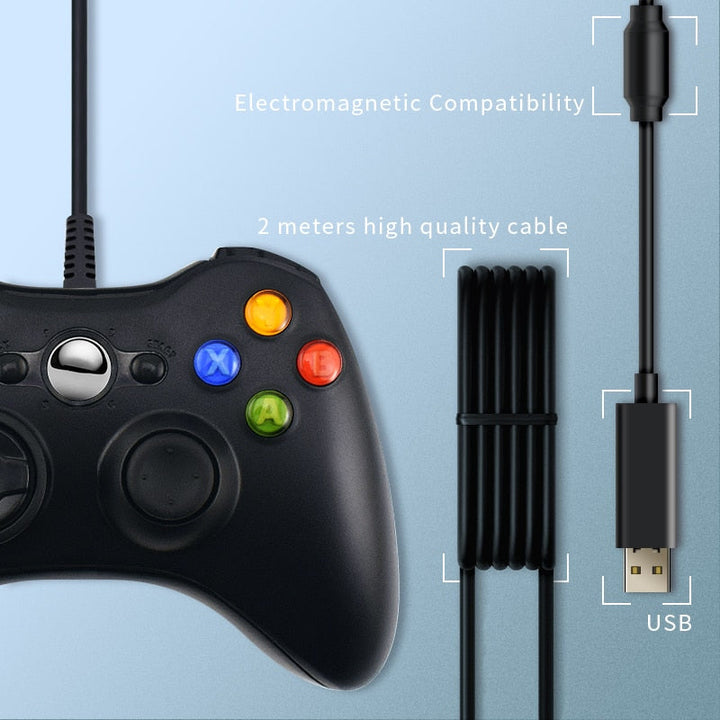
A grip adds support but no physical inputs. A standard Bluetooth gamepad may connect wirelessly but lack a centered stretching phone holder or the listed L3/R3 and six-finger layout. This controller combines those elements in one compact setup, which gives the hardware more value than buying a grip that only changes how you hold the phone.
Is the textured plastic grip suitable for extended gaming sessions?
The matte textured plastic and anti-slip grip give your hands a steadier hold during mobile sessions. Take regular breaks, especially while learning the full control layout.
READY TO PLAY

Give Your Thumbs Better Tools

Add to cart
KEEP LOOKING

Explore More Gaming Gear

$36.90$54.90
Save $18.00
1
Free delivery in 7–14 days
tracked shipping, worldwide
30-day returns
easy returns & buyer protection on every order
Secure checkout
SSL-encrypted payment
Ships worldwide
30-day returns · tracked delivery

You might also like

Customer reviews

$36.90$54.90