
$69.90
Free delivery · 7–14 days
USB 3.0 Switch for Sharing Printer Between 2 Computers


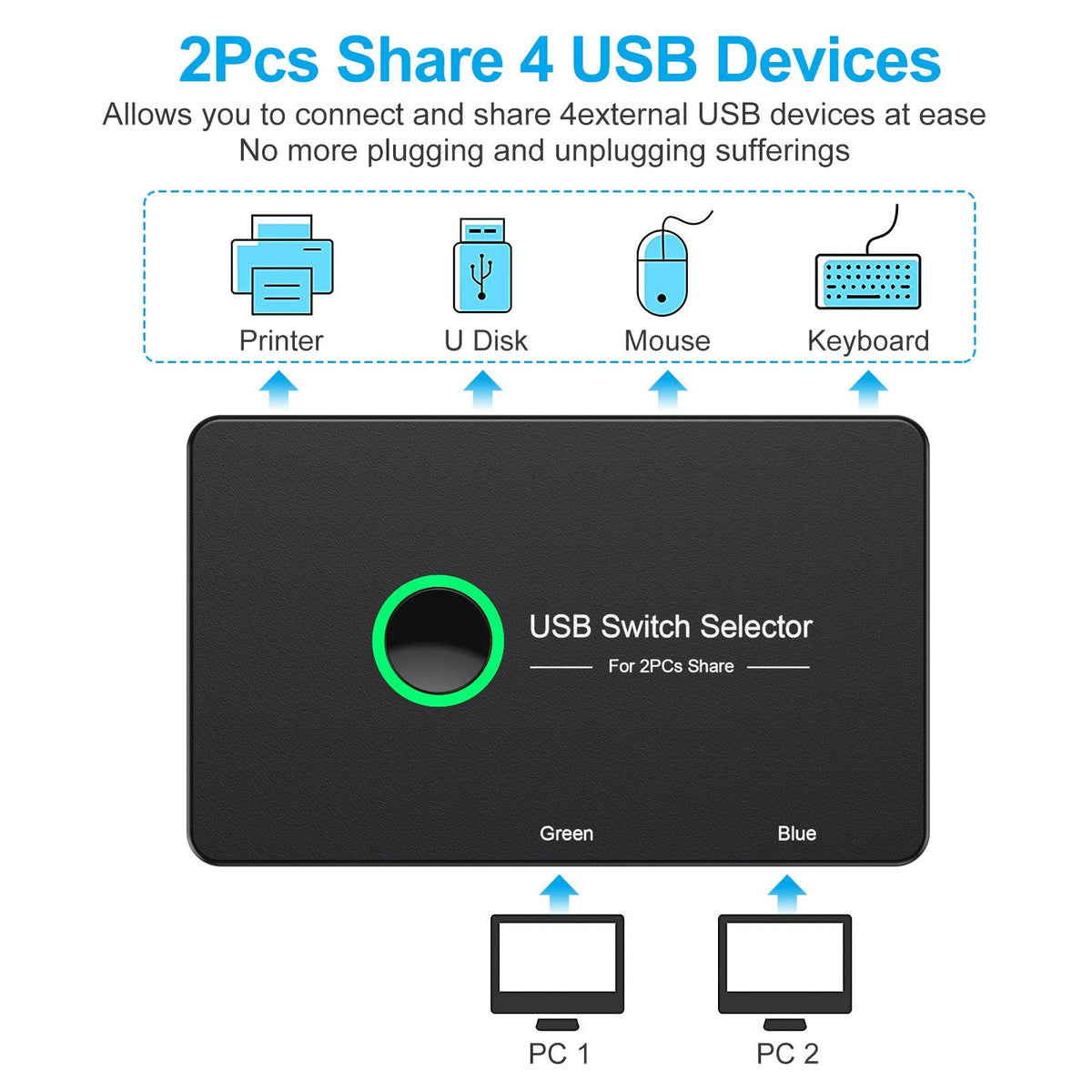
Two computers share one keyboard, mouse, printer and drive with a single button press. The illuminated switch shows which machine is live, so the desk stays clean and the cable swapping stops.
Read the full descriptionTwo computers share one keyboard, mouse, printer and drive with a single button press. The illuminated switch shows which machine is live, so the desk stays clean and the cable swapping stops.
Share four USB 3.0 ports between two computers with one button press
Stop crawling under the desk every time you switch machines. Move your keyboard, mouse and printer between two computers in a single press.
The central illuminated button toggles between Green (Input1) and Blue (Input2). The ring lights green on whichever input is active, so you never have to guess which PC is in control. One press moves the whole bank of ports.
Four USB 3.0 outputs with blue inserts take your keyboard, mouse, printer or external drive. Everything you plug in is shared between both PCs, so one set of peripherals does the work of two.
A Micro USB 5V DC input gives power-hungry devices such as printers and hard drives the supply they need. The 5V charger is sold separately, so plan on one from a drawer or a spare brick before you connect those devices.
Connect one USB 3.0 A-to-A cable from the first computer to the Green input on the switch.
Connect the second USB 3.0 cable from the other computer to the Blue input. Keep each PC on its own input.
Plug the keyboard, mouse, printer or drive into the four USB 3.0 outputs. For devices that need extra power, connect a 5V charger to the Micro USB port.
The green ring lights up on the active input. Press the button to hand all four ports to the other computer. Finish any file copy or print job before you switch.
Matte black housing with four USB 3.0 outputs and the green ring switch button
One cable for each computer connected to the Green or Blue input
Powers the Micro USB 5V port. The 5V charger is not included

Your keyboard and mouse live on one machine, and the printer is wired to the other. Every switch means unplugging, replugging and untangling a cable bundle while the task you were in the middle of waits. By the third swap in an afternoon, the cables are the real job.
The switch sits on the desk and takes both computers as inputs, Green and Blue. Plug each PC in once with a USB 3.0 cable. From then on, the central button hands all four downstream ports to whichever machine you pick, and the green ring shows which one owns them.
Connect both computers with the two USB 3.0 cables, then press the button. The ring changes from Green to Blue as each input takes over the ports.
The keyboard, mouse and printer move with one press. Most people stop reaching under the desk once the habit sets in.
Duplicate peripherals and extra cable swaps are no longer needed, so the desk looks tidier and stays that way.
The switch itself runs from the two computers over USB, so it works without a charger for keyboards, mice and most light devices. The Micro USB 5V port is for high-draw devices like printers and external hard drives. The 5V charger is sold separately, so check whether your printer or drive needs it before you buy.
Yes. Plug the printer or drive into one of the four USB 3.0 outputs, then press the button to send it to whichever computer you need. For devices that draw more power than a USB port supplies, connect a 5V charger to the Micro USB port.
The switch passes USB 3.0 traffic between the two inputs and the four outputs, so it works with any two computers that have USB 3.0 ports. Check that each machine has a free USB 3.0 port for its cable before you order.
The ring lights green on the active input. Green means the Input1 computer has the ports and Blue means Input2 has them. The ring is the only indicator you need, so you never guess which machine will receive your keystrokes.
A manual swap costs you minutes and wear on the ports every time you move a cable, and a basic hub cannot choose which computer gets the devices. One switch replaces the cable swapping for good, and it pays for itself the first week you stop reaching under the desk.


 USB 3.0 Switcher for 2 PCs: Share 4 Ports Instantly