
$89.90
Free delivery · 7–14 days
2 Computer KVM Switch for 4K HDMI Monitor & Keyboard


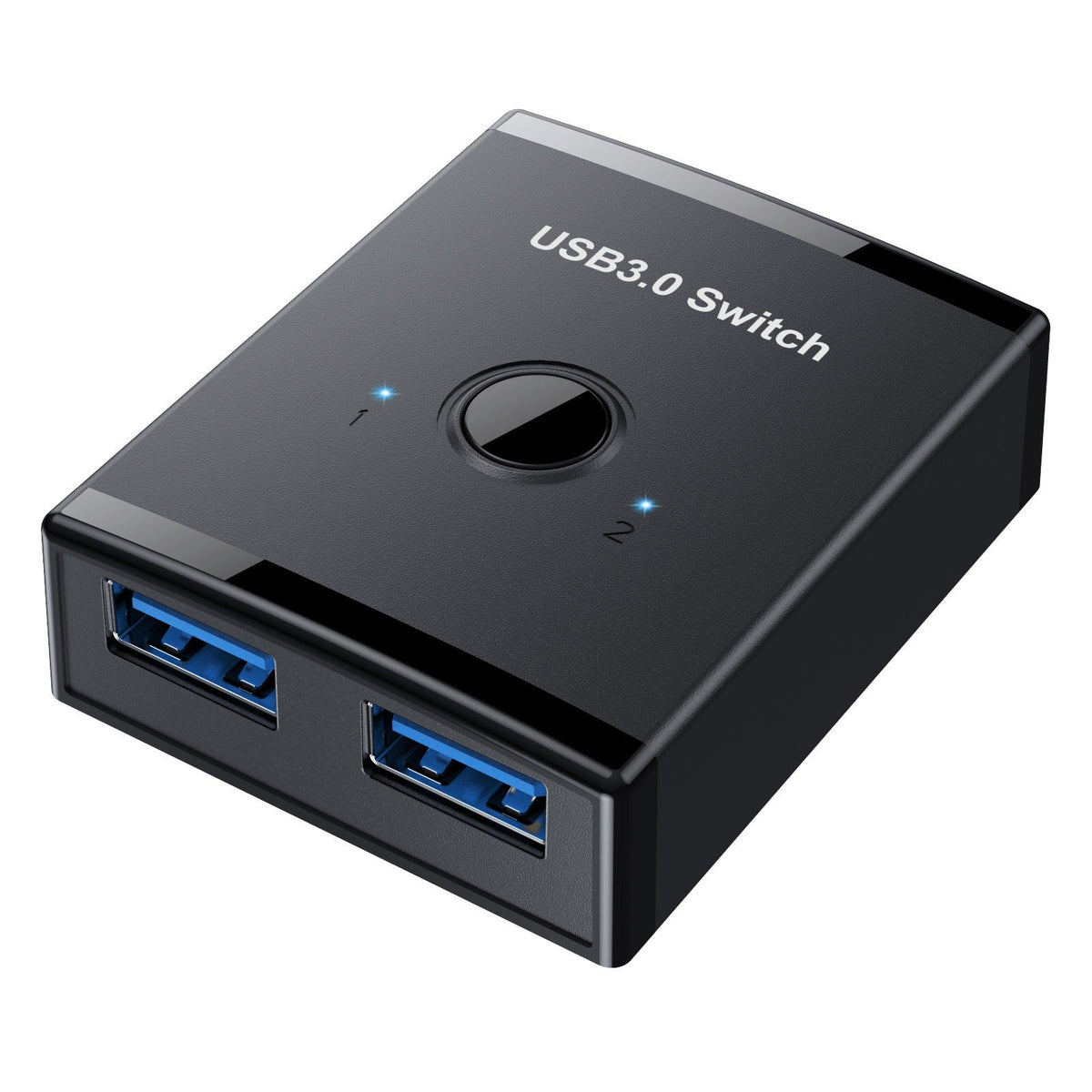

A compact USB 3.0 switch that ends the cable swap. Press one button and your printer or external drive moves to the computer you are using, with a blue LED showing which port is live. Two 150 cm cables are included, so the desk stays clear.
Read the full descriptionA compact USB 3.0 switch that ends the cable swap. Press one button and your printer or external drive moves to the computer you are using, with a blue LED showing which port is live. Two 150 cm cables are included, so the desk stays clear.
Share one USB device between two computers, or two devices with one computer, with a single button press
Tired of unplugging the printer every time you change computers? Switch sources in one press and keep your desk clear.
A single button flips the active port. The LED for port 1 or port 2 lights up, so you never have to guess which computer holds the printer. Press, check the light, and carry on.
Run it 2-in-1-out to let two computers share one printer or drive. Flip it 1-in-2-out to let one laptop reach two devices. The same small box covers both shared-desk setups, so you do not need two adapters.
Two USB 3.0 Type-A to Type-A cables, each 150 cm long, come in the box. That is enough reach for most desks, and the switch itself measures 58 mm by 47 mm, so it fits in the gap between the machines.
Plug one cable from port 1 of the switch into the first computer, and the second cable from port 2 into the second computer.
Connect your printer, scanner, or external drive to the shared USB 3.0 side of the switch.
Each press moves the connection to the other port. Check the LED on the switch so you know which computer is active.
Let any print job or file copy finish before you press the button again.
Matte black housing with glossy top panel and one toggle button
150 cm each, braided-look strain relief at both ends

The printer lives on one desk, but the work laptop and the home PC both need it. Every switch means reaching behind a crowded desk, pulling a USB cable, and plugging it into the other machine. Each swap is another chance for a loose connection or a stalled file transfer.

A two-port USB 3.0 switch sits between the devices. Press the button and the printer moves to the other computer. The LED for the active port lights up, so you know the connection landed before you hit print.

With both cables already in place, the desk stays calm. Nothing gets unplugged, nothing gets lost behind the monitor, and each machine gets the device it needs with a single press.
Plug both computers into the switch, press the button, and check that the LED moves to the port you selected. Confirm the device appears on the active computer.
After a few switches, the press and check habit takes over. You stop reaching behind the desk for cables.
With the cables staying in place, the plugs see less repeated wear and the desk layout stays the same from day to day.
About the size of a phone, small enough to sit between two laptops.
| USB 3.0 switch | Second printer or drive | Manual cable swap | |
|---|---|---|---|
| Shares one device between two computers | — | ||
| One-button switching | — | — | |
| Needs a second device purchase | — | — | |
| Port wear from repeated plugging | — | — | |
| Cables left clean on the desk | — |
If your printer or drive connects over USB, it will route through the switch. Check that your computers have USB Type-A ports, since both included cables use that connector.
No. The packaging lists no driver or app. Plug the cables in, press the button, and the active computer sees the device.
Do not. Changing the active port mid-job can interrupt the transfer and leave a file incomplete or a print stuck. Wait for the print or copy to finish, then press the button.
No, it is a data switch. Each device keeps its own power adapter, so a printer or drive that needs external power still needs its plug in the wall.
Usually yes. A second printer or drive costs far more than one small switch and takes up desk space too. One switch with two included 150 cm cables lets one device serve two machines.


 USB 3.0 Switch for Sharing Printer Between 2 Computers