
$42.90
Free delivery · 7–14 days
Ultra-Thin Bluetooth Keyboard for iPad and Phone


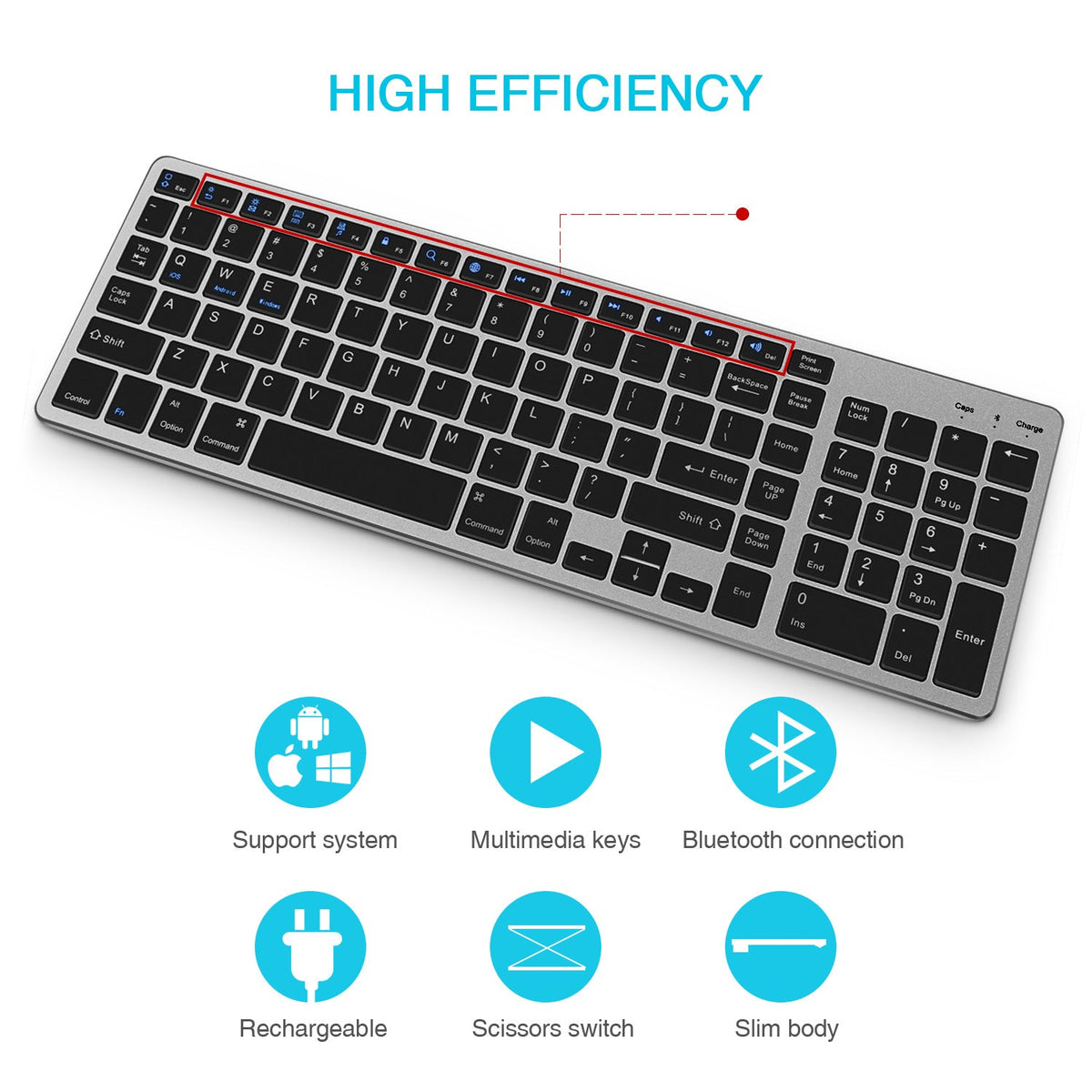
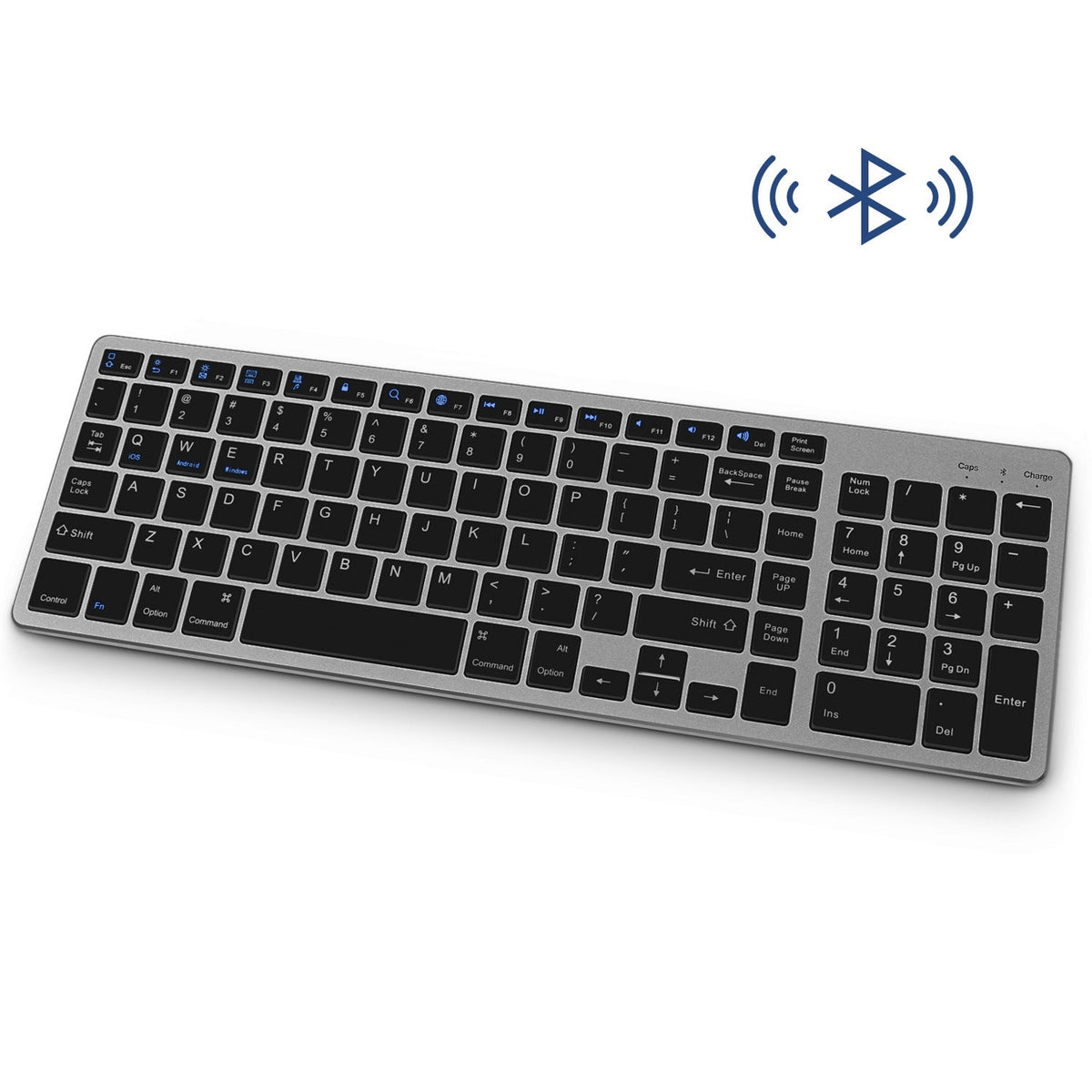


Typing on a tablet should not feel like a chore. This full-size Bluetooth keyboard gives you a numeric keypad, F-row shortcuts and scissor-switch keys on a slim aluminium-look body. It pairs with iPads, Android phones and Apple or Windows computers, so one keyboard moves with your work.
Read the full descriptionTyping on a tablet should not feel like a chore. This full-size Bluetooth keyboard gives you a numeric keypad, F-row shortcuts and scissor-switch keys on a slim aluminium-look body. It pairs with iPads, Android phones and Apple or Windows computers, so one keyboard moves with your work.
Slim, full-size Bluetooth keyboard that works across iPad, phone and computer
Stop typing on glass and hunting for numbers. Pair a full-size keyboard with your iPad, phone or computer and get real typing back.

The full layout gives you a numeric keypad, a row of F1 to F12 keys and dedicated multimedia and volume shortcuts. Spreadsheets and expense reports can be typed on the tablet itself, so you stop walking to a laptop for figures.

Command/Option and Windows/Alt modifiers sit where you expect them on each platform. Pair with an iPad, an Android phone or a Windows PC, and the Bluetooth indicator shows which connection is live.

Scissor switches give each key a short, even travel on a slim matte body. Caps Lock has its own key, and the Fn key handles the shortcut layer without crowding the main block.
Silver with white keys, or space grey with black keys.
Tops up the built-in battery. Charge before first pairing.
Pairing steps for Apple, Android and Windows devices.

Most of a long day on a tablet goes to tapping glass. Emails, lab notes and assignments turn into a slow crawl, and the symbols and numbers you need sit two taps away. A desk keyboard fixes the typing, but it only talks to one device.

A full-size keyboard with a numeric keypad and F-row shortcuts changes the job. It pairs over Bluetooth with an iPad, an Android phone or a Windows PC, and the Command/Option and Windows/Alt keys match the screen in front of you.
By the end of the first week the keys stop feeling new. Figures go in faster, the volume and media keys sit under your fingers, and the tablet starts working like a proper machine for the essay or report that is due.
Use the included cable and wait for the keyboard to charge fully before you connect it.
Plug in as soon as the indicator flags low power so typing does not drop mid-document.
A dry cloth is enough for the matte body and keycaps. Keep drinks away from the desk.
Each device pairs once. After that, you pick the keyboard from the Bluetooth list on the device you are using. Bluetooth keyboards connect to one screen at a time, so disconnect from the iPad before you pair it with the laptop, then check the Bluetooth indicator to confirm the live connection.
Yes. The keys carry both Command/Option and Windows/Alt labels, so you press the modifier that matches your screen. On Apple devices, use Command and Option. On Windows and Android, use Windows and Alt.
The body is a slim aluminium-look frame, and the layout is full size with a numeric keypad, F-row shortcuts and scissor-switch keys. Compact keyboards leave out the number pad, so many buyers end up adding a second board for spreadsheets. One full-size keyboard covers both jobs and works across three operating systems, and that is the value you are paying for.
Runtime depends on how many hours a day you type. The keyboard is rechargeable with the included cable, and the Charge indicator tells you when to plug it in. Charge it fully before the first pairing.
Scissor switches have short travel, so the keys sit close to the body and make less noise than deeper switches. It is still a keyboard, so expect normal typing sounds in a quiet library or open office.


 Full-Size Bluetooth Keyboard for iPad, Phone & Computer