
$84.90
Free delivery · 7–14 days
Foldable Bluetooth Keyboard with Touchpad for Travel


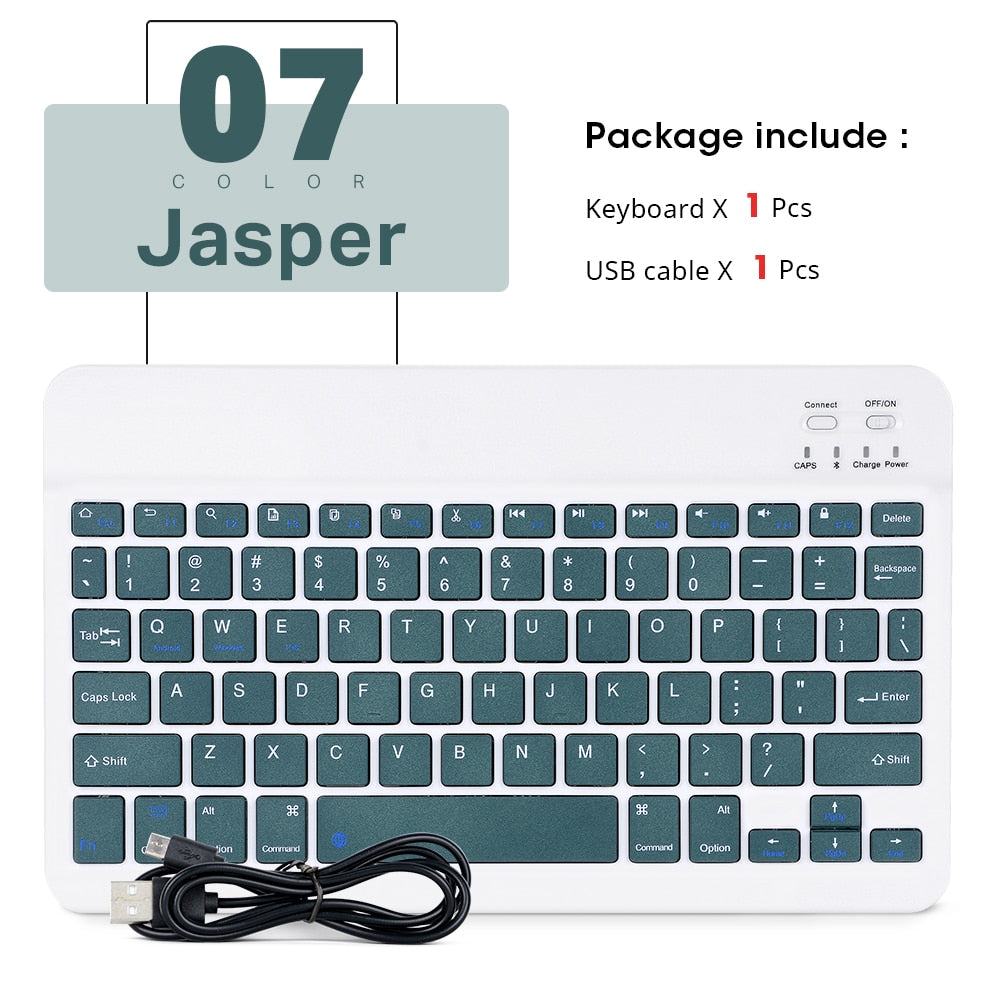


Your tablet can finally type like a laptop without a laptop in your bag. This matte white keyboard is thin, light and sized for a backpack pocket, and it pairs with iPad, phone, tablet and PC in seconds. Pastel keycaps and labeled shortcut keys make it easy to carry and easy to use.
Read the full descriptionYour tablet can finally type like a laptop without a laptop in your bag. This matte white keyboard is thin, light and sized for a backpack pocket, and it pairs with iPad, phone, tablet and PC in seconds. Pastel keycaps and labeled shortcut keys make it easy to carry and easy to use.
Ultra-thin, light Bluetooth keyboard that works across iPad, phone, tablet and PC
Stop thumb-typing on glass. Slide this thin, light keyboard into your bag and type faster on your iPad, phone or tablet wherever the day takes you.

The body is slim enough to slide into a backpack pocket beside a tablet. It stays out of the way on the bus, at the café or in a lecture hall, and it never feels like extra weight on your shoulder.

It pairs with iPad, phone, tablet and PC. The labeled Android, Windows and iOS shortcut keys show which layout you are on, so switching between devices stays simple and your text lands where you expect.

A matte white body with blush pink, mint and lavender keycaps. The colors look good on a café table and sit well next to a pastel tablet case.
Slide the OFF/ON switch to ON. The power indicator lights up to show it is awake.
Press and hold the CONNECT button for at least two seconds. A quick tap will not start pairing.
On your device, open Settings and switch Bluetooth on.
Select Bluetooth Keyboard from the list. When it shows Connected, start typing.
It pairs with iPad, phone, tablet and PC. The keys carry dedicated iOS, Android and Windows shortcut labels, so the layout matches the device you are typing on. Pairing works the same way on each one: power on, hold CONNECT for two seconds, turn on Bluetooth and tap Bluetooth Keyboard.
It is a compact layout, built for notes, essays and messages on a tablet or phone. If you type for hours at a desk, a full-size board gives your hands more room. For writing on the move, the compact body keeps the setup light and easy to set up on any table.
The keyboard is built to connect to more than one device. Pair each device once, then select the one you want before you type. Glance at the active screen first so your text lands in the right app.
The body is matte plastic with a solid feel for its size. Switch it OFF when you pack it and keep it in a pocket or sleeve so heavy books do not press on the keys. Compared with carrying a laptop, it means one less heavy bag on every commute, and it works with the tablet you already own.
Charge and power indicators on the body show the keyboard status. Check the indicator before a long day out, and switch it OFF when you are not using it.


 Ultra-Thin Bluetooth Keyboard for iPad and Phone