
$199.90
Free delivery · 7–14 days
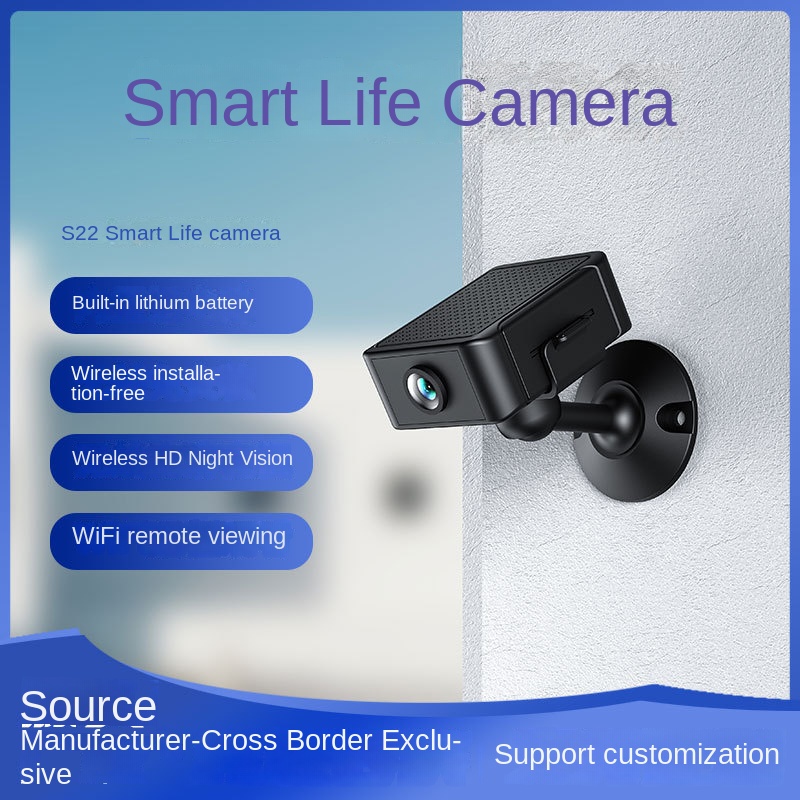
Cellular Trail Camera 12MP with MMS & Email AlertsSet it up in an afternoon and check the front door, living room, or nursery from your phone, day or night. The camera runs on a built-in lithium battery, so it goes where you need it instead of where an outlet happens to be. A ball-joint mount aims the wide-angle lens, and night vision keeps...
Read the full descriptionSet it up in an afternoon and check the front door, living room, or nursery from your phone, day or night. The camera runs on a built-in lithium battery, so it goes where you need it instead of where an outlet happens to be. A ball-joint mount aims the wide-angle lens, and night vision keeps dark rooms in view.
Wireless, installation-free HD camera with night vision and remote WiFi viewing
Tired of guessing what is happening at the front door or in the nursery while you are out? This compact camera runs on its own battery, goes where you need it, and lets you check in from your phone any time, day or night.
A built-in rechargeable lithium battery means the camera goes where the outlet is not. Put it on a shelf by the front door, on a bookcase in the living room, or across from the crib. There is no cord to hide and no extension cable to trip over.
The wide-angle lens switches to night view when a room goes dark, so the picture stays readable with the lights off. Check the hallway after a late shift or the nursery at midnight without flipping a switch and waking anyone.
The ball joint swivels so you can point the lens at a doorway, a sofa, or a crib without moving the base. The round wall base has screw holes for a fixed mount. Set the angle once, then check the live view from your phone to confirm the frame.
Plug in the charging cable and let the battery reach full before you start. A full charge gives the pairing step room to finish without a dead battery interrupting it.
Install the app, create an account, and follow the prompts to join the camera to your WiFi network. Keep the phone close to the camera during pairing. When the live view appears, the connection is working.
Test the live view at the spot you have in mind, then fix the round base to the wall with screws, or set the camera on a shelf. Use the ball joint to angle the lens, and check the frame in both daylight and at night.
The front door is the spot you think about most when you are at work, and it is the spot you cannot check. A dark hallway at 2 a.m. turns every small noise into a guess. Wired cameras promise an answer, but they only work where an outlet and a cable run already exist, which is rarely the spot that needs watching.
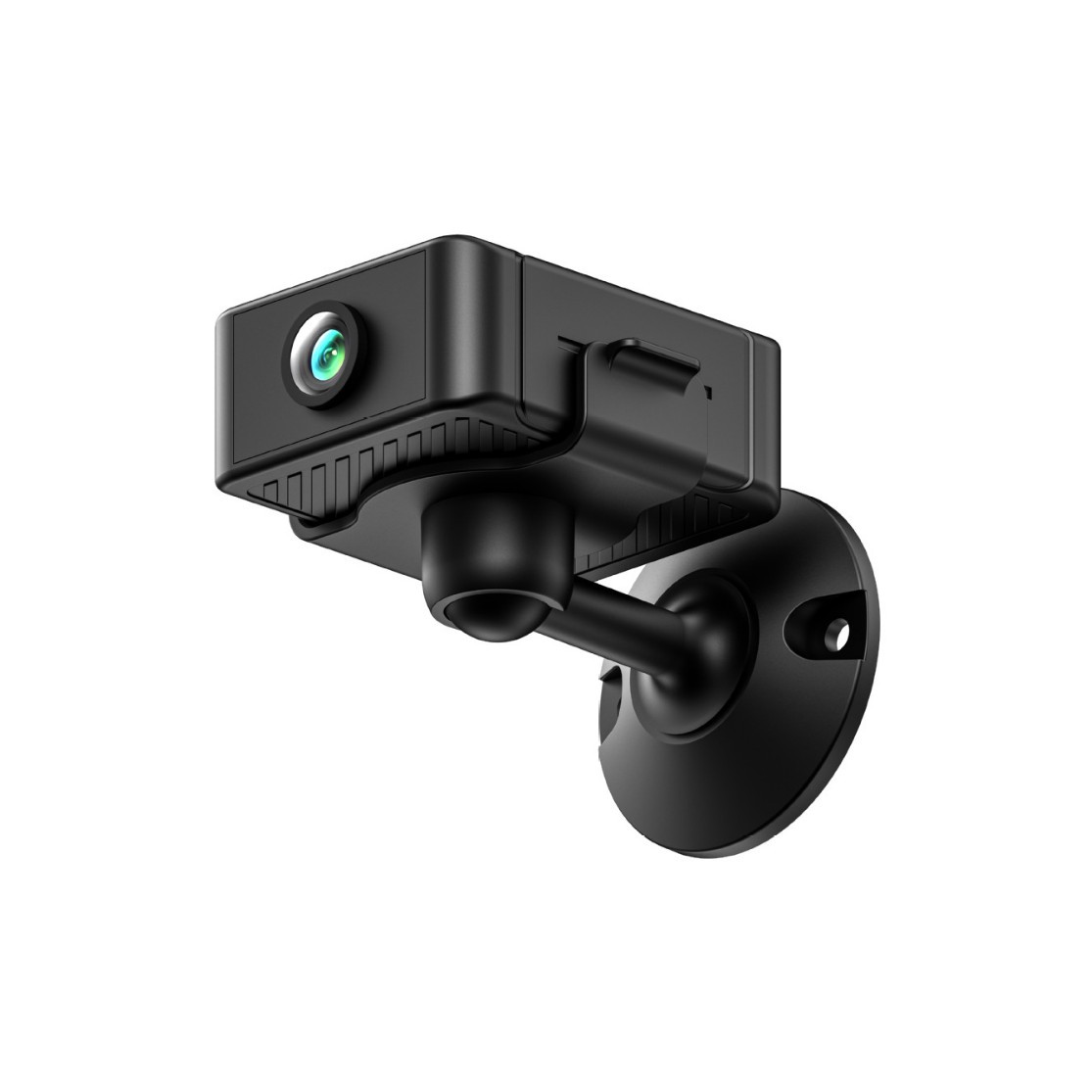
The camera carries its own rechargeable lithium battery, so the power cord stays out of the picture. Charge it, pair it with your home WiFi in the app, and you have a live view. The housing is compact and the ribbed grip makes it easy to handle while you test the angle.
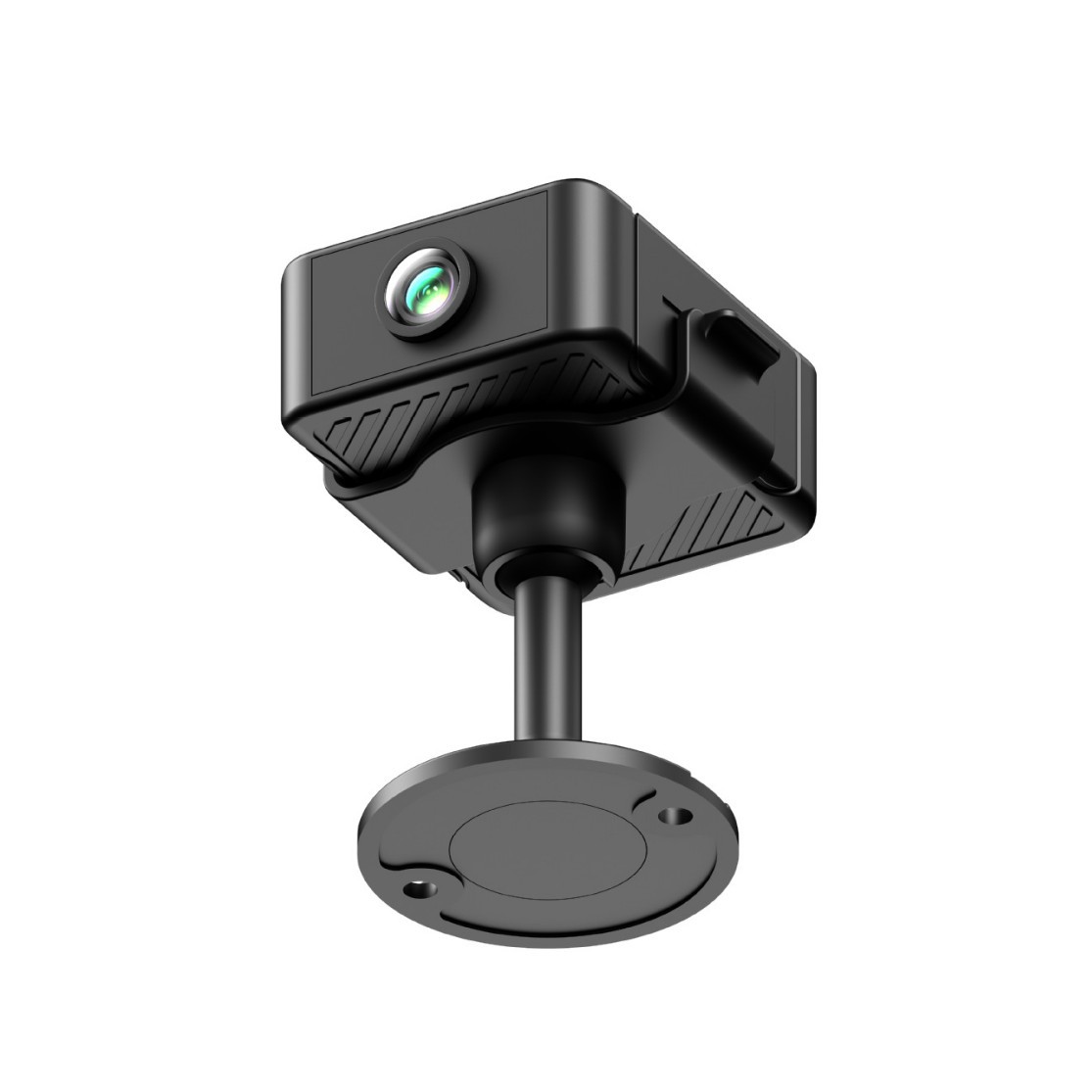
Open the app at breakfast, at the office, or from a hotel room and the feed loads on your phone. The wide-angle lens covers the room, and night vision keeps the picture readable when the lights are off. You see the home as it is, not as you imagine it.
Charge the battery fully, install the app, and pair the camera to your home WiFi. The live view should appear on your phone once the connection is up.
Mount the camera at the door, in the living room, or by the nursery. Adjust the swivel while watching the live view, and settle on the angle that frames the spot you care about.
Check the feed at a few regular times of day and recharge on a schedule that suits your use. Battery life depends on your settings and how much motion the camera records, so track your own pattern in the app.
| This camera | Wired indoor camera | |
|---|---|---|
| Runs without a power outlet | — | |
| No cable runs through the room | — | |
| Place it anywhere in the room | — | |
| Remote viewing from your phone | ||
| Set up without an electrician | — |
Yes. The camera connects to your home WiFi through the app, and the live view opens on your phone. Charge it fully first, keep your phone near the camera during pairing, and test the feed at the mounting spot before you fix the base to the wall.
Battery life depends on your settings and how much activity the camera records. The app shows the battery level, so you can see your own pattern within the first few weeks and set a recharge routine that suits you.
The round base has screw holes for a fixed wall mount, so it needs screws. If drilling is off limits, set the camera on a shelf, a dresser, or a sill and aim the lens with the ball joint. The battery means it does not need to sit beside an outlet.
The lens switches to night view when the room goes dark, so the picture stays readable with the lights off. Check the nursery at midnight or the hallway after a late shift without turning on a lamp.
You pay once for the camera and skip the outlet, cable runs, and electrician visit a wired install often requires. For renters and anyone who wants to move the camera around, that is where the value sits. Placement freedom is the reason to buy this one.


