
$89.90
Free delivery · 7–14 days
Wi-Fi Mini Security Camera with Phone App Monitoring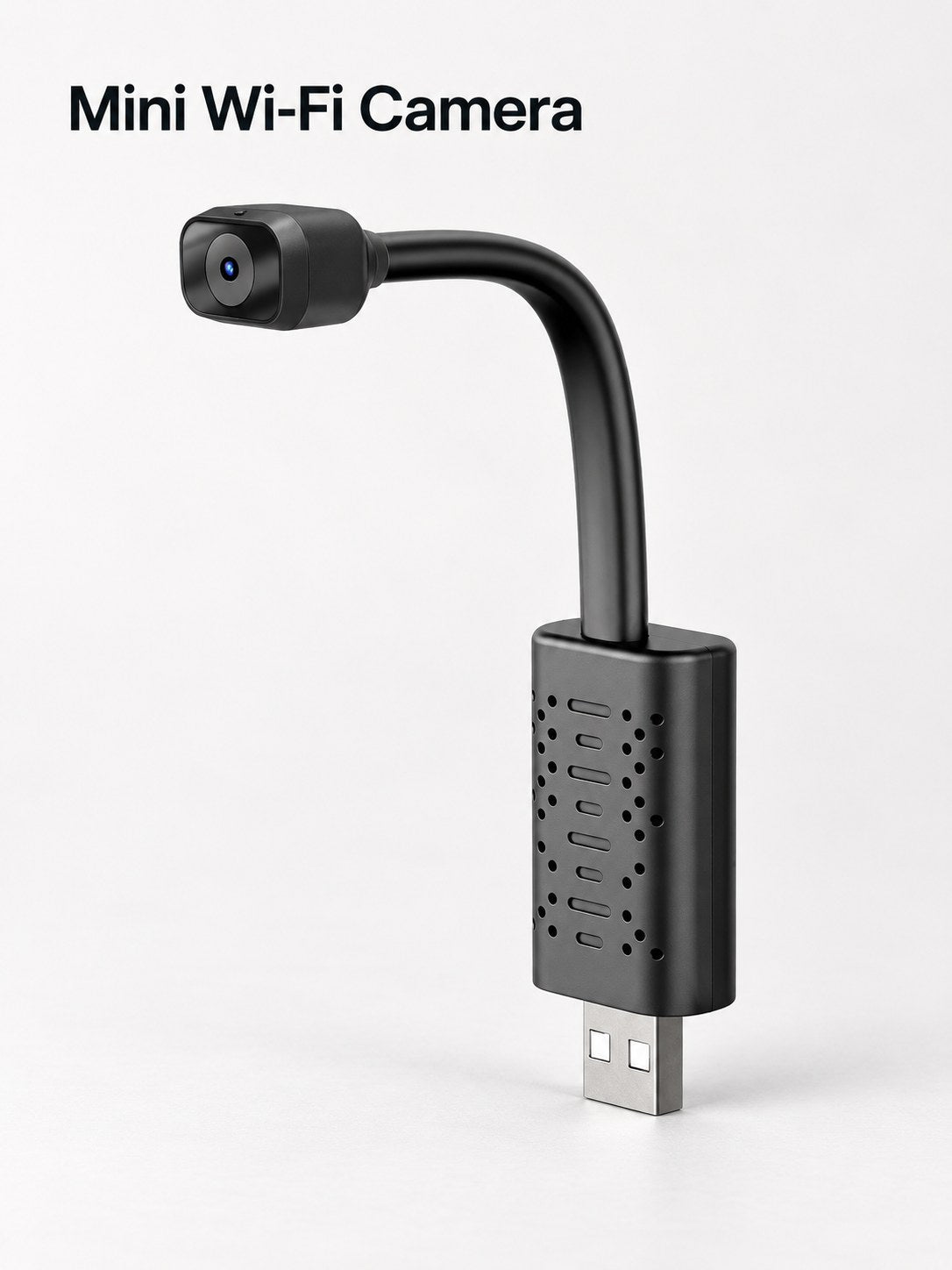

Know when someone walks into your space without drilling a single hole. This mini HD Wi-Fi camera plugs into any USB power source, watches from a flexible gooseneck arm and sends a phone alert when AI human detection spots a person. Loop recording keeps footage on a microSD card up to 64G.
Read the full descriptionKnow when someone walks into your space without drilling a single hole. This mini HD Wi-Fi camera plugs into any USB power source, watches from a flexible gooseneck arm and sends a phone alert when AI human detection spots a person. Loop recording keeps footage on a microSD card up to 64G.
Discreet HD Wi-Fi camera that plugs into any USB port and alerts your phone when it detects a person
Leaving the house, the shop or the nursery shouldn't mean guessing what is happening there. Plug in a small HD camera and get a phone alert the moment a person is detected.

AI human detection flags people in the frame, so the alert on your phone means someone is actually there. Loop recording keeps the footage on a microSD card up to 64G, so you can scroll back to the moment the alert fired.

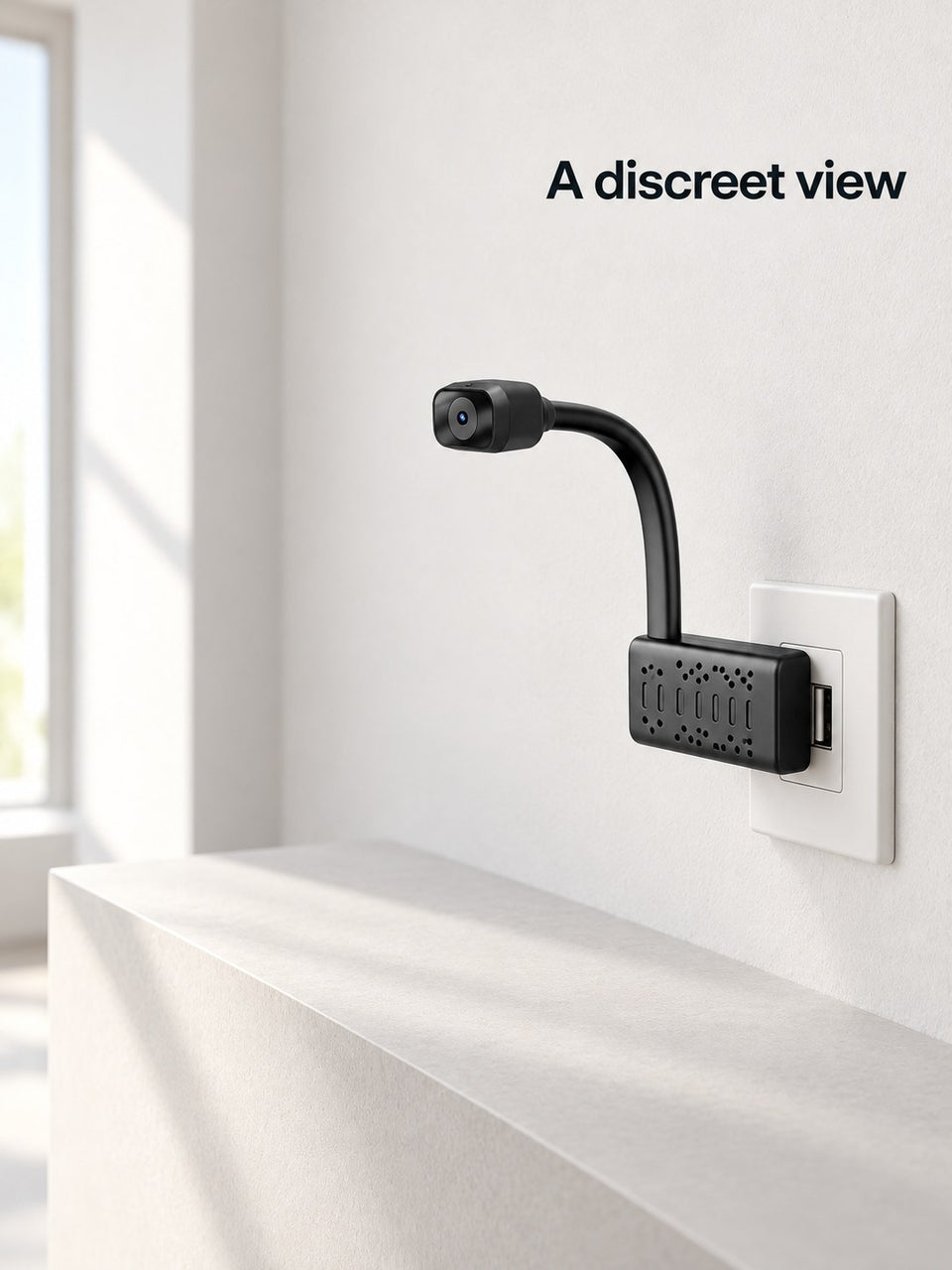
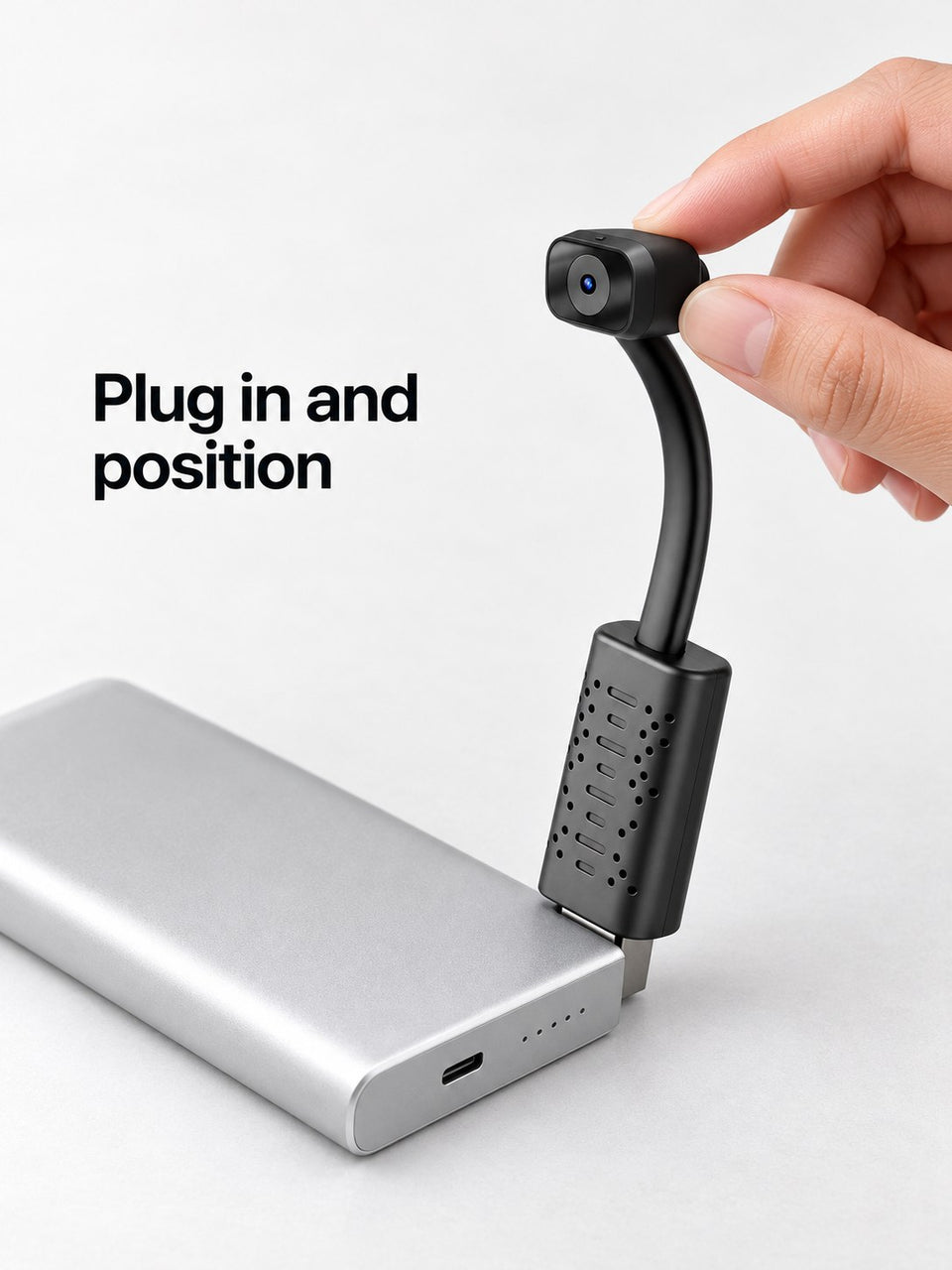
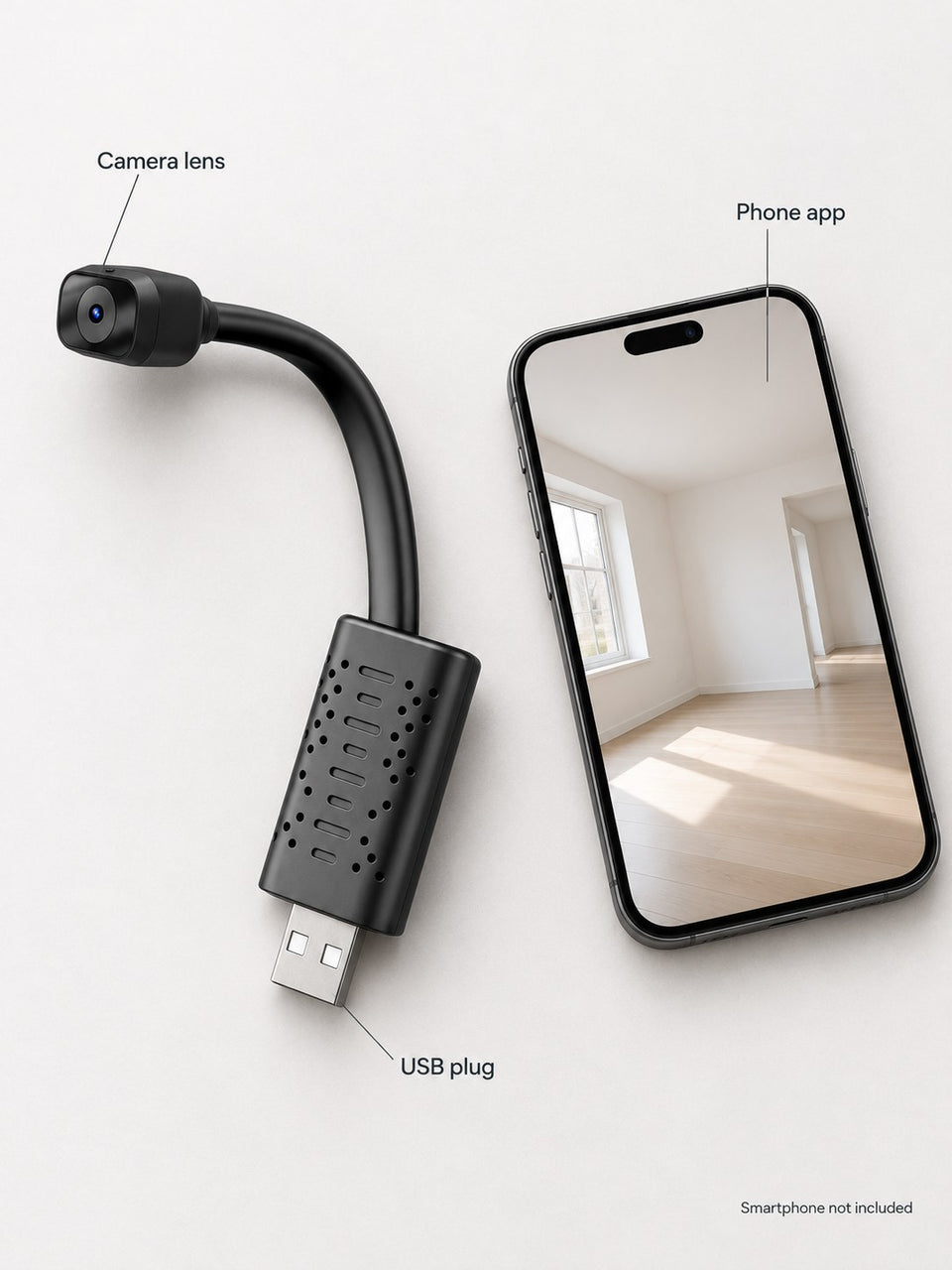
The body ends in a standard USB plug, so it runs from a power bank, a wall charger or a power socket. No electrician, no drill and no extra hub. If you can charge your phone, you can place this camera.

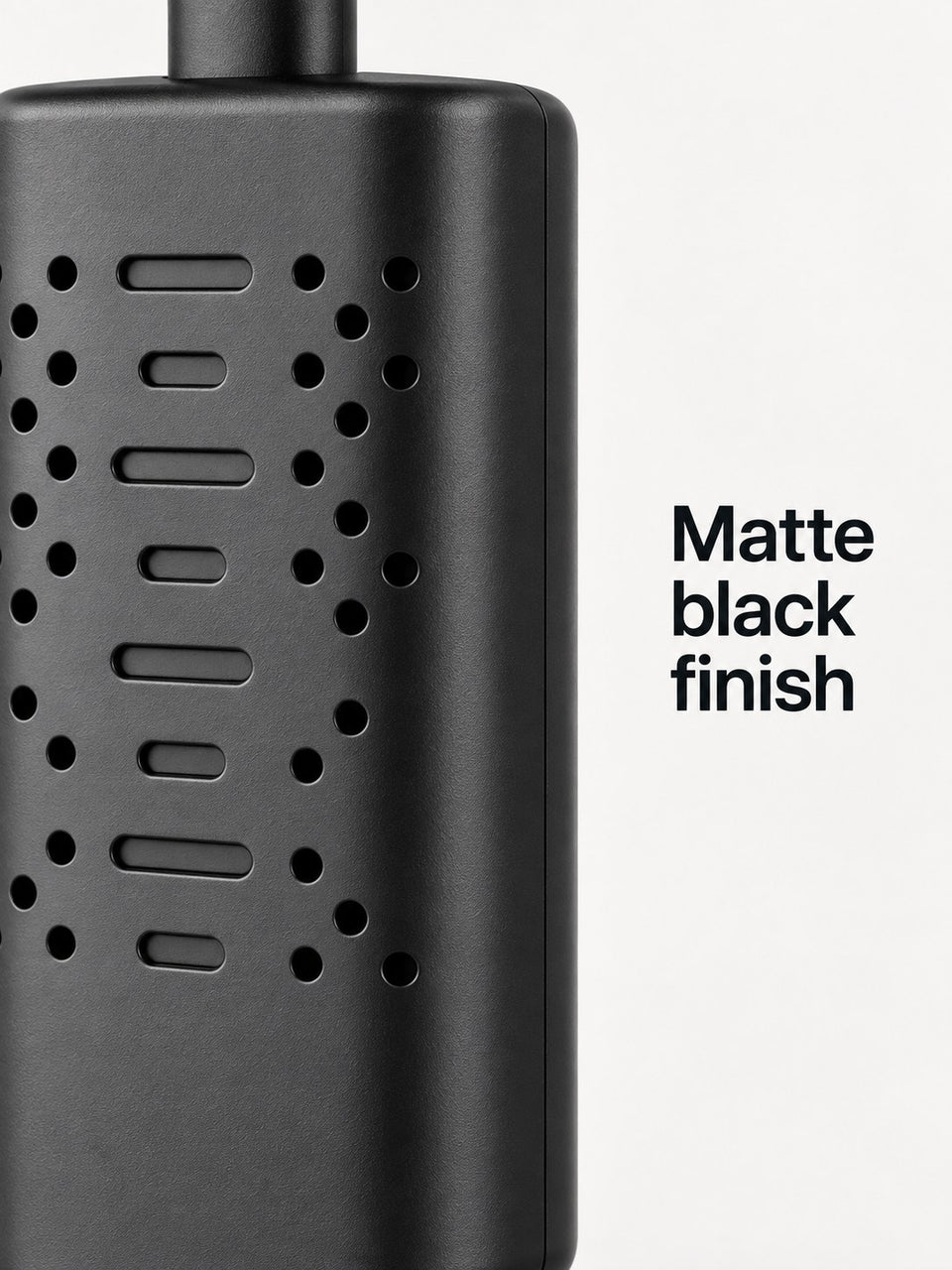
The matte black body is small enough to sit on a shelf or bookcase edge, and the gooseneck arm bends to aim the lens at the door, the counter or the crib. Ventilation perforations on the housing keep the body running cool while it records.
Put a microSD card up to 64G into the slot before you power on. Loop recording needs the card to save footage.
Connect the USB plug to a power bank, a wall charger or a power socket. Use a stable source, since a weak charger or dying power bank stops the recording.
Open the app, add the camera and join your Wi-Fi network. Keep the camera in the same room as the router or near a strong signal.
Bend the arm toward the door, counter or crib, confirm the live view on your phone, and turn on person alerts.
You lock up, pull the door shut and still wonder about the back window or the counter you left unattended. Without a view, that low unease follows you through the workday. Full security systems need drilling, wiring and a hub, so renters and small shop owners often go without any view at all.

This camera watches the room from a flexible arm and runs AI human detection, so a person entering triggers an alert on your phone. Loop recording saves footage to a microSD card up to 64G and writes over the oldest clips automatically. Garages, toddler rooms, pet corners and shop counters all fit in the same app.
Plug it into a power bank, a wall charger or a socket, connect it in the app and angle the arm at the spot that matters. After that, your phone does the watching. You get back to your day and check the feed only when the alert says someone is there.
Plug into a power source, join your Wi-Fi in the app and angle the gooseneck arm at the room you want to see. The first live feed usually appears during setup.
Watch how often person alerts fire in your space. Adjust the angle until the view covers the door, counter or crib without picking up the street outside.
Checking the app becomes a quick routine when you leave. Loop recording fills the microSD card and older footage is overwritten on its own.
| This camera | Full security system | Basic baby monitor | |
|---|---|---|---|
| Installation | Plug in | Drilling and wiring | Plug in |
| Power source | USB (power bank, charger or socket) | Hardwired or dedicated power | Wall outlet |
| Person alerts on phone | Yes | Yes | No |
| Remote live view | Yes | Yes | No |
| Loop recording on microSD | Yes | Yes | No |
Yes. The camera has a standard USB plug, so it runs from any USB power source: a power bank, a wall adapter or a USB socket. Keep the power source charged or plugged in, since the camera stops recording when power drops.
Yes. Loop recording runs continuously and writes to the microSD card, overwriting the oldest footage when the card is full. AI human detection then flags the clips and sends an alert when a person enters the frame.
Cards up to 64G are supported. Footage length depends on the card size and recording settings, and loop recording keeps the most recent clips when the card fills up.
Yes. Connect the camera to your Wi-Fi in the app and you can view the live feed from anywhere you have a connection. You can add more cameras to the same app for other rooms or locations.
For many spaces, it is the simpler option. A full system needs drilling, wiring and a hub. This camera plugs into a power source, uses your Wi-Fi and alerts your phone when a person is detected, which covers a garage, a shop counter or a toddler's room without a big install.
The camera is built from matte plastic with a flexible arm and an adjustable HD lens head, and it runs off a USB source you probably already own. You get AI person alerts, loop recording and remote viewing in one small device, without an installer's bill or a wiring job.


 Discreet HD Mini Wi-Fi USB Camera with AI Person Alerts