
$119.90
Free delivery · 7–14 days
USB Condenser Microphone with Scissor Arm & Shock Mount

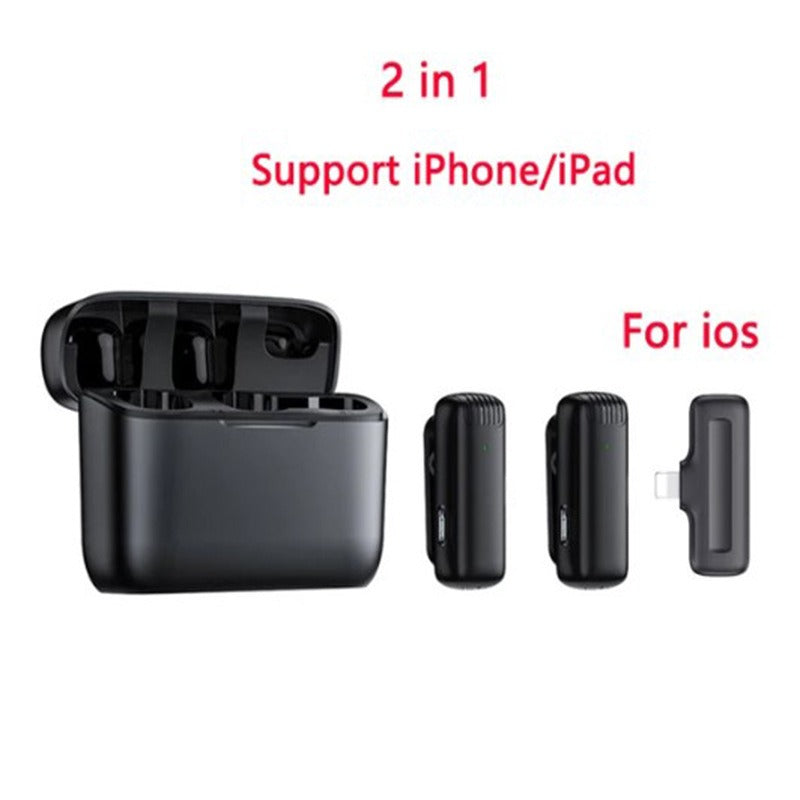


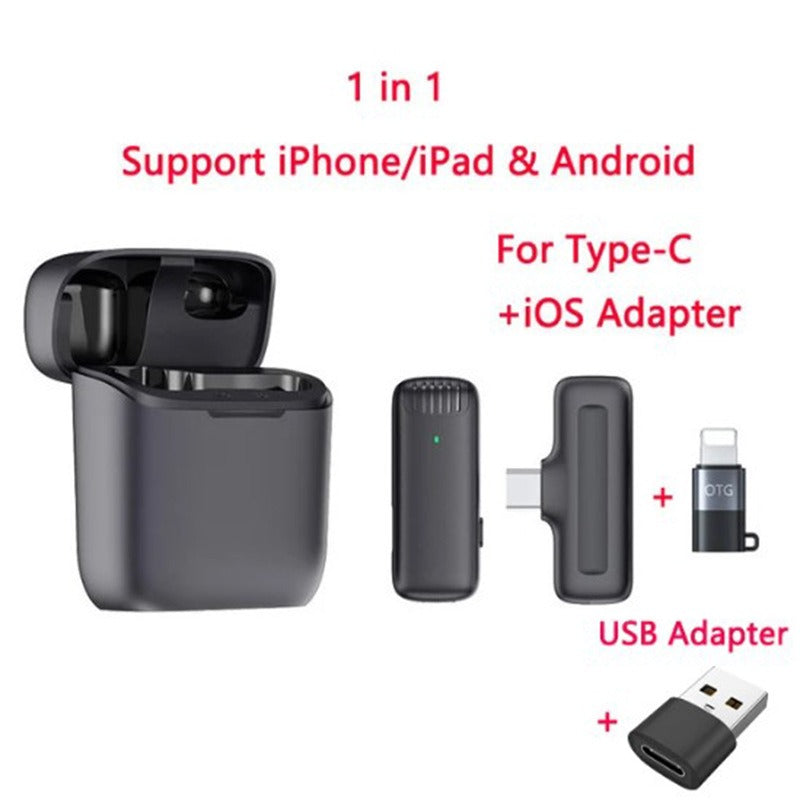
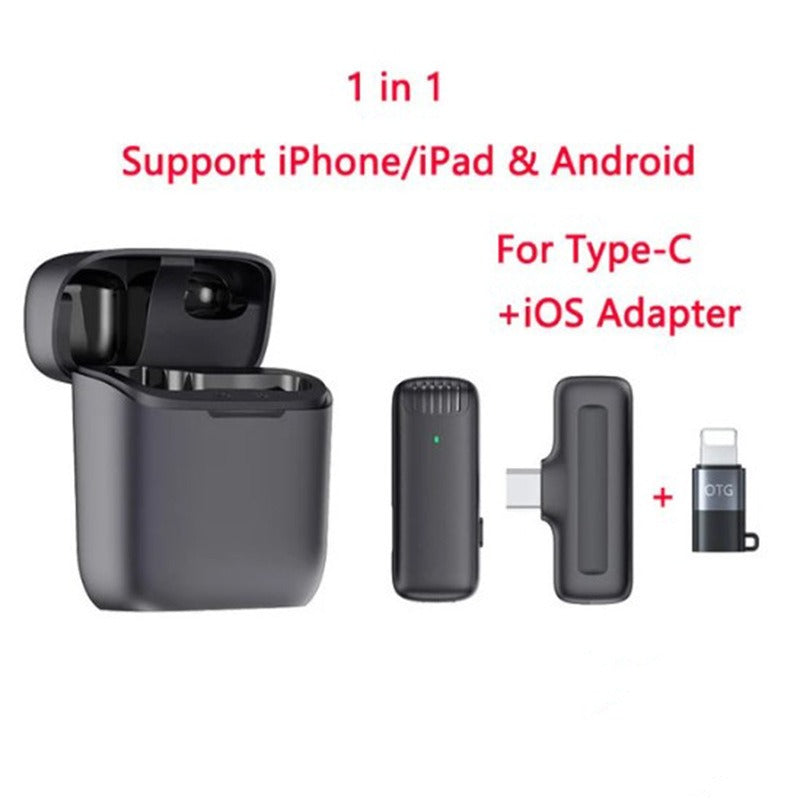


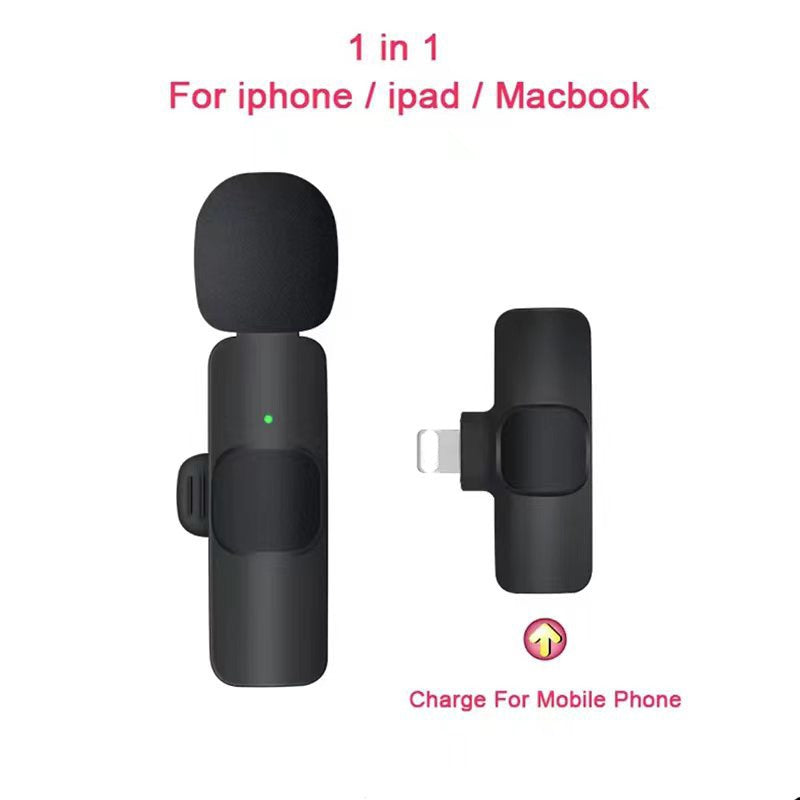


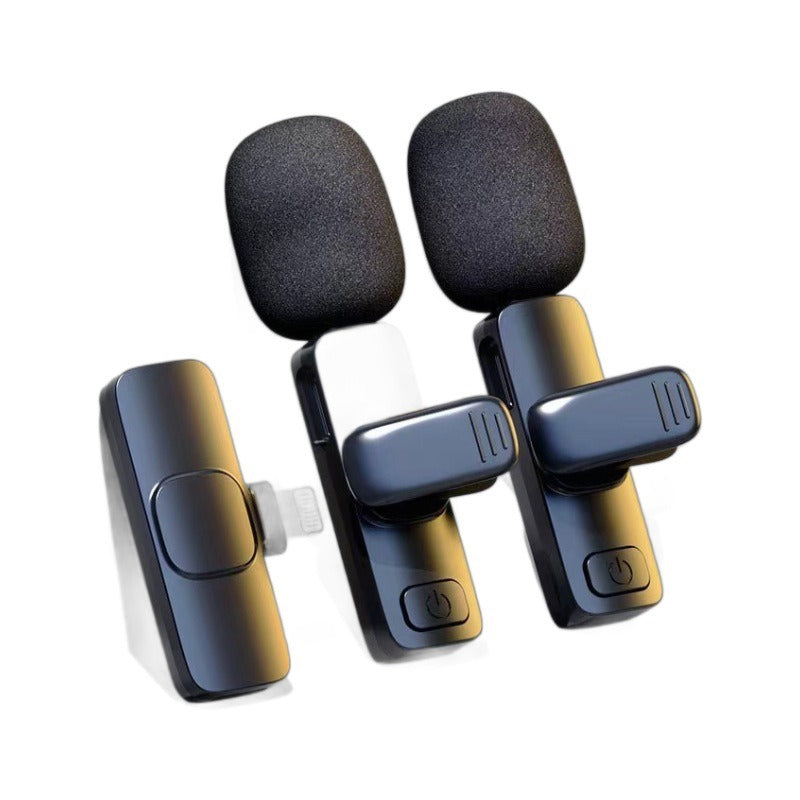


Two clip-on wireless mics and one receiver turn your phone into a clear recording setup for interviews, vlogs, and live streams. The pocket case keeps both mics charged and ready between shoots, and the included adapters match your device port.
Read the full descriptionTwo clip-on wireless mics and one receiver turn your phone into a clear recording setup for interviews, vlogs, and live streams. The pocket case keeps both mics charged and ready between shoots, and the included adapters match your device port.
Two wireless clip-on mics that plug straight into your iPhone, iPad, or Android for clear live audio
Before: thin phone audio, tangled cables, and a separate recorder to juggle. After: two clip-on mics and one receiver that plug straight in and keep your voice sharp on every shoot.

Two transmitters pair to one receiver, so two speakers can be recorded at the same time without a single cable running between them. The kit covers an interview, a co-host, or a classroom demo on the same phone or tablet.

Each mic has a mesh windscreen that takes the edge off wind and breath on outdoor shoots. Clip on the back, and the mic sits on your shirt without fuss. Less hiss from the street means less cleanup in the edit.

The lidded case holds both transmitters and keeps them protected in a bag or pocket. Drop them in between shoots to top up, then check the green LED on each mic before you press record.
The matte black lidded case holds both transmitters in their seats. Lift the lid and take out each mic.
Each mic has a green status LED that lights when it powers on. Make sure both are lit before you connect anything.
The receiver dongle uses a Lightning or Type-C connector, depending on your variant. Plug it into your phone or tablet.
Depending on your variant, the box includes an iOS adapter or a USB-A to Type-C adapter. Use the one that fits your port.
Matte black clip-on mics with mesh windscreens
Lightning or Type-C, matched to your variant
Lidded pocket case that seats both mics
Included in the Type-C variant
Included in one variant
You hit record, your voice sounds distant, and the wind hisses across the phone mic. The clip you planned to post now sounds like a voicemail. Built-in mics pick up the room, not the person talking, and that gap shows up the moment you watch it back.
Each transmitter clips to a collar and sends its signal to one receiver on your phone. Two speakers, one kit, and no cable crossing the frame. Pair it with portable phone tripods and you can move around a room without dragging a recorder along.
The mics live in their charging case, lid closed, ready for the next session. Clip them on, check the green light, and walk into the interview with both hands free and a voice that sounds like it was planned.
Charge both mics, connect the receiver to your device, and run a short test clip. Check the green LEDs and listen back before the real shoot.
After a few sessions you know where to clip each mic for your voice and outfit, and setup takes less time.
The kit lives in your shoot bag, and cables or a separate recorder stop being part of the plan.
Drop both mics into the lidded case between shoots.
Confirm each mic is lit before you press record.
Fabric rubbing across the clip or mesh adds rustle to the take.
| This kit | Built-in phone mic | Wired lav mic | |
|---|---|---|---|
| Mic sits close to the voice | Yes | No | Yes |
| Mesh windscreen on each mic | Yes | No | Partial |
| Two speakers at once | Yes | No | Partial |
| No cable running to the phone | Yes | Yes | No |
| Works with iPhone and Android | Yes | Yes | Partial |
Match the receiver to your port. The Lightning variant fits iPhone and iPad with a Lightning port, and the Type-C variant fits devices with a USB-C port. Check your port before ordering, because the connectors are not interchangeable.
Yes. The packaging lists Android support, and the Type-C variant is the one to pick for most Android phones. Confirm your model's port type before you buy.
The mics sit a short distance from your mouth, which is the main reason voices sound fuller than a phone mic at arm's length. The mesh windscreens take the edge off wind and breath, so a live stream outdoors or on a busy street holds up better.
Both mics charge in the lidded pocket case. Drop them in between sessions and check the green LED on each mic before you record. The listing does not give a runtime, so run a short test clip before a long shoot.
The packaging lists iPad and MacBook support. Use the receiver variant that matches the port on your tablet or laptop, since the Lightning and Type-C versions do not swap.
A phone mic is free, but it picks up the room. This kit replaces a separate recorder, a second mic for a co-host, and the cables you would otherwise tangle on every shoot. Two mics and a case in one bag costs less than most dedicated audio recorders and gives you a second speaker on the same clip.


 Wireless Lavalier Microphone for iPhone and Android Phones