
$109.90
Free delivery · 7–14 days
Wireless Gaming Mouse 12,000 DPI for FPS Aiming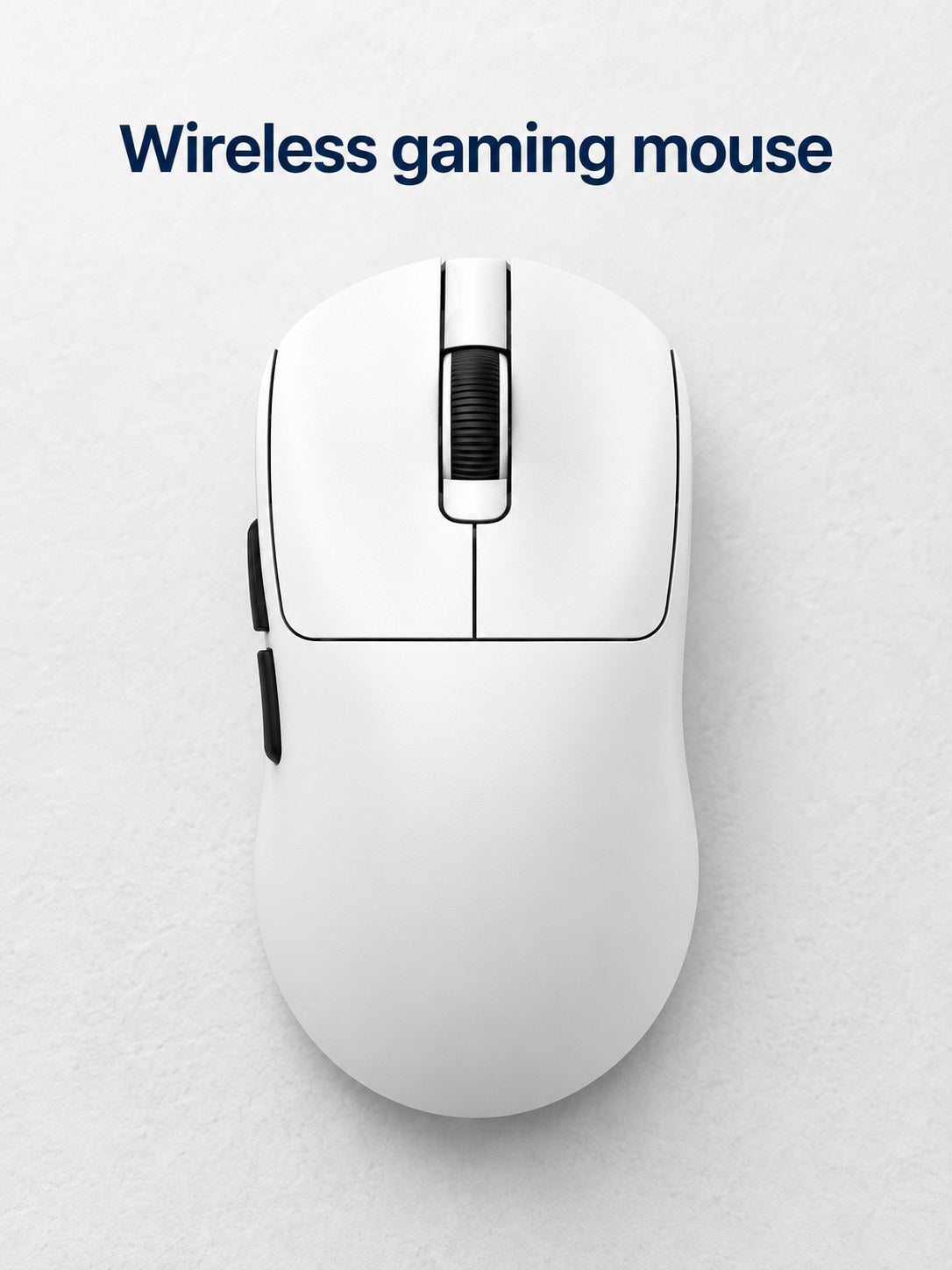
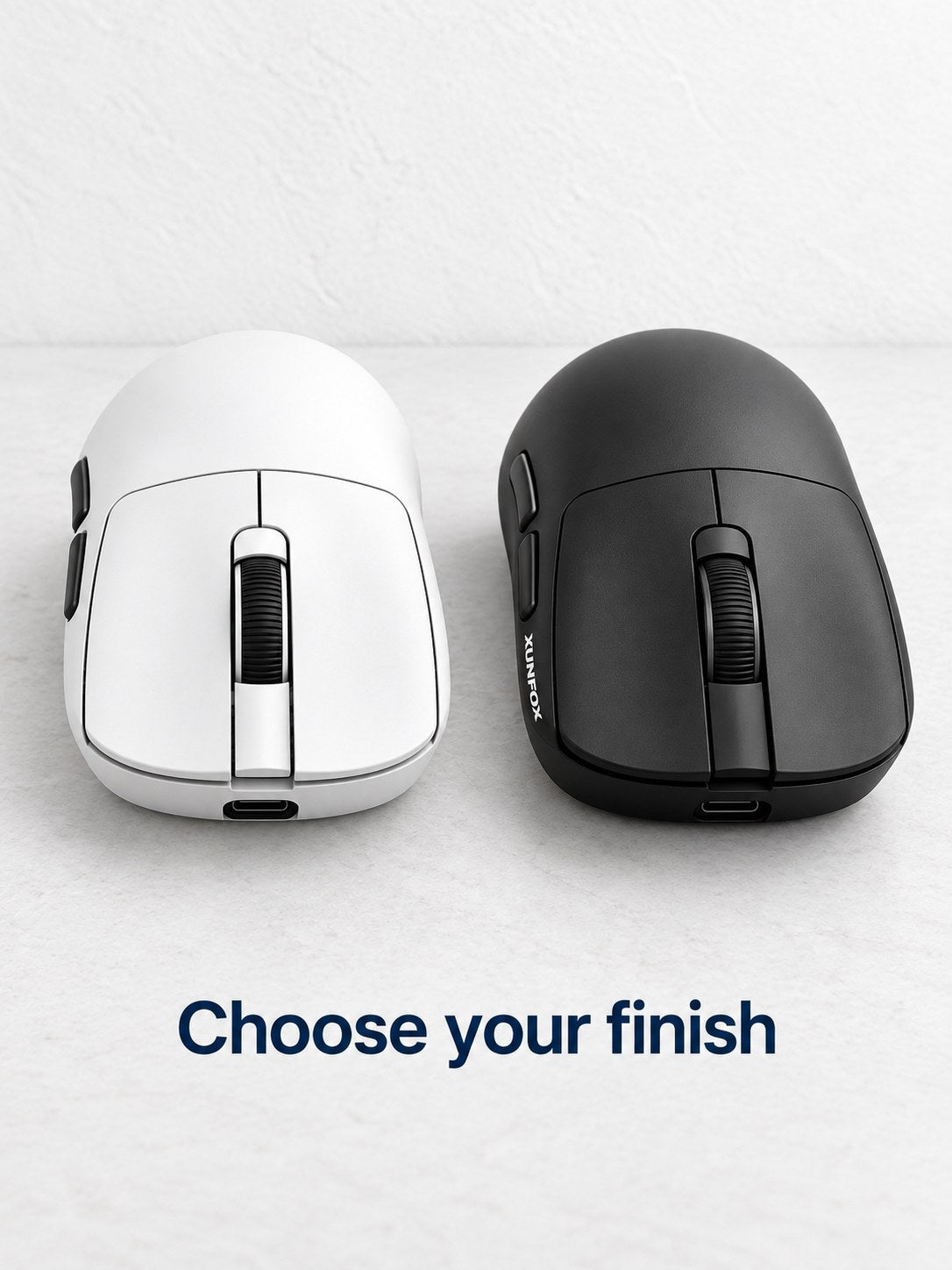
Wire-free aim with a PAW 3311 sensor, DPI up to 12000 and polling up to 1000Hz. The 300mA battery charges over Type-C, so you start each session with a full mouse and spend your time on the match.
Read the full descriptionWire-free aim with a PAW 3311 sensor, DPI up to 12000 and polling up to 1000Hz. The 300mA battery charges over Type-C, so you start each session with a full mouse and spend your time on the match.
High-precision PAW 3311 sensor with up to 12000 DPI and 1000Hz polling for responsive wireless gaming
Tired of lag, drift, and a mouse that dies mid-match? Pair a PAW 3311 sensor with a USB-C rechargeable battery and play wire-free, topping up overnight.

The PAW 3311 reads the surface with a red laser beam, and the tracking holds steady on fast, short flicks. Pair it with a DPI setting that suits your aim and the cursor goes where your hand sends it.

Six DPI steps run from 1200 to 12000, and four polling tiers run from 125 to 1000Hz. Start in the middle, then move up or down until the cursor feels right for your game and your desk space.

The rechargeable 300mA battery takes a Type-C cable, so one cable keeps the mouse topped up. Plug it in overnight and you will not be swapping cells before the next match.
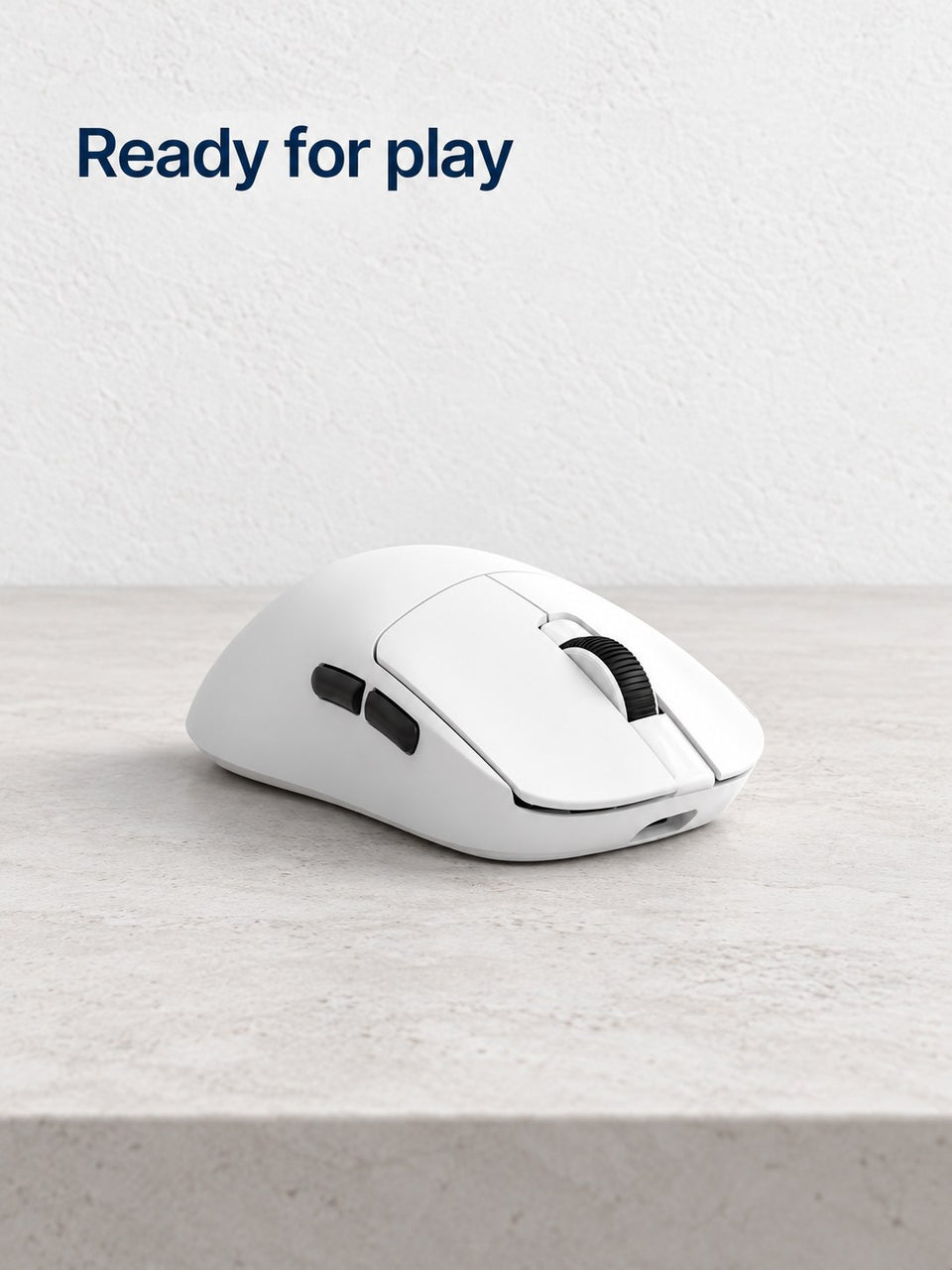
The mouse sits under the lid with the matte white shell and black scroll wheel in view.
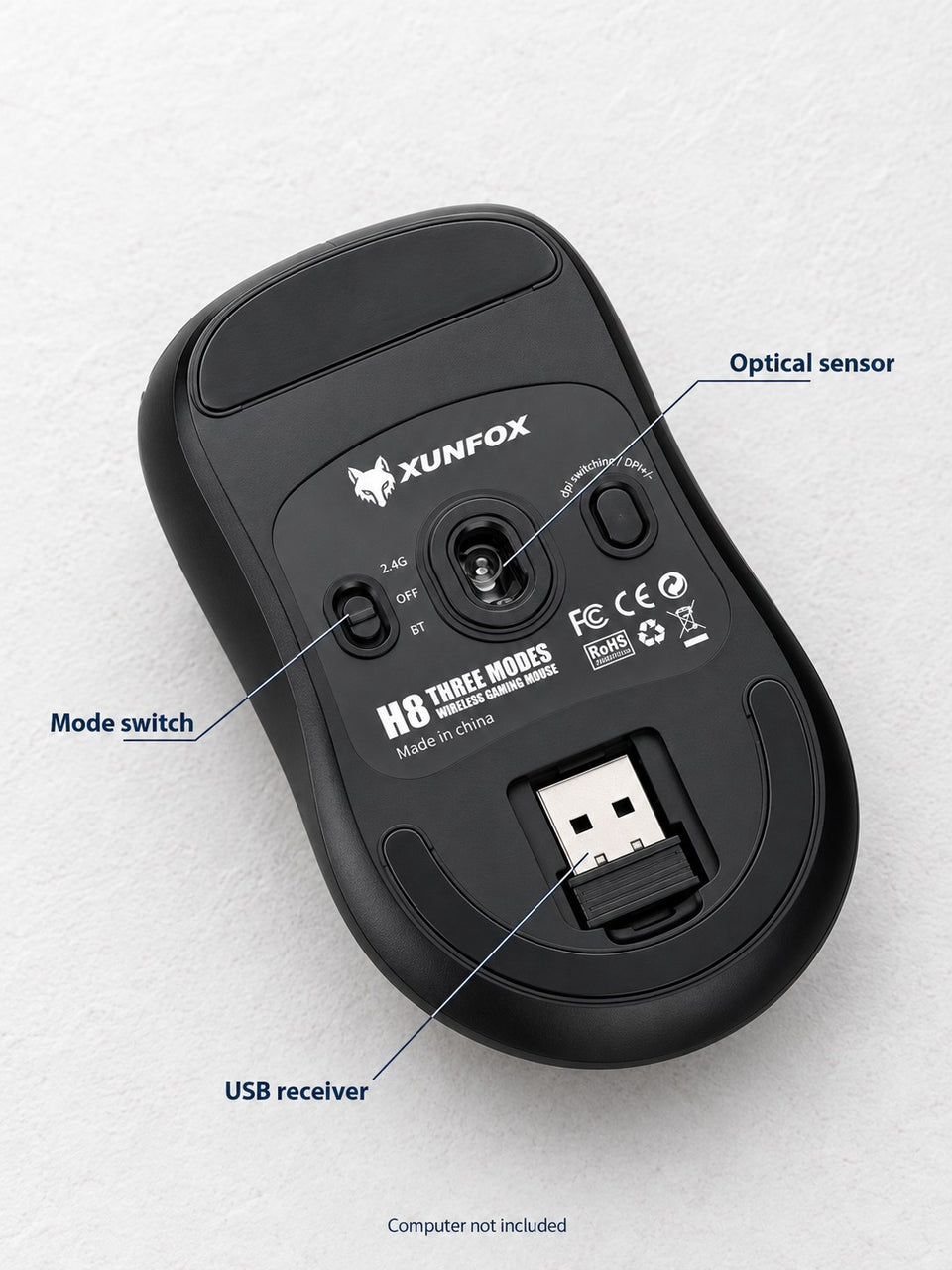
Plug the Type-C cable into the mouse and a USB port. Charging takes a while on the 300mA battery, so start it before you sit down.
Connect the mouse wirelessly to your computer, then set the DPI step and polling tier that suit your game.
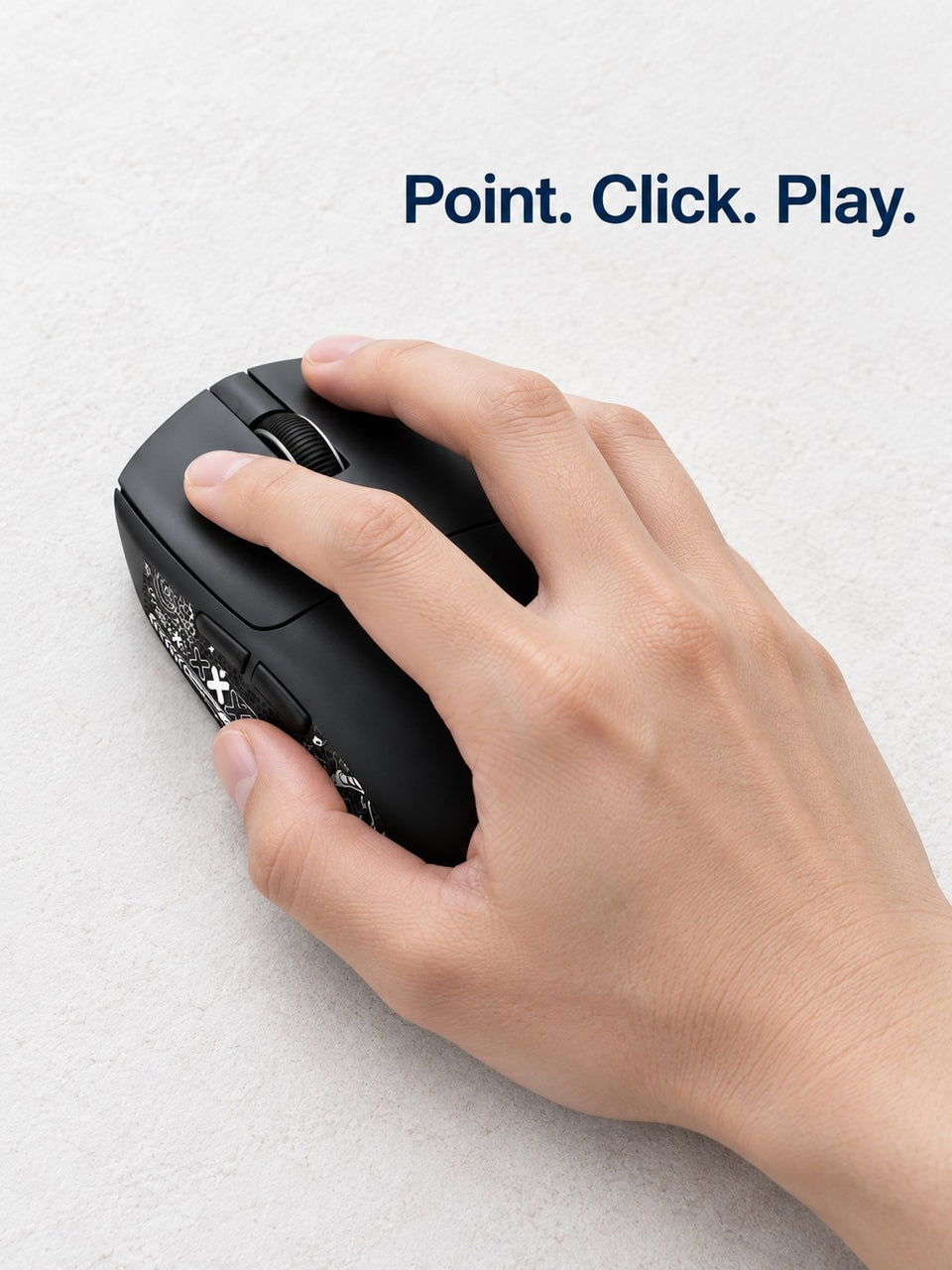
Peel the PU grip sticker and press it to the side of the mouse for extra texture under your palm.
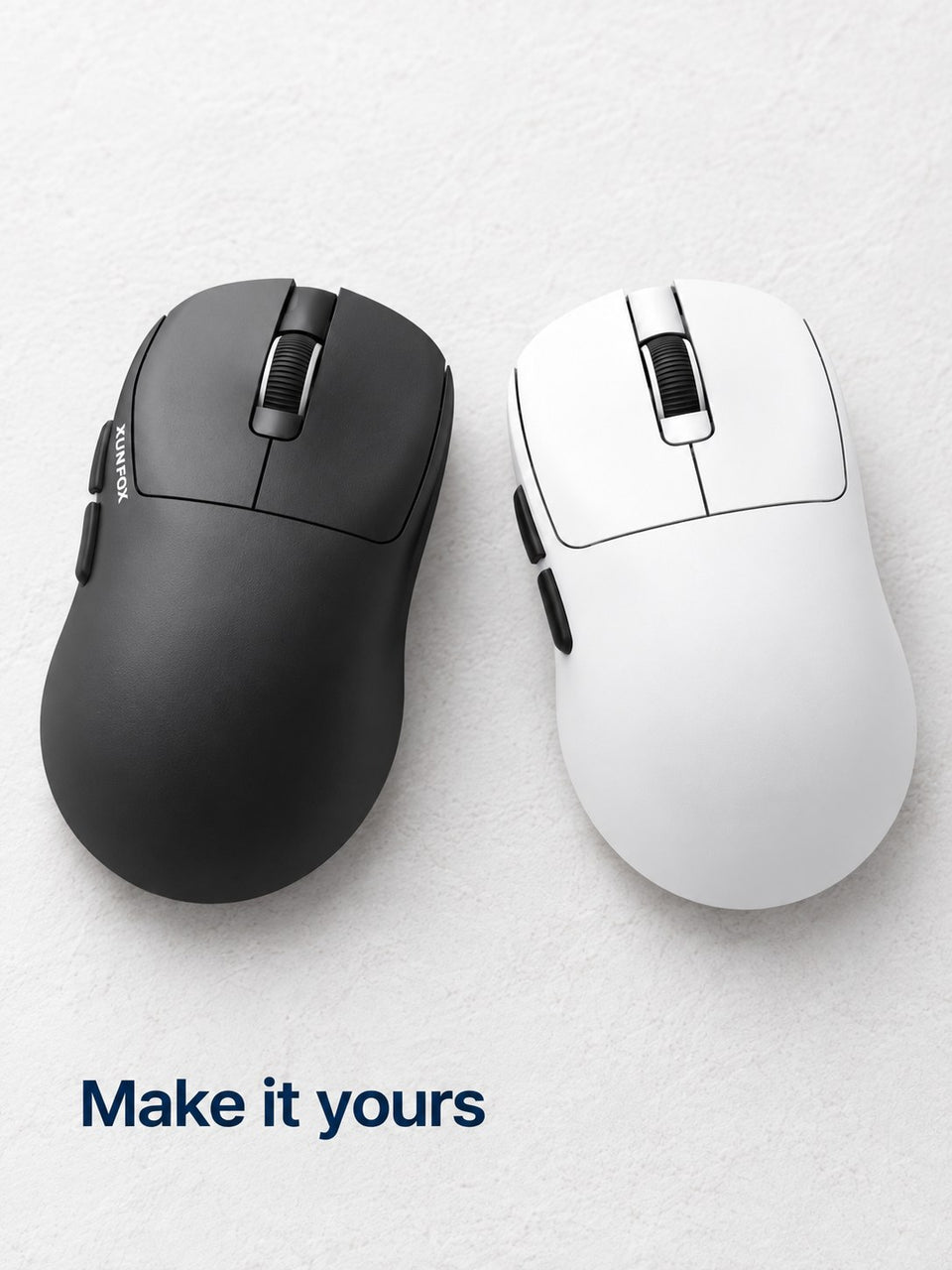
PAW 3311 sensor, matte white or jet black
Charges the built-in rechargeable battery
Machine-style accessory for extra grip and a custom look
You line up the shot, the crosshair slides a few pixels off target, and the enemy is already gone. Then the mouse starts blinking low on power and you spend the next match hunting for AAA batteries. Cheap wireless mice tend to stutter on fast flicks, and that is the moment a game is decided.
The PAW 3311 sensor reads the surface with a red laser and follows quick flicks cleanly. Six DPI steps from 1200 to 12000 let you set the speed for your game, and four polling tiers from 125 to 1000Hz let you choose how often the mouse reports to your PC. Set it once, then stop thinking about the hardware and start thinking about the enemy.

The 300mA rechargeable battery charges through a Type-C cable, so the desk stays clear of cords while you play. Plug in when you log off, and the mouse is ready when your next session starts. A PU grip sticker comes in the box if you want more texture under your palm.
| This mouse | Budget wireless mouse | Premium flagship mouse | |
|---|---|---|---|
| PAW 3311 sensor | — | Partial | |
| Rechargeable battery over USB-C | Partial | ||
| Adjustable DPI steps | Partial | ||
| Grip sticker in the box | — | — |
The PAW 3311 is a red-laser sensor with DPI up to 12000 and polling up to 1000Hz, which covers the range most competitive players tune within. Start at a mid DPI step, then adjust until your flicks land where you aim.
The DPI steps run from 1200 to 12000 and the polling tiers run from 125 to 1000Hz. Set both to the values that suit your game before a match, then leave them alone so your muscle memory holds.
The product listing confirms wireless connectivity and Type-C charging but does not name macOS support. Check your system compatibility before you order if you plan to use it on a Mac.
The packaging lists the battery as a 300mA rechargeable cell but gives no runtime figure. Top it up over Type-C when you log off, and you will start each session with a full charge.
The shell is smooth matte plastic with a ridged scroll wheel and black side buttons. Add the included PU grip sticker if the surface feels slick during long sessions. The sticker costs nothing extra, and it saves you from buying a second mouse for grip.


 Wireless Gaming Mouse with PAW 3311 Sensor 12000 DPI