
$69.90
Free delivery · 7–14 days
Wireless Gaming Mouse with PAW 3311 Sensor 12000 DPI
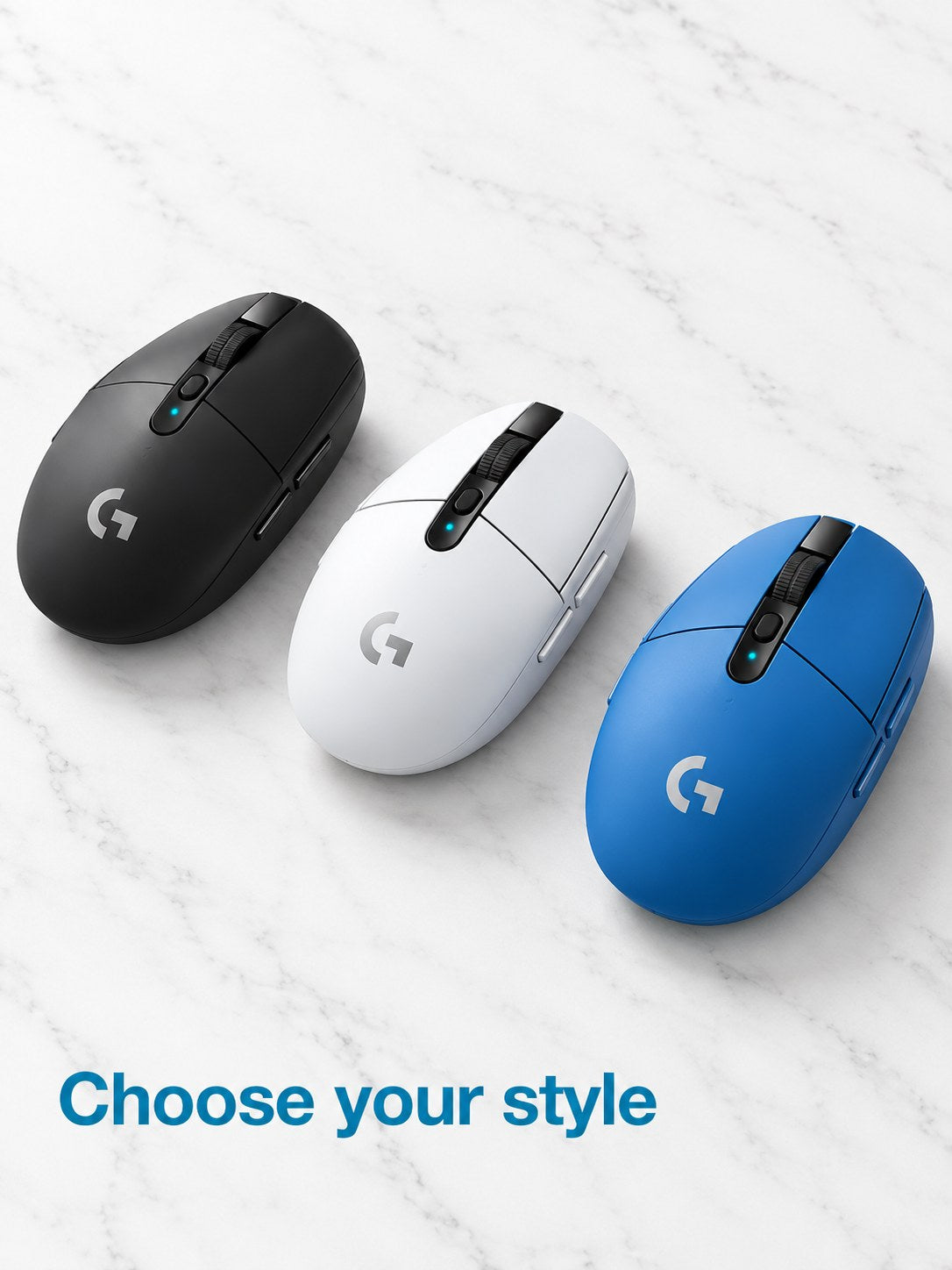
Wireless aim without the cable snag. The G304 pairs a 12,000 DPI HERO sensor with 400 IPS tracking and six programmable buttons over a 2.4G link. It suits FPS and battle royale players who want a clean desk and fewer battery stops.
Read the full descriptionWireless aim without the cable snag. The G304 pairs a 12,000 DPI HERO sensor with 400 IPS tracking and six programmable buttons over a 2.4G link. It suits FPS and battle royale players who want a clean desk and fewer battery stops.
High-precision 12,000 DPI wireless gaming mouse with HERO sensor and up to 10x better power efficiency
Stop fighting a cable on every flick. The G304 wireless mouse keeps your aim steady with a 12,000 DPI HERO sensor and runs longer between charges.

The HERO sensor tops out at 12,000 DPI and tracks at 400 IPS, so small adjustments on a crosshair land where you point. Logitech rates it at up to 10x power efficiency, which is the number that decides how often you reach for a charger.

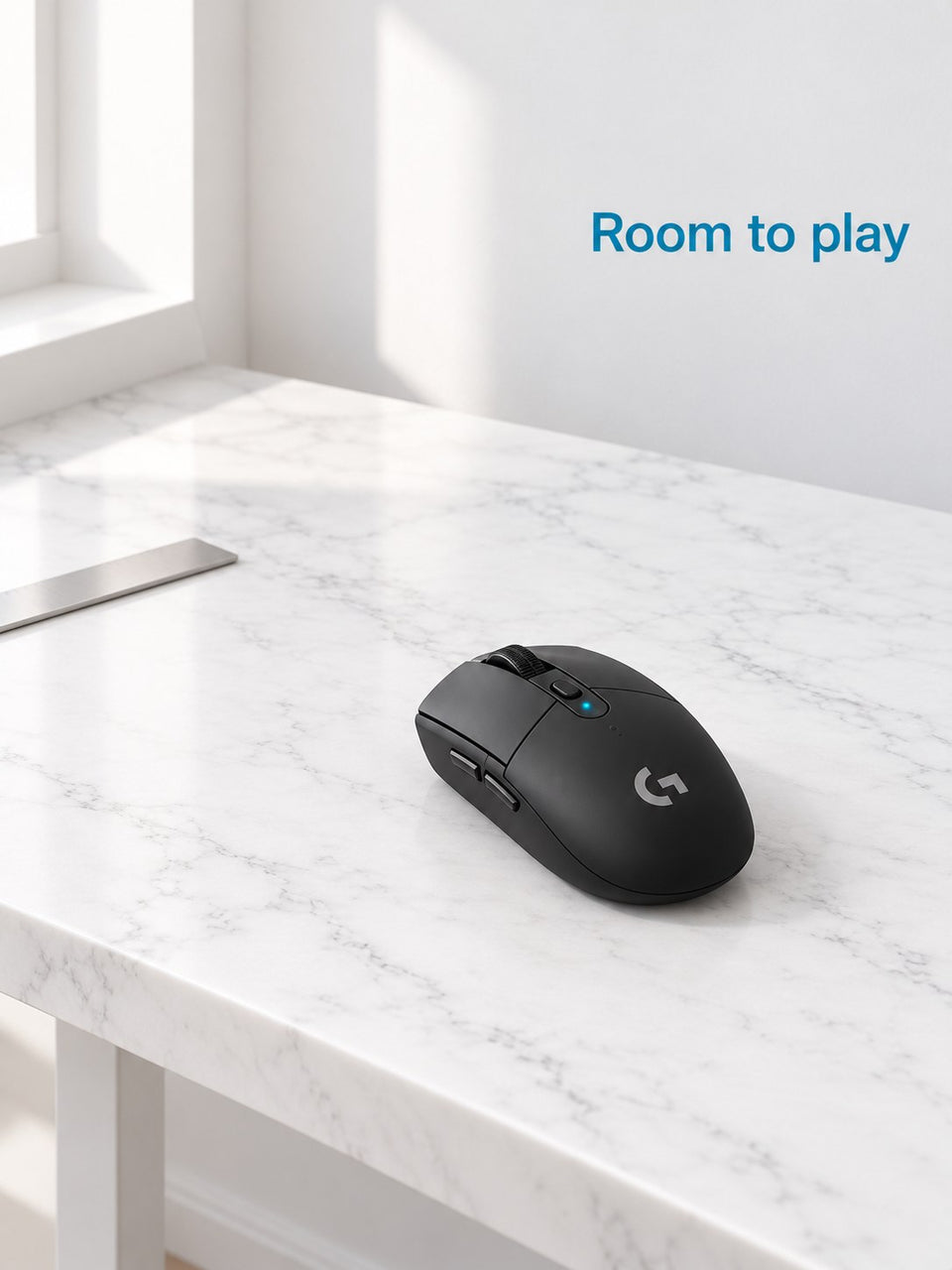
The 2.4G link runs from a small receiver to the mouse, so the cable never sits under your palm or snags on the desk mid-flick. If you are moving up from a wireless mice lineup or a wired model, this is the change you feel first.

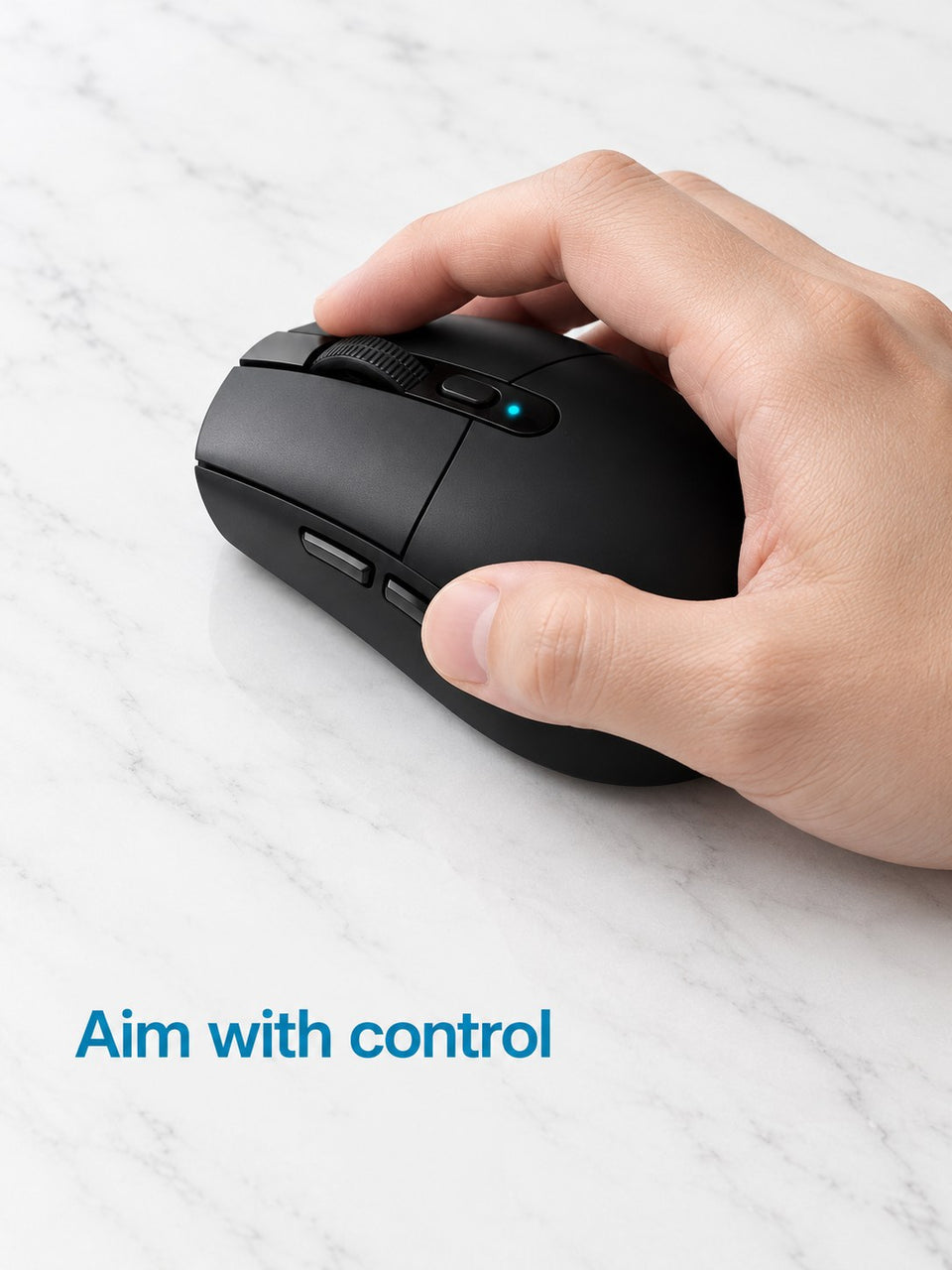
Left, right, middle, forward, back and DPI all sit within easy reach, and you can bind each one in the Logitech software. Binds save to onboard memory, so your setup comes with the mouse when you move between machines.
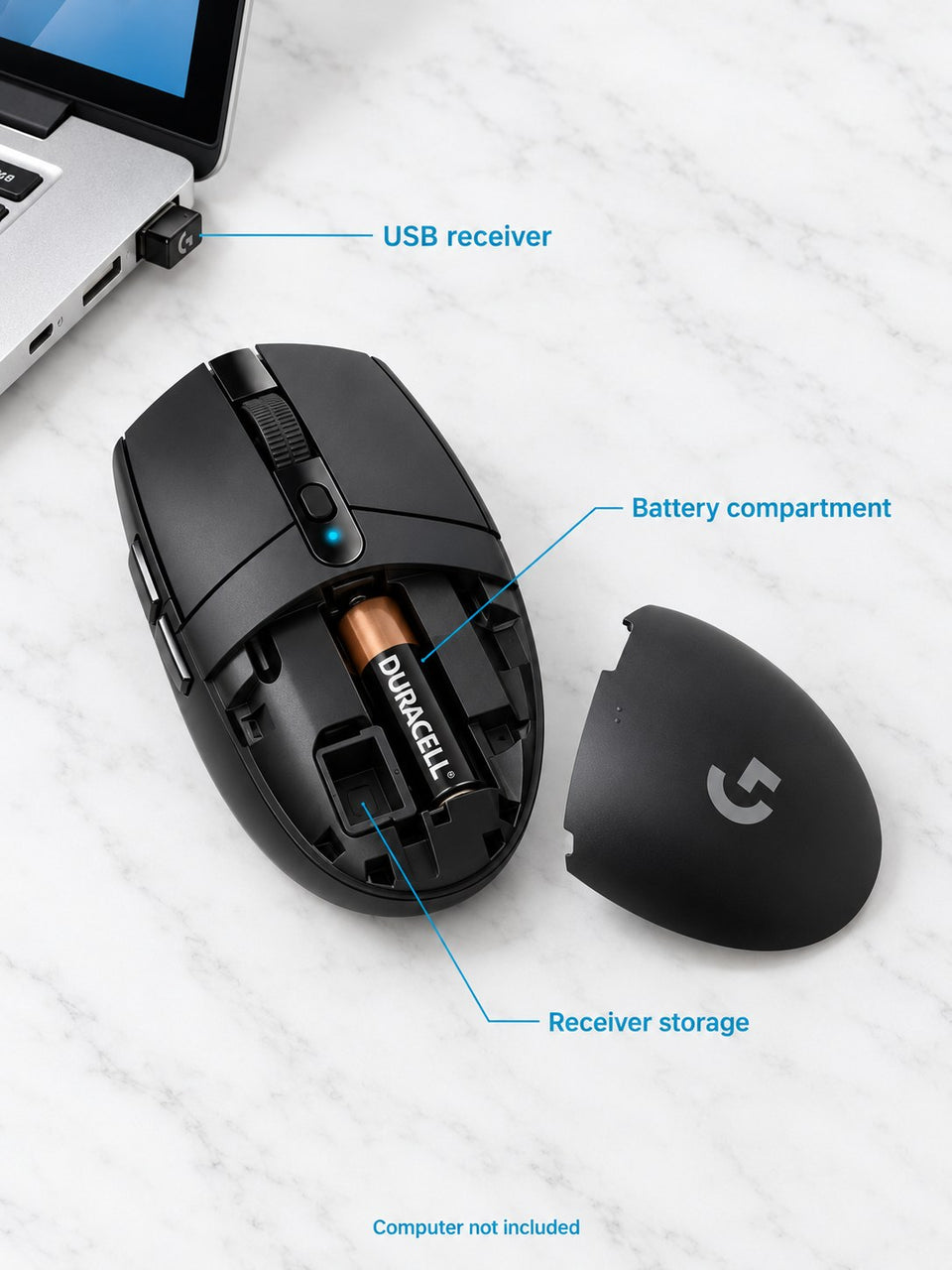
Connect the 2.4G receiver to a USB port close to the mouse, with a clear line of sight across the desk.
Switch the mouse on and wait for the status LED to settle. The mouse pairs with the receiver and is ready to move.
Advanced DPI and button features need the Logitech gaming software. Download it from LogitechG.com/downloads.
Set your DPI levels and map the six buttons, then save. The binds store in onboard memory, so they stay with the mouse.
| G304 wireless | Wired budget mouse | |
|---|---|---|
| Cable across the desk | No | Yes |
| 12,000 DPI HERO sensor | Yes | Varies by model |
| Six programmable buttons | Yes | Partial |
| Advanced settings need software | Yes | No |
The G304 runs on a 2.4G link, the standard that wireless gaming mice rely on for a stable connection. Keep the receiver near the mouse with a clear line of sight and the link stays out of the way of your flicks.
Basic movement works straight out of the box. Advanced DPI and button features need the Logitech gaming software, which you can download at LogitechG.com/downloads. Save your binds to onboard memory once and they travel with the mouse.
The packaging lists up to 10x power efficiency but does not publish a runtime in hours. Track a week of your own sessions to see how often you recharge.
Yes. It is built for PC gaming and everyday desktop work, so the same DPI setting handles browsing, spreadsheets and matches.
The shell is a clean ergonomic shape with a smooth matte finish that suits palm grips well. Players with smaller hands sometimes find it wide for a claw grip, so check the fit against your grip before you commit.
A wired budget mouse costs less up front, but the cable pulls on every flick. The G304 trades the cord for a 2.4G link and onboard memory, so your settings stay put when you move between desks. Pair it with a good mouse pads surface and the desk stays clean for years.


 Wireless Gaming Mouse 12,000 DPI for FPS Aiming