
$109.90
Free delivery · 7–14 days
Wireless Gaming Mouse 12,000 DPI for FPS Aiming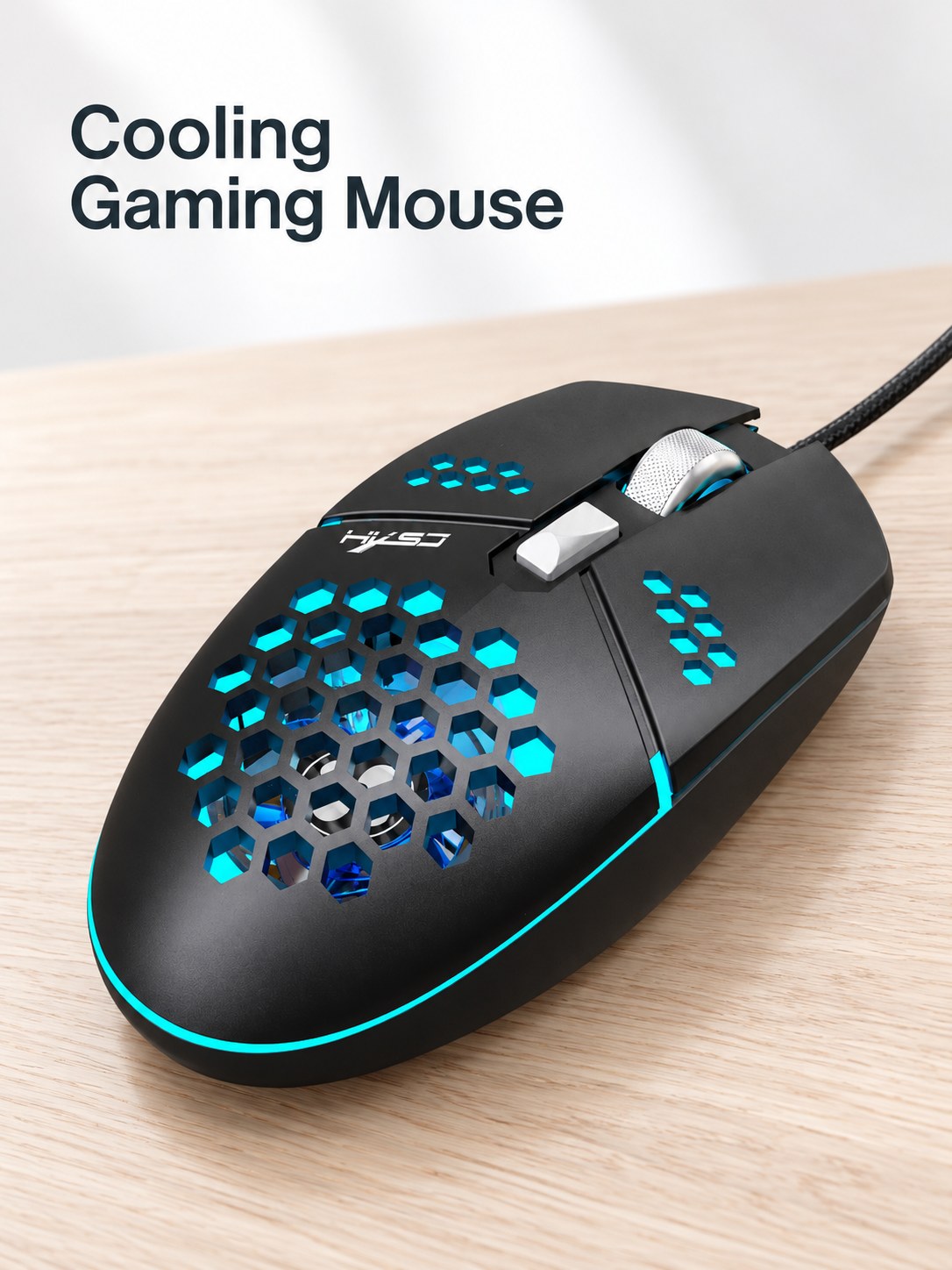
The J400 keeps your palm cooler through long matches with a built-in fan that pushes air across the hand rest. The 8000 DPI sensor and programmable macros keep your aim and commands steady from the first round to the last. It is a wired gaming mouse built for players who game long and want cooling...
Read the full descriptionThe J400 keeps your palm cooler through long matches with a built-in fan that pushes air across the hand rest. The 8000 DPI sensor and programmable macros keep your aim and commands steady from the first round to the last. It is a wired gaming mouse built for players who game long and want cooling without premium pricing.
Built-in fan cooling gaming mouse that keeps palms cool with 8000 DPI precision
Long matches leave your hand sweaty, slippery, and tired. The J400 adds a built-in fan and 8000 DPI precision, so your grip stays steady from first round to last.

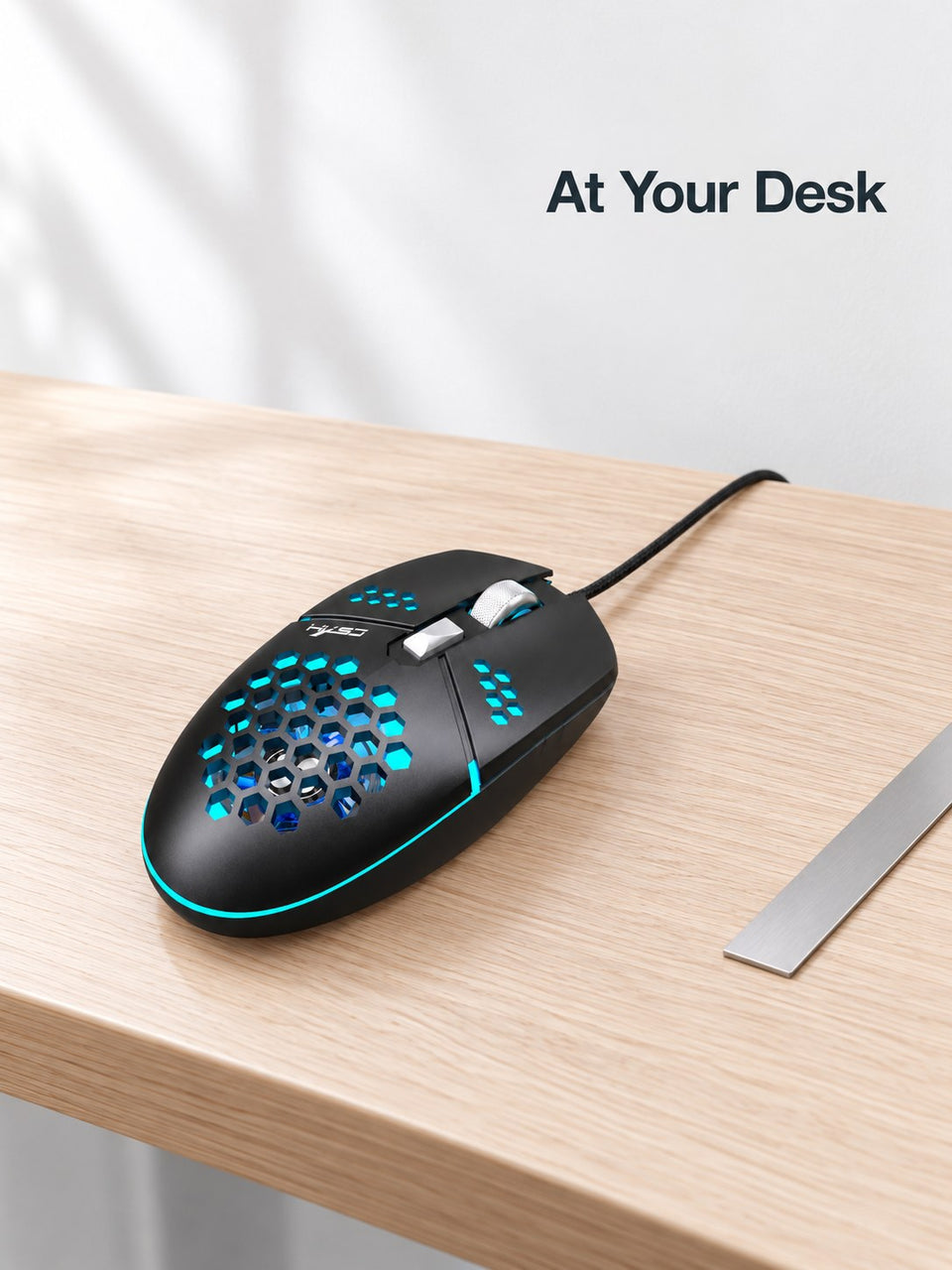
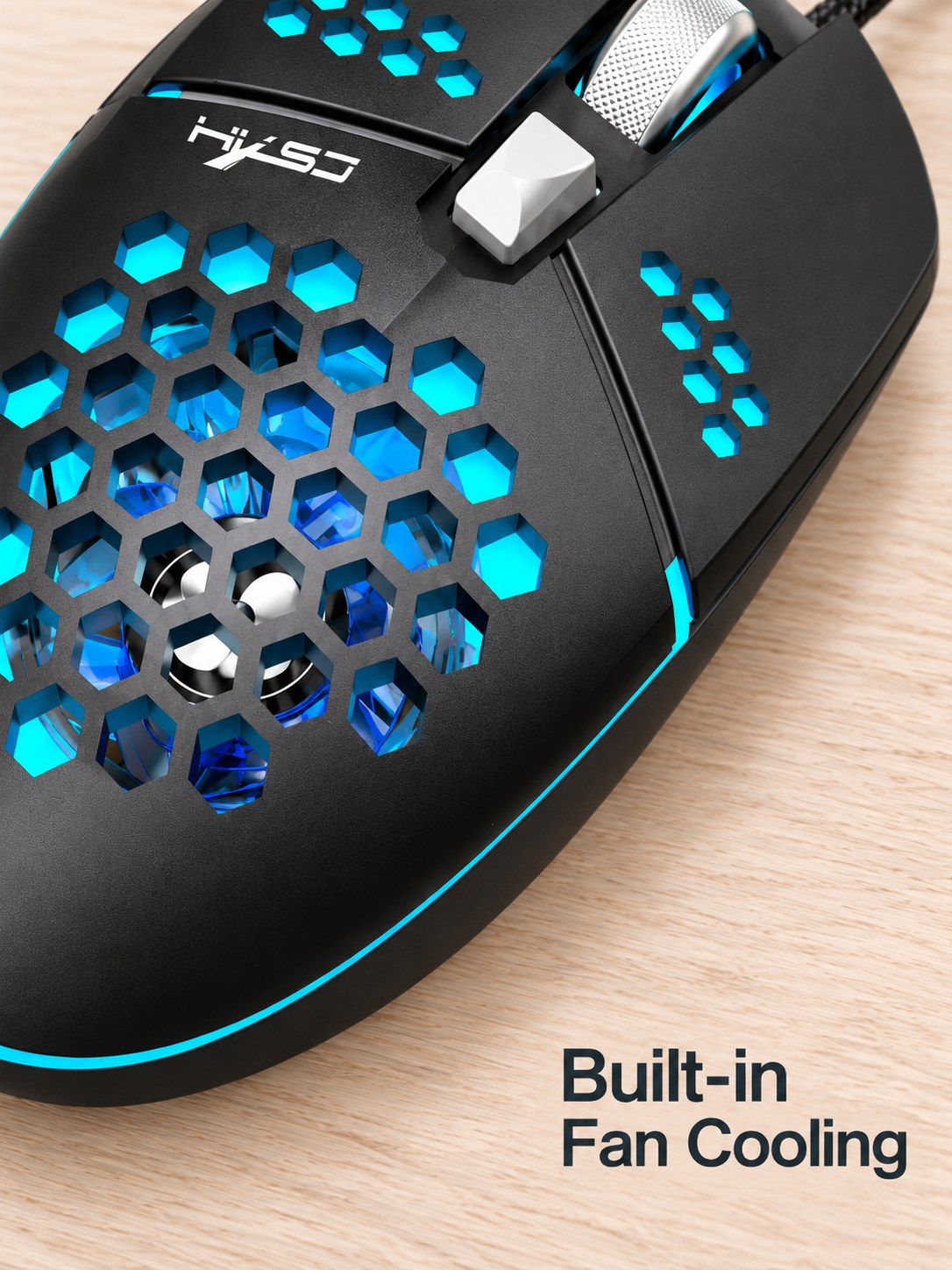
The built-in fan moves air across the palm rest through the honeycomb shell, with speed up to 3500 rpm listed on the packaging. The fan is switchable, so you choose the airflow for the session in front of you. Use it high for a hot ranked grind and drop it for quieter desk work.

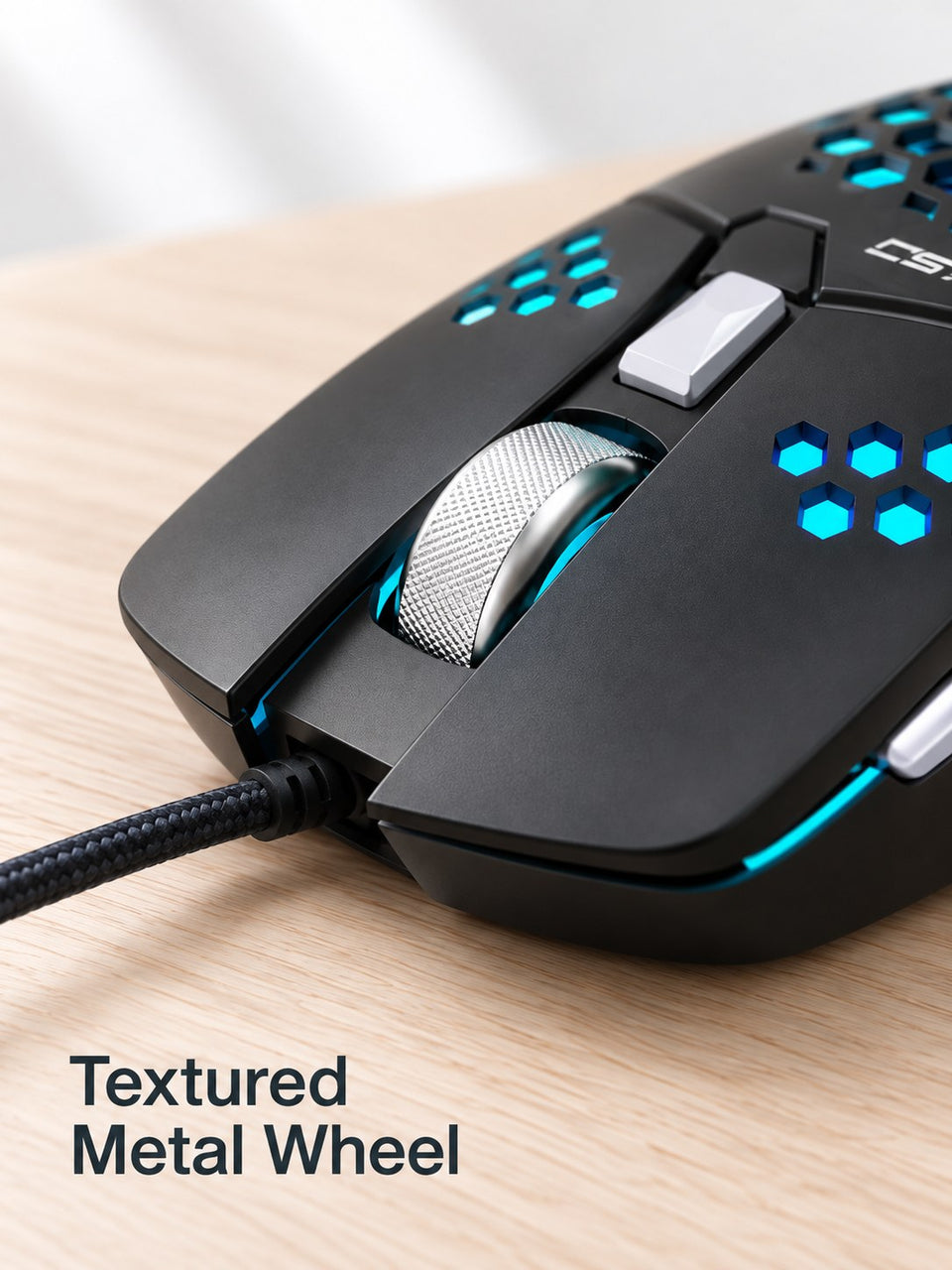
The 8000 DPI optical sensor gives fine control for aiming, and the silver scroll wheel and thumb buttons add tactile feedback under your fingers. The same mouse slides from a late ranked match to a spreadsheet without any change in feel.

Custom macro programming lets you bind repetitive in-game commands to the buttons, so your hand stays on the mouse. Ability combos and inventory shortcuts sit under your thumb instead of across the keyboard. Your aim stays where it belongs.
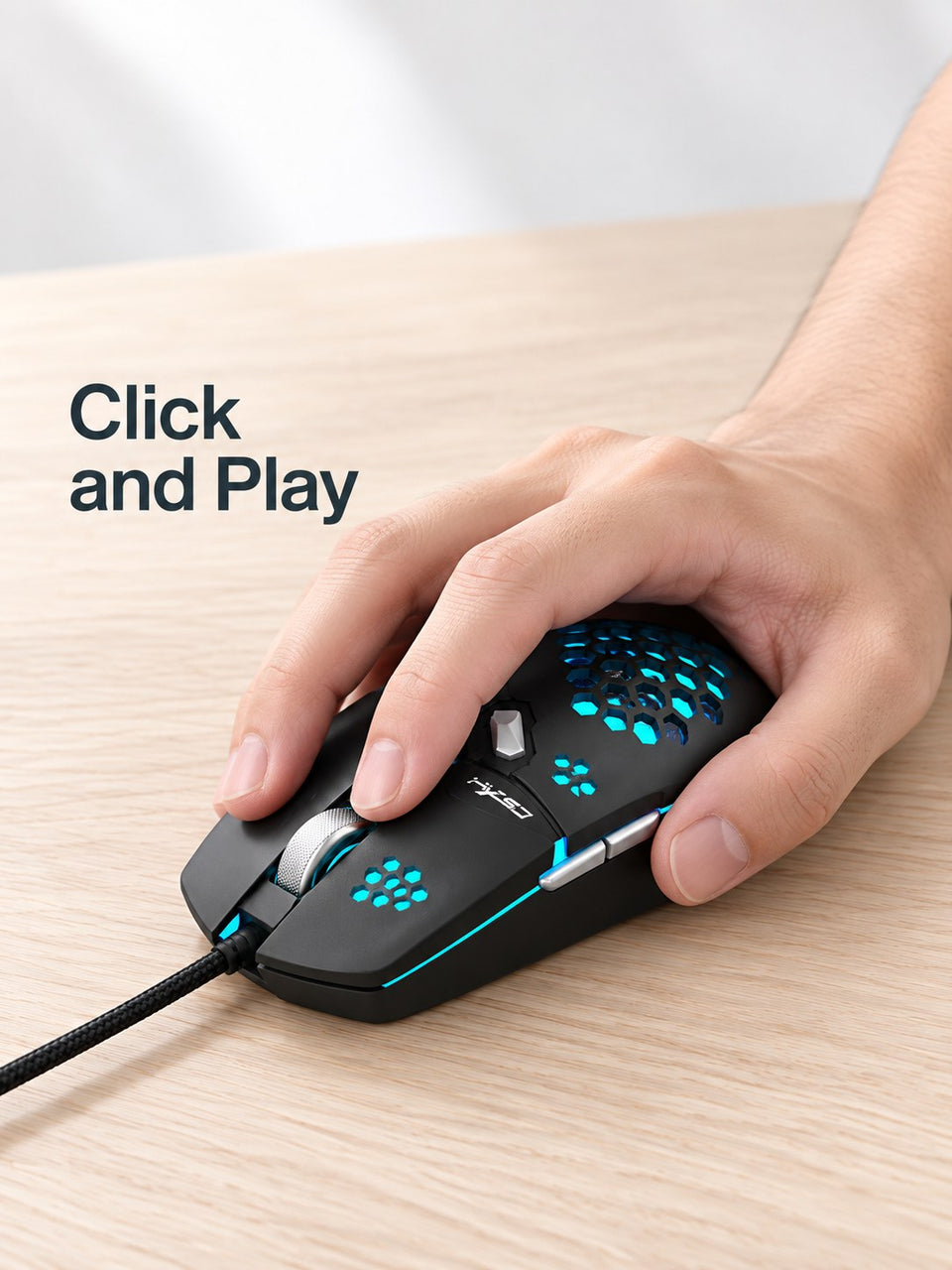
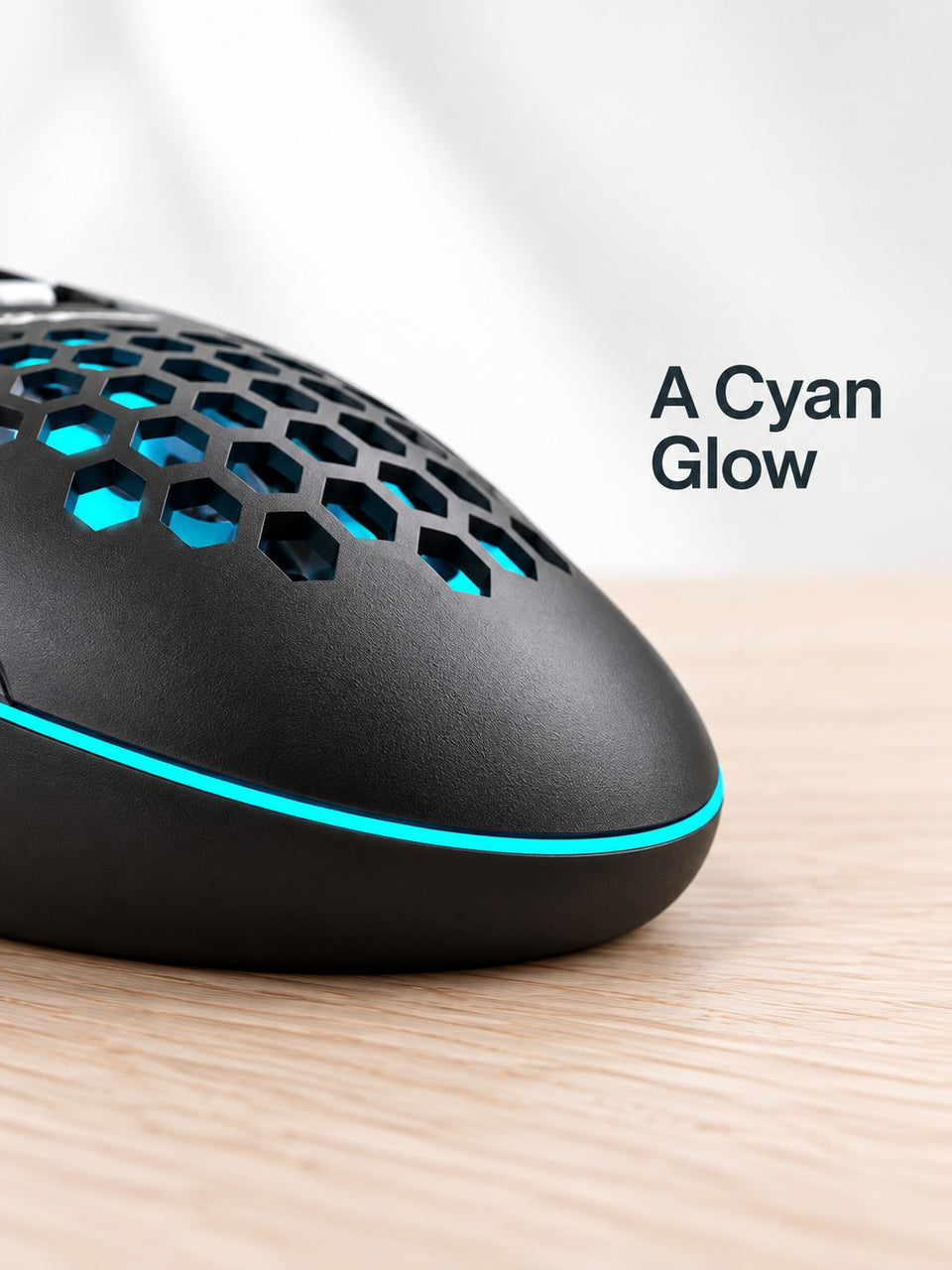
Connect the USB plug to your PC or laptop. The cyan edge lighting comes on as soon as the mouse has power.
Use the fan switch on the mouse to start the airflow. Choose high for a hot ranked session or low for quiet desk work.
Assign custom macro commands to the programmable buttons, starting with the two or three abilities you press most. Keep the list short so your thumb always finds the right button.
Keep your palm on the shell and leave the vents clear. Blocking the honeycomb cutouts cuts the airflow across your hand.
Wired J400 with built-in fan and RGB cyan edge lighting
Wired connection to your PC or laptop

Somewhere around the third hour, your palm goes slick. The mouse starts sliding under your hand right when a round is on the line, and you grip harder to compensate. That tension shows up in your aim before you notice it in your hand.

The J400 puts a fan inside the shell and pushes air across the palm through the honeycomb cutouts. The cyan edge lighting makes the airflow easy to follow, so you know where the cooling is coming from. Switch the fan on before the first queue and the difference shows up within a few rounds.

With the palm cooler and the mouse holding its place, the 8000 DPI sensor does what it is supposed to do. Macros take the repetitive commands off your fingers, so your hand stays on target through the late rounds.
| J400 | Plain budget mouse | Premium mouse | |
|---|---|---|---|
| Built-in cooling fan | — | — | |
| Airflow across the palm rest | — | — | |
| Custom macro programming | — | ||
| Budget price tier | — |
The fan pushes air across the palm rest through the honeycomb shell, so the cooling lands where your hand sits. It is not a cold-plate or a chilled surface, so expect airflow that takes the edge off heat and sweat over a long session. Keep your palm on the shell and the vents clear for the best result.
The fan runs at up to 3500 rpm, and top speed is the loudest setting. Most players keep it on a lower setting for quiet games and switch to high for long, hot sessions. The fan is switchable, so you control the noise as well as the airflow.
Yes. The fan is switchable, so a lower setting suits spreadsheets, browsing, and casual games at a warm desk. The higher setting is for matches where the palm heat builds fast.
The shell is matte plastic with a honeycomb hollow design, and the braided cable is built for regular plugging in and out. The J400 is rated for 20 million keystrokes on its switches. Grip the plug itself when you unplug it to protect the connector over time.
A plain budget mouse costs about the same and gives you no cooling at all. The J400 adds a built-in fan and 8000 DPI aim at a budget price, so you pay for airflow instead of paying premium-mouse money. If your hands run hot in long matches, that is the difference you feel.
The J400 supports custom macro programming on its programmable buttons, so you set the commands you want on the thumb buttons. Check the included instructions for the exact setup steps before your first session.


 Wired Gaming Mouse with Cooling Fan, 8000 DPI Sensor