
$34.90
Free delivery · 7–14 days
USB 3.0 OTG Adapter Cable with USB-C and Micro-USB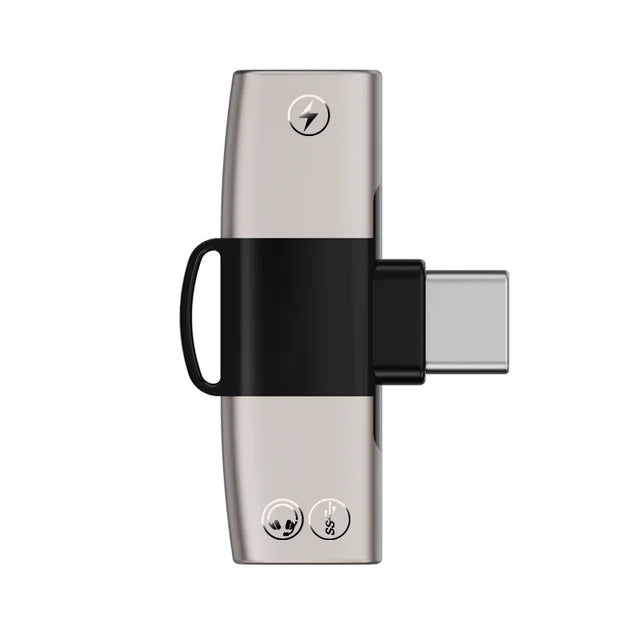
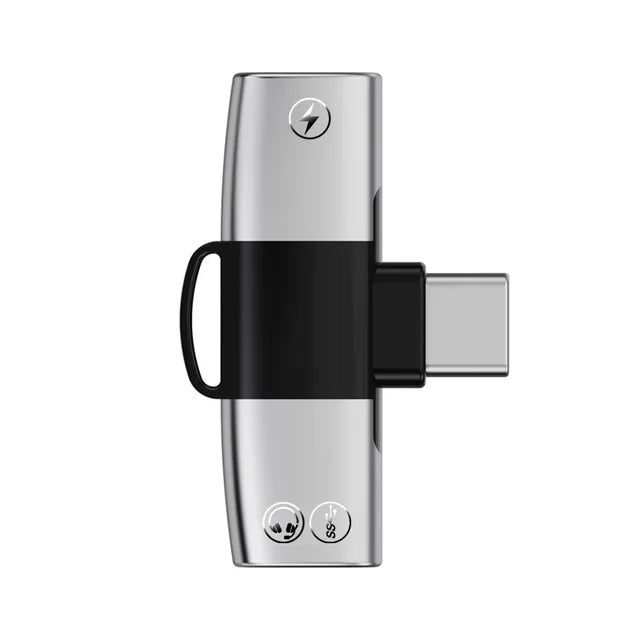
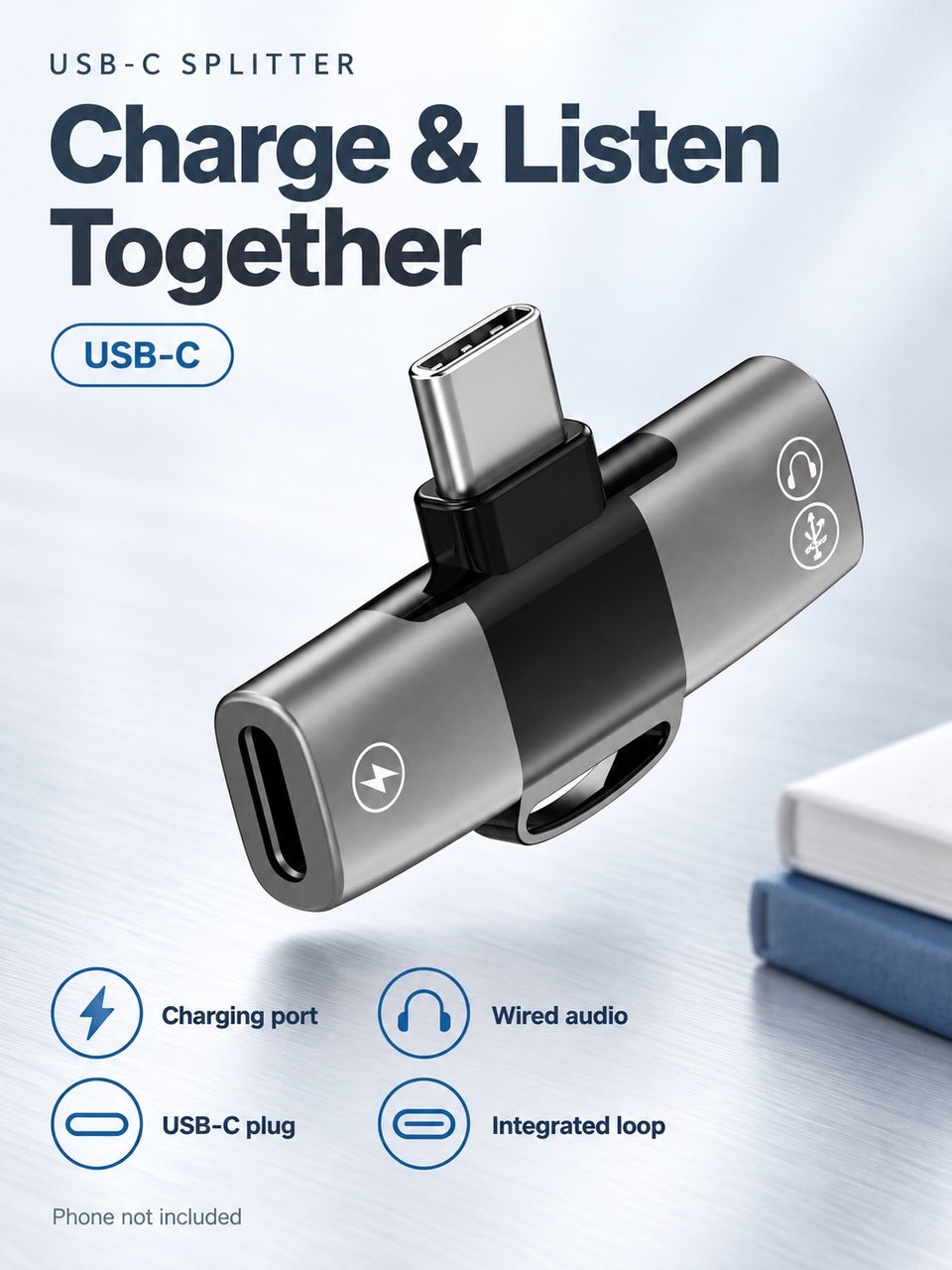
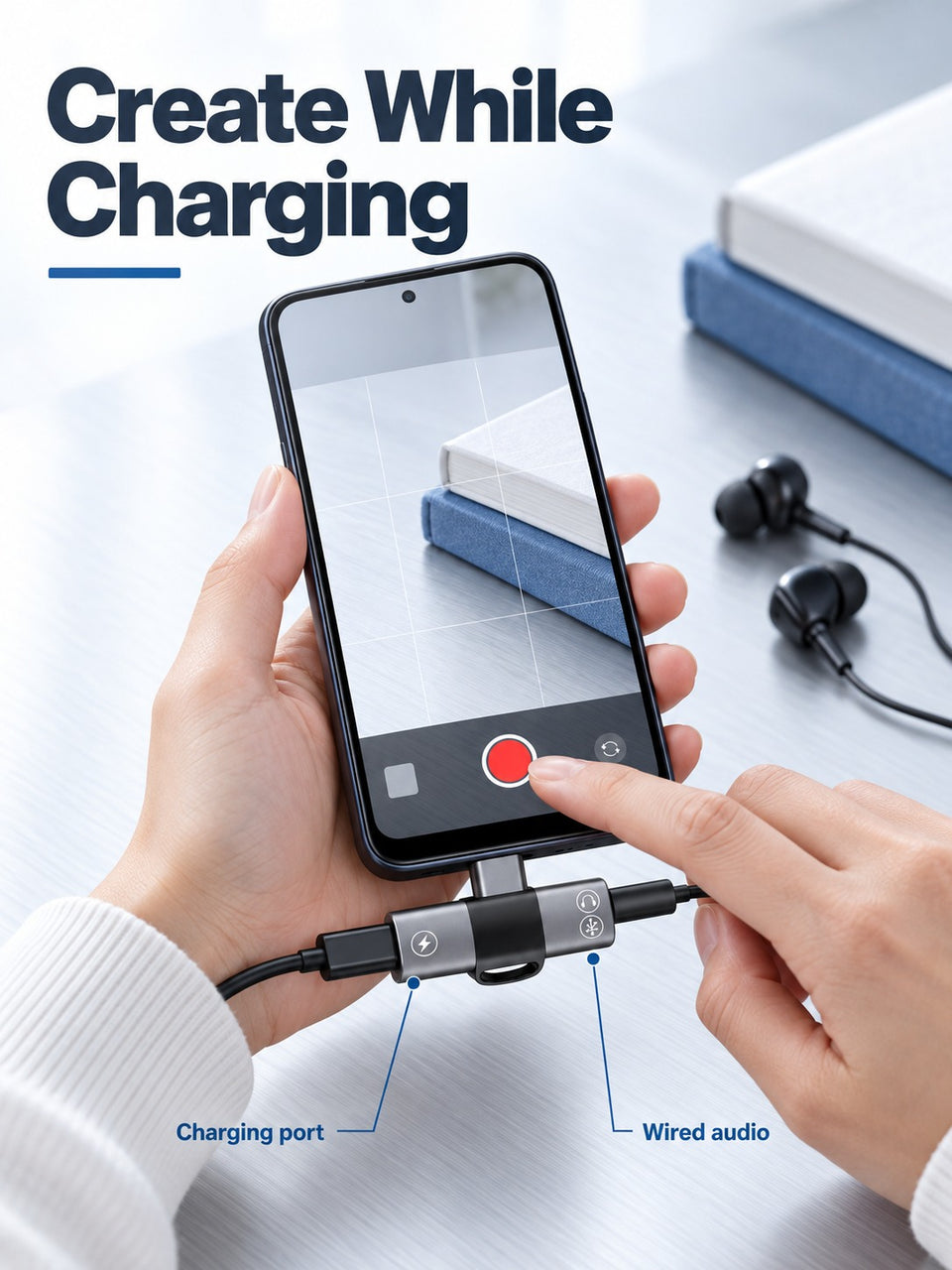
Keep your phone charging while your wired earphones stay plugged in. One compact gunmetal splitter turns a single USB-C port into two working outputs, so the battery holds steady through long commutes, videos and recordings.
Read the full descriptionKeep your phone charging while your wired earphones stay plugged in. One compact gunmetal splitter turns a single USB-C port into two working outputs, so the battery holds steady through long commutes, videos and recordings.
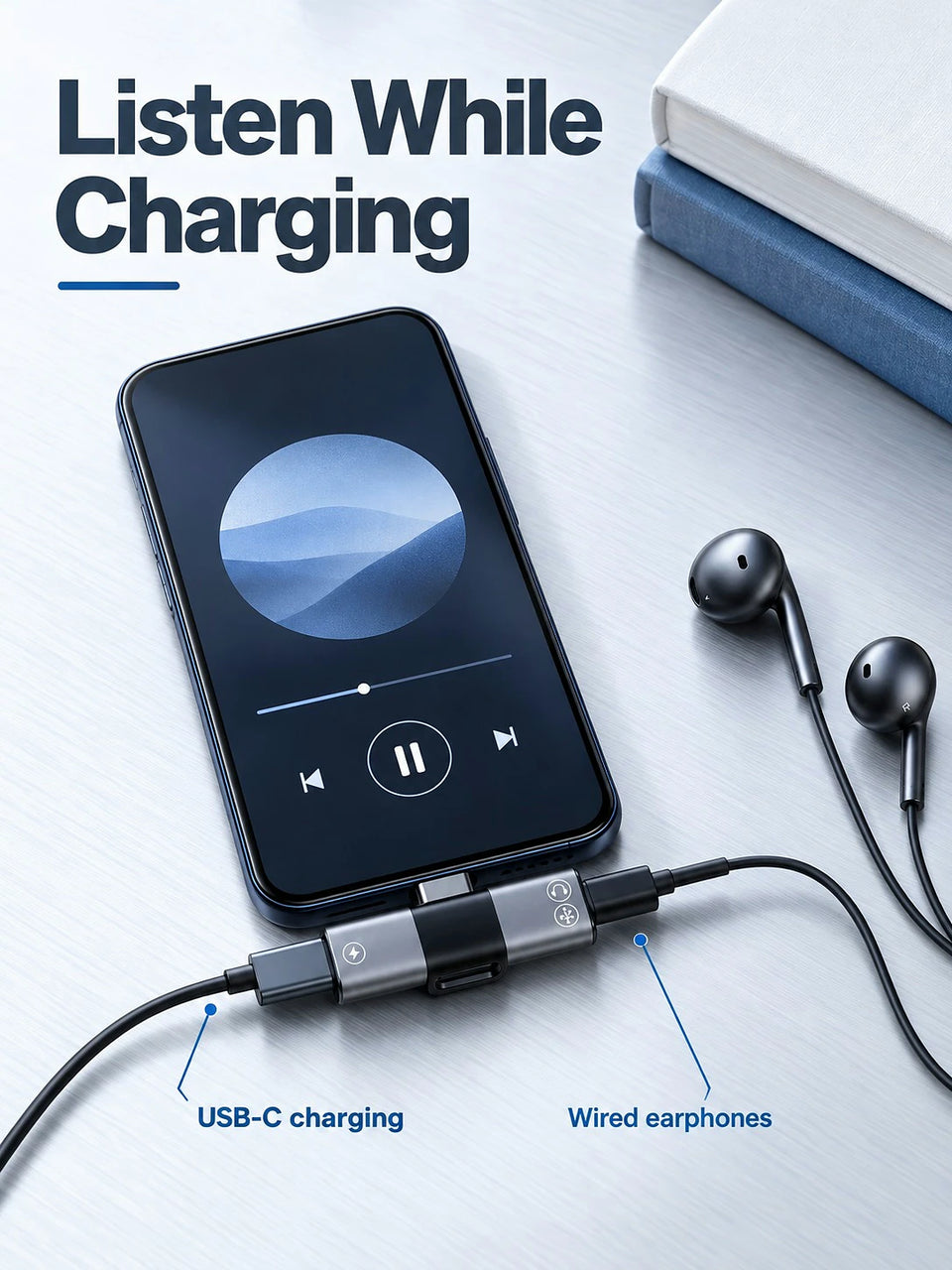
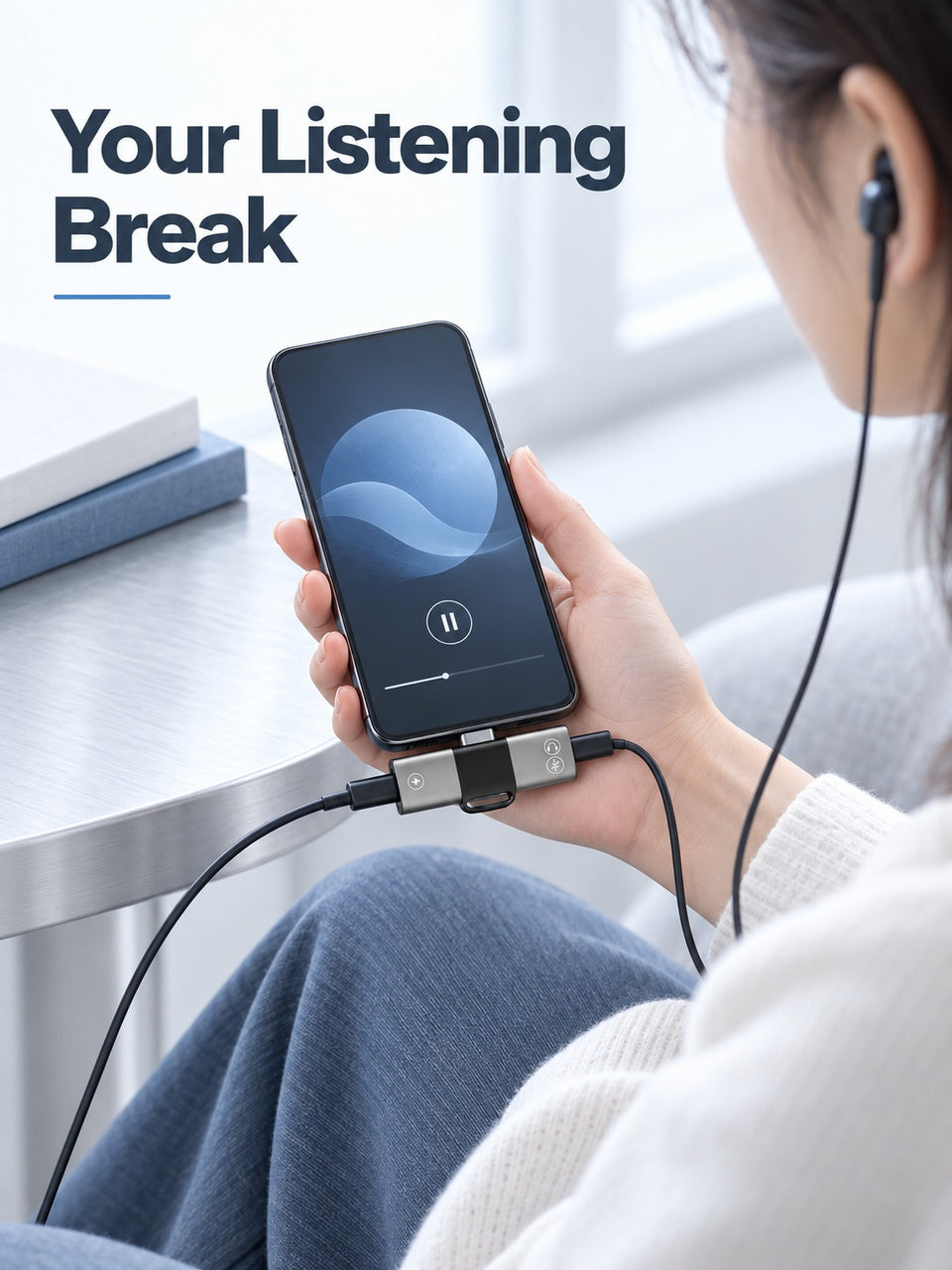
Charge and listen at the same time, so your battery doesn't run out while you play music or videos.
Your phone is stuck on 20% and your earphones are tangled in your bag. With one compact splitter, you charge and listen through the same USB-C port, and the battery holds up for the whole session.

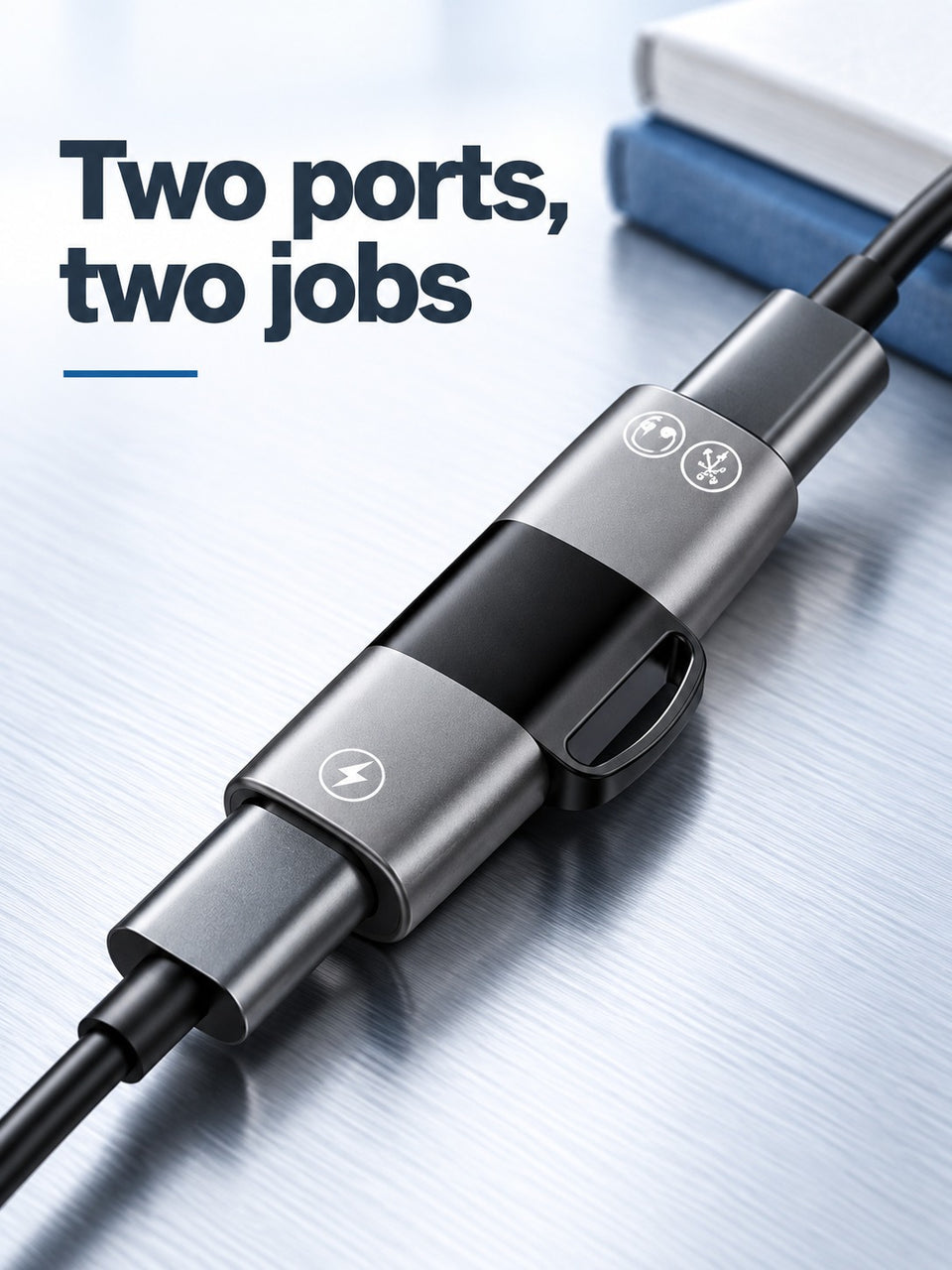
The charger plugs into the lightning-bolt port and passes PD 15W through to your phone. Earphones go into the headphone port and stay connected. Your battery climbs while the podcast keeps playing, which is the whole point of carrying this in your bag.

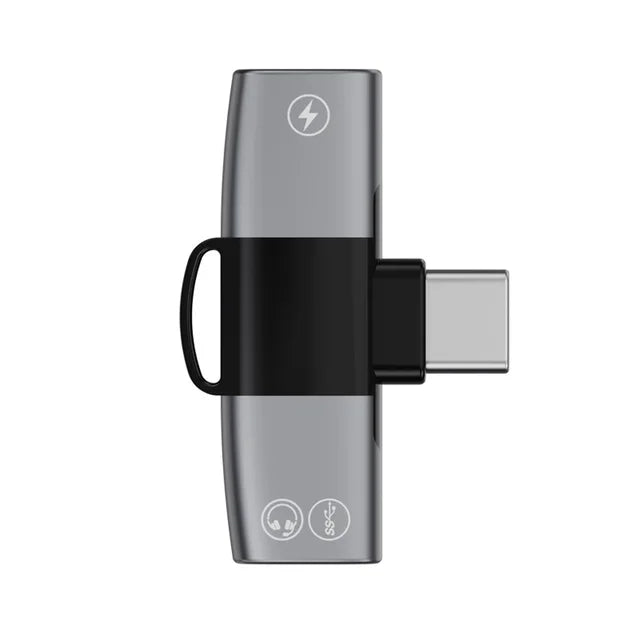
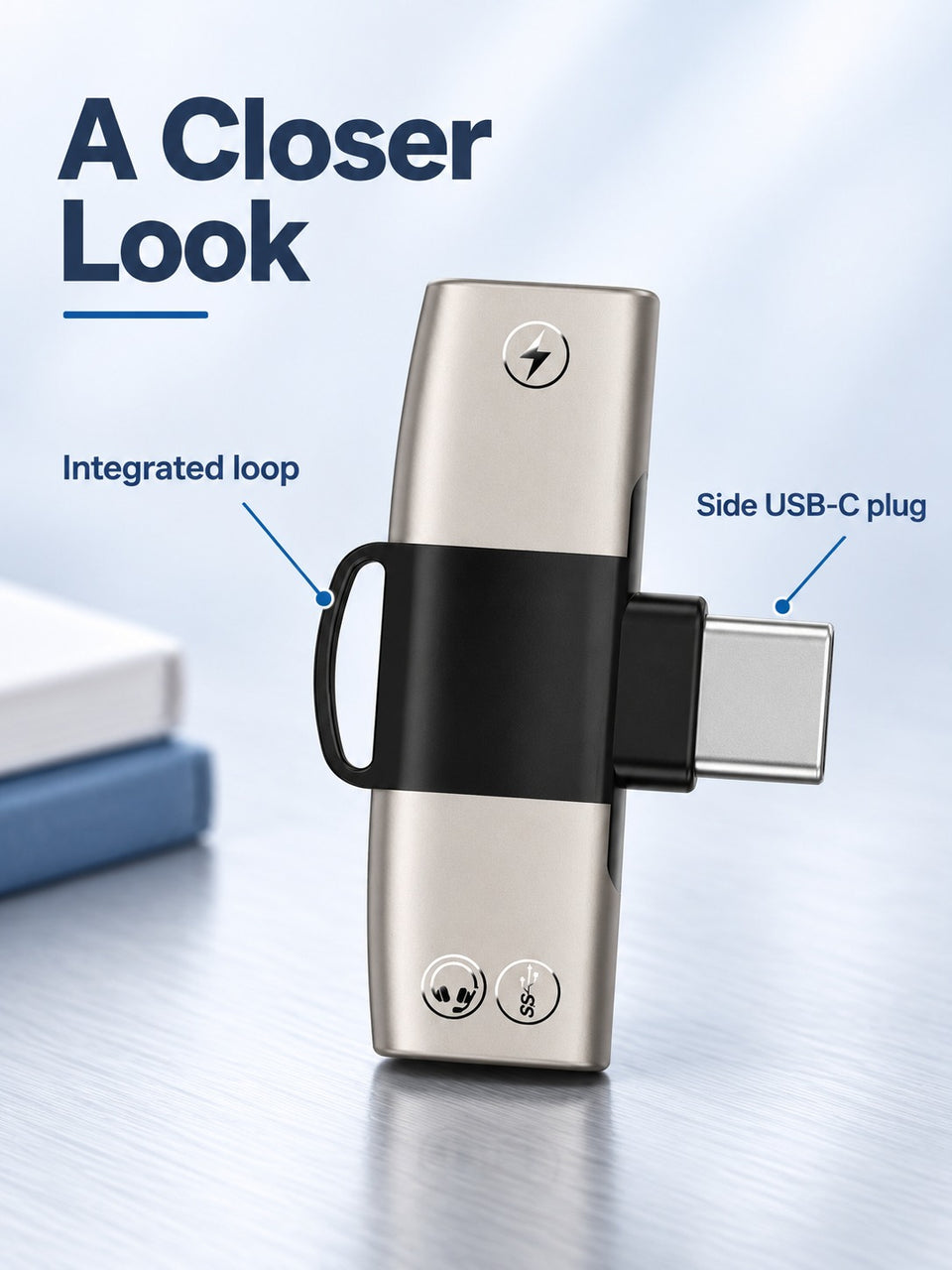
The body is dark gunmetal anodised with a two-tone split, matte on one half and satin on the other. A ring loop on the body lets you hang it from a strap or grip it without pulling on the cable. The right-angle male connector keeps the plug tidy when the phone sits in a pocket.

A lightning-bolt icon marks the charging port and a headphone icon marks the audio port. You can connect the charger and earphones in the dark without checking which side is which.
Use the right-angle connector on the USB-C input. Hold the metal body, not the cable, when you insert it.
Use a PD-capable charger rated at 15W or higher for the fastest charge through the splitter.
Wired earphones and Type-C earphones both work. Press play and the battery keeps climbing while you listen.
It passes power through, so the charger sets the speed. A PD-capable charger rated at 15W or higher gives the best result. A low-wattage brick will still charge your phone, only slower.
Yes. The packaging lists iPhone 15, Samsung, OnePlus and Xiaomi, and it works with USB-C laptops such as MacBook. If your phone has a USB-C port and a PD-capable charger, you are set.
The sound is clean with no hiss or noise on the signal path. A dedicated DAC will sound richer, so this is the right pick for everyday listening, calls and video rather than critical studio work.
Yes, as long as the laptop has a USB-C port that supports power delivery. Plug the splitter into the port, then run your charger and earphones into their own sockets on the body.
The packaging notes USB 3.0 disk reads and external recording support while charging, including Apple ProRes workflows. Check that your storage device and recording app support the connection before a long shoot.
The anodised body is solid in the hand and resists scuffs in a bag better than plastic. The ring loop also gives you a grip point, so you never have to pull on the cable to unplug it.


 USB-C Splitter: Charge and Listen with Wired Audio