
$59.90
Free delivery · 7–14 days
Car Wireless Charger Phone Mount, 10W Fast Charging


Charge your Galaxy phone and keep a USB flash drive or keyboard connected at the same time. One micro-USB cable splits power and data in a compact hub, so your desk and bag stay simple. Built for Samsung micro-USB phones and tablets.
Read the full descriptionCharge your Galaxy phone and keep a USB flash drive or keyboard connected at the same time. One micro-USB cable splits power and data in a compact hub, so your desk and bag stay simple. Built for Samsung micro-USB phones and tablets.
Charge your phone and connect USB devices at the same time with one micro-USB cable
Your phone's only micro-USB port is busy with the charger, so every file transfer means a dead battery. With one split cable, it charges while your flash drive or keyboard stays connected.

The micro-USB male plug runs into one hub. Power goes to the micro-USB female port marked with a lightning bolt, and data goes to the USB-A female port marked with the USB symbol. The labels are easy to read at a glance, so you never guess which port is which at the desk.

A slide switch on the hub sets the split between power and data. It moves with a firm click, so you can feel the mode change without looking. Set it once, then leave the cable in place.

Each connector has a rounded housing with strain relief, and the matte black plastic handles daily desk and travel use. The plug seats snugly in the phone's micro-USB port, so the connection holds when the cable is bumped.
Align the micro-USB plug straight with your phone or tablet port and push gently until it seats fully.
Set the switch to charge and check that the battery icon shows charging before you connect anything else.
Set the switch to data when you need the USB-A port. Plug in your flash drive or keyboard and check that files open or keys respond.
To change modes, unplug the USB device first, move the switch, then reconnect. Changing the switch under load can drop the connection.
It is built for Samsung phones and tablets with a micro-USB port, including the Galaxy S3, S4 and Note 3. Check that your device uses a micro-USB port before you order, since the plug is micro-USB on the phone side.
Yes. Set the slide switch to charge, plug the phone in, then connect the flash drive or keyboard to the USB-A port. To change modes, unplug the USB device first, move the switch, and reconnect.
Charge speed depends on your phone and power source. A dedicated wall charger will charge faster. Use the hub when you need charging and a connected USB device at the same time.
The hub has rounded housings and strain relief at each connector, which handles daily desk and travel use well. Avoid forcing the plug in at an angle, and keep the connectors clean.
One cable covers what would otherwise need an OTG adapter and a second charging cable. You keep one item in the bag and one port in use, and you stop choosing between a charged phone and a working drive.


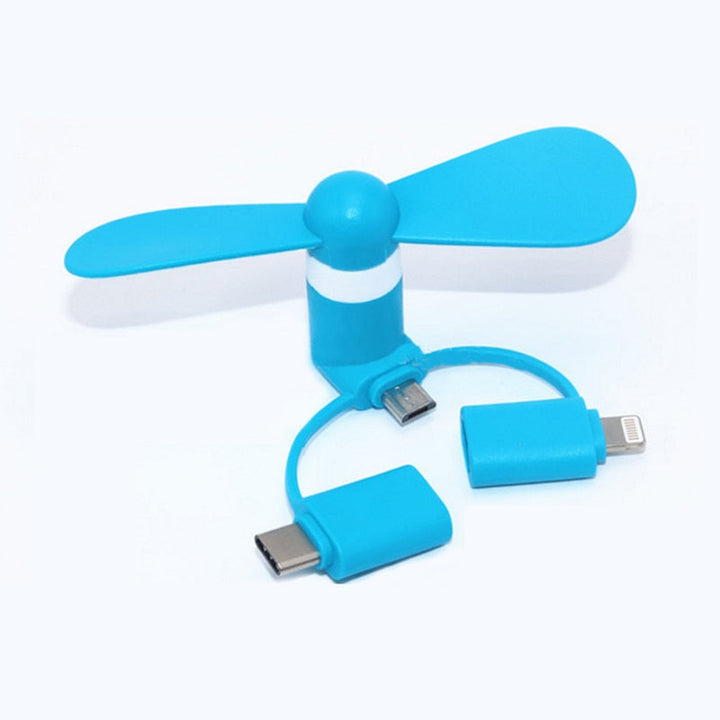
 Micro-USB OTG Charging Cable for Galaxy S4 & Note 3