
$45.90
Free delivery · 7–14 days
USB-C OTG Adapter: Use USB Flash Drives on Your Phone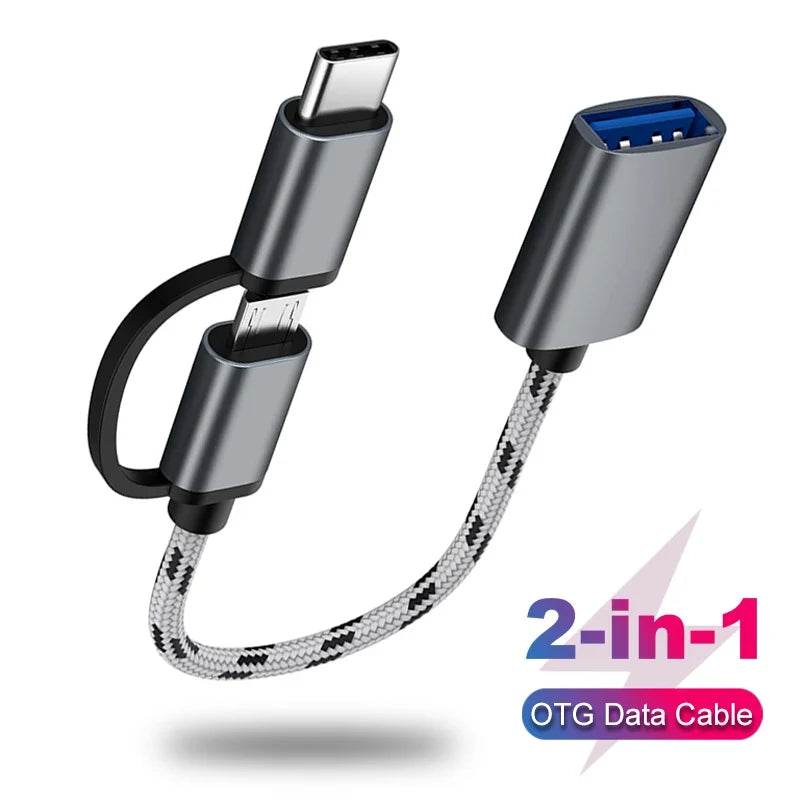


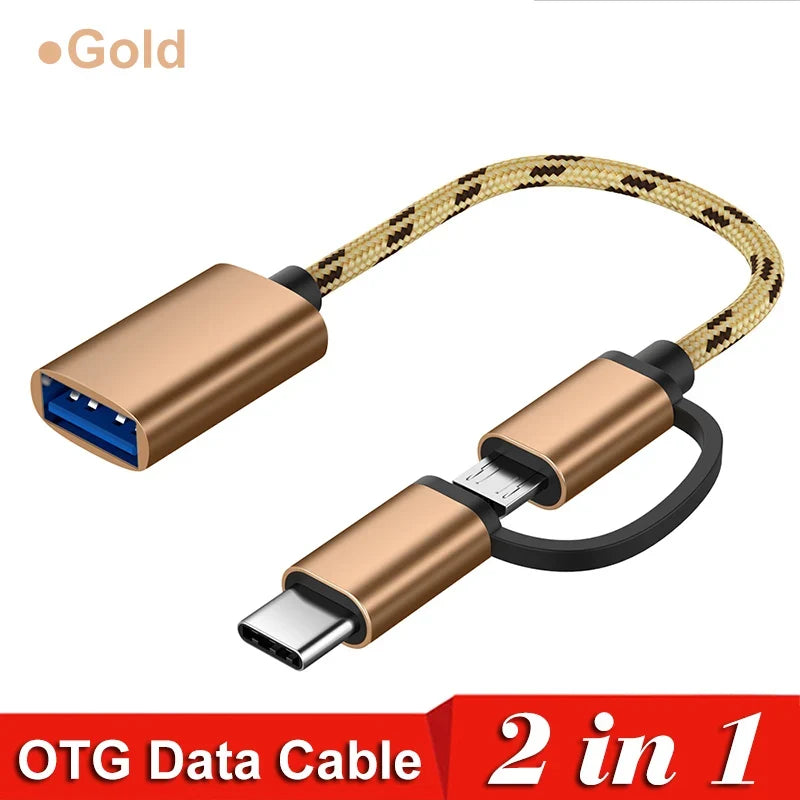
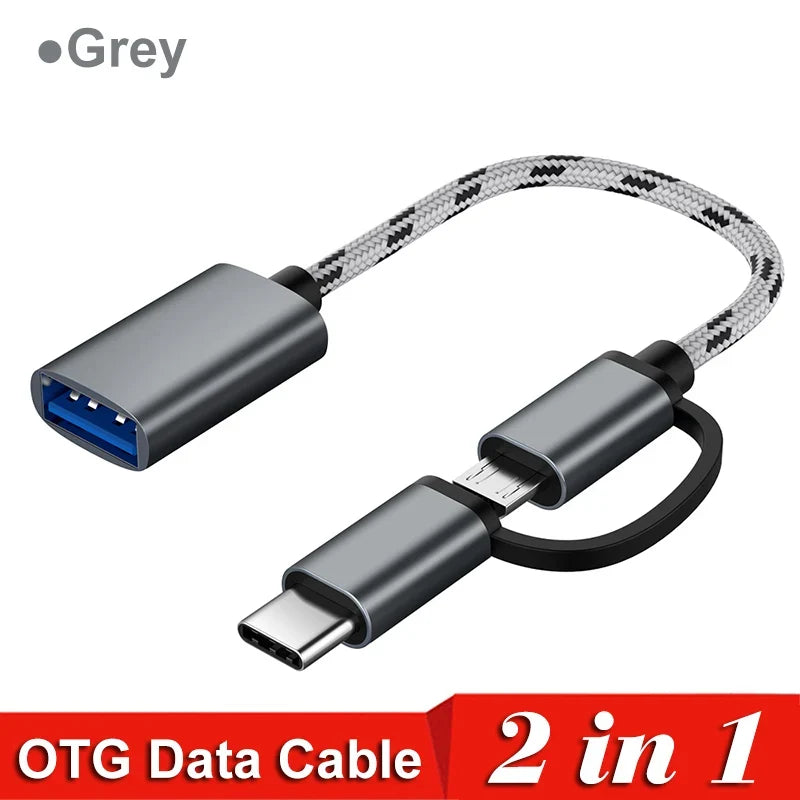
Move files from a USB stick straight to your phone, tablet or laptop, and run a keyboard or mouse without hunting for the right adapter. One braided cable with USB-C and Micro-USB heads and a USB 3.0 port covers the devices you already carry, with aluminum connector bodies that feel solid in your hand.
Read the full descriptionMove files from a USB stick straight to your phone, tablet or laptop, and run a keyboard or mouse without hunting for the right adapter. One braided cable with USB-C and Micro-USB heads and a USB 3.0 port covers the devices you already carry, with aluminum connector bodies that feel solid in your hand.
One 2-in-1 OTG cable connects USB flash drives, keyboards and mice to your phone, tablet or laptop at USB 3.0 speed
Stop carrying a drawer of adapters and tangled cables. One braided 2-in-1 cable links your USB-C or Micro-USB phone or tablet to USB 3.0 drives, keyboards and mice.

Turn the rotating cap until the head you need faces out, then slide it into your phone or tablet. You stop digging for the right cable because the one you carry already fits. A Huawei phone with a Micro-USB port and a newer USB-C laptop use the same cable.

The blue-insert Type-A port is rated for 5Gbps under the USB 3.0 standard. The speed chart on the product sets that against 450Mbps for older adapters. Copy a folder of photos in the time an old USB 2.0 adapter would still be warming up.

The connector bodies are aluminum alloy, not plastic, so they feel solid in your hand and hold their shape. The cable is braided nylon, which resists the kinks and tangles that ruin thin cables in a bag. It coils down small and stays tidy in a pocket.
Turn the rotating cap until the USB-C or Micro-USB tip faces out, then slide it into your device until it seats.
Connect your flash drive, keyboard or mouse to the USB 3.0 Type-A port with the blue insert.
Your device should show the drive right away. If it does not, turn on OTG in your device settings and try again.
Android and Huawei phones with a USB-C or Micro-USB port can use OTG. Some models need the feature switched on under USB or connection settings, so check yours before you buy.
No. iPhones use Lightning, and this cable has USB-C and Micro-USB heads only. Choose a Lightning adapter for those devices.
Yes. Plug the USB-C head into the laptop, then connect your flash drive or peripheral to the USB 3.0 port on the other end.
The cable is rated for 5Gbps under USB 3.0, compared with 450Mbps on the older adapter shown in the speed chart. Real transfer speed still depends on the drive and device, so a USB 3.0 drive on a USB 3.0-capable device gets you closest to the rated figure.
The connector bodies are aluminum alloy and the cable is braided nylon, so it holds up in a bag. One cable also replaces the separate USB-C and Micro-USB adapters you would otherwise buy, so the cost is paid once.
Yes. Plug a keyboard or mouse receiver into the USB 3.0 port and check that your device detects it. It works the same way with a game controller.


 USB 3.0 OTG Adapter Cable with USB-C and Micro-USB