
$59.90
Free delivery · 7–14 days
Wi-Fi Smart Wall Switch Module for Alexa Voice Control

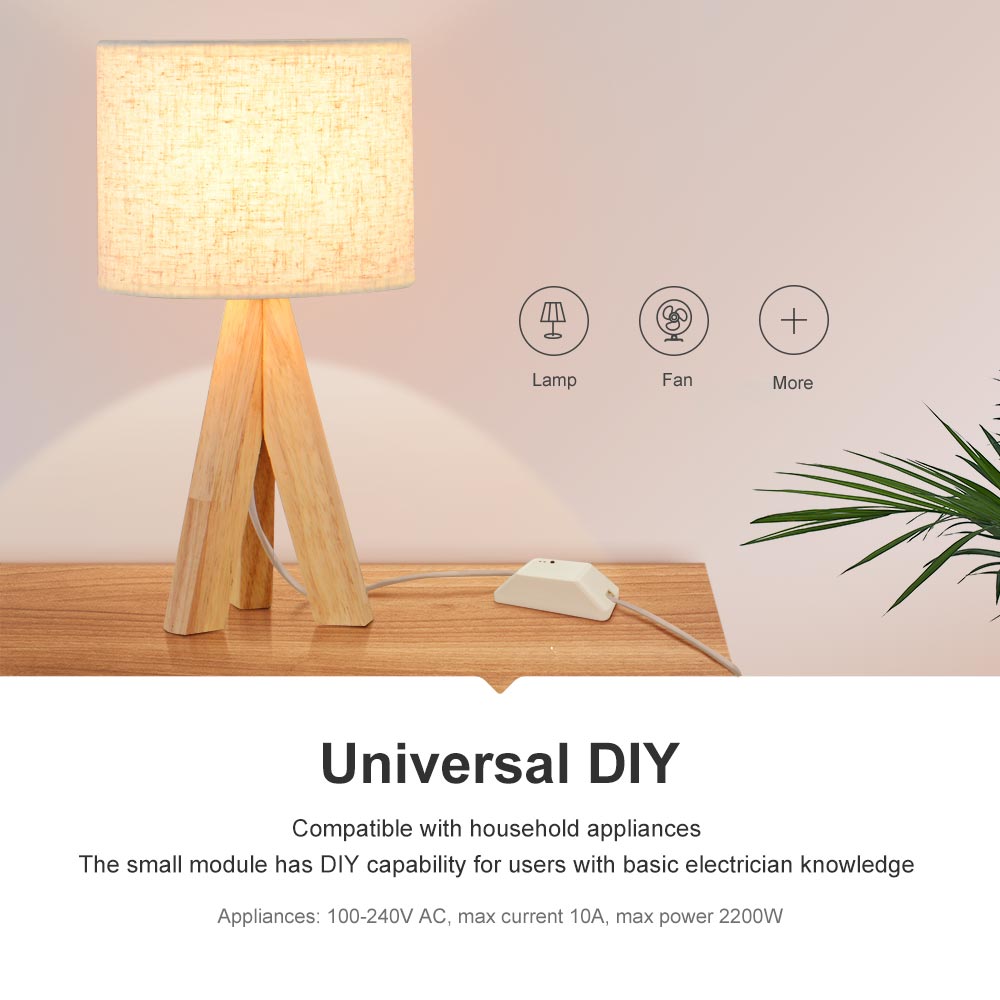

Any wired lamp or fan can run on your schedule once this relay is in the circuit. The lamp is already on when you wake, and you can switch the house off from your phone or by voice. It fits behind an existing switch and handles loads up to 10A and 2200W.
Read the full descriptionAny wired lamp or fan can run on your schedule once this relay is in the circuit. The lamp is already on when you wake, and you can switch the house off from your phone or by voice. It fits behind an existing switch and handles loads up to 10A and 2200W.
Turn any wired lamp or appliance into a smart device with app, timer, and voice control
Wired lamps and fans need a trip to the switch every time. Wire in this relay once, and they switch on at 07:00, off on command, and respond to your voice.
Built-in timers and schedules switch the lamp on at 07:00 with no manual action. Set an off timer for a ceiling fan so it stops after you fall asleep. The schedule runs on the module, so the routine keeps working through your daily life.
The module works with Alexa, Google Home, and IFTTT through the eWeLink app. A standard plug-in device can use a smart plug with wifi, but a hardwired lamp or fan needs a relay on the circuit itself.
Device control can be shared with other household members through the app. A partner, a parent, or a housemate can switch the living room lamp from their own phone, so nobody has to ask who left the fan on.
Switch off the breaker for the circuit and confirm it is dead with a tester at the switch box.
Connect the supply to the input terminals and the lamp or fan lead to the output terminals behind the existing switch. Seat each wire fully and tighten the terminal.
Turn the breaker back on. Press the control button on the module and confirm the status LED responds.
Add the device in the eWeLink app on a 2.4GHz network. Send one manual on and off from your phone to confirm remote control works.

Every morning starts the same way: get up, feel along the wall for the switch, and stumble through a dark room. Lamps and ceiling fans on a standard wall switch give you no schedule and no remote. If you forget one running, you find out hours later.

The module sits behind an existing switch and takes the place of the manual connection. It handles loads up to 10A and 2200W at 100-240V AC, so a standard lamp or fan keeps working exactly as before. The fixture stays where it is, and the control moves to your phone and your voice.
Set the schedule once in the eWeLink app and the lamp turns on at 07:00 without anyone touching a switch. Share access with a partner or family member and they can run the same device from their own phone.
With the breaker off, the module connects behind the switch. Restore power and confirm the status LED responds to the control button.
Add the device in the eWeLink app on a 2.4GHz network. Test a manual on and off from your phone to confirm remote control works.
Set the lamp to switch on at 07:00. Check the next morning that it turned on as scheduled and adjust the timing if needed.
| This relay | Smart bulbs | Smart plugs | |
|---|---|---|---|
| Works on a hardwired lamp or ceiling fan | Yes | No | No |
| Needs existing bulbs replaced | No | Yes | No |
| Schedules and voice control | Yes | Yes | Yes |
| Installed behind an existing switch | Yes | No | No |
Yes, if the fan draws within the module's limits of 10A and 2200W. Check the fan's power label first. The relay switches a circuit on and off. It does not dim, so keep a dimmer switch out of the circuit.
It is a mains job. The terminals carry 100-240V AC, so switch off the breaker and confirm the circuit is dead with a tester before you touch any wire. If you are comfortable working inside a switch box, the install is a short job. If you are not, hire an electrician for ten minutes of work.
The module is rated for 10A and 2200W maximum. A lamp, a fan, or a small appliance fits comfortably. Anything heavier, such as a space heater or a motor-driven tool, is outside the rating.
Voice control runs through Alexa, Google Home, and IFTTT, so the module needs a Wi-Fi connection on a 2.4GHz network. Manual switching with the control button still works on the module itself.
No hub is needed. The module connects to your router directly and works through the eWeLink app. For a lamp across the house, a wifi signal booster can help if the signal is weak at the switch.


 Smart WiFi Relay Switch: Voice, Timer & App Control