
$69.90
Free delivery · 7–14 days
Mobile Game Controller with Phone Clamp for Android
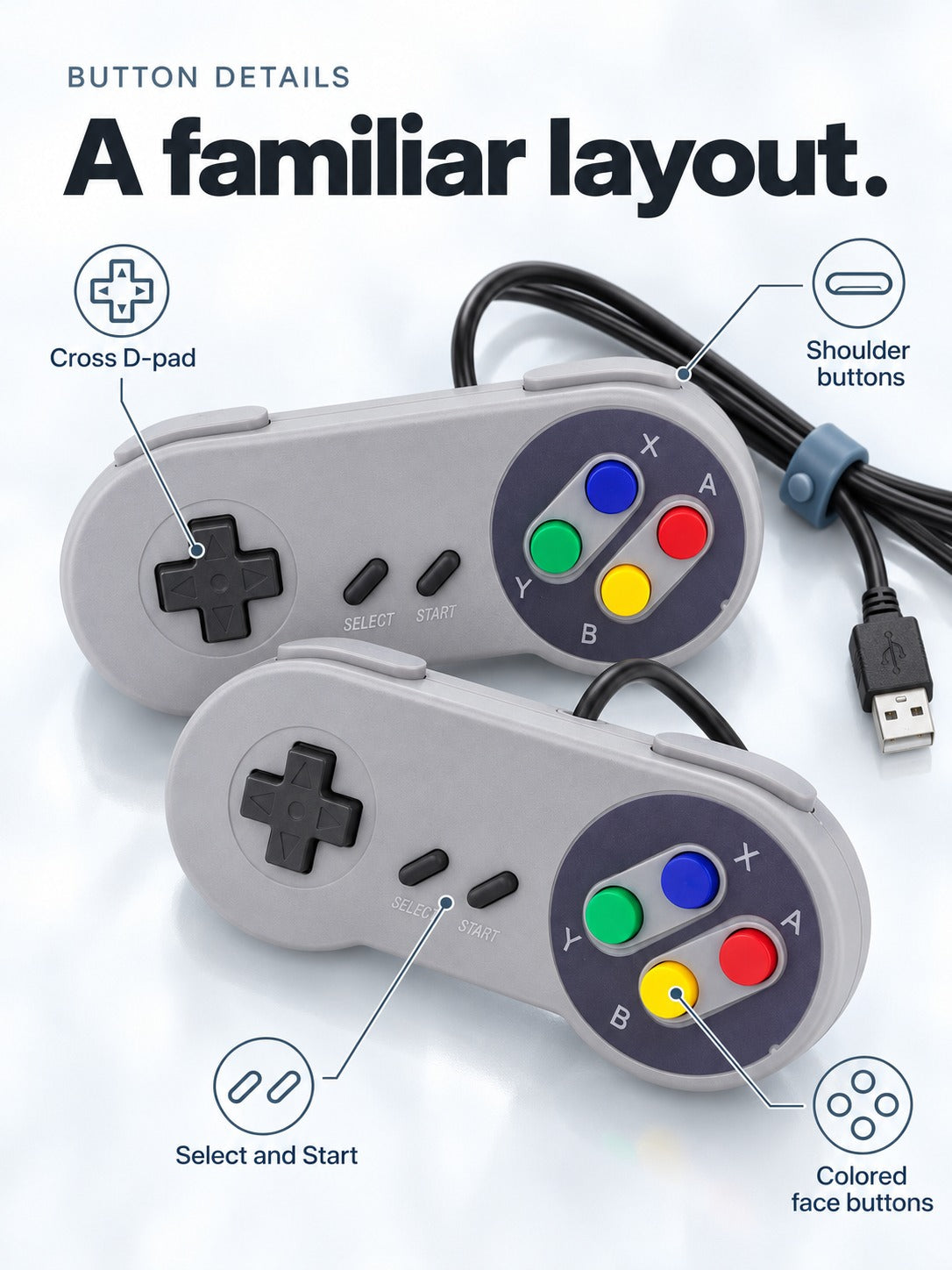



Pick up the controller and the classic game you remember feels right from the first press. A retro SNES-style layout with D-pad, SELECT, START and four coloured face buttons sits in your hands the way it should. One USB cable plugs into your PC and it is ready for the next session.
Read the full descriptionPick up the controller and the classic game you remember feels right from the first press. A retro SNES-style layout with D-pad, SELECT, START and four coloured face buttons sits in your hands the way it should. One USB cable plugs into your PC and it is ready for the next session.
Retro SNES-style USB controller that plugs straight into a PC or console-style setup for classic gaming
Tired of fighting a mismatched controller on every old favourite? This retro-layout USB pad plugs in and gets you back to the game you actually came for.

The D-pad, SELECT and START sit where a classic pad puts them, with four face buttons in red, yellow, green and blue. Your thumb finds A, B, X and Y without a second look, which is exactly what you want when you go back to a level you have not touched since school.

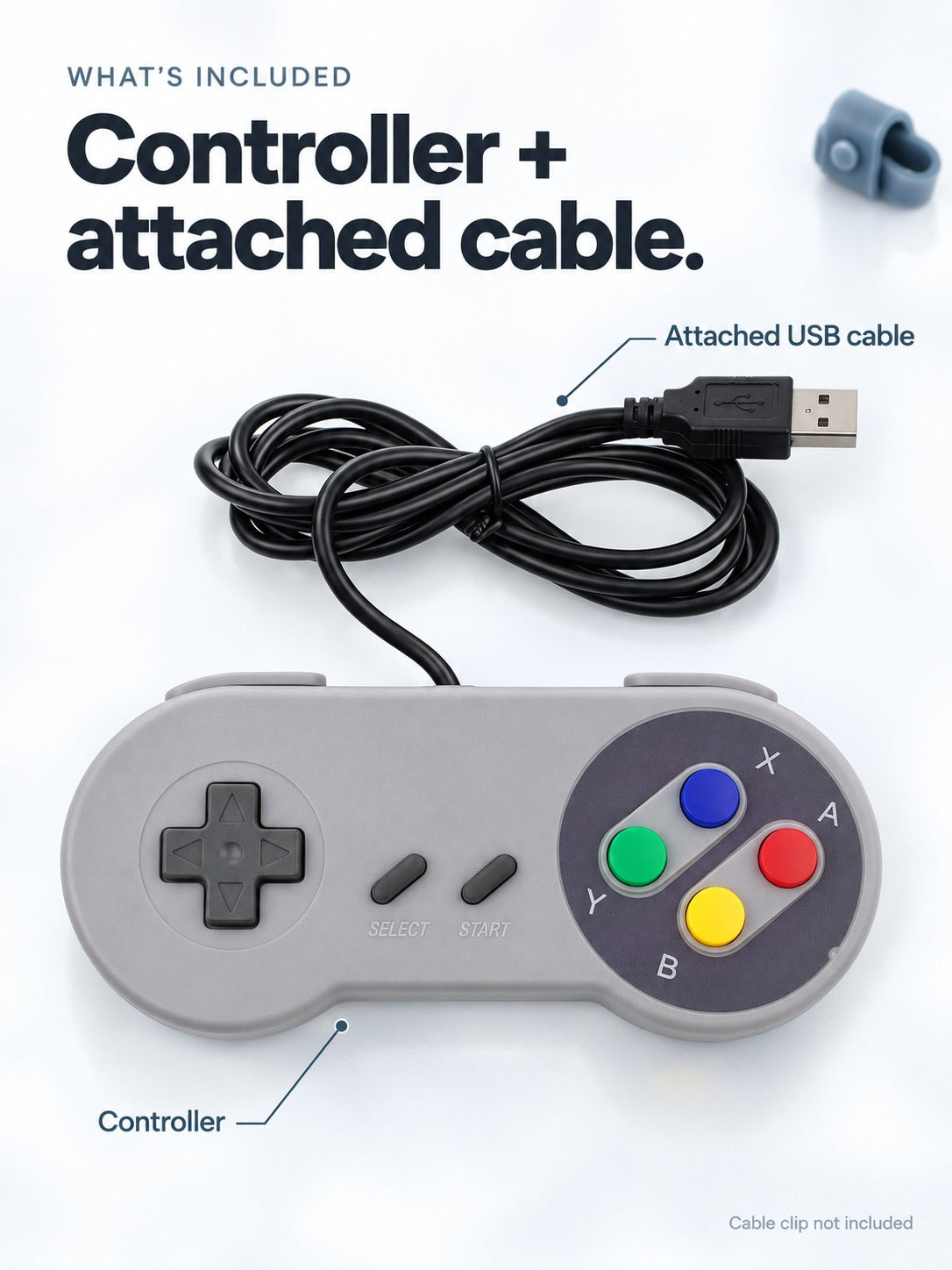
The USB-A cable is fixed to the body, so there is no loose lead to lose. The strain loop near the controller takes the pull, so the connection holds through long sessions. Tidying the desk? cable organizers keep the lead off the desk surface.

Pick classic grey or charcoal black. Both share the navy face plate and the same button layout, so a pair looks right together on a shelf or beside the monitor.
Connect the attached USB-A plug to a free port on your PC. Grip the plug itself when you unplug it later.
Open your emulator's controller settings and confirm the D-pad, SELECT, START and A B X Y buttons line up the way you want.
Load your favourite SNES game and play. Route the cable behind the desk and clip it at the strain loop to keep it tidy.
Retro SNES-style layout in grey or black
Fixed cable with a strain loop near the body
| This controller | Generic modern pad | |
|---|---|---|
| SNES-style A B X Y layout | — | |
| D-pad, SELECT and START where classics expect them | Partial | |
| Fixed USB cable with strain loop | Partial | |
| Plug-and-play USB for PC | ||
| Grey or black colourway with navy face plate | — |
Yes. It is a wired USB controller, so you plug the USB-A end into a free port and it is ready for classic games. There is no driver setup to work through. Open your emulator's controller settings once to check the buttons are mapped the way you want.
The body is moulded matte plastic with a clean finish. Matte plastic shows fingerprints more than glossy plastic does, so expect to wipe it down now and then. Keep it out of direct sun or near a heater between sessions.
The USB cable is attached to the body and the strain loop sits near the controller. The cable is long enough to reach a PC port on most desks, and you can route it behind the desk so it stays out of the way.
Modern pads place their buttons for newer games, so SNES titles feel off in your hands. This one follows the classic SNES layout with a D-pad, SELECT, START and A B X Y in red, yellow, green and blue. It is wired, so pick a modern pad if you need wireless.
Your modern pad still does its job for modern games. This one is a dedicated retro pad, so classic sessions stop depending on remaps and a button layout that never sat right. You get the controller and cable in one box, with nothing else to add.
One USB game controller with a fixed USB-A cable already attached, so there is nothing else to buy before you play.


 Retro SNES-Style USB Controller for PC Gaming Plug-and-Play