
$59.90
Free delivery · 7–14 days
Headset Audio Splitter Cable with Separate Chat Mic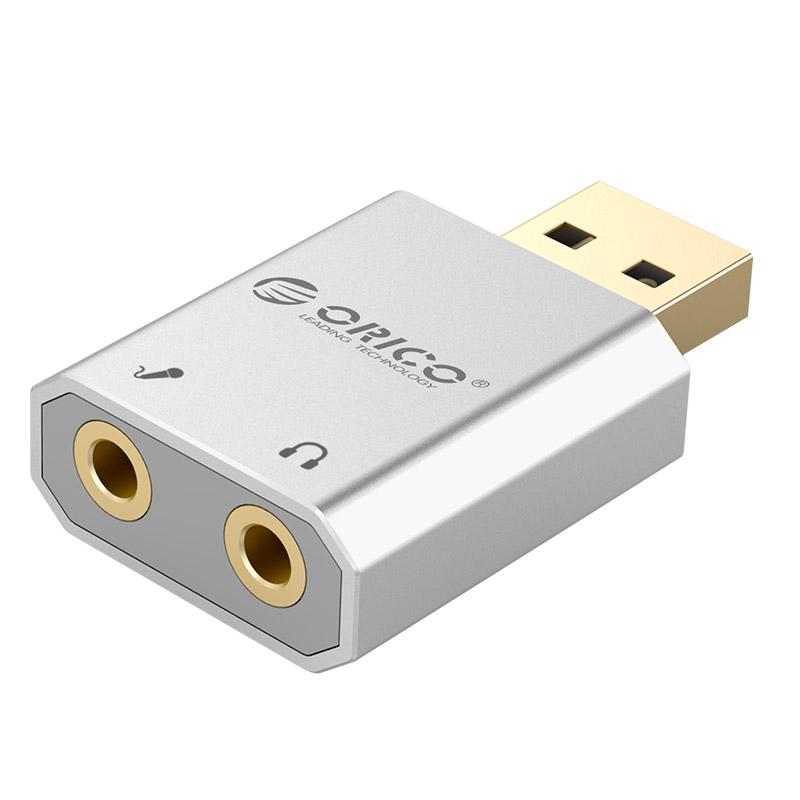


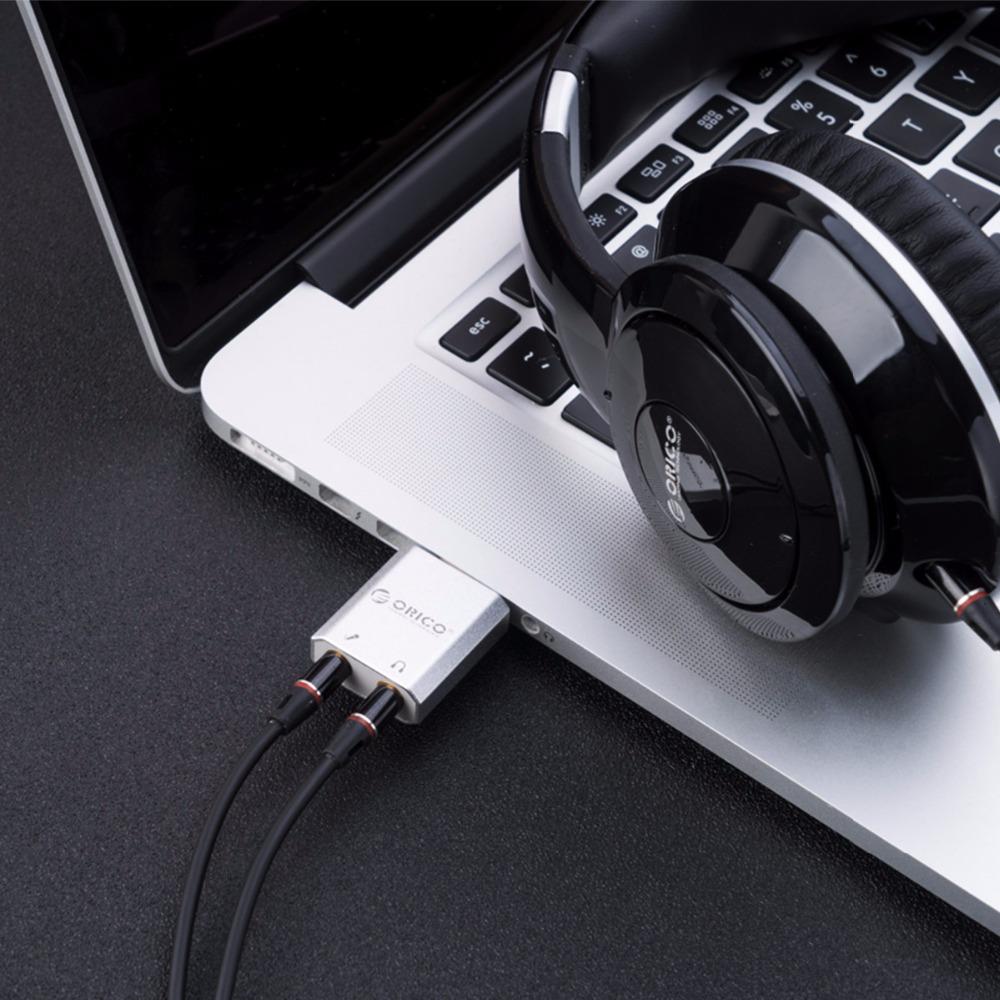


A silent PC or laptop gets a dedicated mic jack and headphone jack from one small aluminum USB-A adapter. Plug in once, hear clean stereo audio, and speak into a mic your colleagues can understand. The driver is free and the setup takes a few minutes.
Read the full descriptionA silent PC or laptop gets a dedicated mic jack and headphone jack from one small aluminum USB-A adapter. Plug in once, hear clean stereo audio, and speak into a mic your colleagues can understand. The driver is free and the setup takes a few minutes.
Add stereo mic and headphone audio to any PC or laptop via USB
Headset jacks dead or missing and every call sounds muffled? Plug in one aluminum USB adapter and get a dedicated mic and headphone jack on any PC or laptop.

The microphone gets its own USB audio route, so it no longer depends on the onboard port that is crackling or dead. The adapter is built for a stable analog output with no interference from the computer chassis. If your headset lives on a headset jack adapter today, this is the upgrade that puts the mic back where it belongs.

The housing is brushed silver aluminum, not plastic. The USB-A plug carries gold-plated contacts, and both 3.5mm jacks have gold rings. It feels dense in the hand and sits steady on the desk while you plug in a headset.

The driver is free, and the adapter runs from a single USB-A port. Headset, mic and external speakers all connect to one compact unit, so the desk stays tidy and the audio path stays short.
Use a rear or main USB-A port on the computer. Hubs and loose front-panel ports can cause dropouts, so skip them when you can.
Your system may prompt for the driver the first time. It is free, so run the installer and let it finish.
Choose the adapter as both input and output in system sound settings and in your call app. Then record a short test to hear your mic.
Any PC or laptop with a free USB-A port will recognize it. That covers most desktops and laptops made in the last decade. Check that the port is a working USB-A and connect directly to the computer. Once it is plugged in, select it as your input and output in sound settings.
The driver is free. Your system may ask for it on first use, so run the installer and let it finish. After that, the adapter shows up as a standard audio device in your apps.
It is better when the onboard jack is dead, crackling or picking up noise from the chassis. The adapter gives the mic and headphones a separate USB audio path with gold-plated contacts, so the signal stays off the motherboard audio chain.
Headsets with a combined 3.5mm plug need a splitter or a headset with separate mic and headphone plugs. Check your headset before you buy. If it has two plugs, it will connect to the two jacks on the adapter directly. Headset users can also browse aux cords audio cables for the right cable.
You are paying for a brushed aluminum housing, gold-plated USB contacts and two separate 3.5mm jacks with gold rings. A cheap dongle with a plastic shell and unknown internals costs less up front, but it may add noise or fail sooner. One solid adapter that lasts across several computers costs less per year than replacing headsets or a motherboard.


 USB Sound Card for PC: Stereo Mic & Headphone Jacks