
$33.90
Free delivery · 7–14 days
Three-Bubble Fidget Keychain for Portable Stress Relief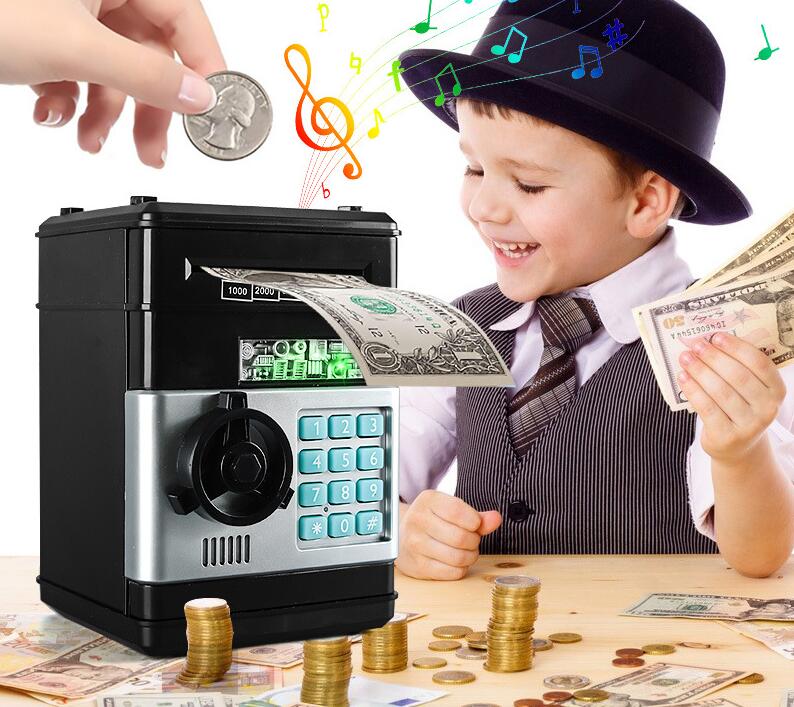
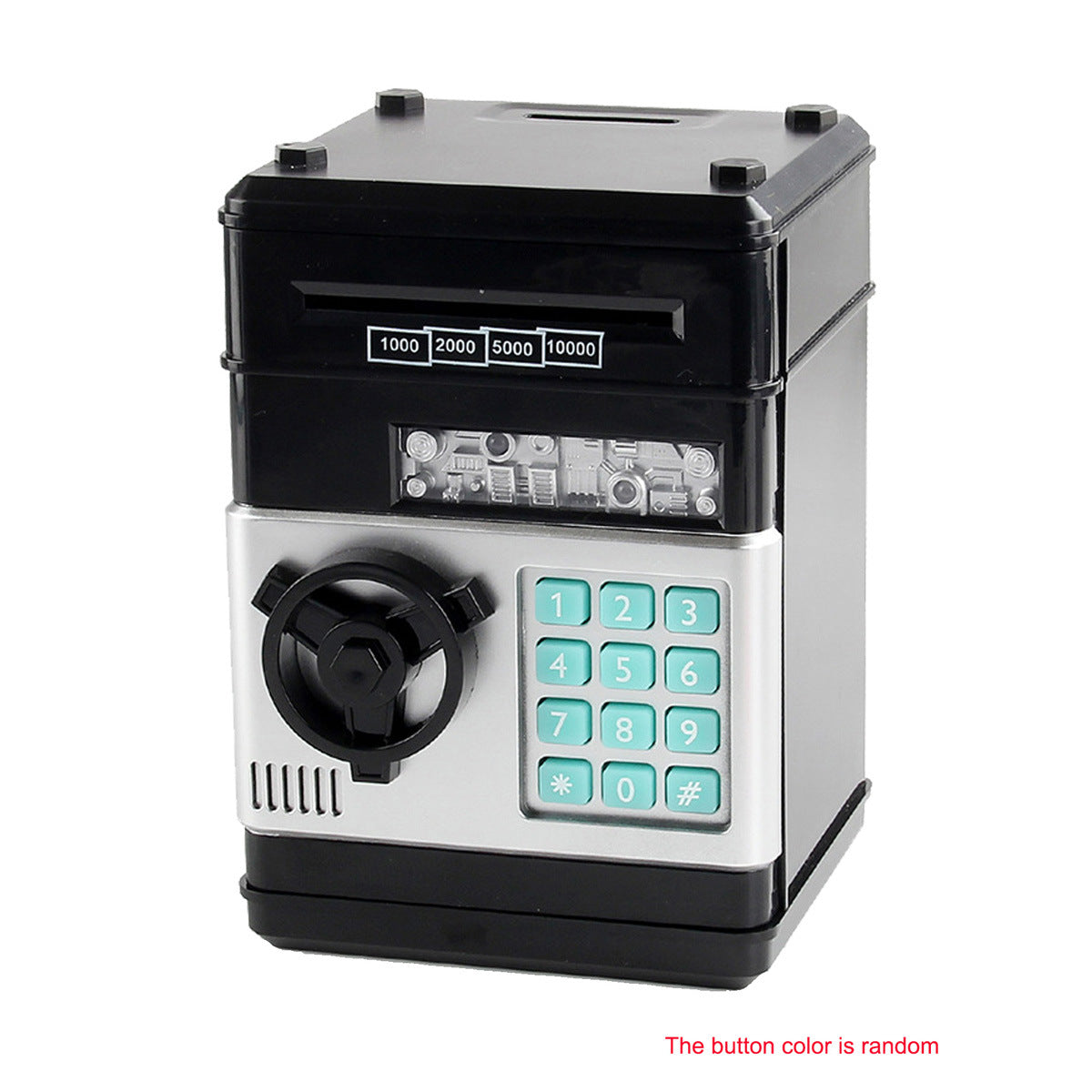
Turn allowance into a hands-on ATM adventure that gives children a place, a process and a reason to save.
Read the full descriptionTurn allowance into a hands-on ATM adventure that gives children a place, a process and a reason to save.
Turns saving money into an interactive ATM adventure for kids
Instead of loose coins disappearing around the bedroom, kids can deposit, protect and retrieve their money through an ATM-style routine they want to repeat.
A top coin slot and front banknote slot let children practice depositing different kinds of money in a visible, hands-on way. It is a simple bridge from pretend play to real money handling.
The turquoise keypad and password-protected door give children a playful sense of ownership while keeping their saving routine organized. Parents can set up the code and guide the first few uses.
The rotating handle, opening front door and cash dispenser window make retrieval an active part of the learning loop. The child is involved in the whole process, from deposit to access.
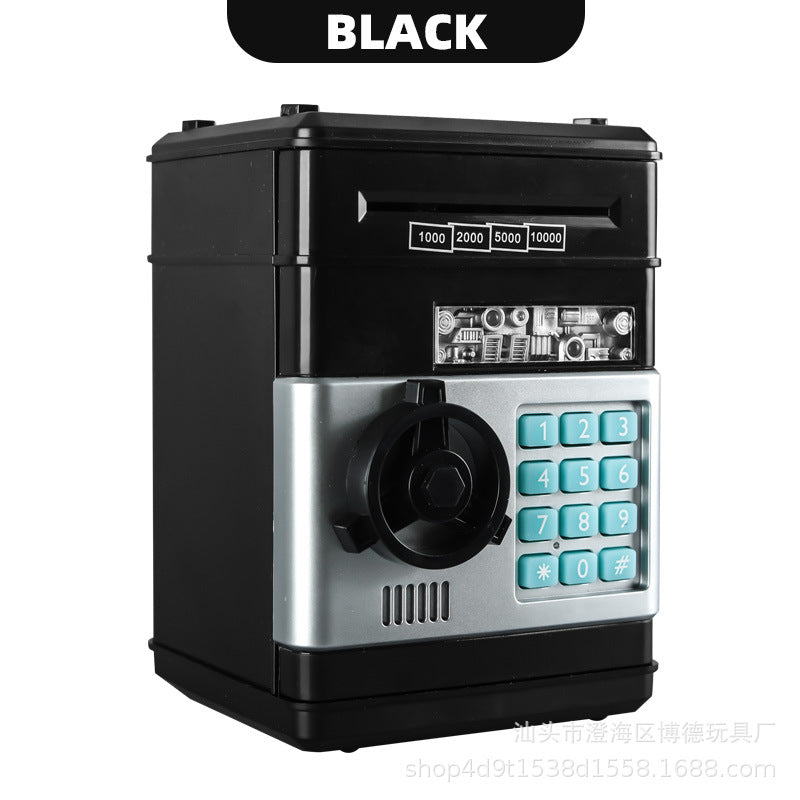
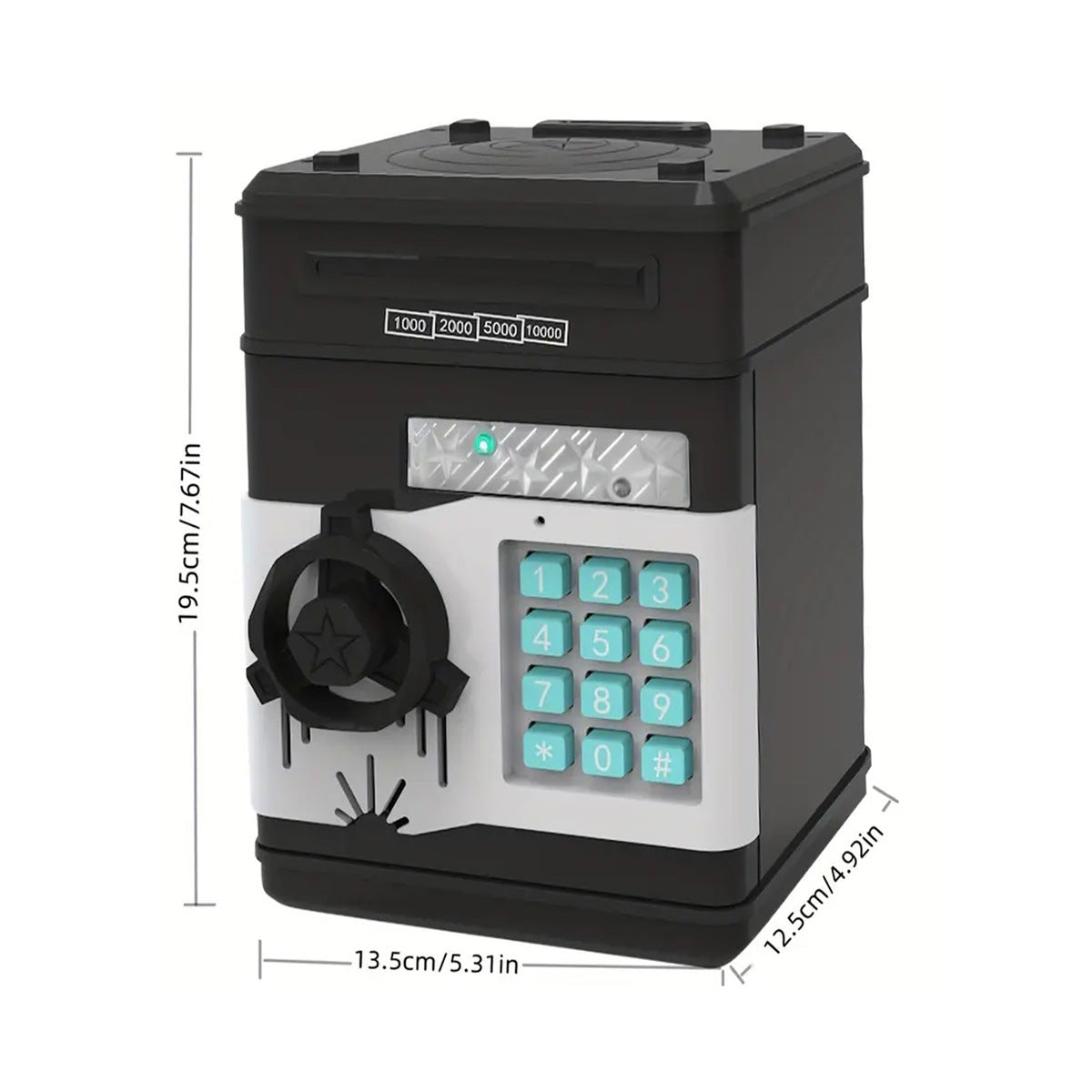
The compact plastic ATM-style body fits naturally into a bedroom or playroom money corner. Its metallic-look panel, glossy black body and turquoise controls give it the presence of a real little machine without taking over the room.
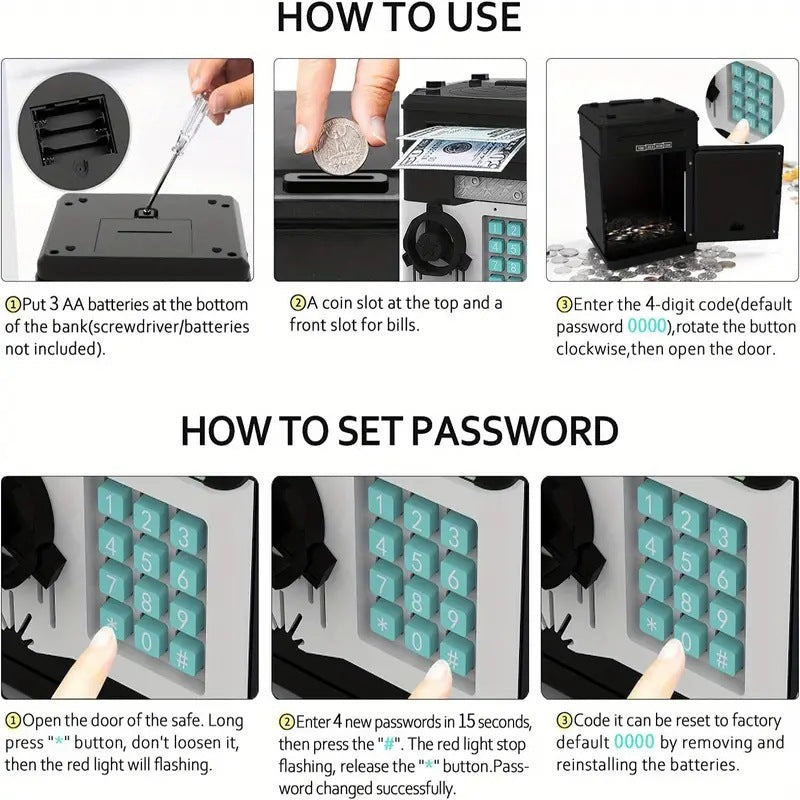
Install 3 AA batteries in the compartment on the bottom. Batteries are not included.
Place a coin into the top slot or a banknote into the front slot.
Use the 4-digit keypad, then rotate the button clockwise to open the door.
With the door open, press and hold the * button until the red light flashes. Enter a new 4-digit password, then press #.
Enter the correct password, turn the handle and open the front door to collect the money.
Glossy black plastic body with metallic-look front panel and turquoise keypad.
Supply these separately for electronic operation.
Accepts coins through the top slot and banknotes through the front slot.
Loose change and allowance can end up scattered across a room or spent before saving ever feels meaningful. A basic container gives children somewhere to put money, but it gives them little reason to come back and repeat the moment.

The electronic piggy bank ATM for kids turns a deposit into a small banking adventure. Children place coins through the top slot or banknotes through the front slot, then use the keypad and handle as they practice a grown-up money routine.

Entering a code, turning the handle and opening the front door gives each saving moment a clear beginning and end. Parents can talk about saving and spending while children experience the satisfying pride of managing their own little bank.
| ATM Piggy Bank | Plain Jar | Basic Coin Bank | |
|---|---|---|---|
| Coin deposits | Yes | Yes | Yes |
| Banknote slot | Yes | Partial | Partial |
| Password play | Yes | No | No |
| Opening handle and door | Yes | No | Partial |
| ATM-style retrieval | Yes | No | No |
| Best value for | Repeatable money learning | Simple storage | Simple storage |
Yes. Children can insert coins through the top slot and banknotes through the front slot. The two deposit points make different kinds of money easy to practice with.
No. The bank requires 3 AA batteries, which parents should supply before the first use.
Enter the 4-digit password, rotate the button clockwise and open the front door. An adult can guide the first few attempts.
Yes. Open the door, press and hold the * button until the red light flashes, enter a new 4-digit password and press #.
Remove and reinstall the batteries to reset the code to the factory default 0000. Keep the new code memorable and let a parent manage the reset process.
It is a children’s plastic play bank with password interaction, not a theft-resistant safe. Its value is the repeatable money-learning routine, rather than high-security storage.


 Electronic Piggy Bank ATM: Playful Saving Skills for Kids