
$74.90
Free delivery · 7–14 days
Discreet HD Mini Wi-Fi USB Camera with AI Person Alerts
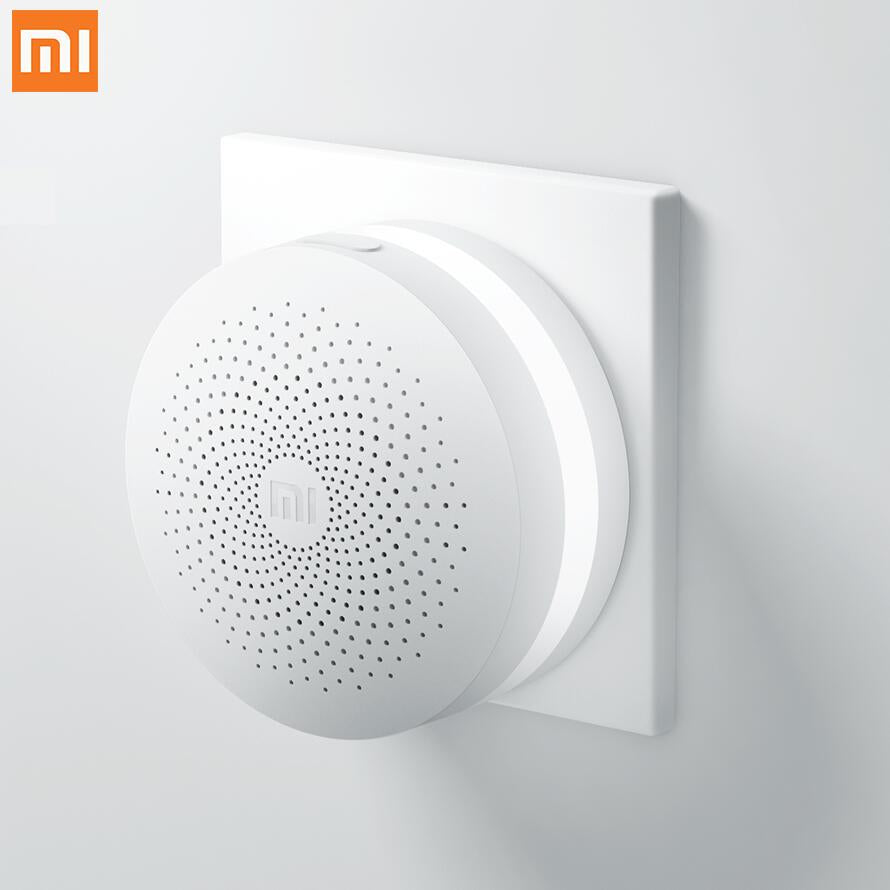
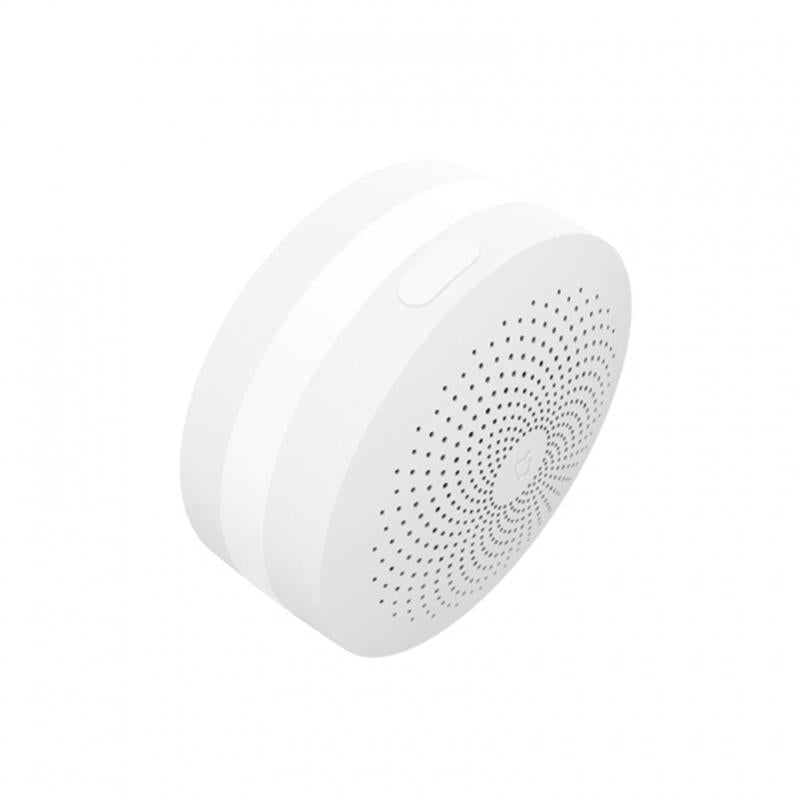
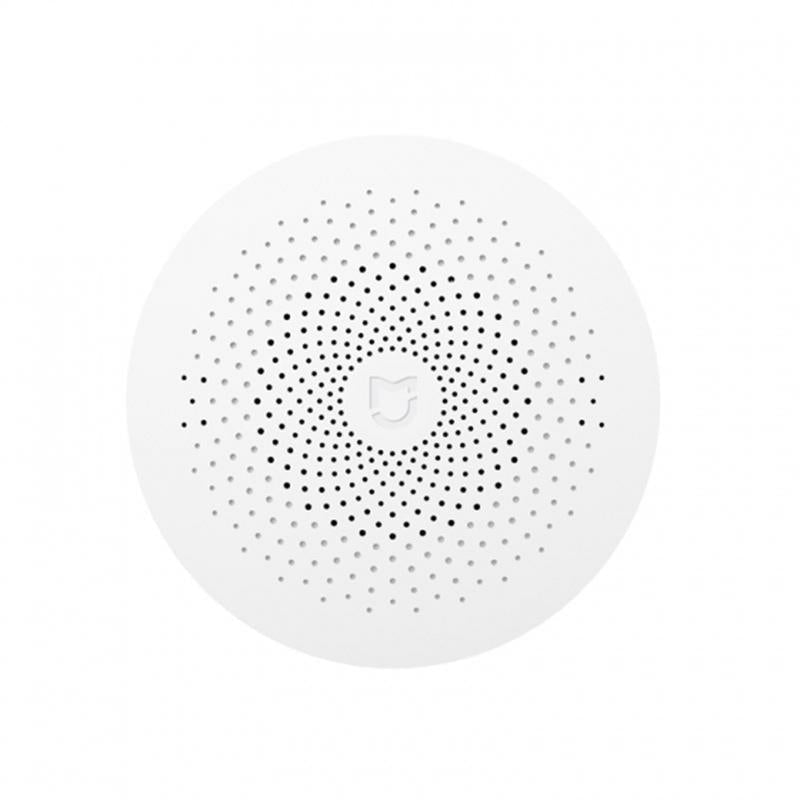
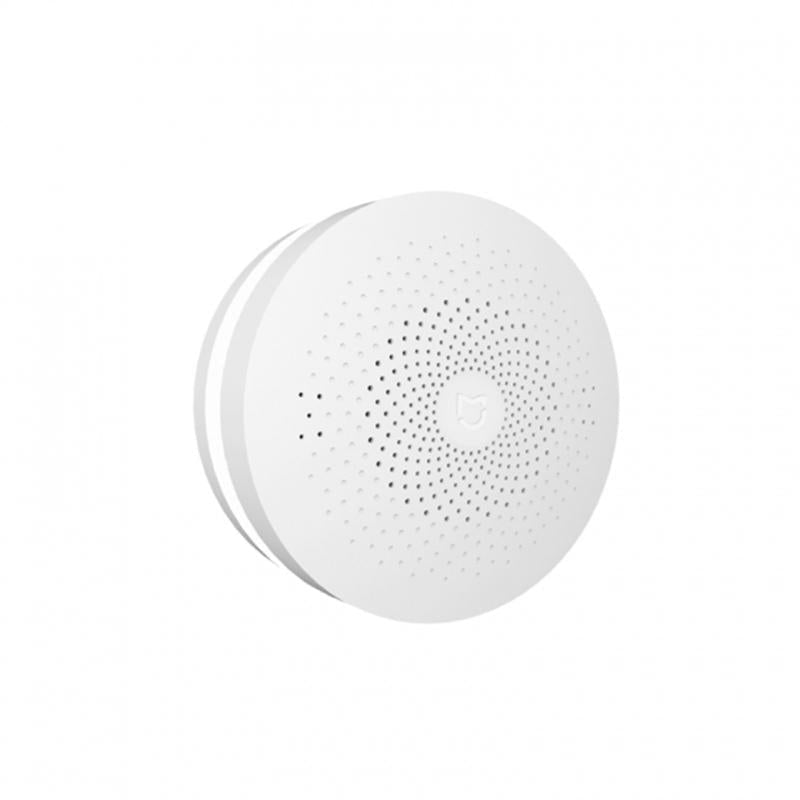
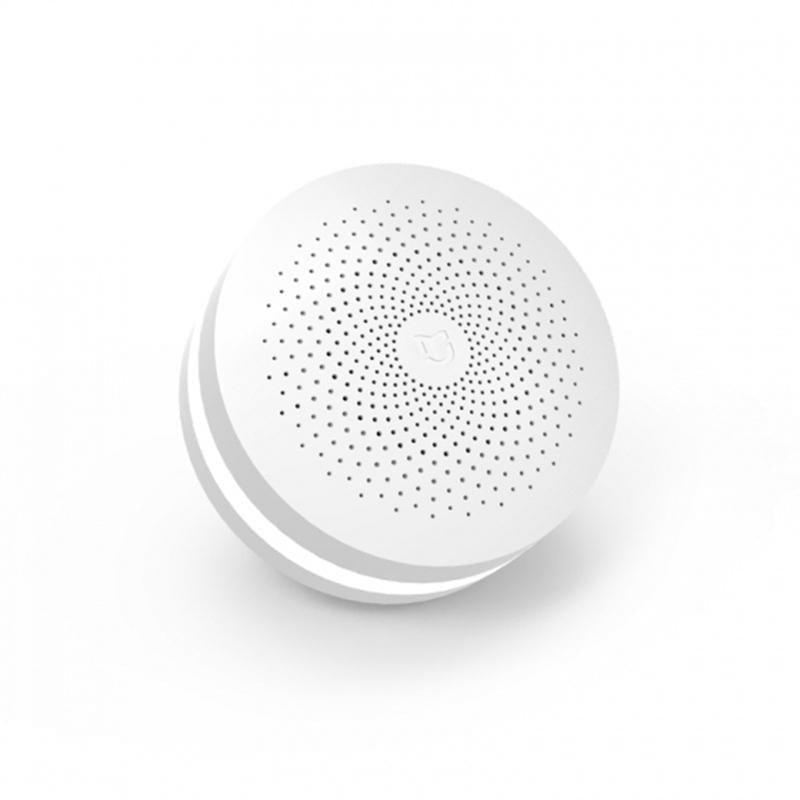
One round white hub gathers your Mijia sensors and alarm into a single place. Door and window alerts reach one app, and the speaker grille sounds the alarm or doorbell tone when something changes. It mounts on a wall plate and sits quietly in a hallway or living room.
Read the full descriptionOne round white hub gathers your Mijia sensors and alarm into a single place. Door and window alerts reach one app, and the speaker grille sounds the alarm or doorbell tone when something changes. It mounts on a wall plate and sits quietly in a hallway or living room.
One round hub to run your Mijia smart-home devices and alarm system from a single place
Before: separate apps and door alerts you notice too late. After: one white hub on the wall that reports every sensor and sounds when it counts.

The hub connects Mijia door sensors and other devices so you check one place instead of several apps. Pair a sensor, see it in the same list as the rest, and set alerts once. Pair it with a smart plug with wifi and the same screen covers power too.

The matte white disc with a dotted speaker grille mounts on a wall plate and sits close to the surface. It reads as part of the room, not a gadget. The low profile keeps it out of the way in a hallway or a living room.

The perforated front doubles as the sound output. When a sensor trips or the alarm activates, the tone plays from the same grille you see on the wall. You hear it from the room, not just on your phone.
Pick an open wall in the hallway or living room, close to the doors and windows you want to watch. Fix the plate, then seat the round hub on it.
Power the hub and follow the app steps. Update the hub firmware first, then confirm it appears in your Mijia account.
Pair each door or window sensor, open and close it, and check that the alert reaches your phone before moving to the next one.
A back door opens while you are in the garden, and the notice sits buried in a phone that has five other Mijia apps competing for attention. You find out hours later. The gap was never the sensor. It was the lack of one place where every signal lands.
The round hub pulls your Mijia door and window sensors into a single control point. Open the app once and every device is listed in the same spot. You stop guessing which app holds which device.
Walk in at the end of the day and the house is already covered. The hub sits quietly on the wall, the sensors report in the background, and the alarm tone is ready if something changes while you are out.
| Mijia hub | Separate device apps | |
|---|---|---|
| One app for all sensors | Yes | No |
| Alarm and doorbell tone from one unit | Yes | No |
| Wall-mounted round hub | Yes | No |
| Single view of door and window alerts | Yes | Partial |
Yes, the hub is built to pull Mijia sensors and alarm devices into one app. Check that your sensors are Mijia models and update the hub firmware before pairing. Add them one at a time and test each one.
The hub sounds an audible alarm and doorbell tone through its speaker grille. It is clear in a hallway or a living room. For a large open plan, place the hub near the middle of the space and test the tone at normal volume.
No. The setup is three steps: mount the wall plate, connect the hub in the app, then add sensors one by one. Most people finish in a single evening, depending on their network and existing devices.
Separate apps mean separate alerts and a phone full of logins. The hub puts every sensor and the alarm in one list. You pay once for the hub and skip the time lost hunting for which app sent the notice.
The hub is the part that holds the system together. It carries the speaker, the wall plate and the premium matte plastic body, and it does the job of several apps in one unit. Think of it as the control point you add once.


 Xiaomi Mijia Smart Home Hub: Control Alarm & Sensors