
$37.90
Free delivery · 7–14 days
Wired USB Optical Mouse for Office, Home and School Use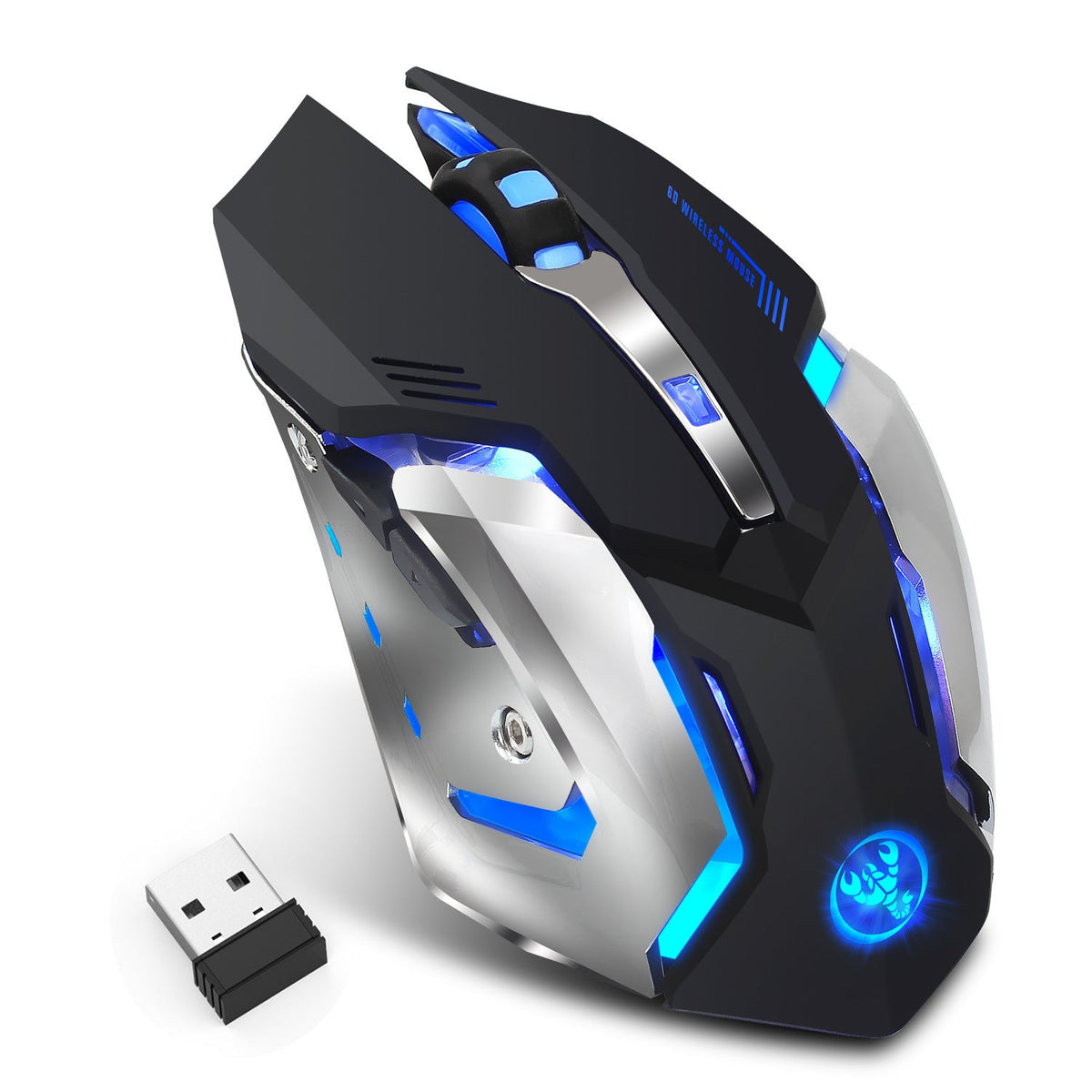

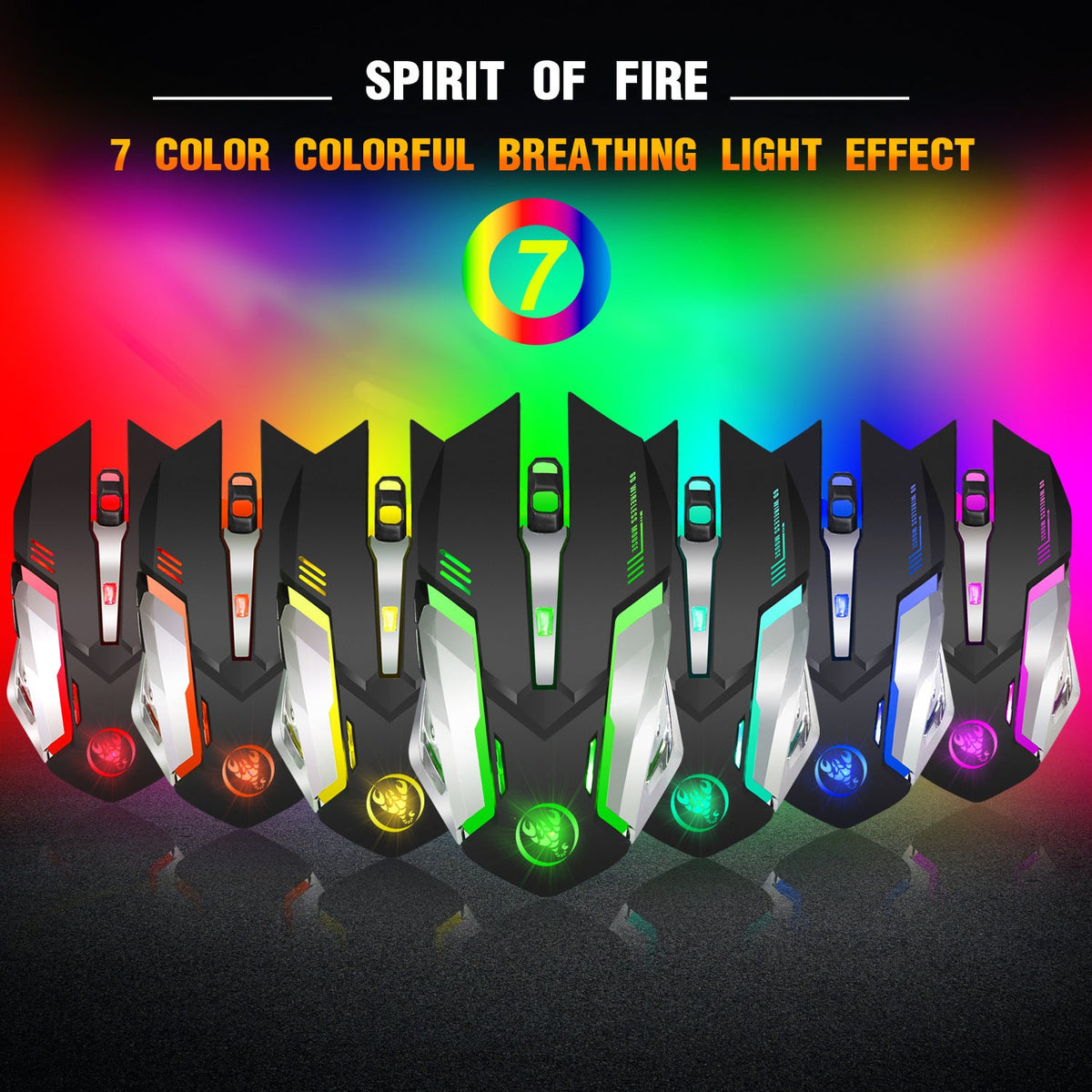
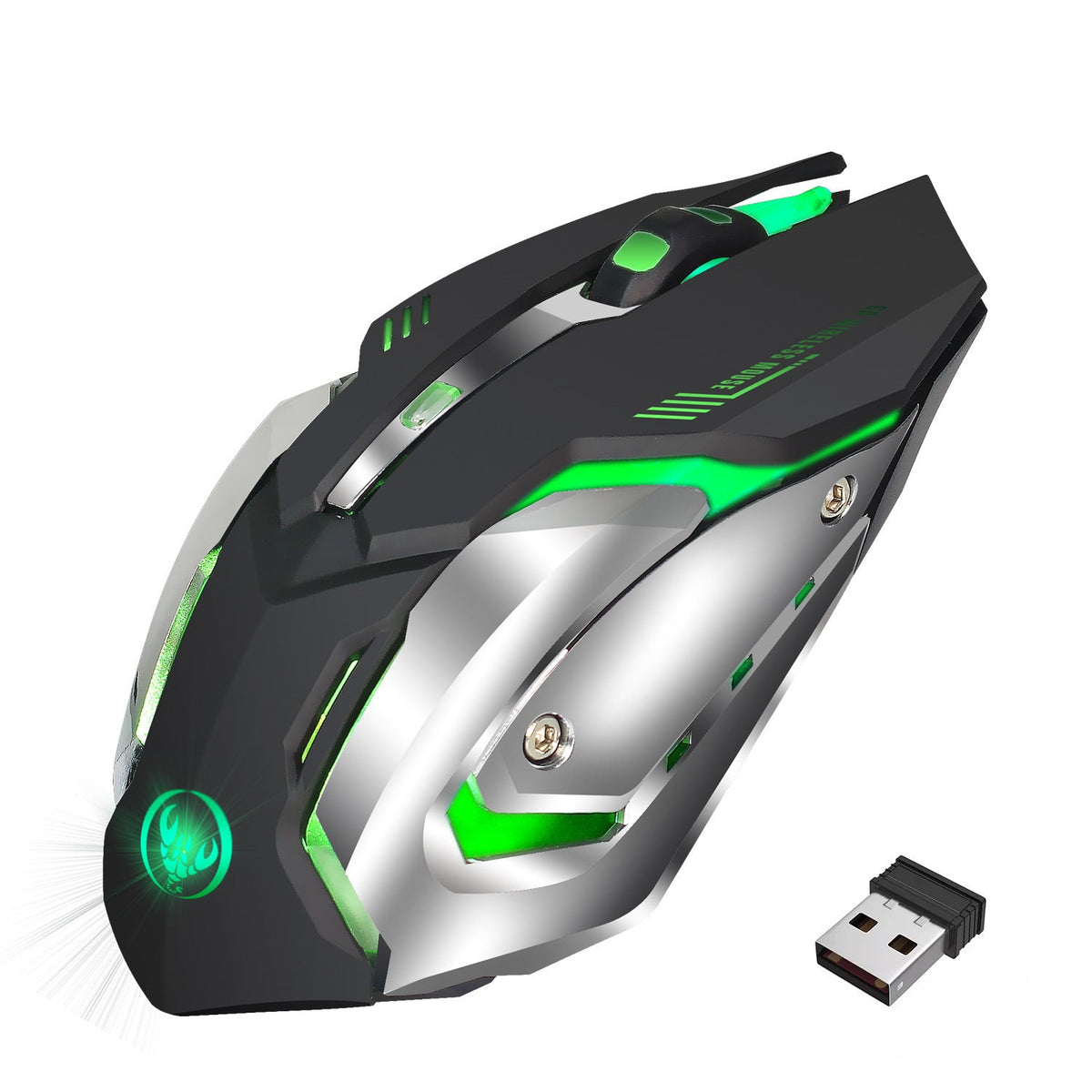


A wireless mouse you charge once and forget, with a built-in 600mAh battery and a seven-color breathing glow. The 2.4G receiver is the only thing that plugs into your PC, so the desk stays clear for every late session and quiet workday.
Read the full descriptionA wireless mouse you charge once and forget, with a built-in 600mAh battery and a seven-color breathing glow. The 2.4G receiver is the only thing that plugs into your PC, so the desk stays clear for every late session and quiet workday.
Wireless, rechargeable gaming mouse with 7-colour RGB breathing light and 10-million-click durability
Stop digging through drawers for batteries and untangling cords. Charge it once, plug in a tiny receiver, and game or work under a seven-color glow.

The 600mAh cell sits inside the body and charges through the micro-USB port on the mouse. No AA or AAA cells to buy, and no battery door to open mid-match. Keep one cable at the desk and the mouse is ready for the next session.

Seven selectable colour modes run across the body, the side LED strips and the scroll wheel ring. The breathing effect fades in and out, so the desk looks lit even when you are not moving the mouse. Pick the colour that suits the room.

The packaging states a 10,000,000-times click test for this mouse. That is a manufacturer rating, not an independent lab result, but it is printed on the box and it sets a clear bar for daily heavy clicking. The hand-held shape sits comfortably in a palm grip.
The mouse and its 2.4G USB receiver are the only two items inside.
Insert the small 2.4G USB receiver into a free USB port on your PC. Use a port near the mouse for the cleanest link.
Turn the mouse on and the body lights up in blue, green and magenta. Charge it through the micro-USB port when the battery runs low.
Built-in 600mAh battery, micro-USB charging, 7-color RGB
Plug in and the mouse connects

A cabled mouse drags on every swipe and snags on the edge of the desk right when a match gets tense. Cheap wireless mice fare little better, since they die on you mid-round and send you hunting for AA cells. Your focus goes with them.
This mouse runs on a built-in 600mAh rechargeable battery and charges through its micro-USB port. The 2.4G receiver is the only thing that plugs into the PC. One cable goes to the wall, and the rest of the desk stays clear.

The packaging carries a 10,000,000-times click test claim, and the shell is matte black with polished chrome side panels. It feels solid in the hand. After a long session the mouse still looks like it came out of the box.
The battery is built in and charges by micro-USB, so you top it up between sessions instead of buying AA packs. No runtime in hours is published for this model. For long matches, plug the cable in at the desk so the mouse is charged when the next round starts.
The lighting draws from the same 600mAh cell as the sensor. A long night with all seven colors breathing will use more charge than a plain mouse. The light is there for the setup, and it is a fair trade if the desk is the point.
The 10,000,000-times click test is printed on the packaging as a manufacturer claim. It is not an independent lab result. The shell is matte plastic with chrome side panels, and the rating gives you a clear number to compare against cheaper mice.
It is sold as a mute office mouse, so it suits shared rooms and quiet desks. The lighting can stay on for personal setups, or you can keep the mouse plain during work hours.
Charging runs through the micro-USB port on the mouse. Use any micro-USB cable you already own, and charge it in the evening so it is ready each morning.
You get two items in the box, a built-in rechargeable battery, a lit body and a click rating printed on the packaging. Over a year, skipping AA packs adds up, and the lit design costs nothing extra to keep running.


 Wireless Gaming Mouse, Rechargeable RGB Breathing Light