
$37.90
Free delivery · 7–14 days
Wired USB Optical Mouse for Office, Home and School Use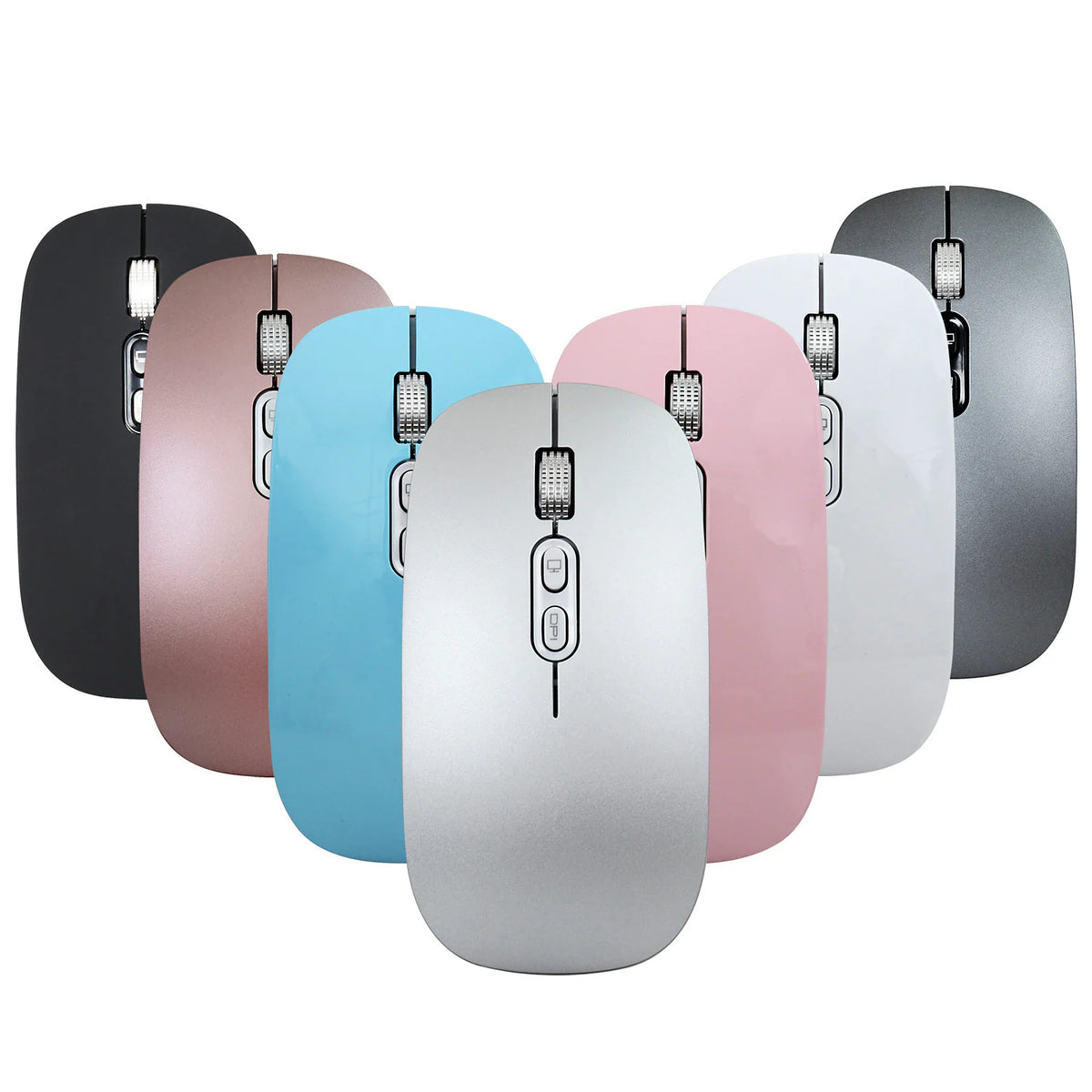
Work stays on track when the mouse keeps going. This slim, rechargeable wireless mouse links through one tiny 2.4GHz receiver, so there is no Bluetooth pairing to manage. A dedicated desktop button clears your windows in one press, and a DPI switch adjusts the pointer for your screen.
Read the full descriptionWork stays on track when the mouse keeps going. This slim, rechargeable wireless mouse links through one tiny 2.4GHz receiver, so there is no Bluetooth pairing to manage. A dedicated desktop button clears your windows in one press, and a DPI switch adjusts the pointer for your screen.
Slim rechargeable wireless mouse with 2.4GHz connection and one-click return to desktop
Tired of dead batteries and tangled cables mid-task? This slim, rechargeable mouse connects with one tiny receiver and returns you to the desktop in one click.

The lithium battery lives inside the body, so there is no drawer of spare AAs to hunt through. Connect the micro-USB cable, top it up on a cool desk, and get back to work. One charging session replaces a steady stream of disposable batteries.

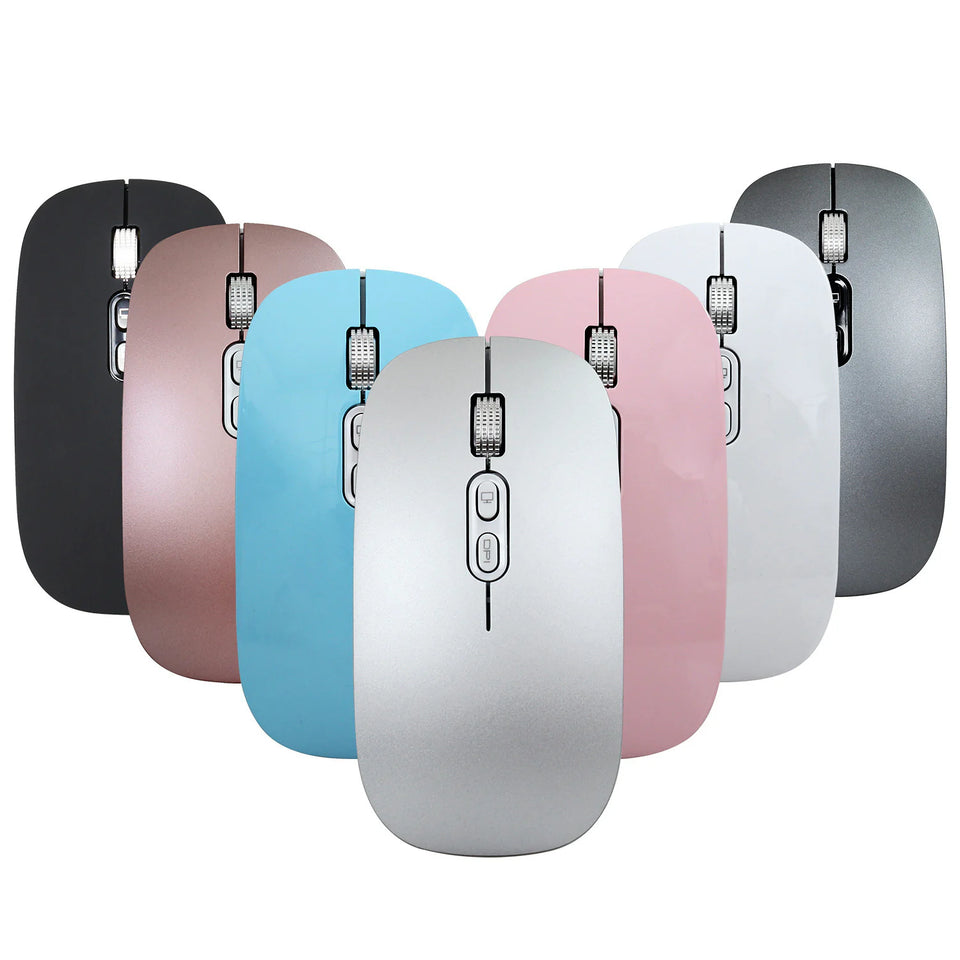
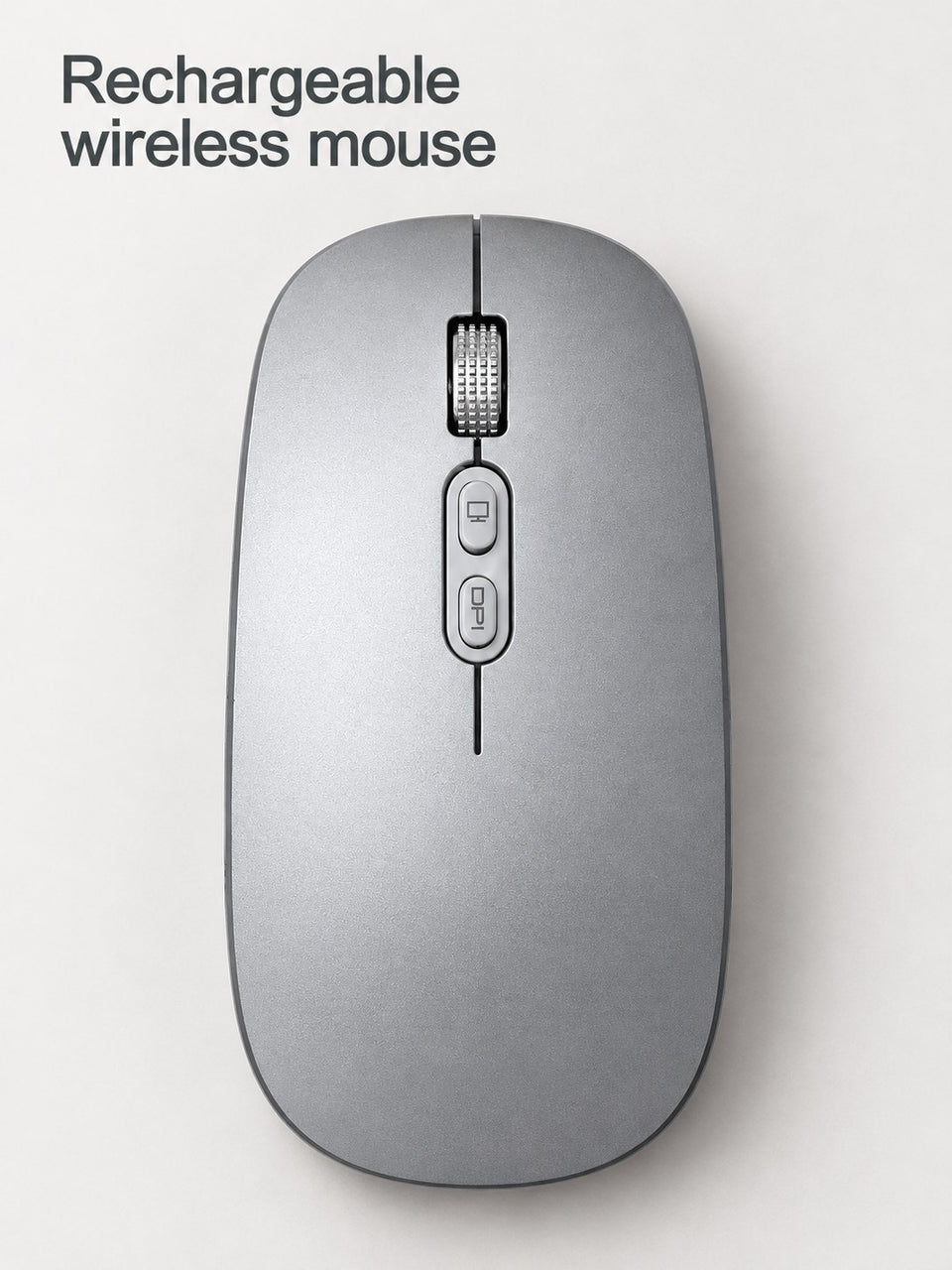
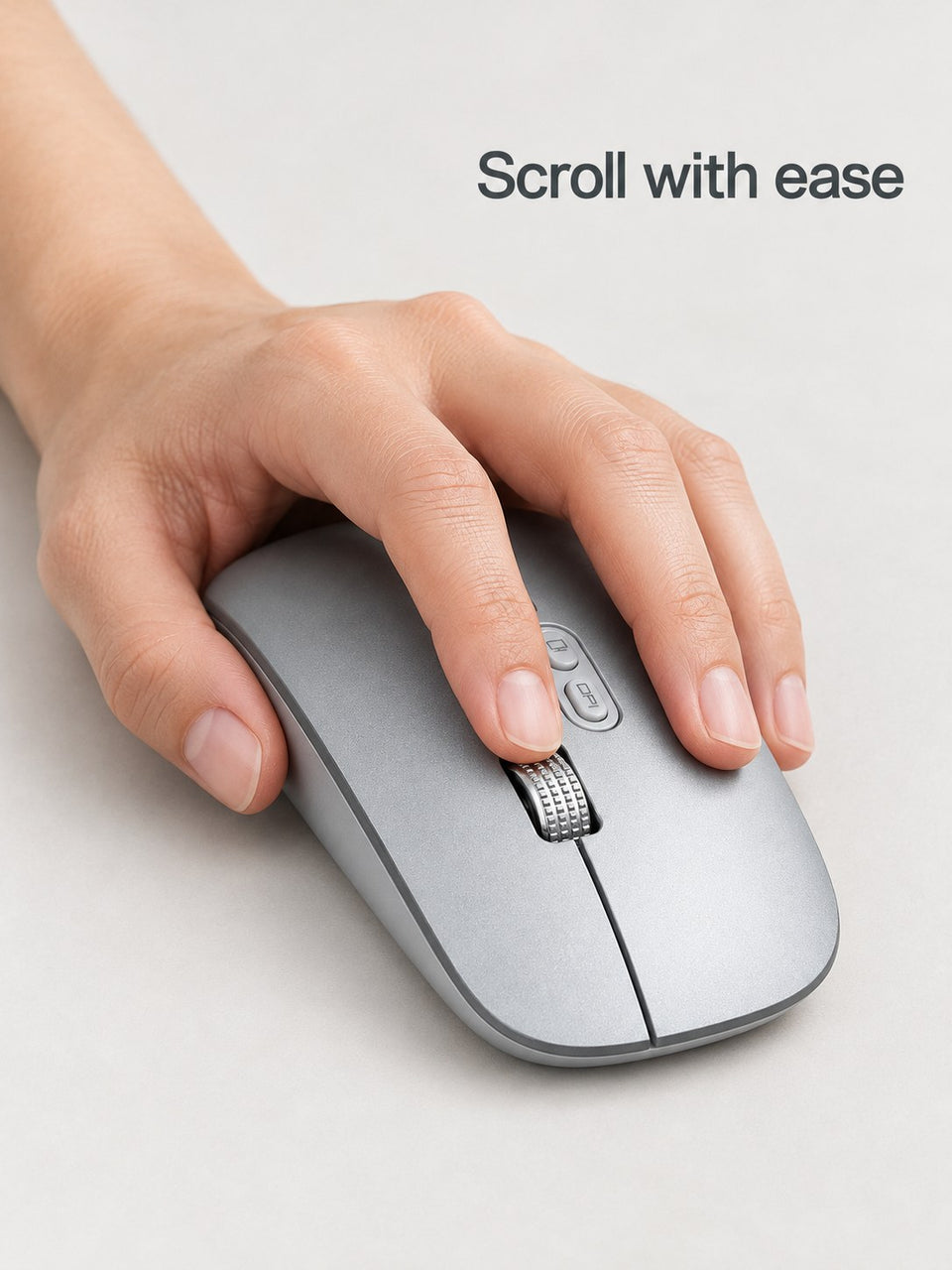
The desktop button sits on top, where your thumb already rests. One press clears the windows in front of you, so you stop shuffling through overlapping applications. The DPI switch sits close by for quick sensitivity changes when you move between a laptop and a monitor.

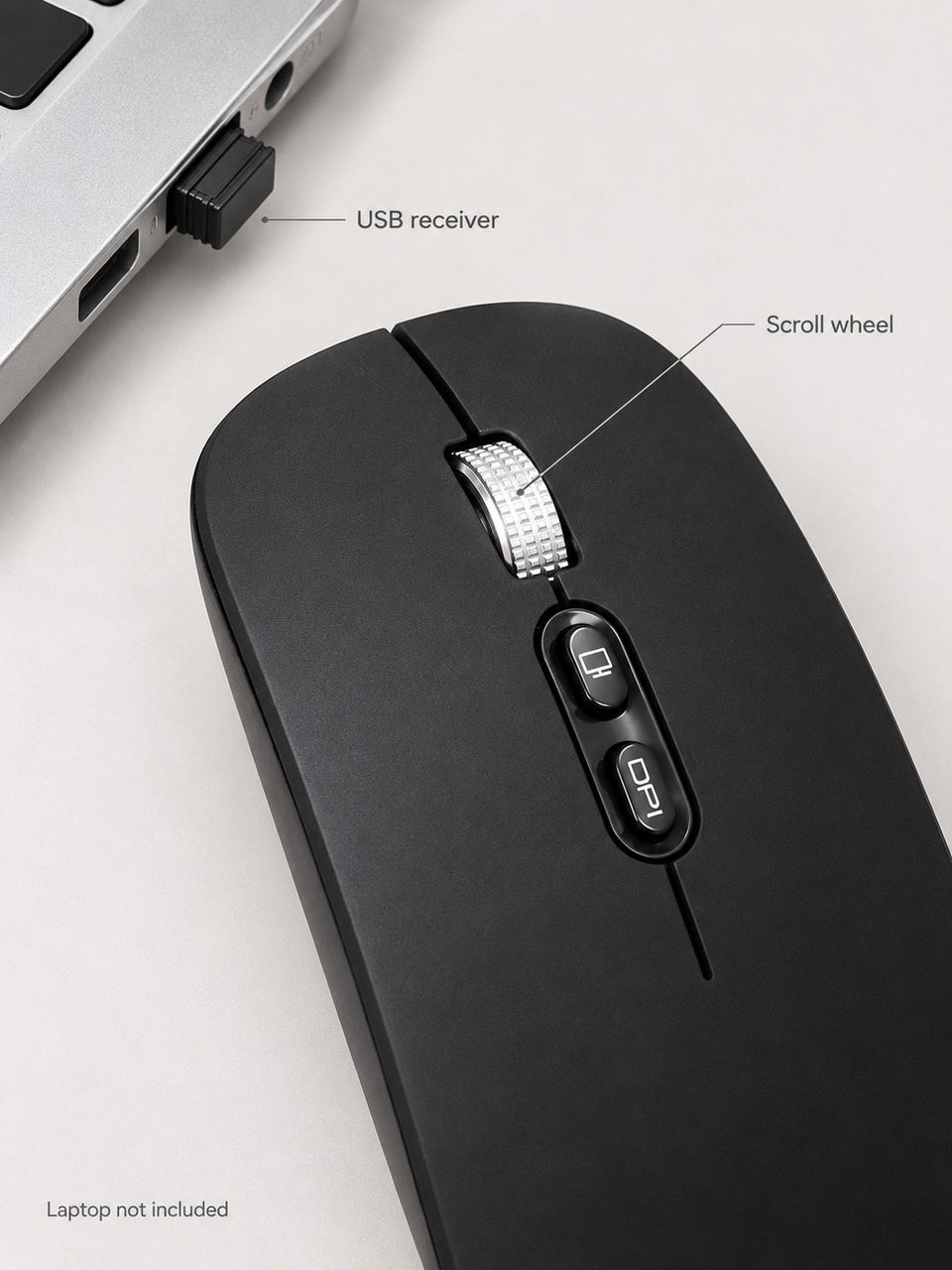
The tiny USB receiver links the mouse over 2.4GHz, so there is no Bluetooth pairing menu to work through. Plug it into a port and the mouse is live. It is small enough to leave in your laptop. If you are comparing options, see our best wireless mice collection.
Insert the 2.4GHz USB receiver into a free USB port on your computer. The mouse connects through this receiver, so no Bluetooth pairing is needed.
Connect the micro-USB cable to the mouse and to a USB source. The lithium battery is built in, so charge it on a cool surface rather than a warm laptop.
Set the DPI switch to suit your screen, then use the desktop button whenever you need to clear the windows in front of you.
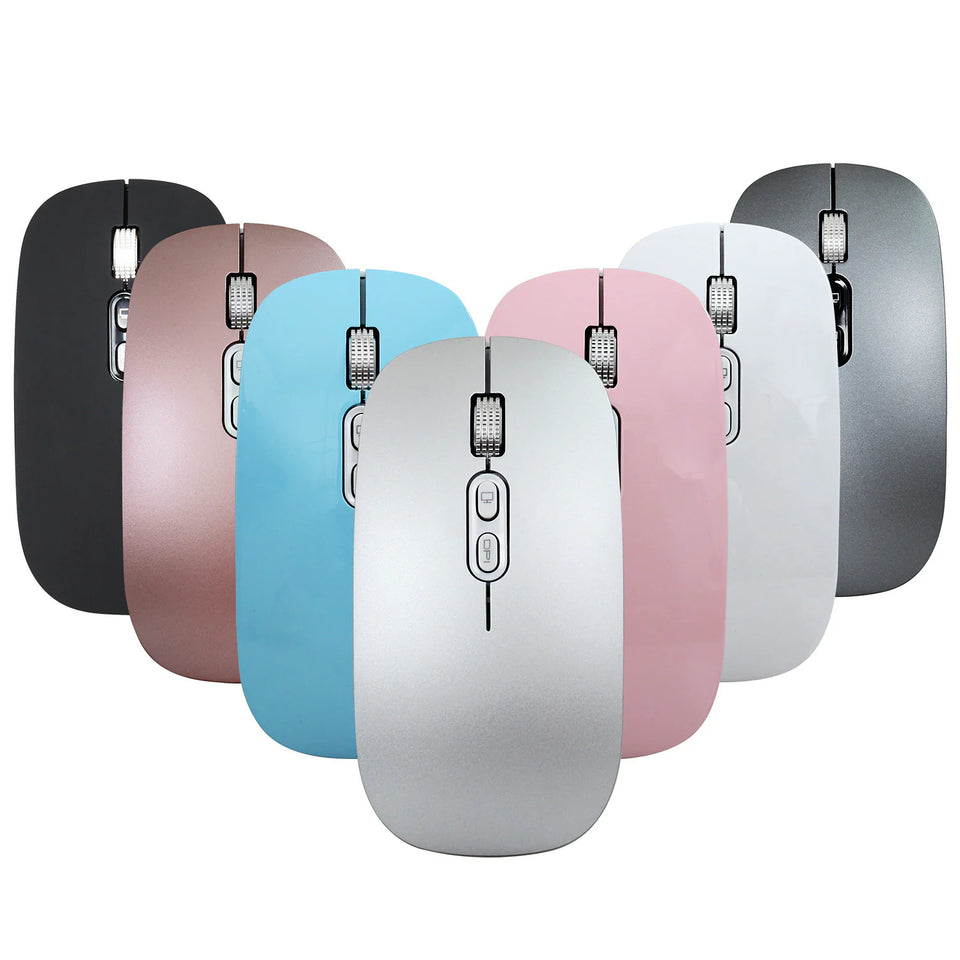
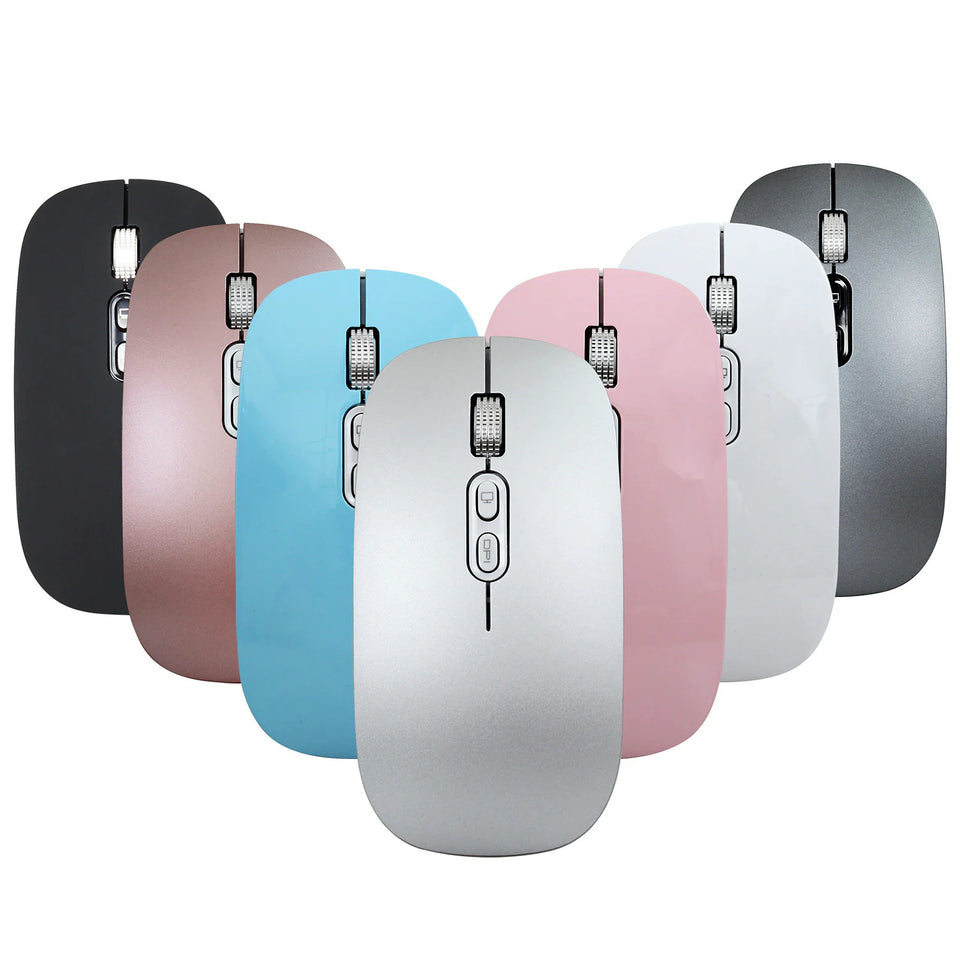
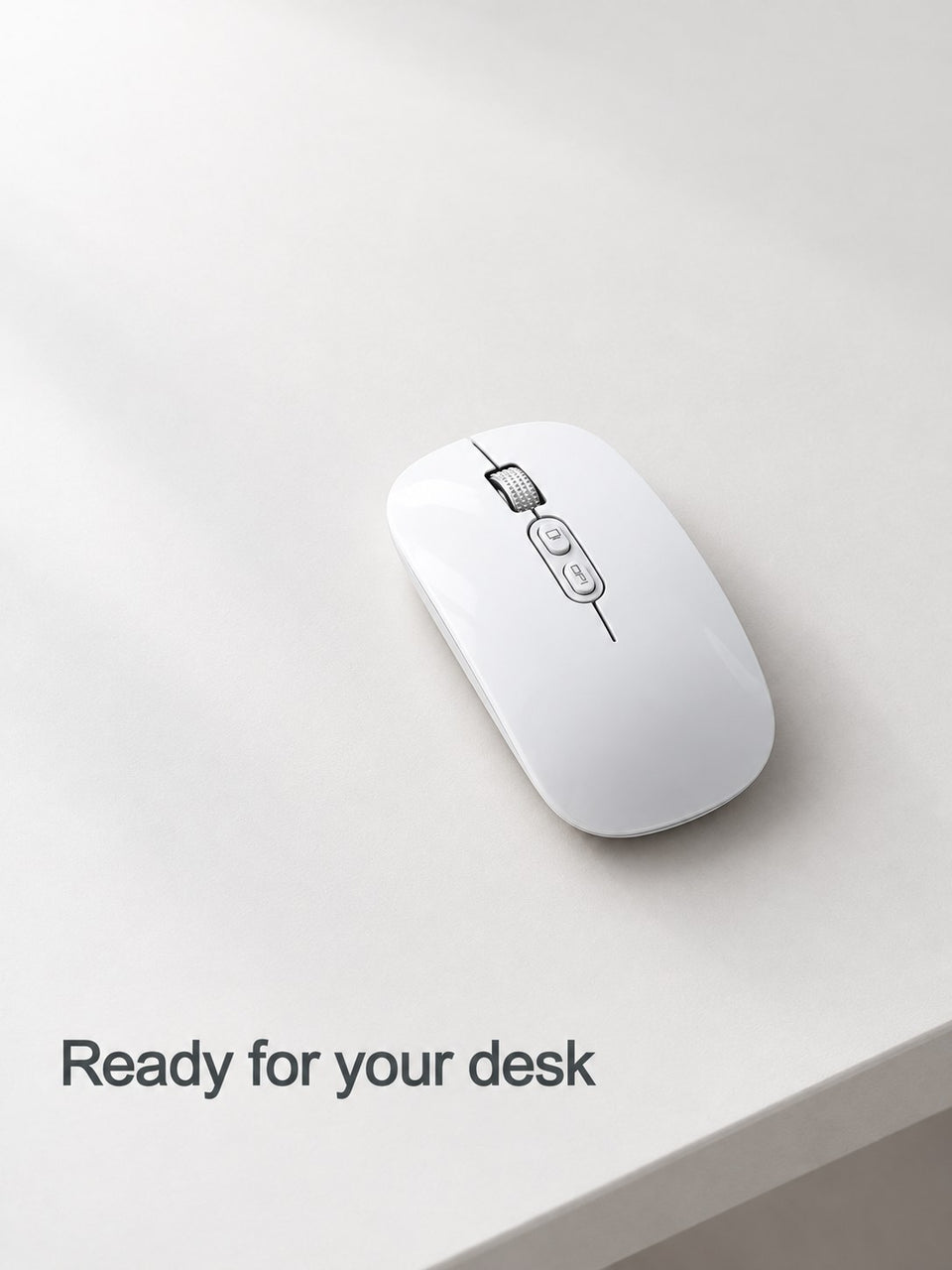
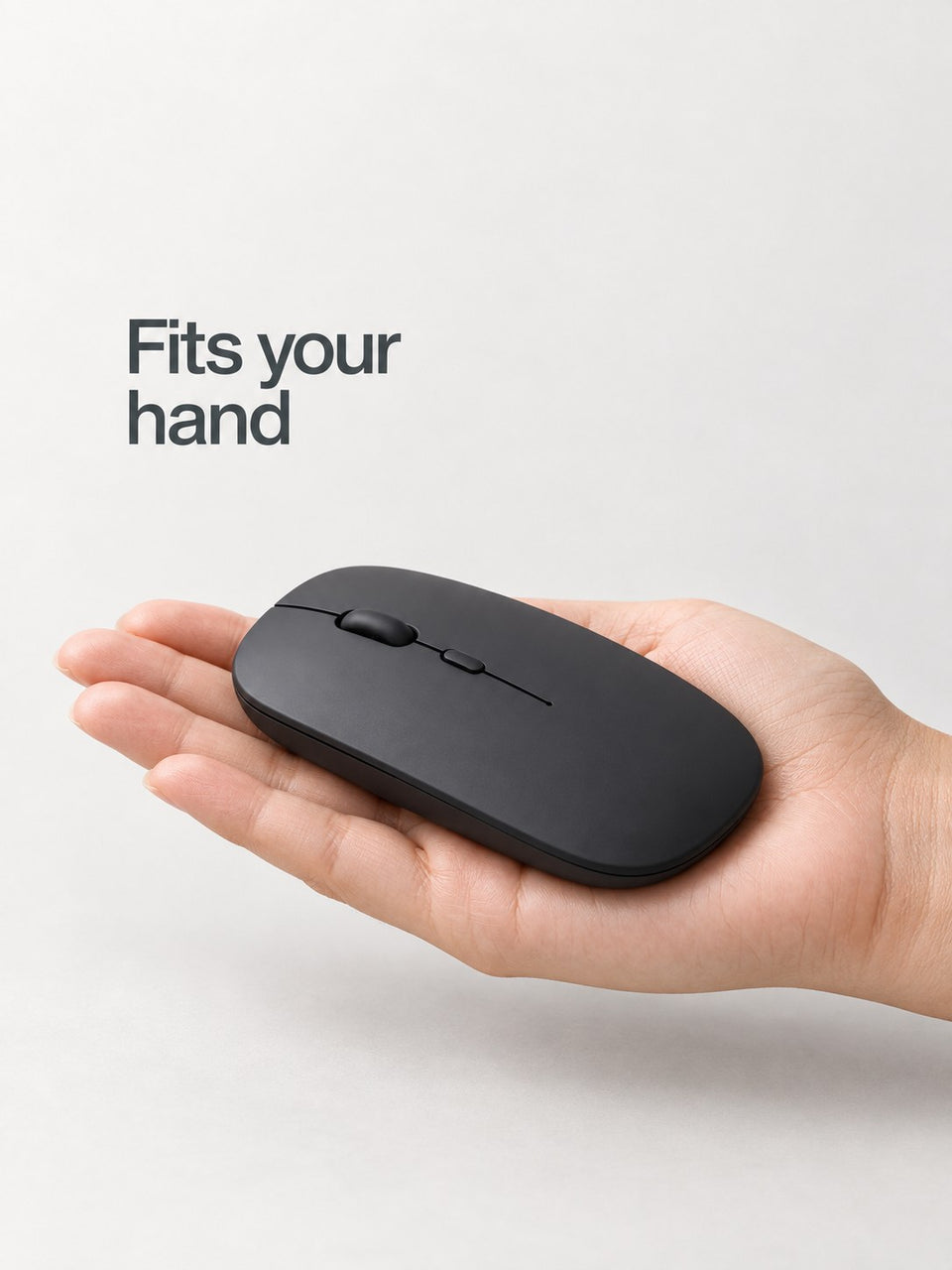
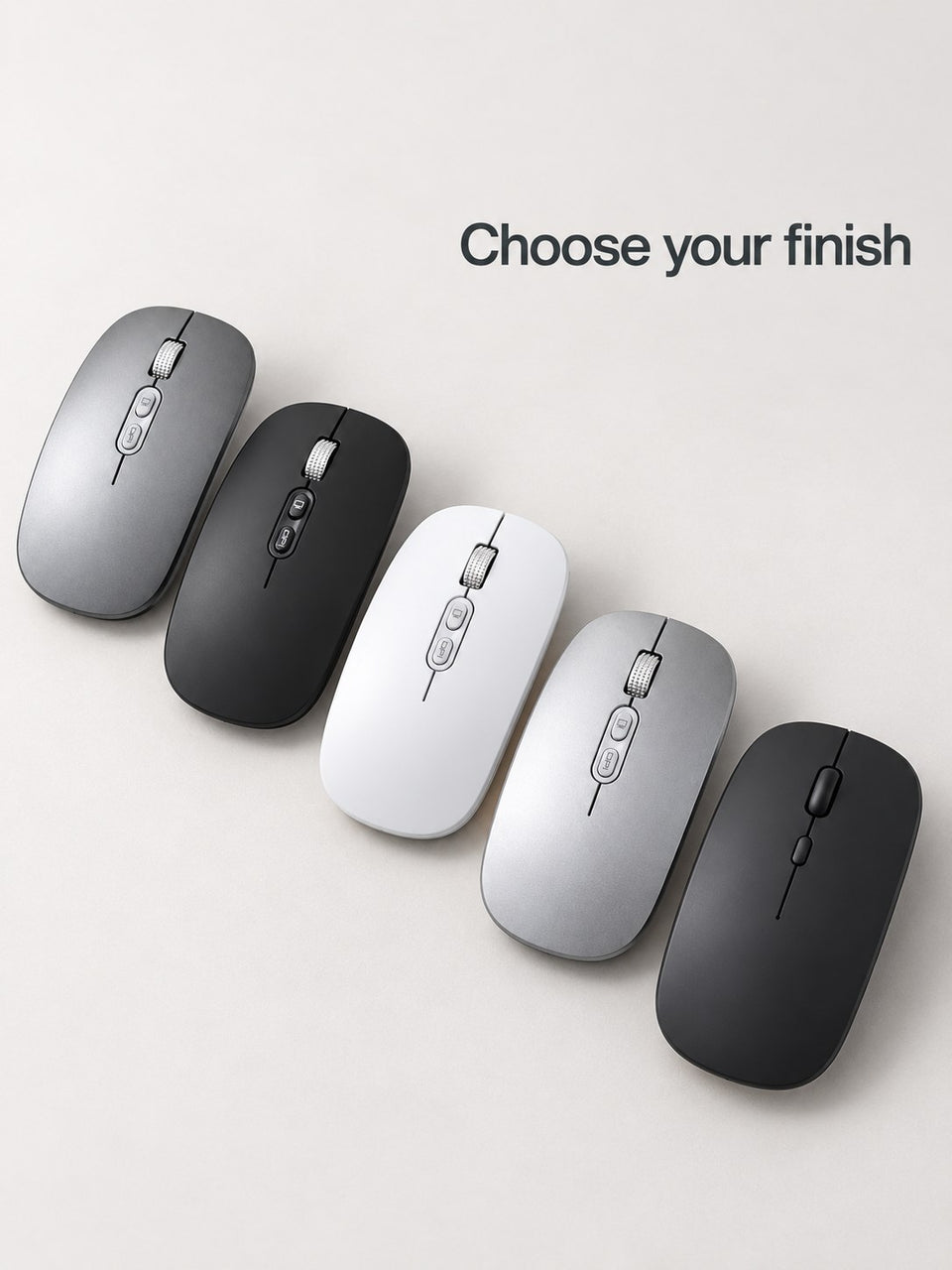
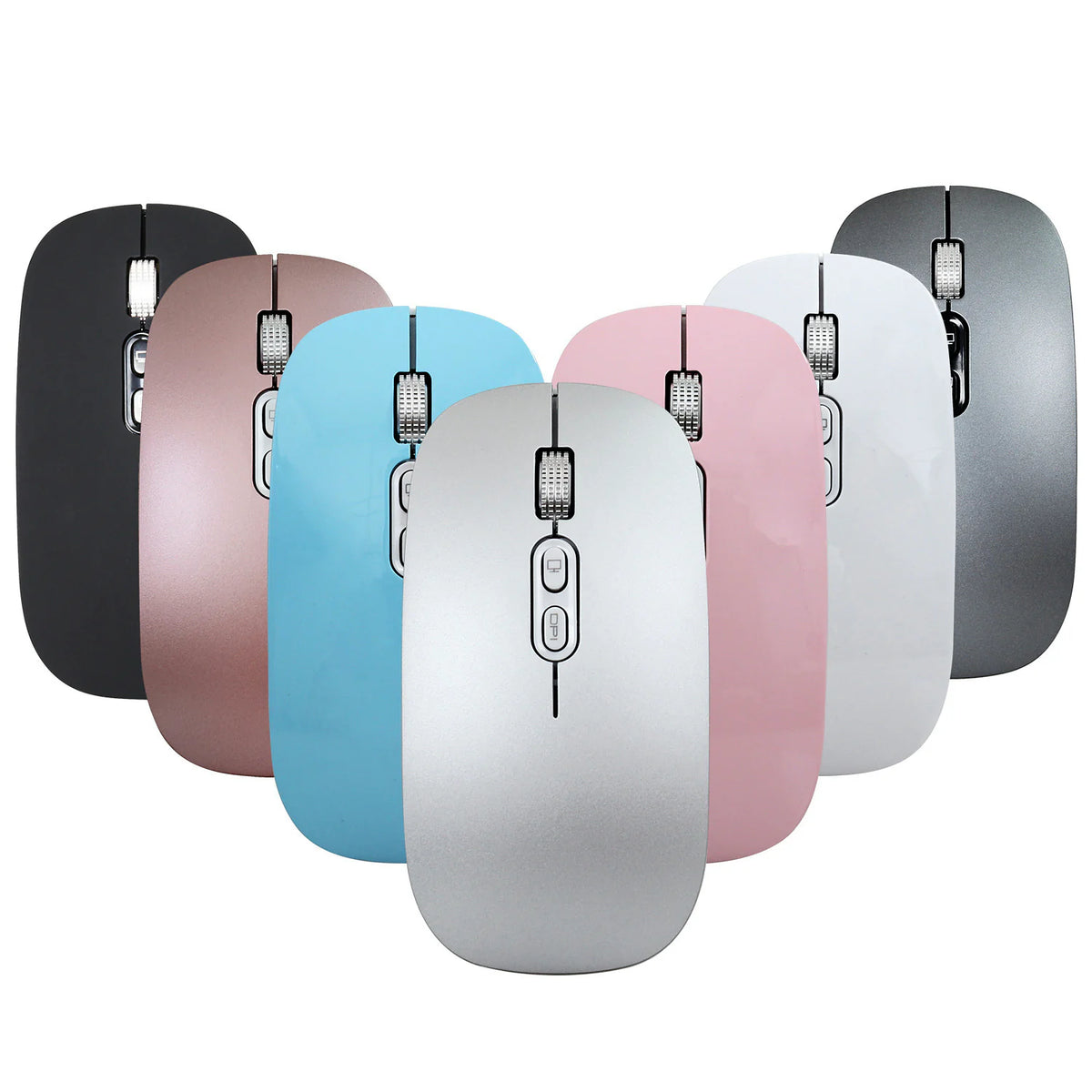
Slim matte body with silver textured scroll wheel and desktop-return button.
Plugs into a USB port. No Bluetooth pairing.
Charges the built-in lithium battery.
The body is matte plastic, so it feels lighter than a metal-accented premium mouse. That is the trade for a slim, quiet, rechargeable mouse at a fair price. Buttons and the scroll wheel are built for everyday desk use, and the matte finish keeps fingerprints off the shell.
The mouse uses a dedicated 2.4GHz link through its USB receiver rather than Bluetooth, which means no pairing and no extra device to troubleshoot. Keep the receiver in a nearby USB port, not behind a metal case or a hub, and the connection stays steady across a normal office desk.
Runtime per charge is not published for this model, so the fair test is a full workday. The built-in lithium battery charges through the micro-USB cable included in the box. The cable is short, so plan to charge near an outlet. Once charged, you stop buying disposable batteries for it.
Yes. The 2.4GHz USB receiver plugs into any free USB port, so a laptop without Bluetooth works the same way as one with it. You do not need to pair anything, and the receiver can stay in the port.
The DPI switch changes how far the pointer moves for each inch of hand movement. Use a lower setting for detailed work and a higher one to cross a large monitor quickly. It sits on top of the mouse, so you can change it without opening any software.
Yes, especially if you work from a kitchen table or a spare room and want a tidy setup. The receiver is small enough to leave in the laptop, and the quiet clicks suit shared spaces. If you need a heavier, premium feel or a mouse with many programmable buttons, this one is not the right match.


 Rechargeable Wireless Mouse with 2.4GHz Desktop Return