
$59.90
Free delivery · 7–14 days
Vertical Wireless Mouse with USB-C Charging, Silent Clicks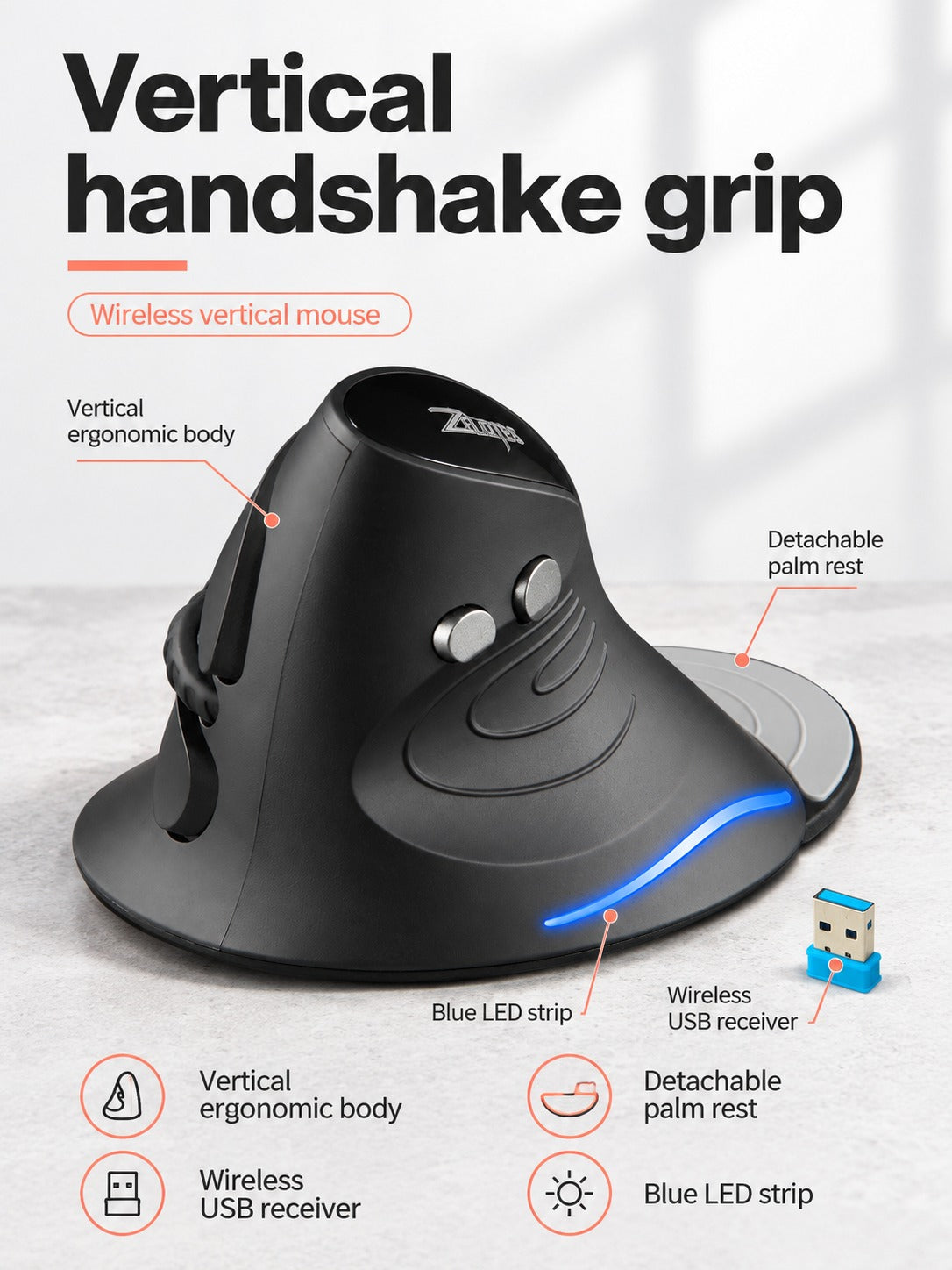
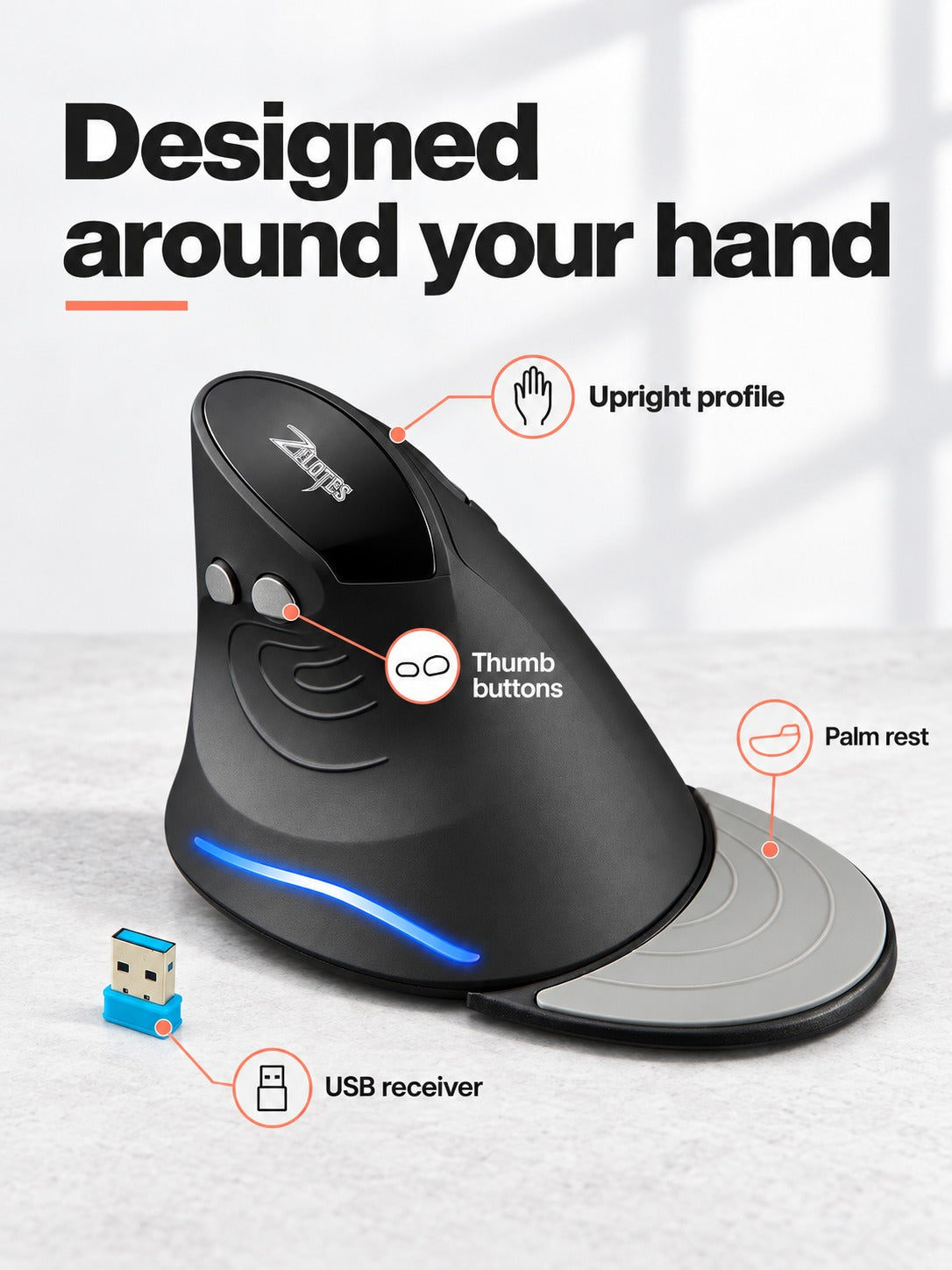
A handshake grip that lets your wrist rest in a more natural position through the workday. The vertical shell, detachable palm rest and soft-touch matte finish make long desk sessions feel lighter, and the setup takes minutes.
Read the full descriptionA handshake grip that lets your wrist rest in a more natural position through the workday. The vertical shell, detachable palm rest and soft-touch matte finish make long desk sessions feel lighter, and the setup takes minutes.
Vertical ergonomic grip for a more natural, handshake-style hand position
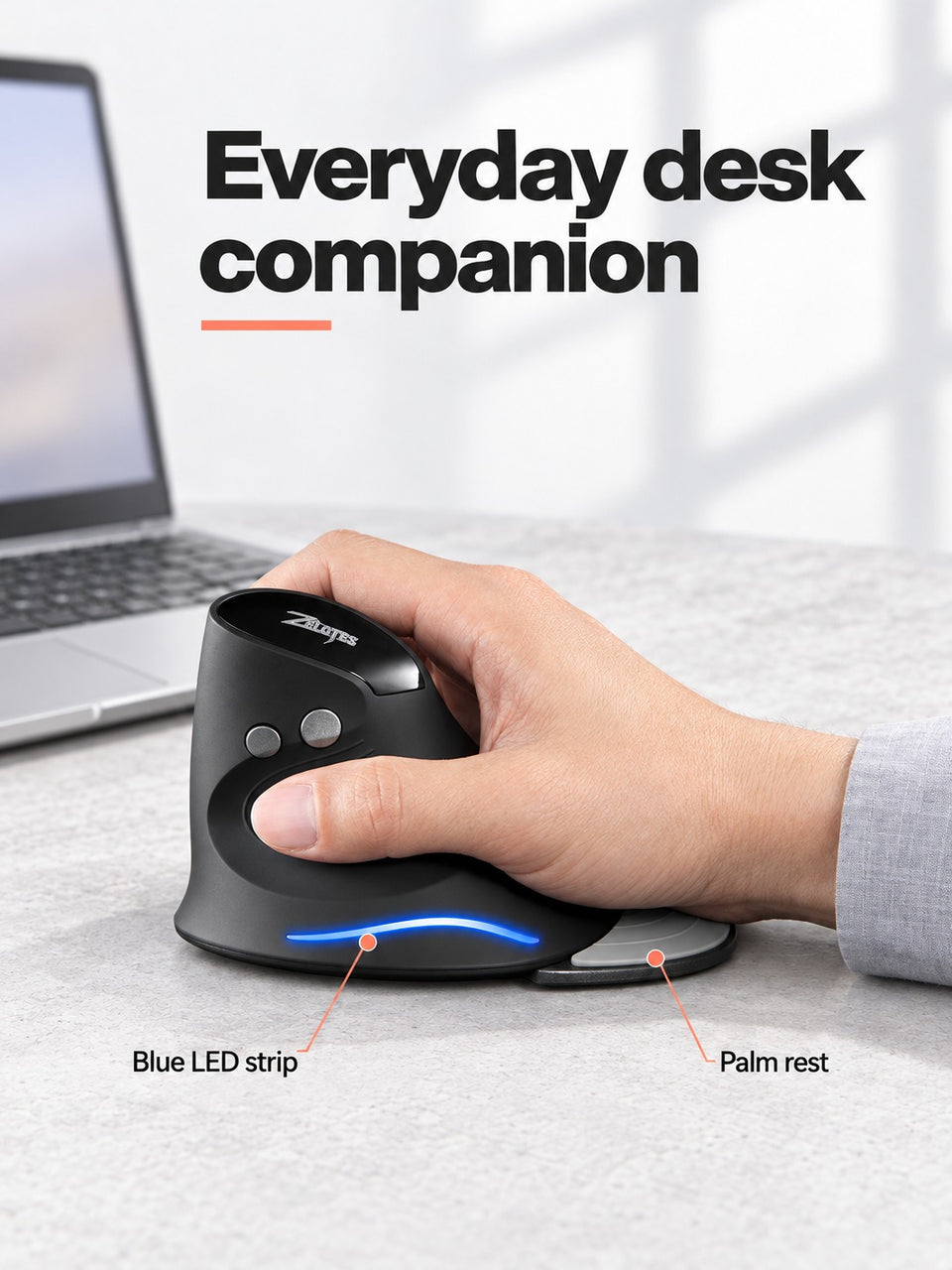
Flat mice turn your forearm and wrist into a strain by mid-afternoon. A vertical grip lets your hand settle into a handshake position, so long desk days feel lighter.

The shell rotates your hand so the forearm sits closer to neutral than it does on a flat mouse. You stop pressing the palm down into the desk and the wrist stays in a relaxed line through the day. The shape takes a few days to feel natural, then it becomes the default.

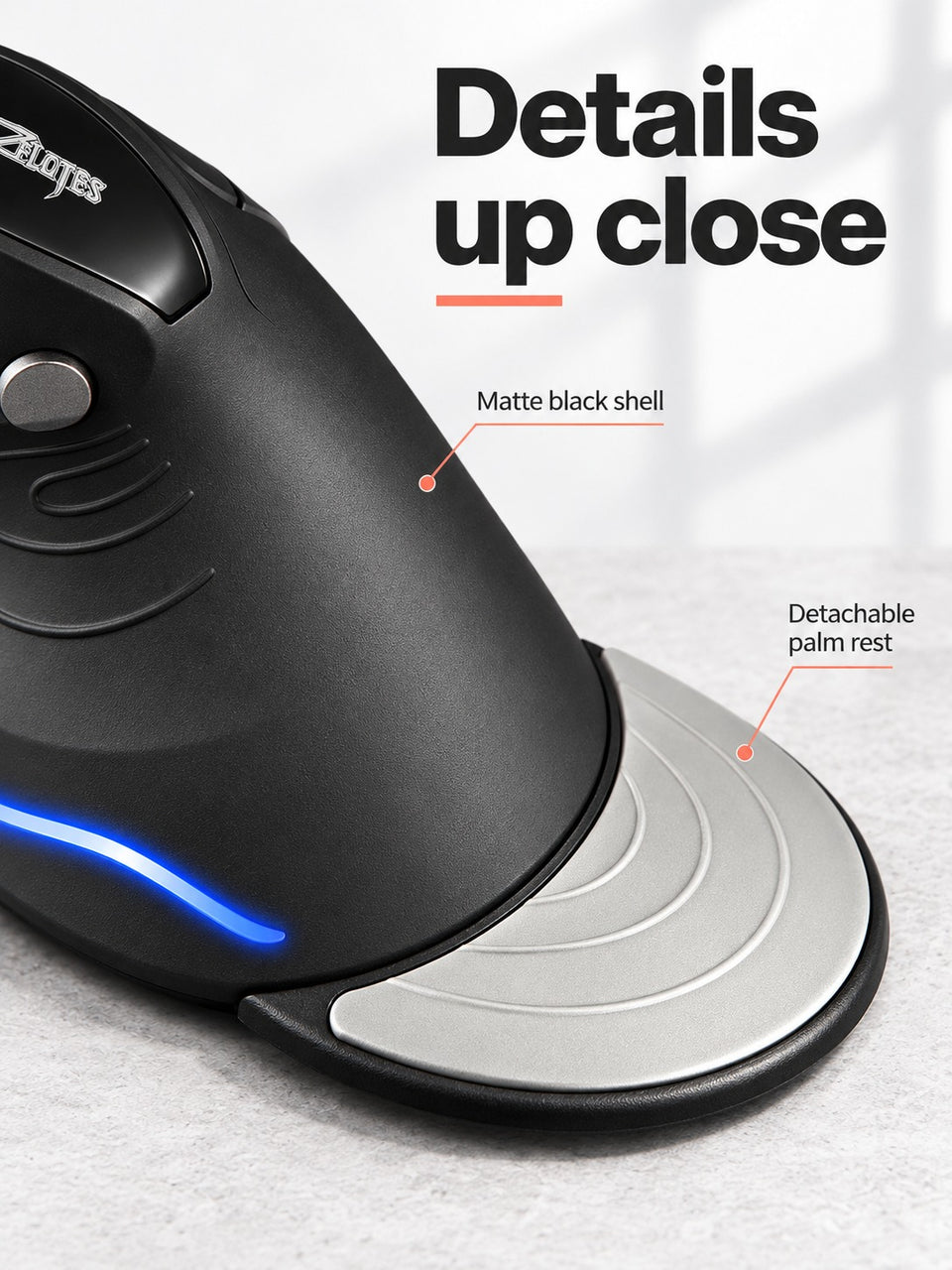
The silver-grey palm rest comes off, so the shell works with or without it. Keep it on for a soft base during long writing sessions, or take it off when you want a lighter feel in your hand.

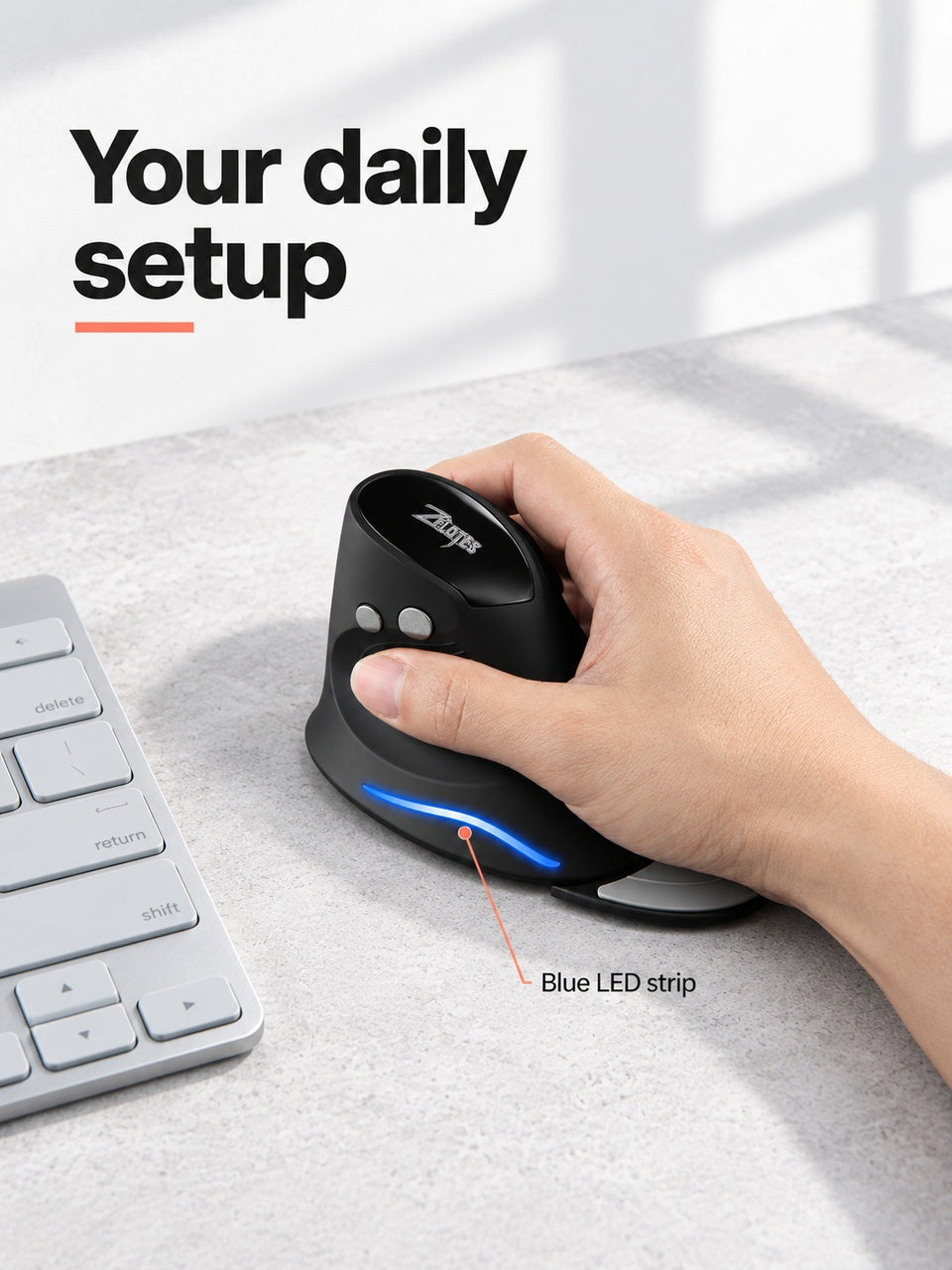
The blue strip glows along the body so you can see at a glance that the mouse is awake. A switch on the underside turns the light on or off, which keeps the desk calm when you do not need it.
Peel the protective film off the mat surface completely, then wipe the area with a dry cloth so the sensor tracks cleanly.
Slide the silver-grey palm rest onto the body until it clicks into place. Skip this step if you want a lighter feel.
Open the compartment on the underside and fit a 3V battery. Close the cover until it sits flat.
Set the power switch on the underside to on. Plug the USB wireless receiver into a free port on your laptop or desktop and the mouse is ready.
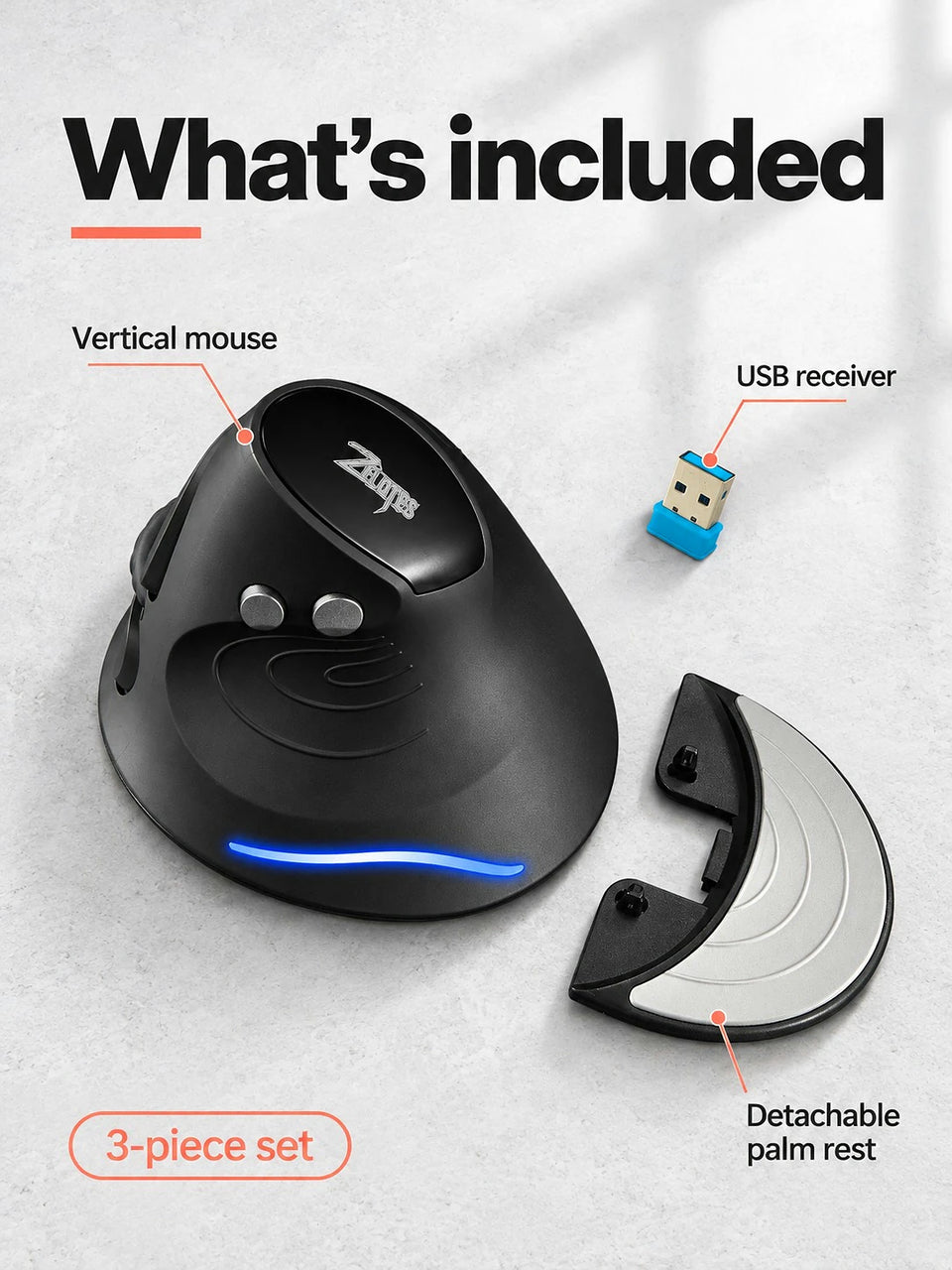
Matte black soft-touch shell with blue LED strip
Small nano dongle that stays in the laptop or desktop
Silver-grey, clicks on and off the shell

Hours of gripping a flat mouse with the palm turned down add up. The wrist tightens, the forearm feels heavy, and the last hour of the day is spent working around the discomfort instead of focusing on the work.

The vertical body turns your hand toward a handshake position. Your forearm sits closer to neutral, and the palm rest takes some of the weight so your fingers do less gripping. It feels like a small change on the first day and a large one by the end of the week.

Long sessions of email and spreadsheets still happen, but the hand stays relaxed. You finish the day with a calmer wrist and less forearm twist, and the mouse is still the first thing you reach for tomorrow.
| Master F17 Vertical | Flat wireless mouse with wrist pad | |
|---|---|---|
| Handshake hand position | — | |
| Built-in detachable palm rest | — | |
| Blue LED strip | — | |
| Wireless USB receiver | ||
| Two top-side buttons |
Yes. The mouse connects through a small USB wireless receiver that stays plugged into the laptop or desktop. Plug it into a free port and the mouse is ready to use.
Most people settle into the handshake grip within several days of regular use. Start with two or three hours a day, keep a flat mouse nearby for the first week, then extend the time as your hand adapts.
The grip changes your hand position, so the forearm sits closer to neutral than it does on a flat mouse. Many office workers notice less fatigue over long sessions. It is not a medical treatment, so see a doctor if pain persists.
The mouse runs on a 3V battery in a compartment on the underside. Tear off the protective film on the mat, insert the battery, switch the power on from the underside, and plug in the receiver.
Yes. The silver-grey palm rest detaches from the shell and clicks back into place. It sits flush once attached, and you can leave it off if you prefer a lighter grip.
The shell is a matte soft-touch plastic built for everyday desk work. Keep the receiver plugged in and the battery compartment clean, and the mouse holds up to a full workday of clicking and scrolling. Premium materials are what set it apart from a throwaway budget mouse, and the three pieces in the box mean nothing else is needed to start.


 Vertical Ergonomic Wireless Mouse for Wrist Comfort