
$59.90
Free delivery · 7–14 days
Vertical Wireless Mouse with USB-C Charging, Silent Clicks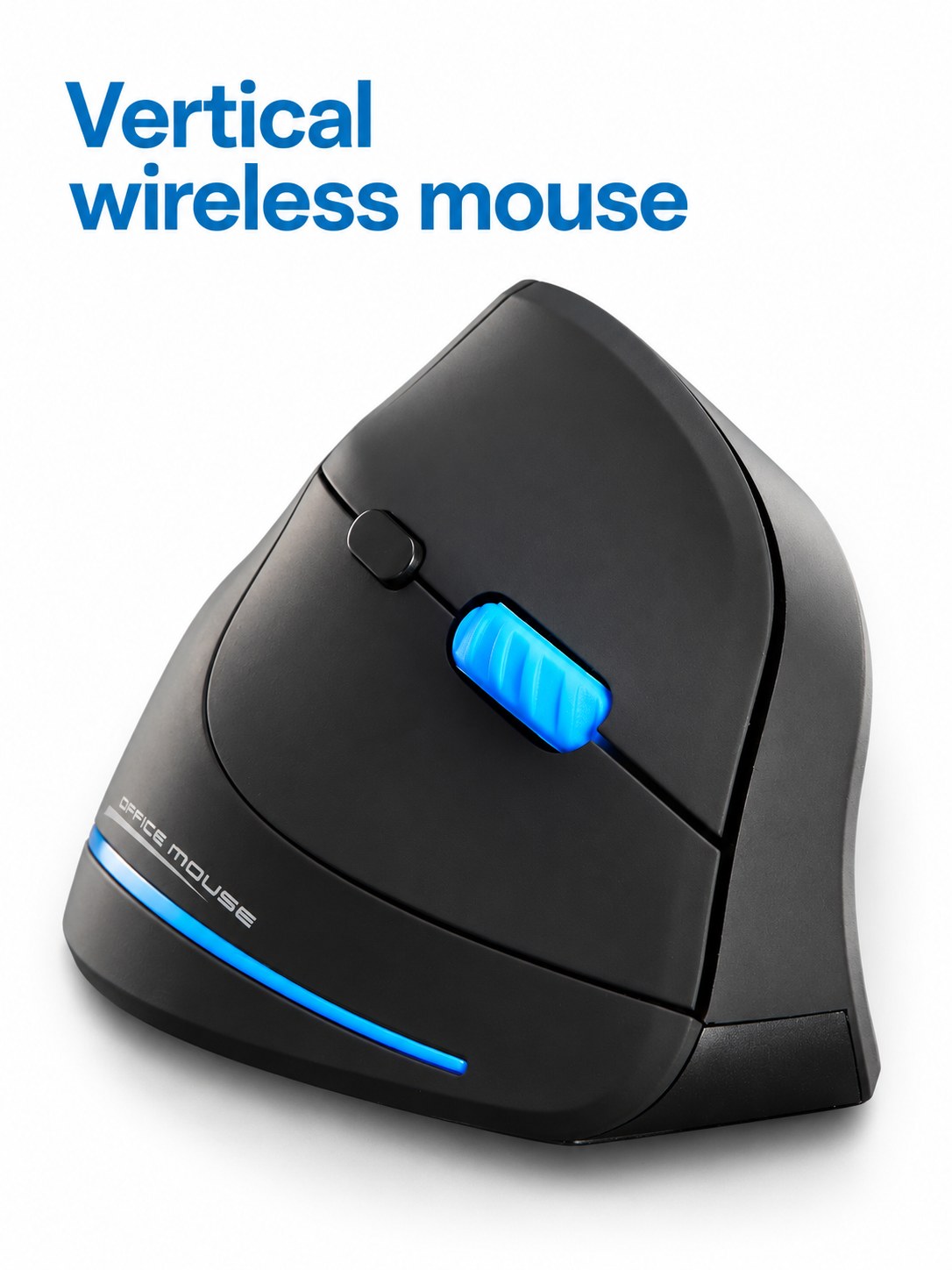
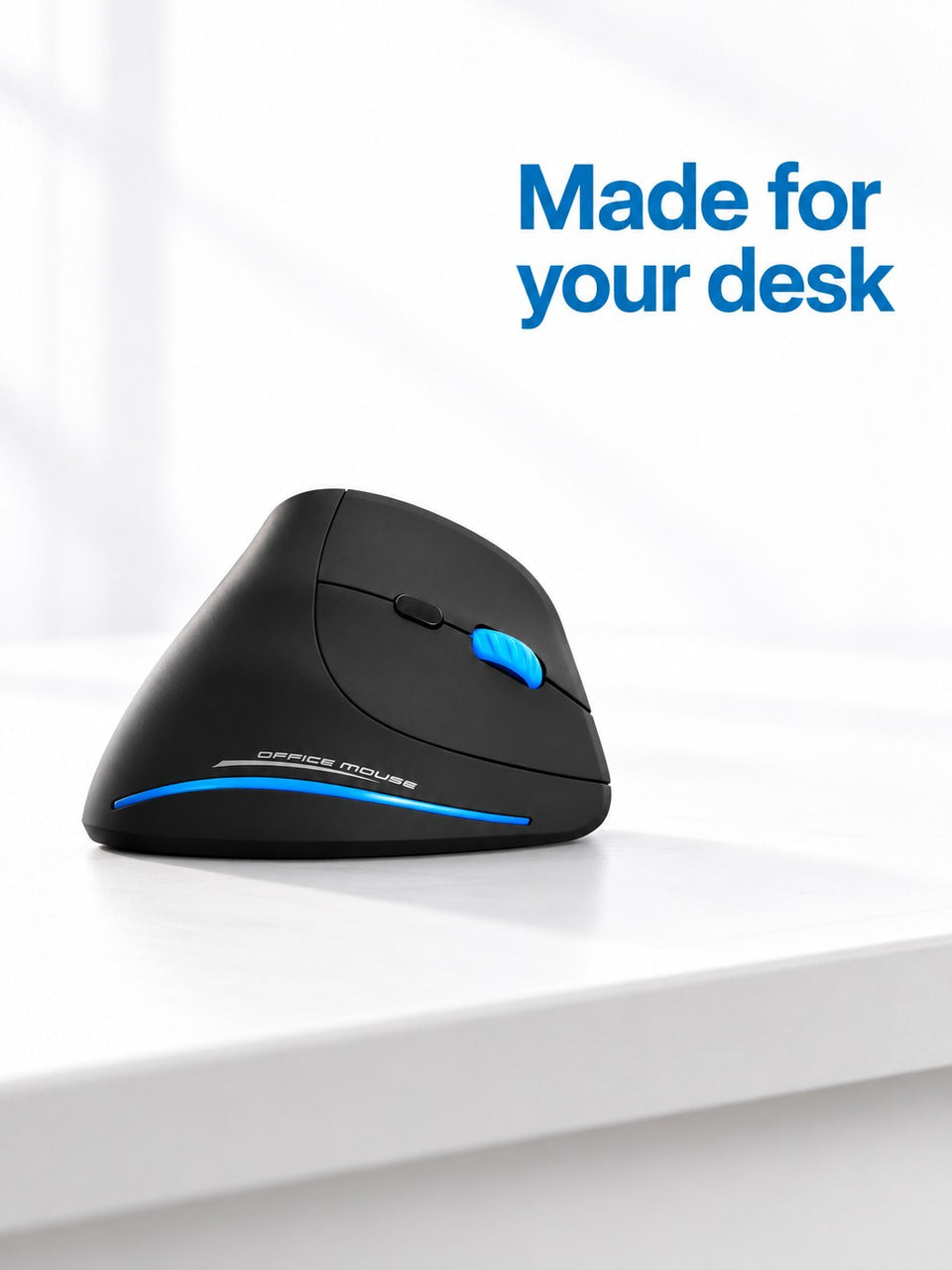
Vertical ergonomic wireless mouse that keeps your wrist in a natural handshake position
Flat mice turn long workdays into forearm strain. This vertical wireless mouse holds your hand in a relaxed handshake angle so you finish the day with less ache.

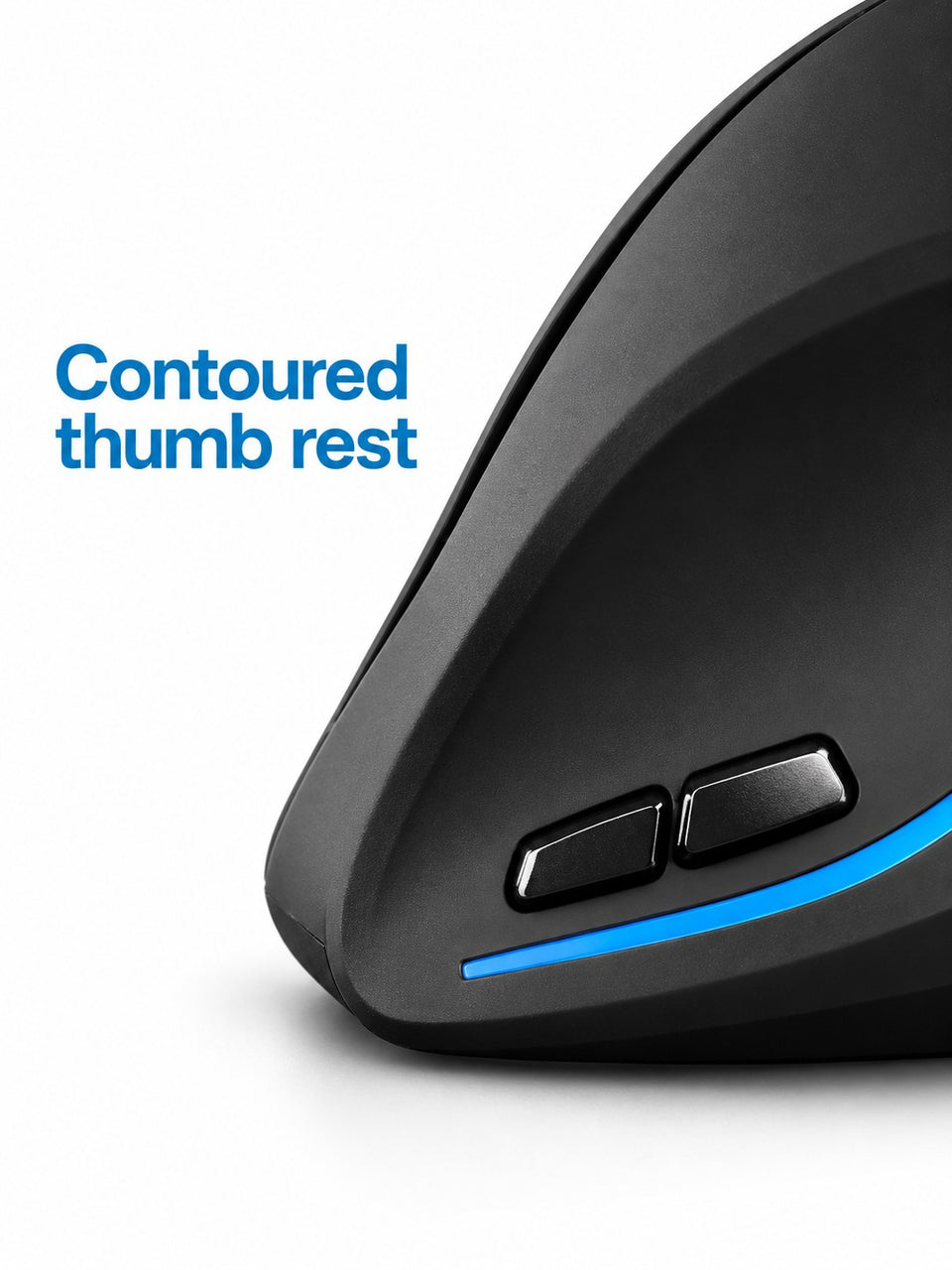
The sculpted shell keeps the forearm and wrist in a neutral position, not a flat-palm grip that twists the forearm. The thumb sits on the side where the side buttons are, so the hand stays relaxed through clicks and scrolls. The matte finish gives a soft, dry hold that does not slip during long sessions.

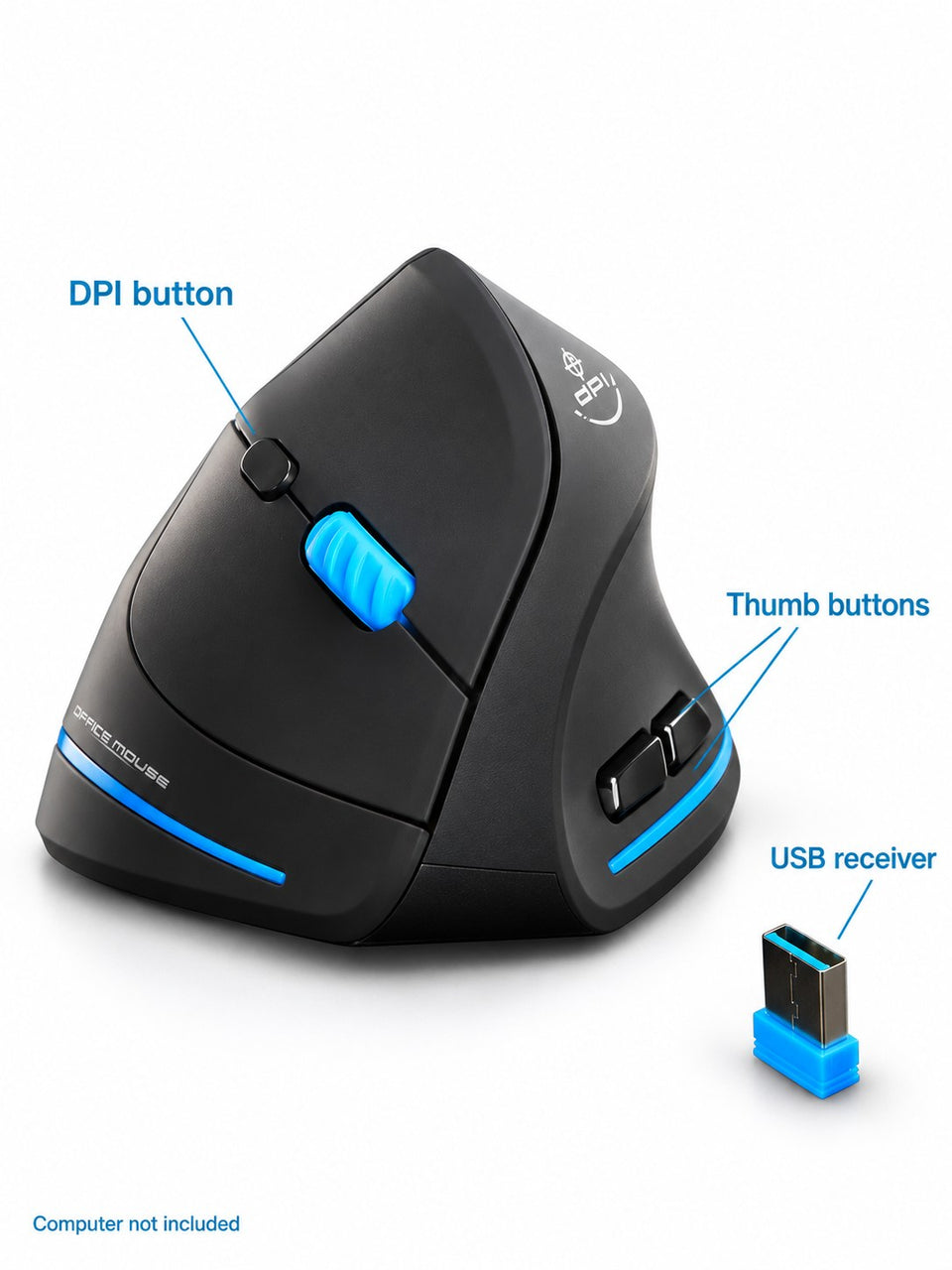
Set 1000 DPI for precise cell selection and detail work. Move to 1600 for everyday browsing, or 2400 when you cross a large monitor. The switch sits on the top of the mouse, so you change speed in one press without opening any software.
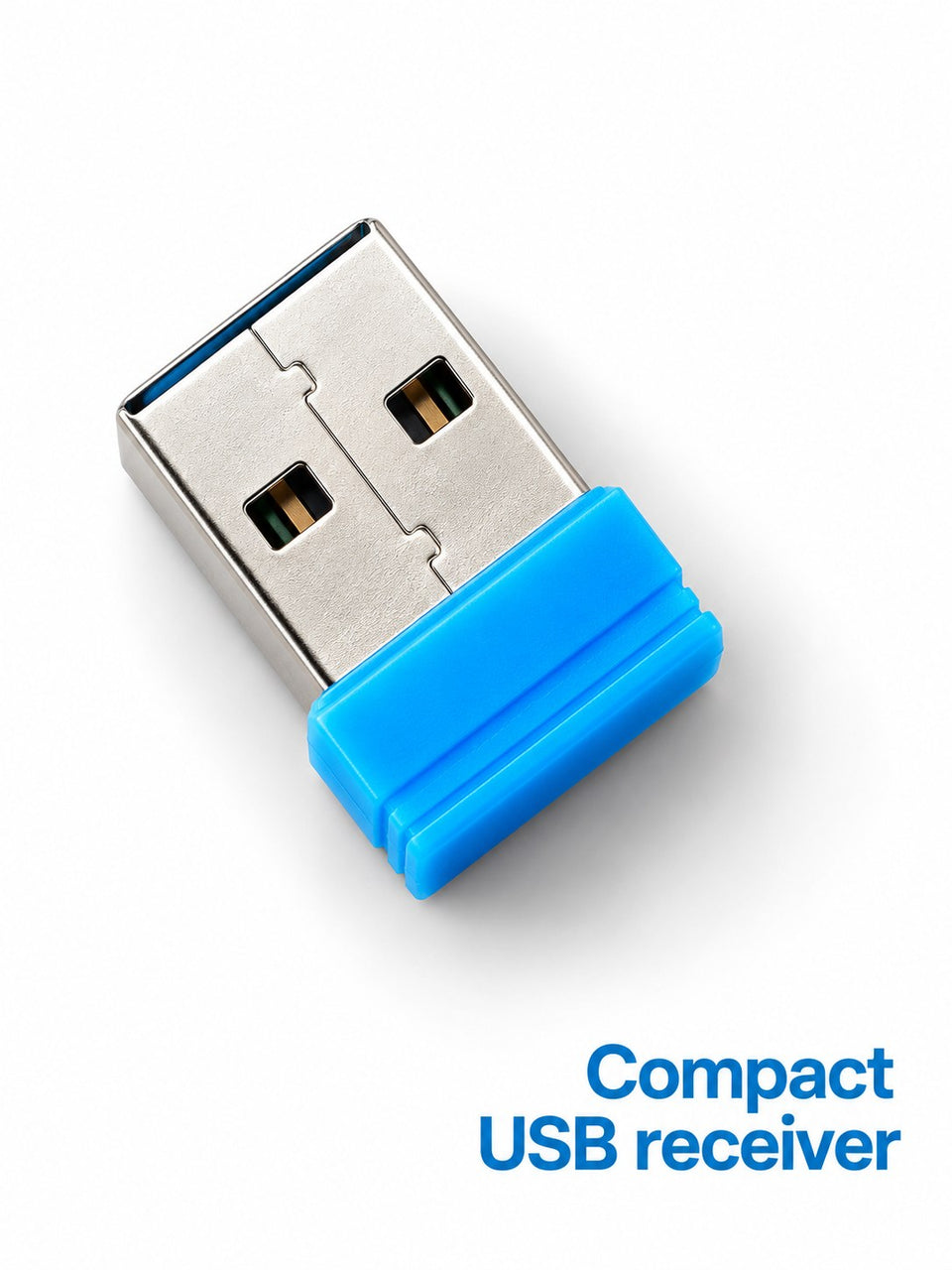
Insert the small USB wireless receiver into a free USB port on your laptop or desktop.
Use the switch on top to choose 1000, 1600 or 2400 for the task in front of you.
Let the palm settle into the handshake angle with the thumb on the side buttons. Move from the elbow, not the wrist.
Start with a few hours a day and extend the sessions as your hand gets used to the shape.
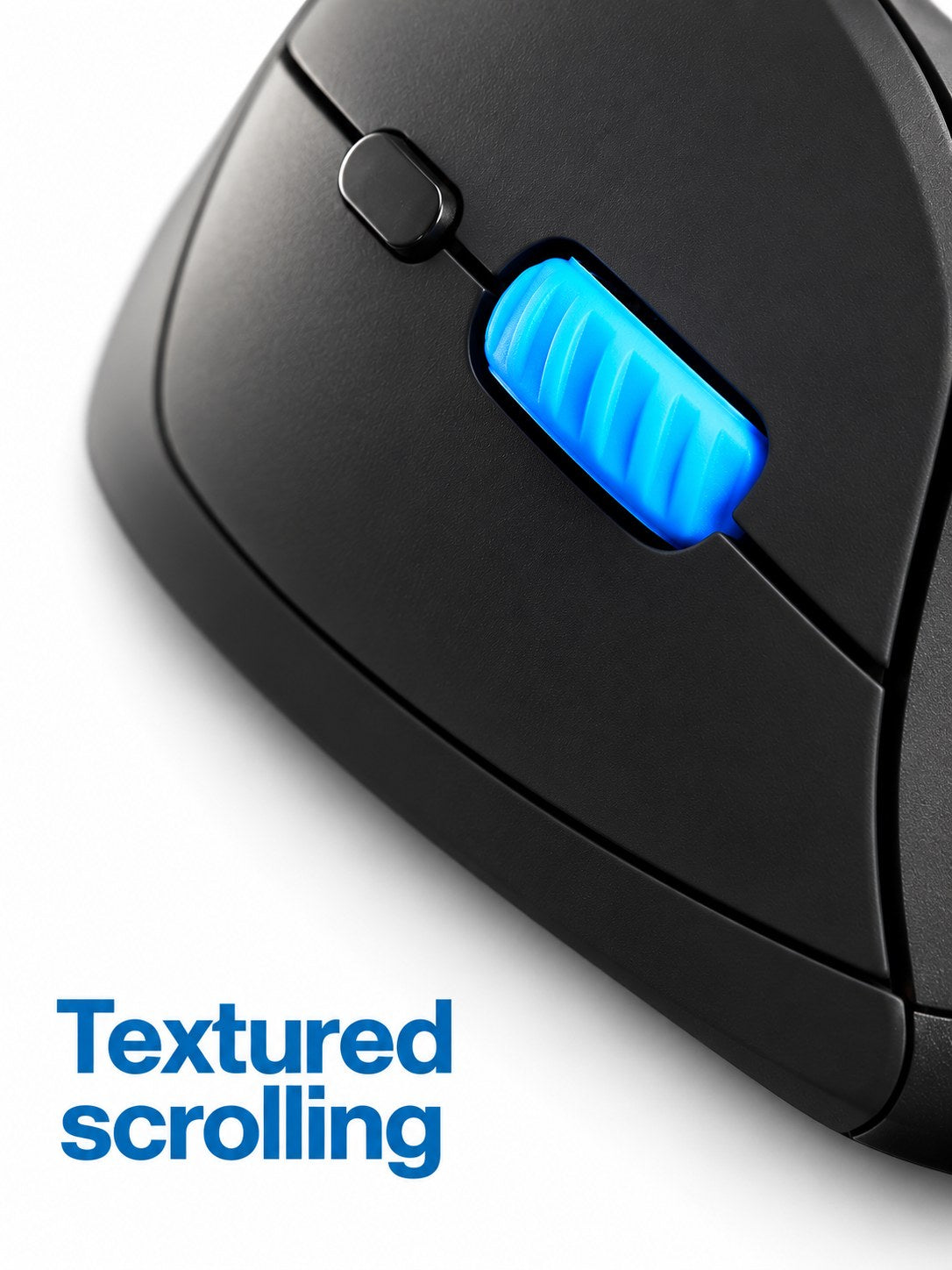
Matte black shell with blue scroll wheel and LED strip
Small nano receiver that stays in the port

By mid-afternoon the forearm is tight and the wrist complains every time you grip the mouse. The cause is the palm, pinned flat and turned on a standard mouse for hours. Stretching helps for a few minutes, but the hand is still in the same position when you sit back down.
The ZELOTES F-35A turns the hand into a handshake position. Your thumb rests on the side, your palm faces inward, and the forearm no longer has to rotate to reach the pointer. You keep the same workflow, clicks and scrolling included, with a different hand angle underneath it.
Use a soft dry or lightly damp cloth on the matte surface.
Keep the USB receiver free of dust before plugging it in.
Dry hands keep the soft-touch finish looking even.
| ZELOTES F-35A | Flat wireless mouse | Laptop trackpad | |
|---|---|---|---|
| Handshake wrist position | — | — | |
| Side thumb buttons | Partial | — | |
| Adjustable DPI switch | Partial | — | |
| Wireless nano receiver | — |
Expect a short adjustment. The grip feels unfamiliar on day one, so start with a few hours a day and work up to a full session as your hand adapts. Keeping a light grip speeds this up.
Plug the USB wireless receiver into a free USB port on a laptop or desktop and the mouse connects. The receiver is included in the box, so there is no separate dongle or software to install before you start.
The shell is matte plastic with a soft-touch finish, built for everyday desk use. Wipe it with a soft dry cloth to keep it clean. Fingerprints show more on the matte surface than on a glossy one, which is the trade-off for the softer hold.
DPI sets how far the pointer moves for each inch of hand movement. Use 1000 for precise editing and spreadsheets, 1600 for general work, and 2400 when you move across a large monitor and want less hand travel.
Yes. The same receiver works on either machine, so you can move the mouse between a laptop at home and a desktop at work. Plug in the receiver on each machine and the mouse pairs right away.
It is a one-time purchase with nothing else to buy, since the receiver and mouse both come in the box. If a flat mouse leaves you with a sore forearm by mid-afternoon, one mouse that changes your hand position is the cheaper fix compared with replacing the habit or losing focus every day.


 Vertical Ergonomic Wireless Mouse for Wrist Comfort