
$64.90
Free delivery · 7–14 days
Kinetic Ferris Wheel Desk Decor for Colorful Motion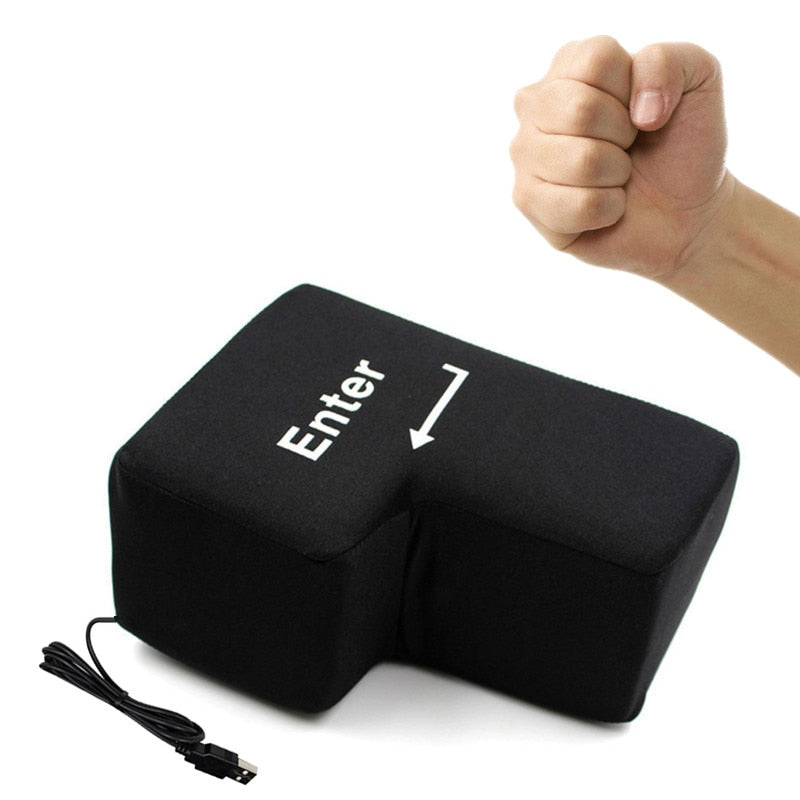
Turn hard desk contact into a softer pause with a playful oversized Enter key cushion. It gives programmers, gamers, students, and office workers a padded place for hands, arms, neck, or head during s
Read the full descriptionTurn hard desk contact into a softer pause with a playful oversized Enter key cushion. It gives programmers, gamers, students, and office workers a padded place for hands, arms, neck, or head during s
A soft oversized USB Enter key that brings playful comfort and stress relief to the desktop.
Hard desks, tense wrists, and long screen sessions call for a softer reset. Rest your hand, arm, neck, or head on a playful oversized Enter key cushion.

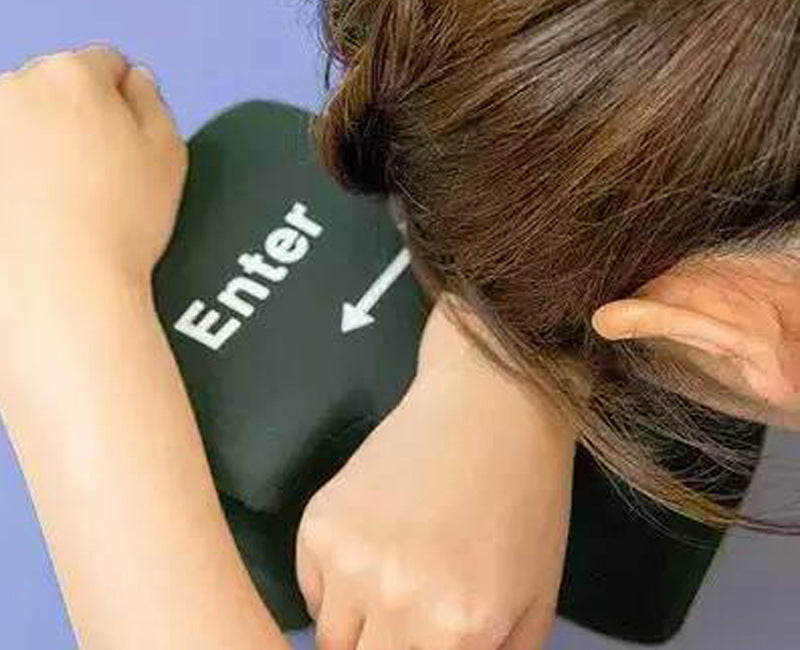
The soft fabric cushion creates a gentler surface for a hand, wrist, forearm, elbow, neck, or head beside the computer.

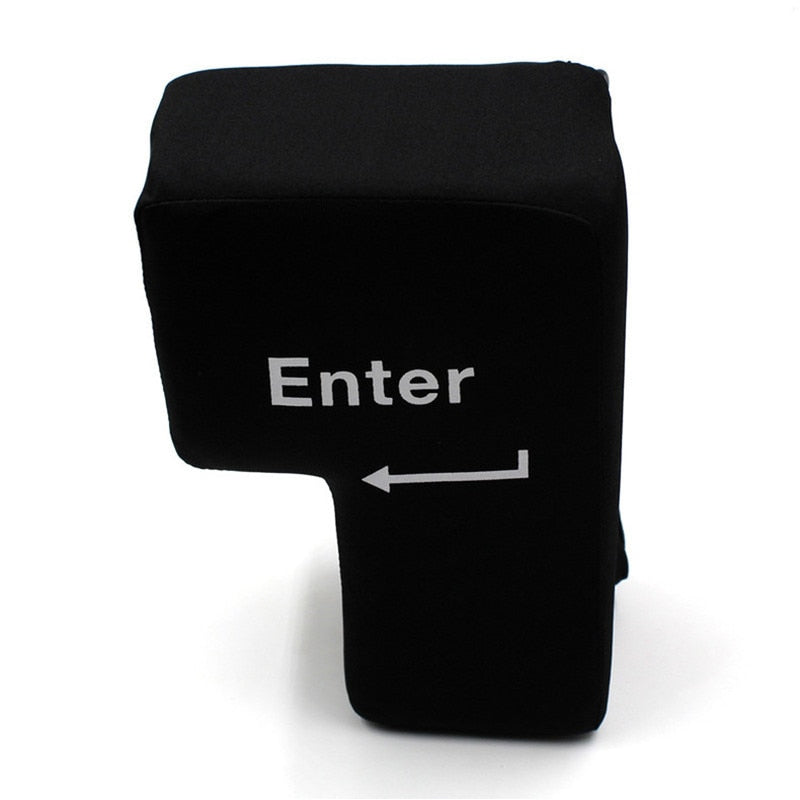
Bold white Enter lettering gives the black cushion an instantly recognizable keyboard identity. It looks at home beside a programmer's setup, gaming station, or laptop.

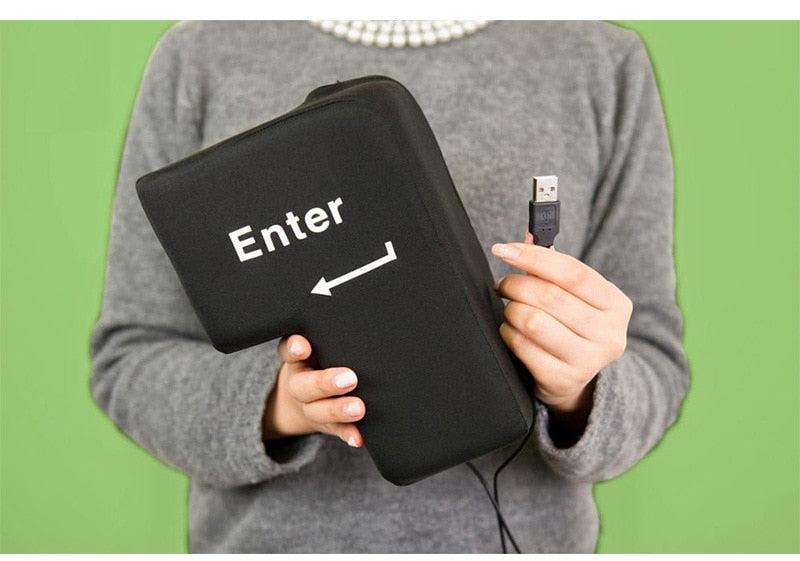
The lightweight form moves easily between desk, gaming station, classroom, and home office without becoming a bulky full-size pillow.
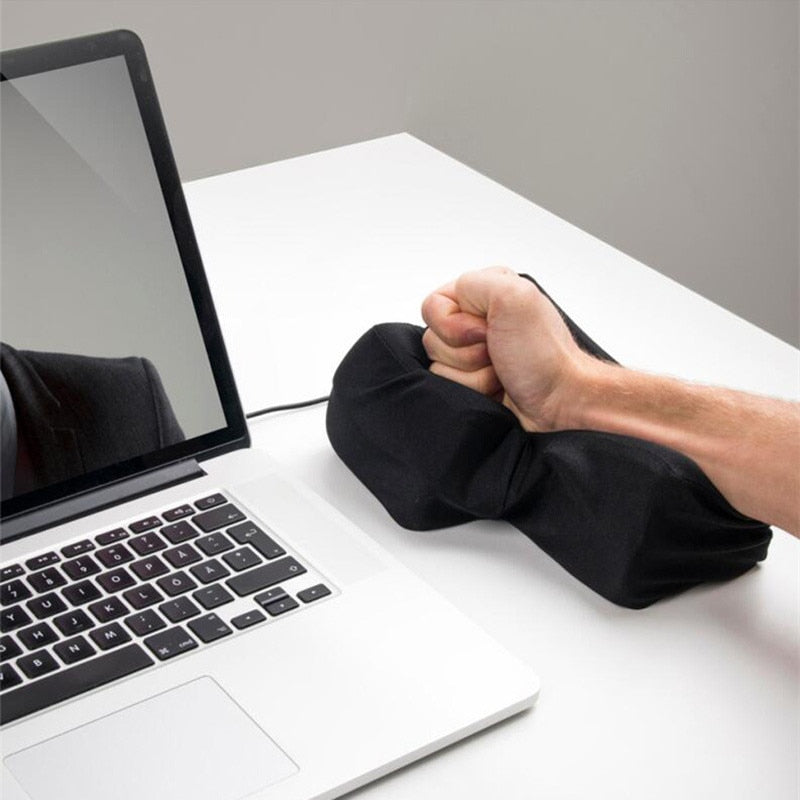
Place the cushion beside your keyboard, laptop, or monitor where your hand, arm, elbow, neck, or head needs softer contact.
Use the attached USB cable when you want the connected Enter-key setup. Keep the cable free of sharp bends.
Rest, squeeze, or fidget with the cushion during a coding pause, gaming break, stressful task, or short desk nap.
Soft black fabric cushion with bold white Enter lettering
Integrated with the cushion
A long computer session means wrists, forearms, and elbows pressing against a bare surface. Folded clothing and flat mouse pads do the job badly, slide around, and bring very little personality to the desk.
This oversized Enter key gives the pause button a physical form. Press into the padded fabric, fidget with the playful shape, or keep it beside the keyboard as a visual cue to unclench.
Move it from coding desk to gaming station, classroom, or home office. It supports a hand, arm, neck, or head during a short break, so comfort stays close without bringing a full-size pillow to the workstation.
Wipe the fabric gently with a soft, lightly damp cloth.
Do not soak the cushion or expose the cable connection to water.
Move the cushion by its fabric body rather than pulling the attached cable.
| Enter cushion | Folded clothing | Ordinary pillow | |
|---|---|---|---|
| Soft contact | Yes | Partial | Yes |
| Desk-friendly shape | Yes | No | Partial |
| Supports more than a wrist | Yes | Partial | Yes |
| Portable between setups | Yes | Yes | Partial |
| Keyboard personality | Yes | No | No |
| Includes an attached USB cable | Yes | No | No |
The attached USB cable is part of the cushion's novelty desktop design and keeps the connection with the product. The cushion is useful as soft support even when it is not connected.
Yes. The padded form can support a hand, arm, neck, or head during casual desk use and short breaks. It is a portable cushion, not a medical brace or a full bed pillow.
It is both. The oversized Enter shape brings the fidget and novelty appeal, while the soft fabric body gives your desk a more comfortable place for contact points.
It suits anyone who spends time at a computer and wants softer support nearby. Programmers, gamers, students, remote workers, and keyboard enthusiasts are the natural audience.
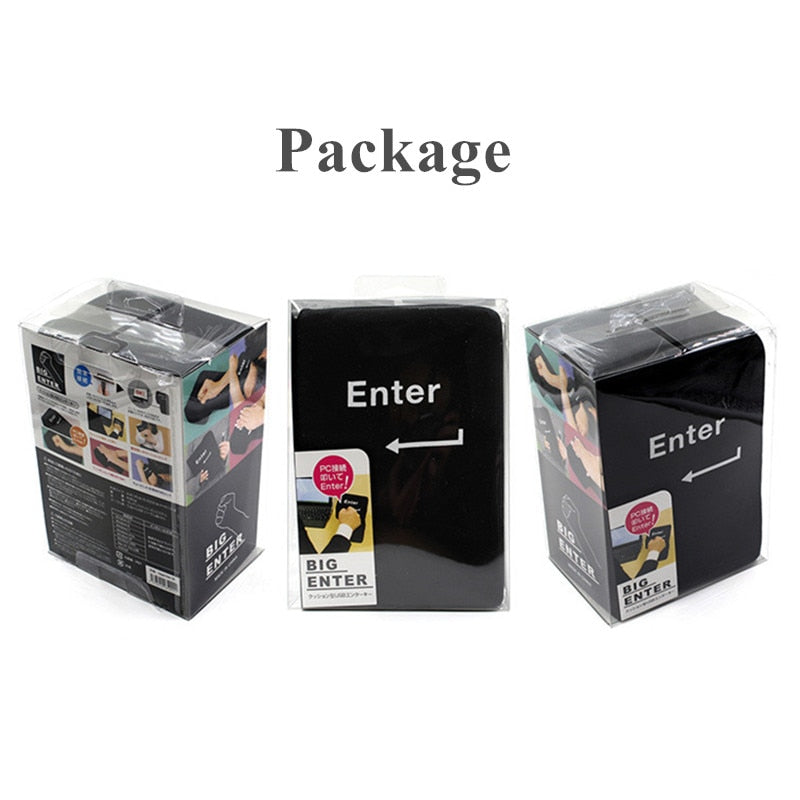
The set includes the main Enter key cushion and its attached USB cable. That two-piece setup keeps the product easy to understand and ready for a desk break.
Yes. Its lightweight, portable form moves more easily than an ordinary pillow and fits naturally beside a laptop or keyboard.


 USB Enter Key Cushion for Desk Comfort & Stress Relief