
$49.90
Free delivery · 7–14 days
Wired Optical Mouse for PC and Laptop, Plug and Play


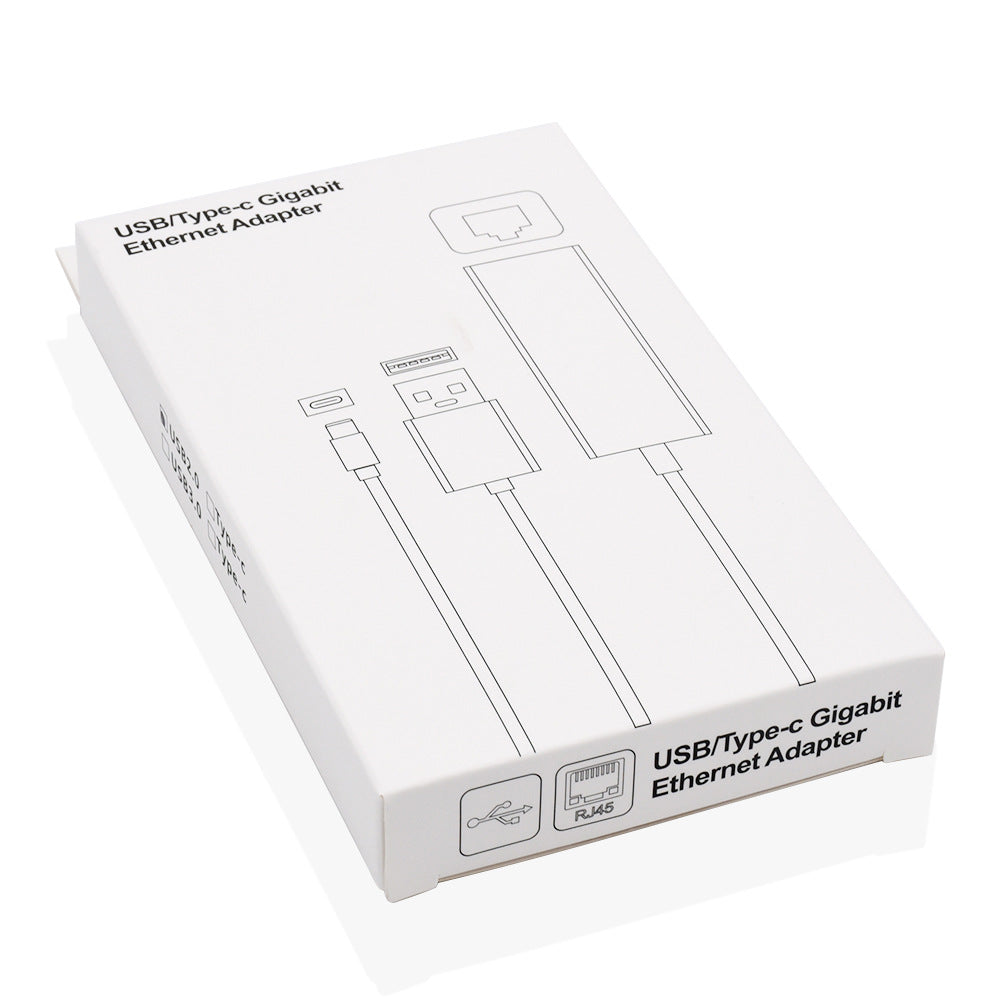
Wired internet from the USB-C port you already own. This compact aluminum adapter gives a laptop or tablet a real RJ45 jack, so calls hold steady and uploads finish. Plug it in and it works without a driver install.
Read the full descriptionWired internet from the USB-C port you already own. This compact aluminum adapter gives a laptop or tablet a real RJ45 jack, so calls hold steady and uploads finish. Plug it in and it works without a driver install.
Plug-and-play wired Ethernet from a USB-C port in a compact aluminum adapter
Tired of video calls freezing on shaky Wi-Fi? This compact aluminum adapter gives a slim laptop a real wired jack in seconds, no driver disc needed.
The housing is aluminum alloy with a brushed silver finish, and the white cable stays attached to the body, so there is no loose connector to lose in a bag. Hold the aluminum body when you unplug and let the cable hang. That habit keeps the joint healthy for the long run.
Push the USB-C plug into a laptop or tablet and the wired link is ready. There is no driver disc, no install screen and no restart. The label on the housing reads Type-C to Fast Ethernet Adapter, so you can confirm you have the right unit before you plug in.
The RJ45 jack runs a 100Mbps Fast Ethernet link. That is plenty for video calls, documents and everyday uploads, and the cable does not share airtime with your neighbors the way Wi-Fi does. If you need gigabit transfers, this is the wrong adapter.
Push the Type-C plug into a free USB-C port on your laptop or tablet. If the port is USB-A only, use the USB-A plug version.
Plug your router or wall Ethernet cable into the RJ45 jack on the aluminum body. Listen for the click so you know it is seated.
Check the network status on your device. The wired connection should show up without installing anything, so you can start your call or upload.
Brushed silver alloy housing with a white cable
Plugs into a USB-C port on laptops and tablets
Plugs into a USB-A port and supplies extra power on the dual-plug version
For video calls, email and everyday uploads, yes. The link tops out near 100Mbps, so it is not the pick for moving very large files on a fast network. What it does well is give you a wired connection that stays steadier than Wi-Fi when the signal is weak.
Yes. It is plug-and-play with no driver disc in the box. Plug the adapter into the USB-C port first, then connect the Ethernet cable to the RJ45 jack. Tablets with a USB-C port follow the same steps.
That is the main reason to buy it. The Type-C plug goes straight into a USB-C port. If your machine only has USB-A, use the USB-A plug version. The dual-plug version draws extra power from a second USB-A connector.
The housing is aluminum alloy and the cable is attached to the body, so there are no loose connectors to misplace. The weak point is strain on the cable itself. Hold the aluminum body when you unplug and the joint will hold up much longer.
A Wi-Fi extender shares the same airwaves as your router, so every extra hop adds latency and dropouts. This adapter skips the air entirely and runs a cable from the router to your laptop. It also costs far less than a bulky dock while doing the one job you need, a wired link.
Cheap dongles often ship with no clear spec and no cable you can trust. This one carries FCC and CE marks, lists Fast Ethernet on the housing and keeps the cable attached. The aluminum alloy shell is the premium part of the build, and it is the reason this costs more than a plastic dongle. You pay once and skip the dropped calls.


 USB-C to Ethernet Adapter for Stable Wired Internet