
$74.90
Free delivery · 7–14 days
USB Sharer for 2 PCs: Share a Printer and Mouse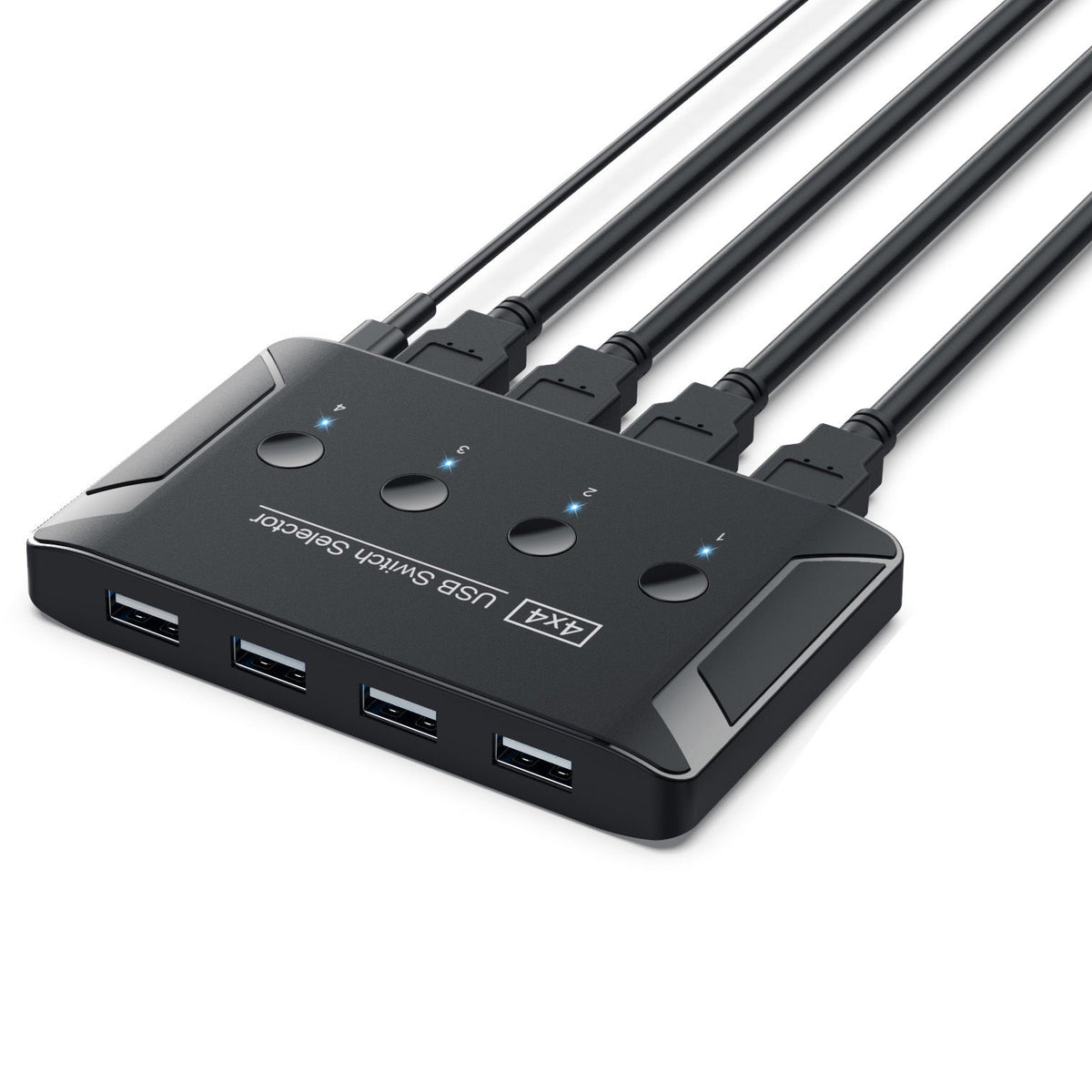



Four computers, one printer, one keyboard and one mouse, all on the same desk without the constant cable shuffle. Press the button for the PC you are using and the shared devices follow, with no drivers to install. A practical fit for shared offices and home desks with more than one machine.
Read the full descriptionFour computers, one printer, one keyboard and one mouse, all on the same desk without the constant cable shuffle. Press the button for the PC you are using and the shared devices follow, with no drivers to install. A practical fit for shared offices and home desks with more than one machine.
Share 4 USB devices between 4 computers with one press of a button, no drivers needed
Stop re-plugging the printer, keyboard, mouse and USB drives every time you switch machines. Press the button for the PC you need, and the devices follow.

Each of the four front buttons is numbered 1 to 4 and lights blue on the active port. You press the number for the machine in front of you and the printer, keyboard and mouse follow. Nothing needs to be unplugged, so each switch takes one press and no tools.

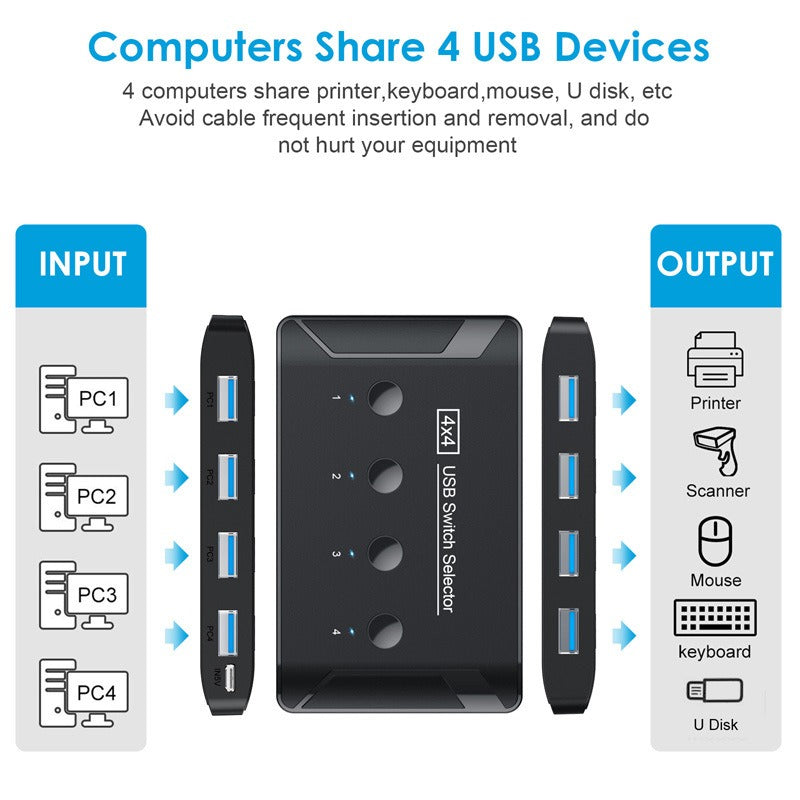
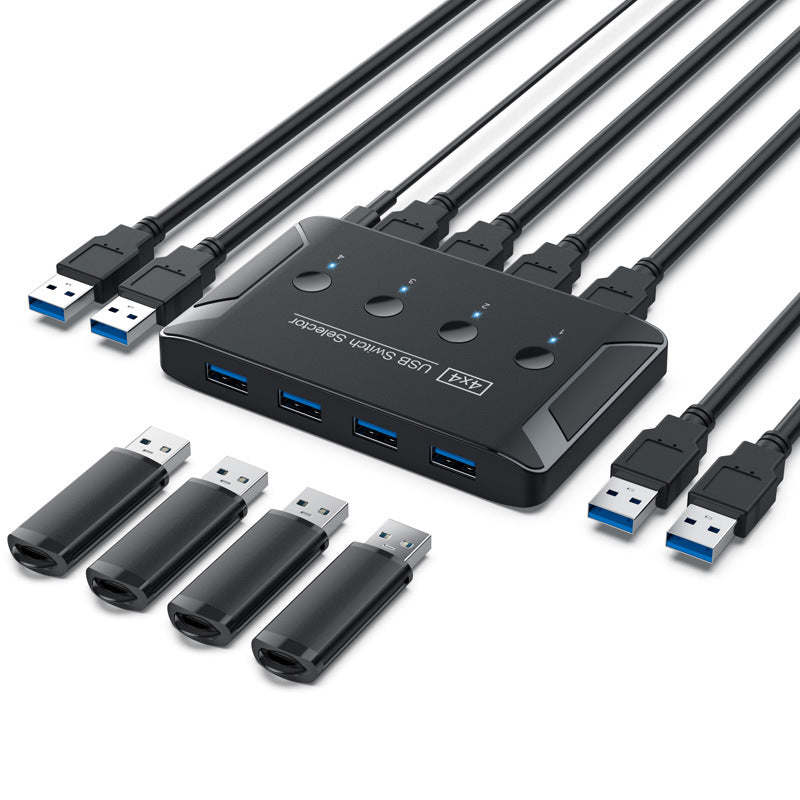
Four USB-A upstream cables connect PC1 through PC4. On the other side, four USB 3.0 downstream ports on the front take the printer, scanner, keyboard, mouse and U disk. The layout matches the way most desks already work, so there is nothing new to learn.

The switch works as plug and play on each computer, so there is no software to install on any machine. Route the cables once, then leave them alone. If you want the cable runs to stay tidy on a crowded desk, a set of cable organizers pairs well with it.
Plug the USB-A upstream cable from each computer into its numbered input on the switch. Start with PC1 and work up to PC4.
Attach the printer, keyboard, mouse and U disk to the four USB 3.0 downstream ports on the front.
Connect the Micro-USB power input on the switch to its power source.
Press the button for the computer you are using. The blue LED lights on the active port, and the shared devices appear on that machine.

Four PCs on one desk usually means four sets of cables or one printer that everyone unplugs and plugs back in all day. Each swap pulls on the same ports. Someone always ends up with the wrong cable in the wrong socket, and the printer job waits.

With the four upstream cables connected once, the printer, keyboard, mouse and drives stay plugged into the front ports. Press the button for the computer you are using and the shared devices move over. The blue LED shows which PC is active, so there is no guessing.
Plug each computer into its numbered upstream cable and press each button in turn. Check that the printer and keyboard respond on every PC.
After a few switches, pressing the right button for the active PC becomes second nature, and the cable shuffle is gone from your day.
With one set of shared devices in place, the desk stays tidier and your USB ports see less daily plugging and unplugging.
| This switch | Basic USB hub | Duplicate peripheral sets | |
|---|---|---|---|
| Shared devices move with one button press | Yes | No | No |
| Cables re-plugged when changing PC | No | Yes | No |
| Separate device set needed per PC | No | No | Yes |
| Front LEDs show the active PC | Yes | No | No |
Yes. The switch is driver-free plug and play, so nothing is installed on any computer. Each PC sees the printer, keyboard, mouse or drive the same way it would if it were plugged in directly.
The unit has a Micro-USB power input. Plan on powering it for the shared setup, and confirm the adapter you plan to use before you set up the desk. The switch is built to keep four PCs and four devices running from one box.
The downstream ports run at USB 3.0 speed, rated at 5Gbps. That is more than enough for printing, scanning and everyday file transfers to a U disk. Wait for a copy to finish before you press the button, so the transfer is not cut short.
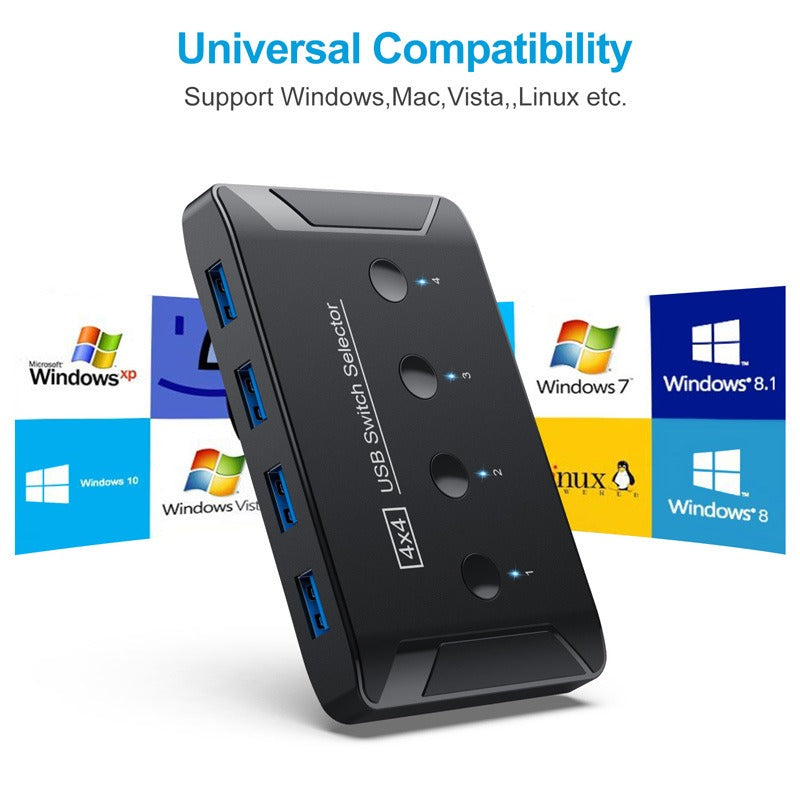
The switch itself does not use software, so it does not depend on the operating system. Each computer still needs to recognise USB devices in the normal way. Test each PC once after setup by pressing its button in turn.
Yes, in the sense that matters most day to day. The printer and drives stay in the front ports while you switch machines, so the cables stop going in and out. Fewer plugs and unplugs means less wear on the ports, and the packaging states the switch will not hurt your equipment.
A second printer or keyboard for every PC adds up fast. One switch covers four computers and four devices, so you buy the peripherals once and pay for the switching only. The value is in not doubling your hardware.


 USB 3.0 Printer Sharer Switch: Share 4 Devices Across 4 PCs