
$54.90
Free delivery · 7–14 days
Replacement Sony Headphone Cable, Gold-Plated 3.5mm


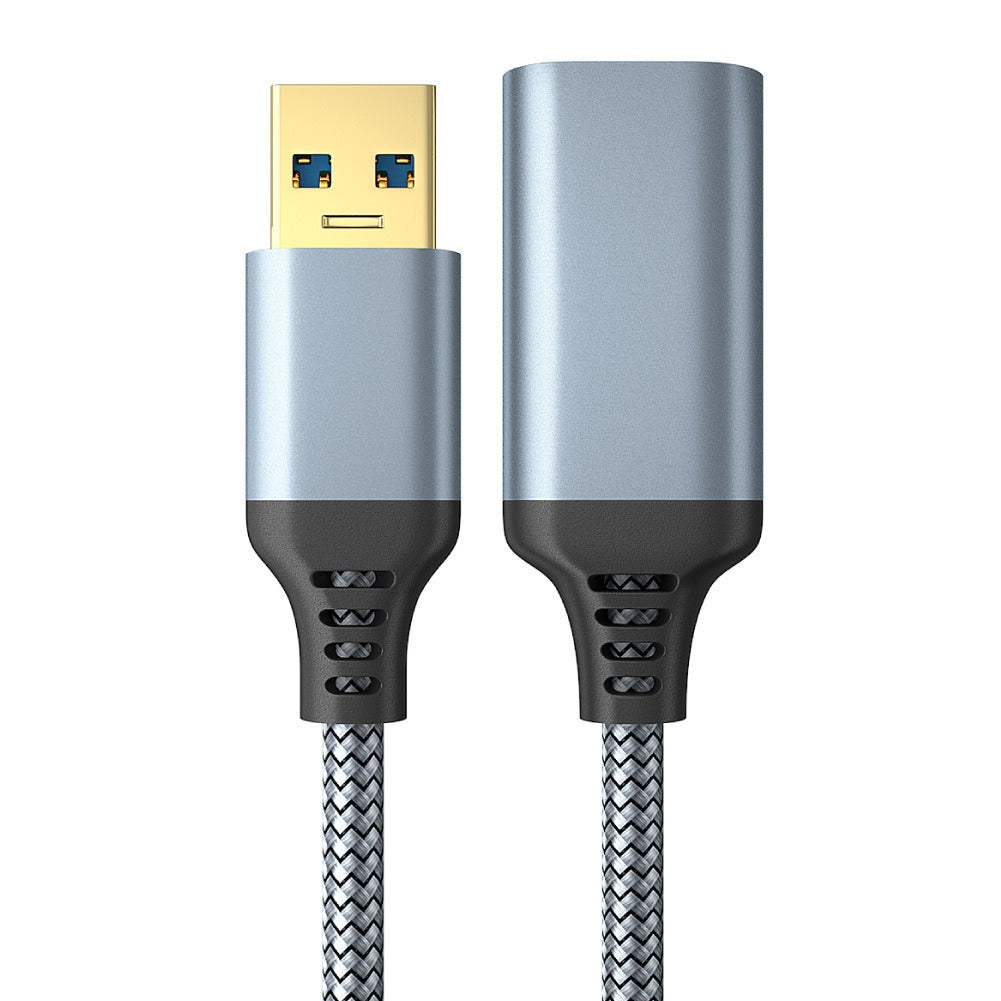

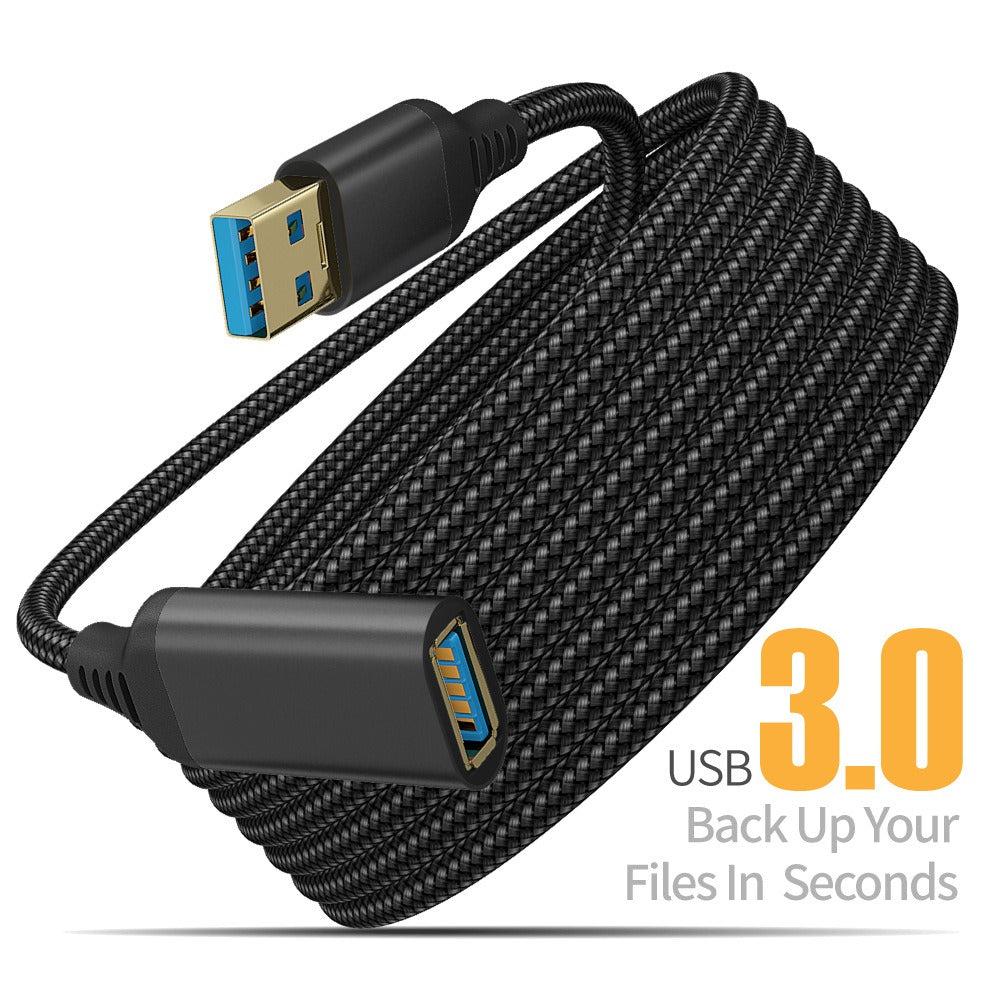
Sit where you like and keep your controller, printer or charger connected. This USB 3.0 male-to-female extension adds the reach your setup was missing, with a braided nylon jacket, aluminium housings and gold-plated contacts. Built for the sofa, the desk and the nightstand.
Read the full descriptionSit where you like and keep your controller, printer or charger connected. This USB 3.0 male-to-female extension adds the reach your setup was missing, with a braided nylon jacket, aluminium housings and gold-plated contacts. Built for the sofa, the desk and the nightstand.
Extend your USB 3.0 connection to back up files in seconds
Your cable stops a foot short, so you stretch, shift the desk, or give up on the printer. With this USB 3.0 extension, the device comes to you.

The jacket is braided nylon, and strain relief sits at both ends of the cable. Those two points take the daily tugging that loosens cheap extensions, so the connection stays put when someone pulls a controller lead from the sofa.

Gold-plated USB 3.0 contacts sit inside aluminium connector housings, so each end mates firmly. The blue USB 3.0 insert tells you at a glance that the cable runs on the faster interface.

Male USB-A to female USB-A adds length to controllers, printers, drives and chargers. Plug the device into the female end, run the cable to where you sit, and leave the desk or sofa where it already is.
Choose from 0.5 m up to 5 m, measured from the device to the spot where you sit.
Connect the controller, printer or drive to the female USB-A port on the extension.
The male USB-A end goes into the host port on your PC or console.
Run it along the floor edge and leave a loose curve near both connectors.
Grip the housing, not the cord, every time you disconnect.
Grip the aluminium housing and pull straight out. Pulling on the cord loosens the joint over time.
Leave loose curves near both ends. Tight bends at the strain relief stress the internal wiring.
Chaining extensions adds contact points. Plug straight into the device where you can, and tidy the run with cable organizers.
The cable carries the USB 3.0 interface, so the connection runs on the same standard as the port it extends. Use one extension rather than chaining several, because every joint is another place the signal can drop.
Yes, for the uses shown on the packaging: game controllers, printers and charging cables. The cable is USB-A on both ends, so a device with a USB-B or Micro-USB plug still needs its own lead to reach it.
Cheap extensions usually fail in the same places: thin jackets, loose plugs and no strain relief. This one uses a braided nylon jacket, aluminium connector housings, gold-plated contacts and strain relief at both ends. Buy it once and you skip the replacement you would otherwise need when the plug starts to wobble.
Yes. Charging cables are on the packaging as an intended use. Run the charger lead to the bedside or sofa, and the phone stays in reach without the cable pulling tight.


 USB 3.0 Extension Cable for Gaming Controllers and Backups