
$64.90
Free delivery · 7–14 days
Multi-Purpose Adhesive Glue for Strong, Clean Repairs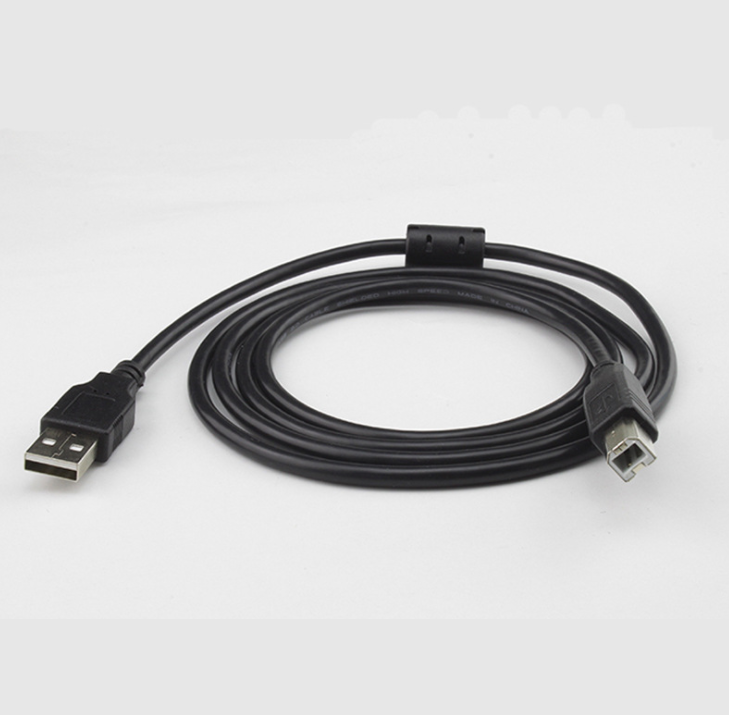




Your printer is ready, and the cable is the only thing between you and the first page. This USB 2.0 Type A to Type B cable runs from a laptop or desktop to a square-port printer, scanner or all-in-one, with multi-layer shielding and a ferrite core to keep jobs steady. Plug it in once and...
Read the full descriptionYour printer is ready, and the cable is the only thing between you and the first page. This USB 2.0 Type A to Type B cable runs from a laptop or desktop to a square-port printer, scanner or all-in-one, with multi-layer shielding and a ferrite core to keep jobs steady. Plug it in once and print.
Universal USB 2.0 printer cable that works with square-port printers, scanners, and all-in-one machines
Stop digging for the right cable or reprinting jobs that stall. This USB 2.0 A-to-B cable plugs into square-port printers, scanners, and all-in-ones, with shielding built in to help keep the connection steady.

Multi-layer shielding wraps the signal inside the cable, and a ferrite core on the cable filters out electrical noise. Chargers, routers and motors nearby are what interrupt a print job, so these two parts do the work that matters most on a budget cable.

The USB Type B square male connector plugs into the square port on many printers, scanners, and all-in-one machines. Check the back of your machine. If the port is square, this cable fits without an adapter. While you are tidying the desk, cable organizers keep the spare length off the floor.

The cable is rated for USB 2.0 high-speed data at 480Mbps. The Type A end plugs into any standard USB port on a desktop or laptop, and setup needs nothing beyond the printer's own software.
Seat the square Type B male connector into the square port on the printer, scanner or all-in-one.
Connect the Type A end to a free USB port on your desktop or laptop. Any standard USB-A port works.
If prompted, install the device's own software. Then print a test page to confirm the connection holds.
If the back of your printer, scanner or all-in-one has a square USB-B socket, yes. The cable ends in a square Type B male connector, the same port shape used on many office and home machines. Measure the port shape before you order, since a rectangular USB-C or a round port will not take it.
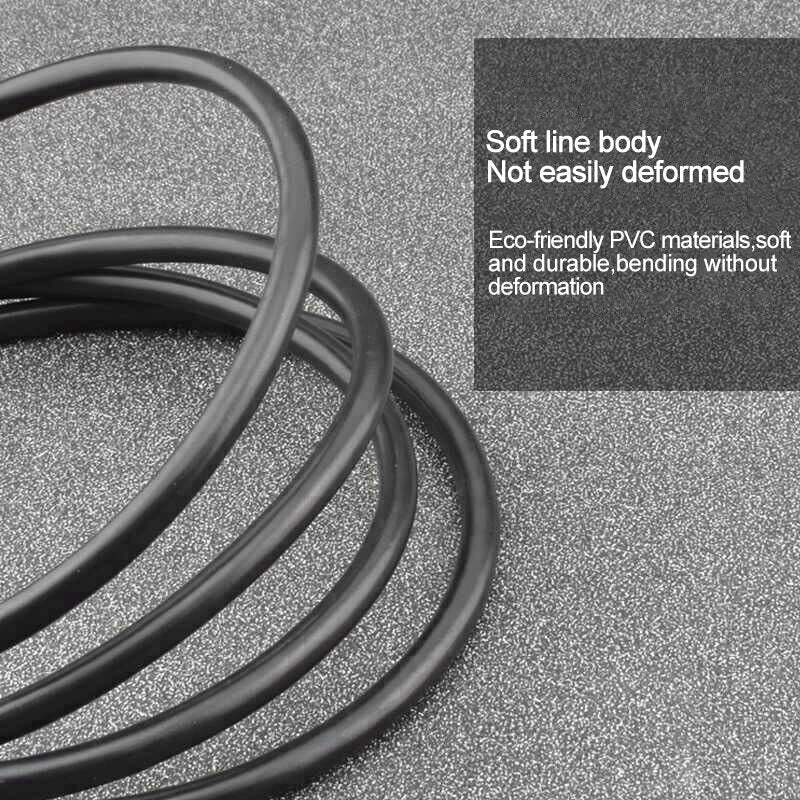
Yes. The cable has multi-layer shielding and a ferrite core on the cable itself. Those two parts cut electrical noise, which is the usual reason a print job stalls or drops mid-page. The price reflects a plain matte PVC jacket and molded connector housings, not a missing shield.
The cable is a USB 2.0 cable rated at 480Mbps. If your old cable is also USB 2.0, expect the same top speed. What you gain is a steadier connection, because the shielding and ferrite core keep the signal clean during long jobs.
Yes. Replacing a cable costs far less than reprinting a stalled job or paying for a service visit. Keep a spare in the desk drawer and a failed cable becomes a two-minute swap.
Yes. The flat Type A end plugs into any standard USB-A port on a desktop or laptop. The square Type B end goes into the printer, scanner or all-in-one. It comes in 5m and 10m lengths, so you can place the printer across the room.


 USB 2.0 Square-Port Printer Cable for Canon, HP, Epson