

$36.90
Free delivery · 7–14 days
4-Port USB 3.0 Hub with Individual On/Off Switches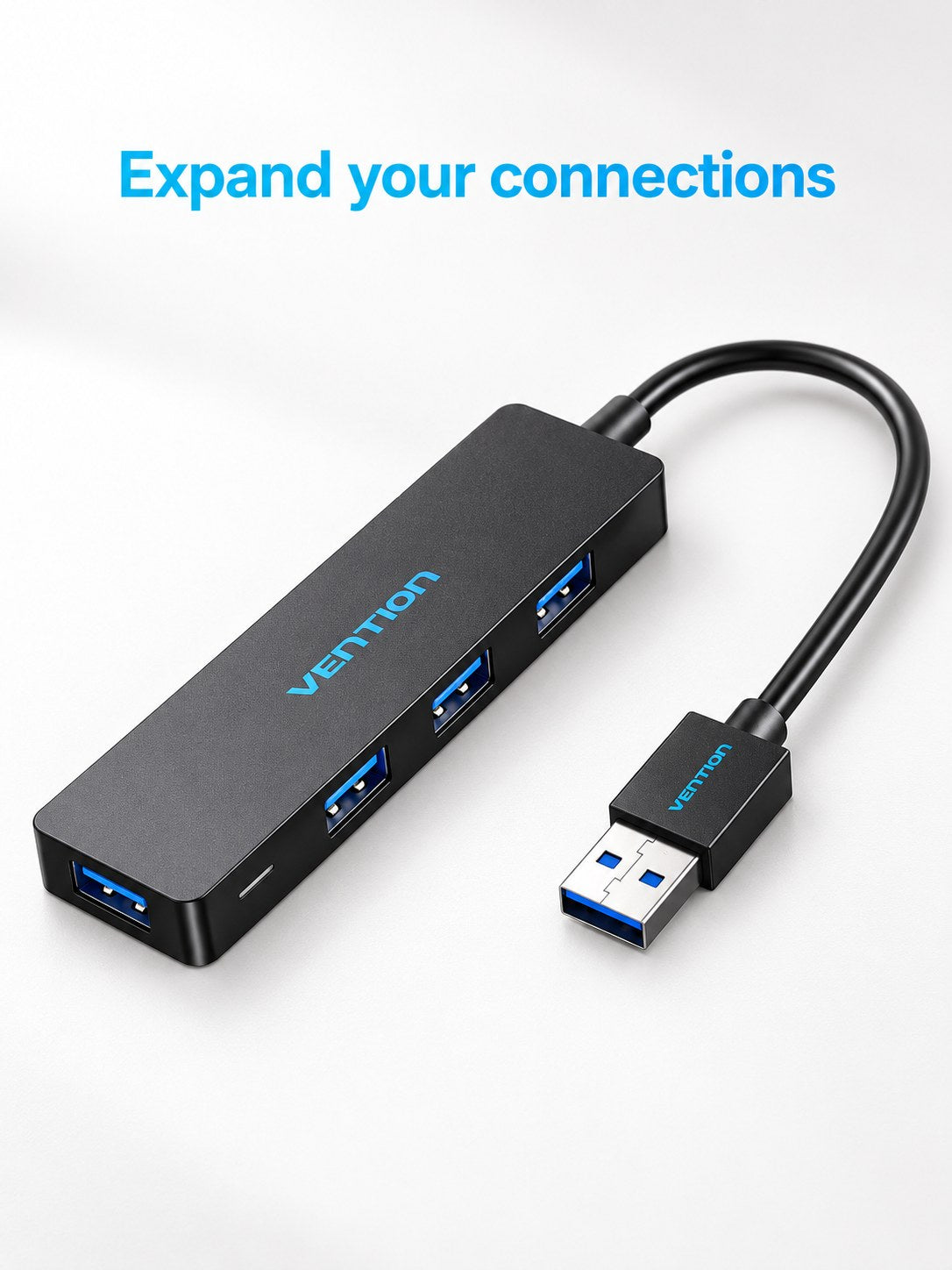
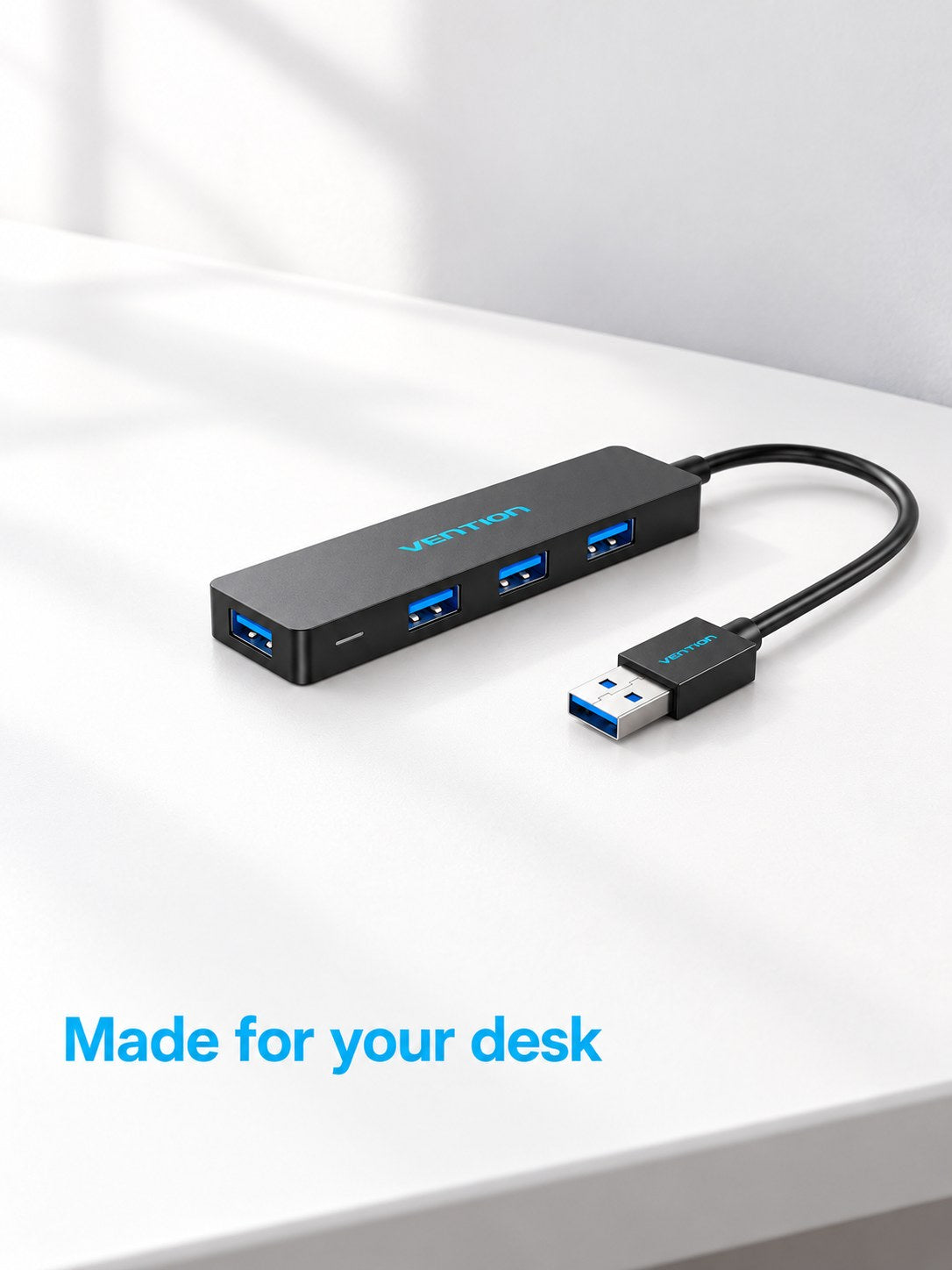
Four ports from one, in a hub slim enough to leave in your bag. Plug it into a MacBook, Surface or XPS and the mouse, flash drive and dongles all stay connected while the desk stays clear. Plug and play with no drivers.
Read the full descriptionFour ports from one, in a hub slim enough to leave in your bag. Plug it into a MacBook, Surface or XPS and the mouse, flash drive and dongles all stay connected while the desk stays clear. Plug and play with no drivers.
Ultra-slim 4-port USB hub that expands one port into four
Your laptop has one or two ports and a desk full of devices. This slim hub gives you four ready ports in a footprint that disappears into your bag.

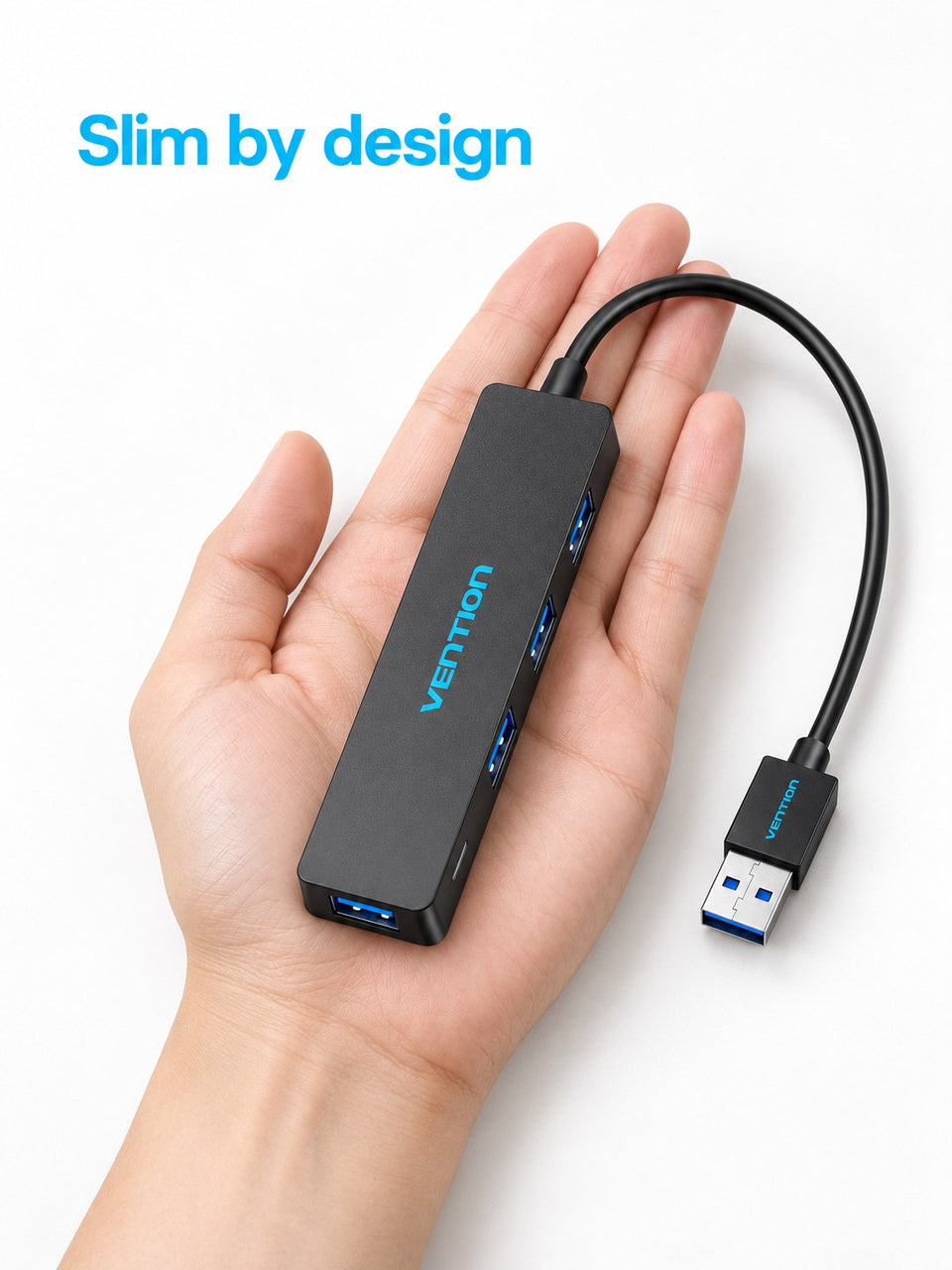
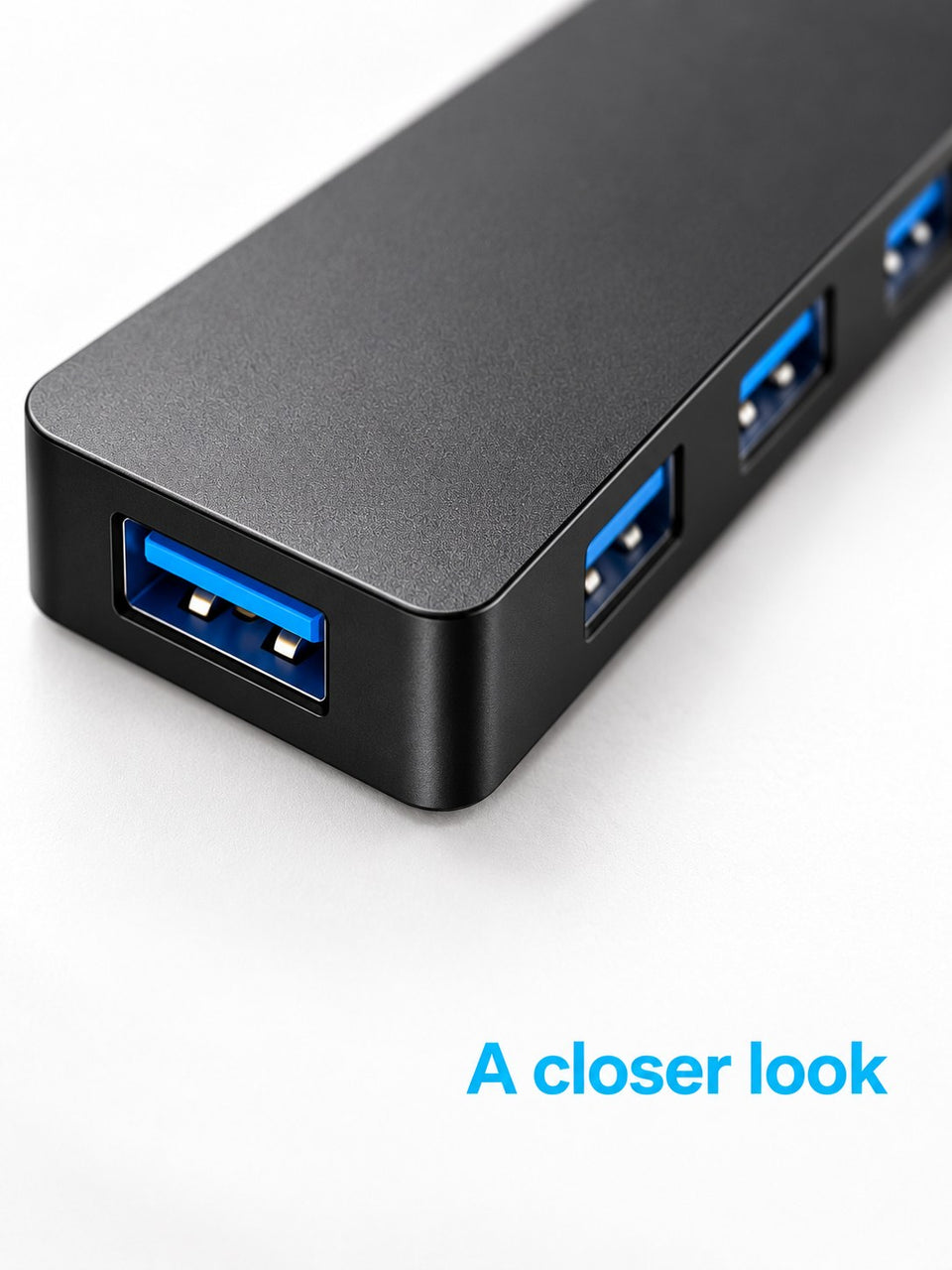
The matte black body is thin enough to sit flat against a laptop sleeve or hang off the edge of a desk. Typical hubs are bulky blocks that need their own corner of the bag. This one takes almost no room, so it travels with the laptop every day.

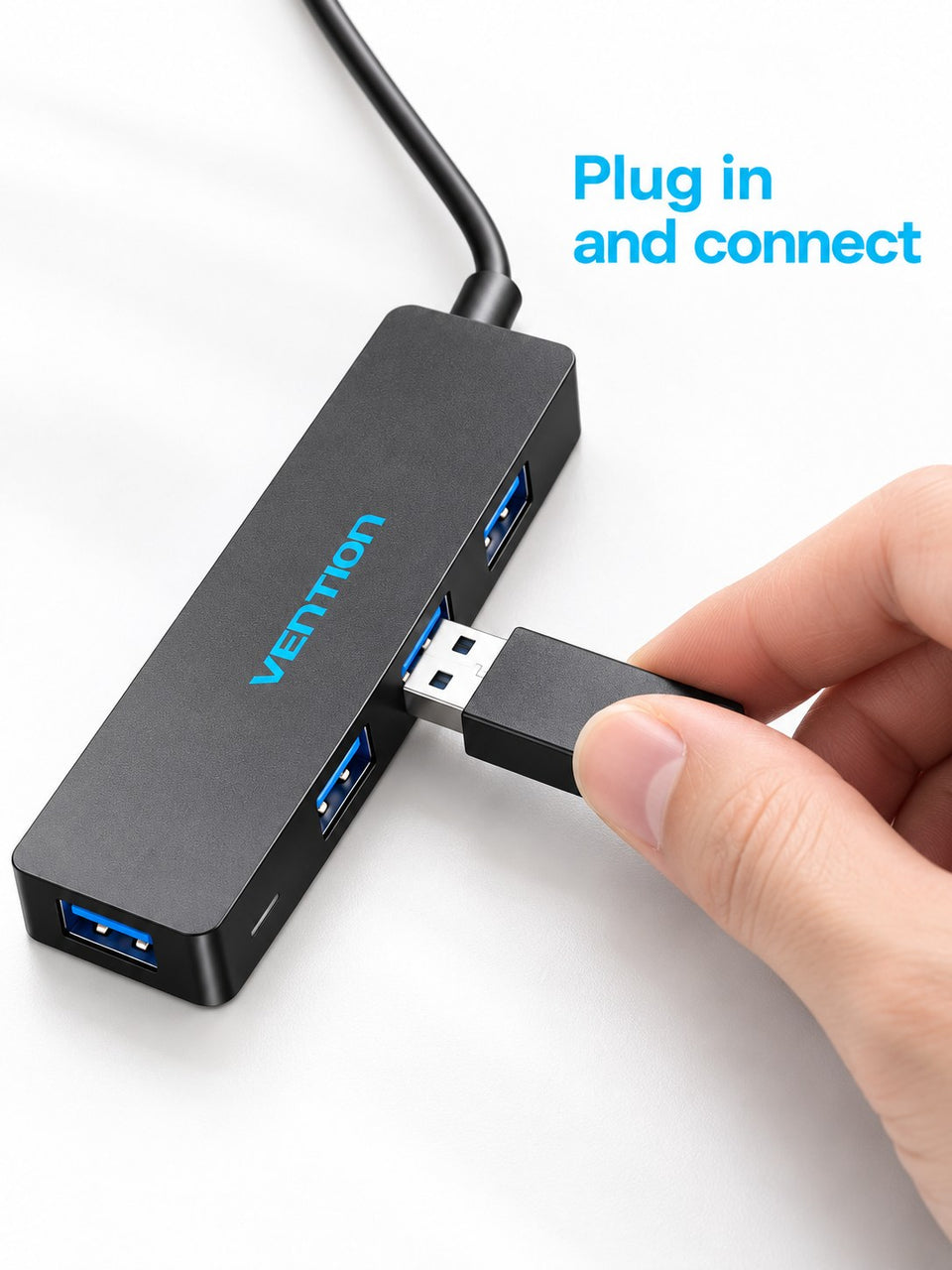
One port on your laptop turns into four downstream USB ports. Plug the cable into the laptop, and a mouse, a flash drive and a keyboard dongle are ready at once. No driver install and no setup steps, so the hub works the moment it is connected.
A blue glowing VENTION logo and an activity LED show that the hub is connected and passing data. A quick look at the light tells you whether the drive on the far port is live before you pull anything out.
Cable length depends on variant: 15cm or 50cm
Keeps the hub clean in a bag or drawer
Yes. The hub plugs into the USB-A port on any laptop or desktop, including MacBook, Surface Pro, XPS and most notebook PCs. Check that your laptop has a free USB-A port or an adapter for it.
Flash drives, keyboards, mice and printer dongles are the best fit. Large external hard drives draw more power than a bus-powered hub can always supply, so plug a big drive straight into the laptop when you need full speed.
No drivers. Plug and play means the hub is recognized once connected. The USB 2.0 variant has a micro USB power input, so check which version you are buying before you order.
The body is ultra slim, the cable is attached, and an activity LED shows the hub is working. Cheap bulky hubs tend to take up more of the bag and the desk, and they leave you with loose cables to lose.
It comes in a 15cm or a 50cm length. The 15cm cable suits a laptop sitting right next to the hub, and the 50cm cable reaches a laptop placed a little farther away on the desk.


 Ultra Slim 4-Port USB 3.0 Hub for MacBook and Laptops