
$64.90
Free delivery · 7–14 days
M.2 NGFF SSD USB 3.0 External Enclosure, Plug and Play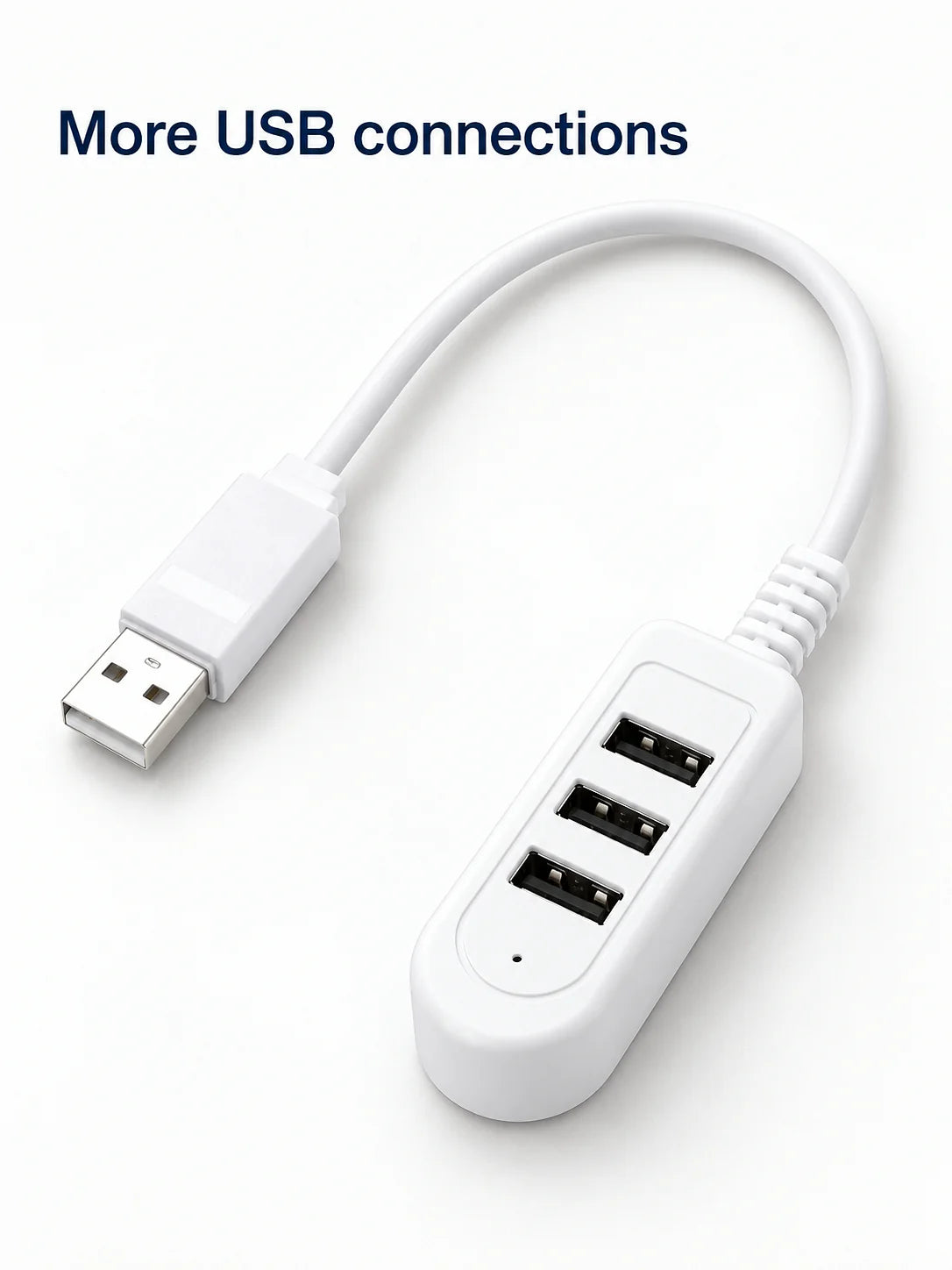
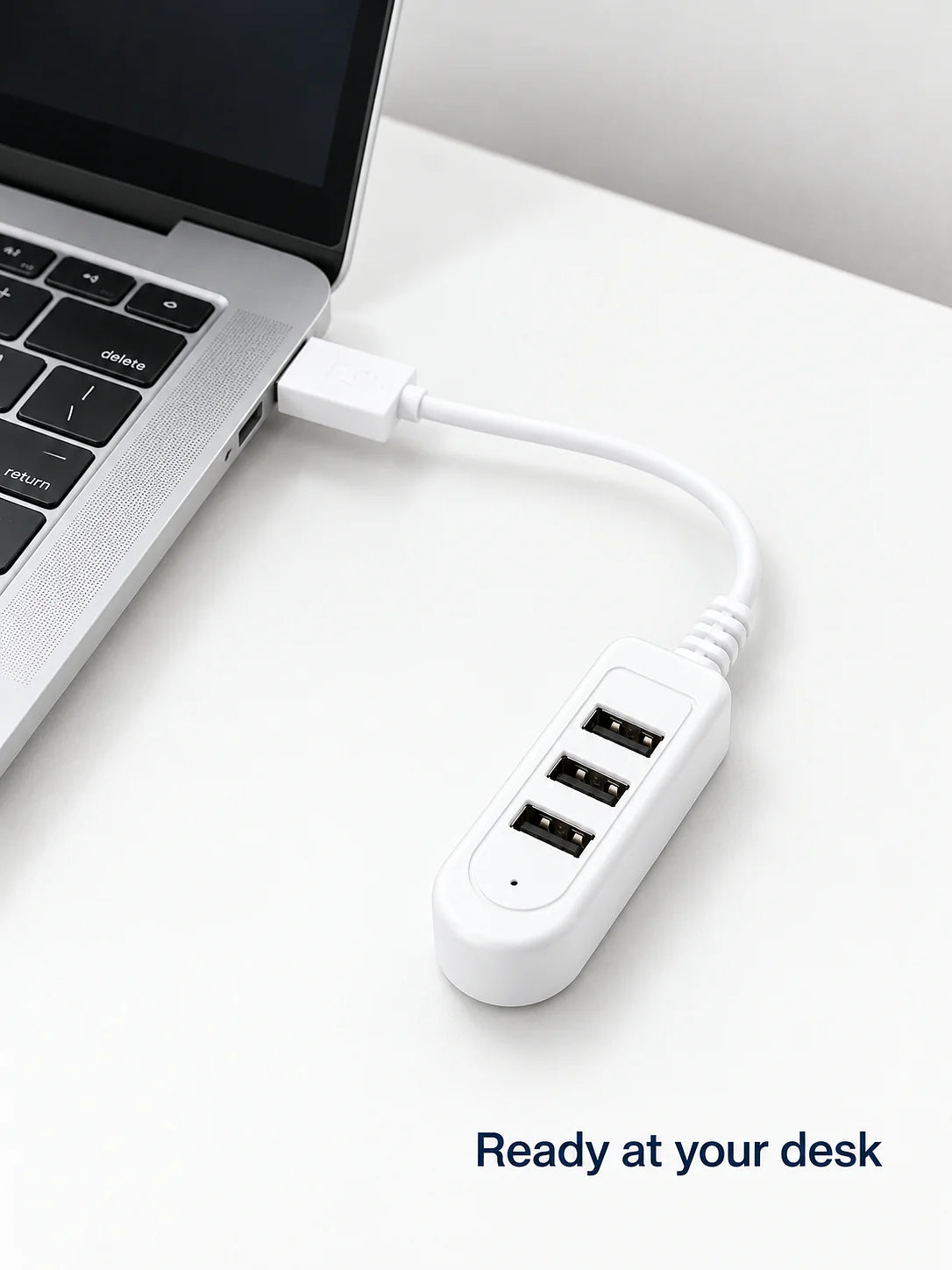
Your keyboard, drive and phone stay connected at the same time, all from one USB port. This compact 3-port hub lets a one-port laptop run the whole desk without constant unplugging. The slim rounded head sits quietly beside the laptop and keeps the workspace clear.
Read the full descriptionYour keyboard, drive and phone stay connected at the same time, all from one USB port. This compact 3-port hub lets a one-port laptop run the whole desk without constant unplugging. The slim rounded head sits quietly beside the laptop and keeps the workspace clear.
Turn one USB port into three for simultaneous use in a compact, delicate design
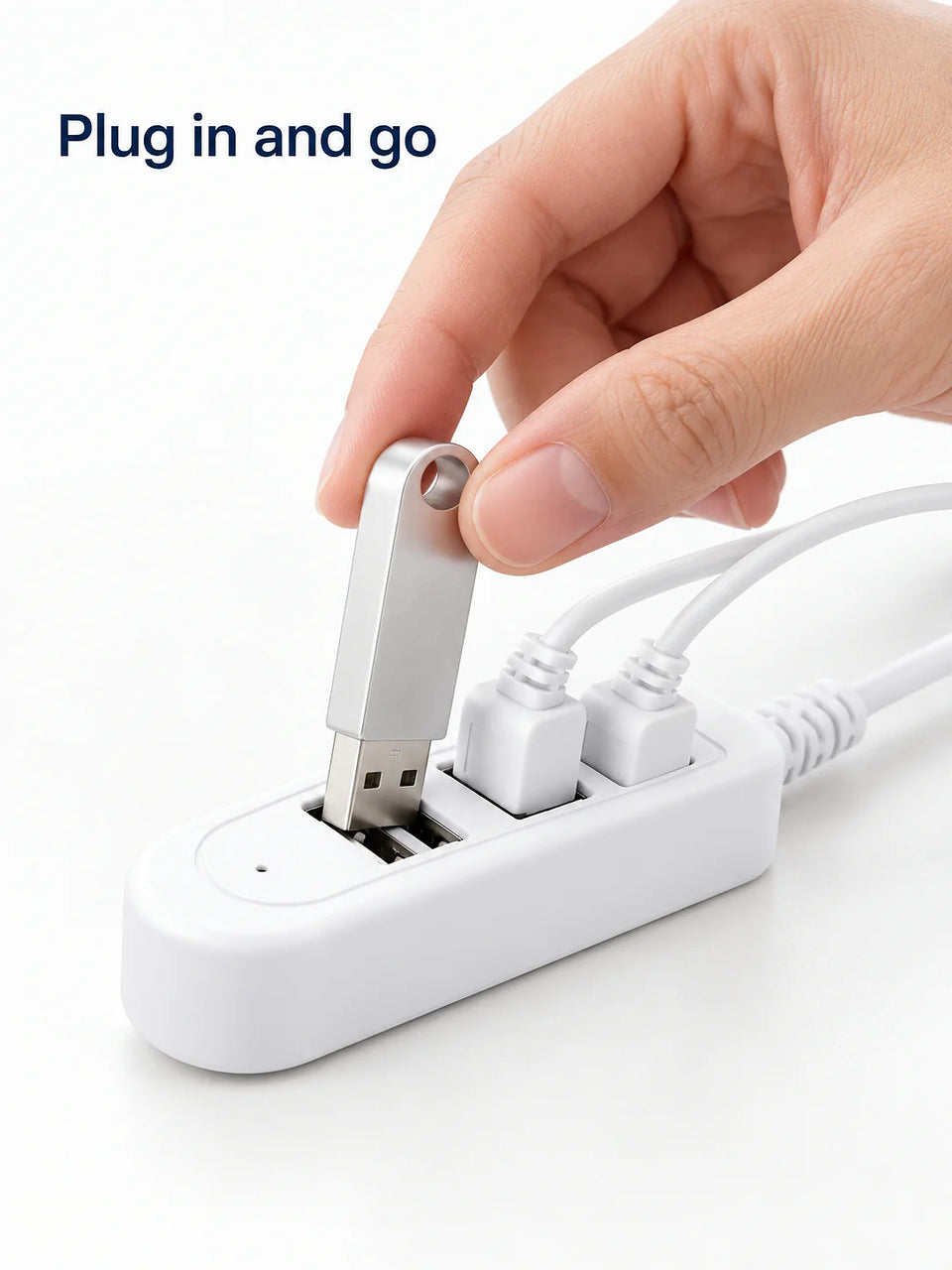
Stop unplugging your keyboard to charge your phone. Plug the hub in once and keep every device running on a desk that stays clear.

Keyboard, external drive and phone can stay plugged in at the same time. The packaging states all three interfaces run simultaneously, so you stop swapping cables every time you change tasks. One laptop port now feeds the whole desk.

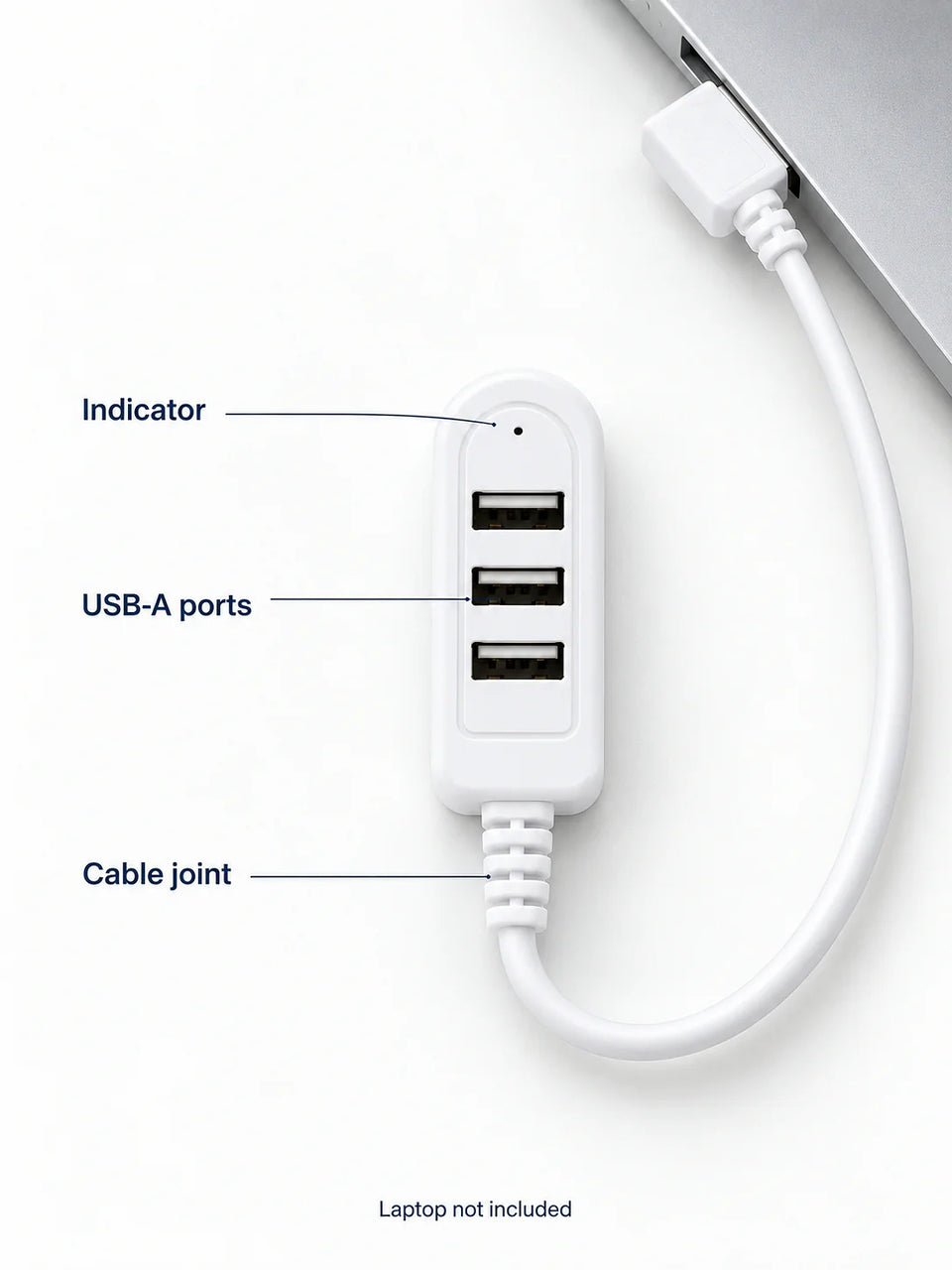
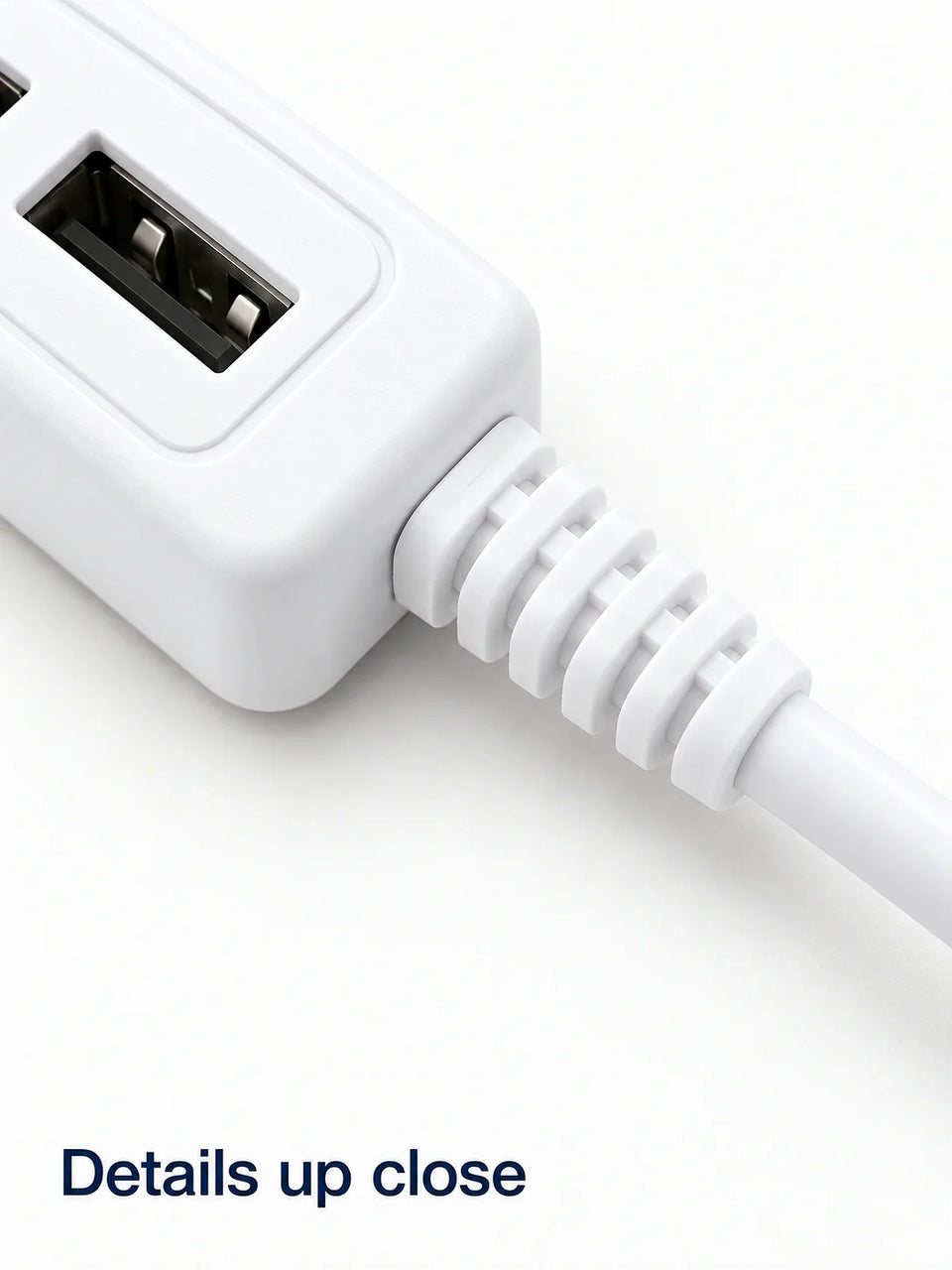
The head is rounded and slim, so it sits beside a laptop without pushing the mouse off the mat. A ribbed strain relief sits where the cable meets the head, and a small status dot shows when it is powered. The body is plastic, so keep it on a flat surface and it will sit quietly for years of everyday work.
Connect the USB-A plug to a free port on your laptop or PC.
The small dot on the head shows the hub is powered and ready.
Plug your keyboard, drive or phone into the three ports. Each one should be recognised right away.
Eject storage devices first, then pull the hub out. Yanking it mid-transfer can corrupt files on a drive.
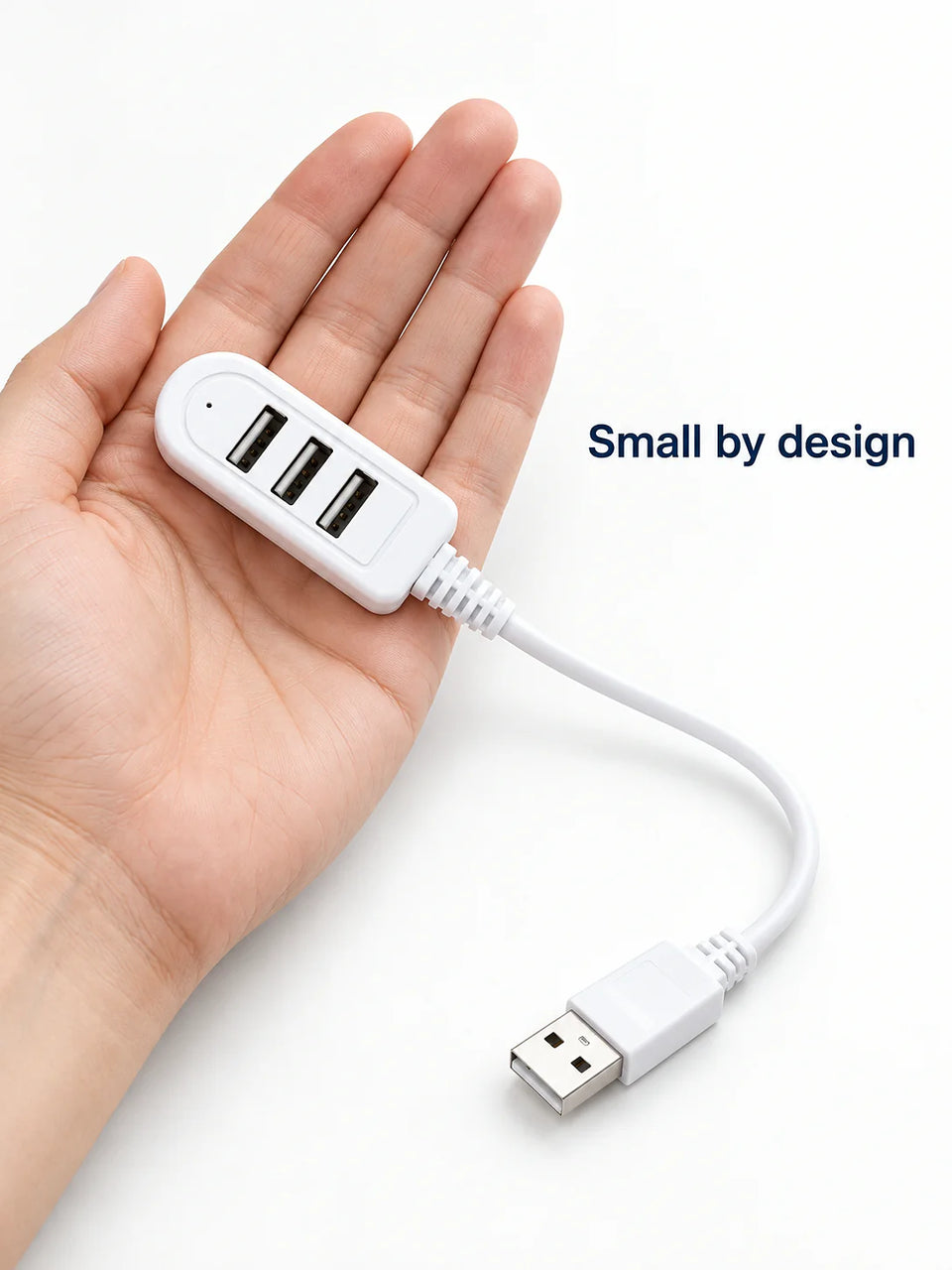
The head is about the length of an adult thumb, so it fits beside a laptop without taking over the desk.
The packaging does not call for a driver install. It is a standard USB-A hub, so keyboards, drives and phones should show up on any laptop or PC with a free USB-A port. Plug it in and check that each device is recognised.
Power output is not published on the packaging, so think of this as a port expander first and a charger second. Three devices share the hub's power, so for fast phone charging, plug the phone straight into a wall adapter or power bank.
It is a lightweight plastic hub, not a metal dock, and it costs far less. Keep it on a flat surface, keep weight off it, and avoid sharp bends at the cable. Treated that way, it holds up to everyday desk use.
Yes. The packaging says all three interfaces can be used simultaneously. If you run a large external drive alongside a busy device and notice slower transfers, move one of them to a separate port.
A dock brings video, Ethernet and a lot of ports, and it takes a lot of desk. This hub adds three USB-A ports from one plug. If your desk only needs a keyboard, a drive and a phone, you pay less and keep the space you already have.


 3-Port USB Hub Splitter for Laptop and Desk Setups