
$44.90
Free delivery · 7–14 days
SanDisk Ultra 80MB/s SD Card for Full HD Camera Video
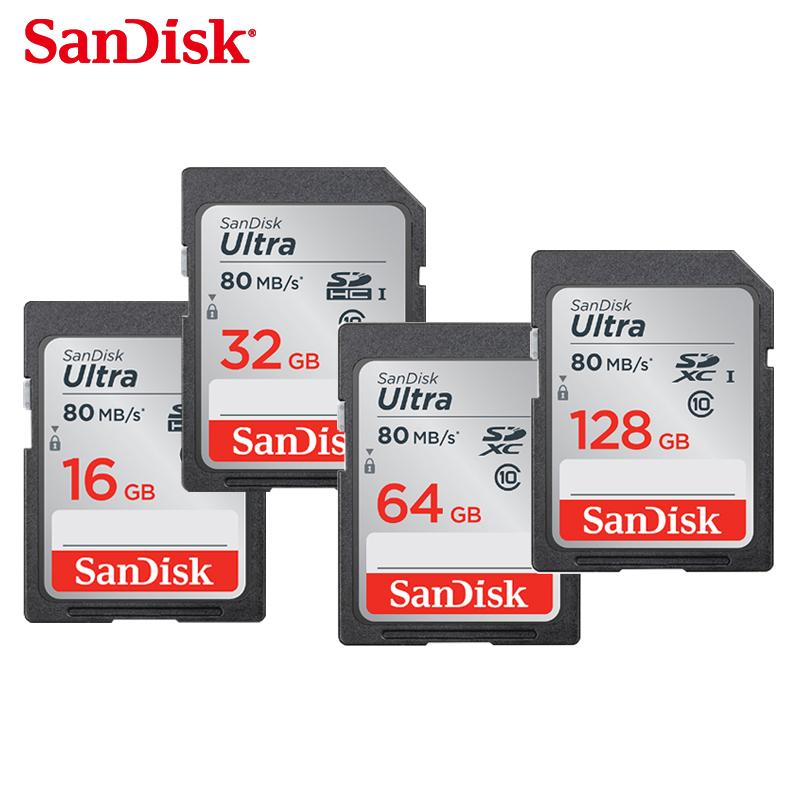


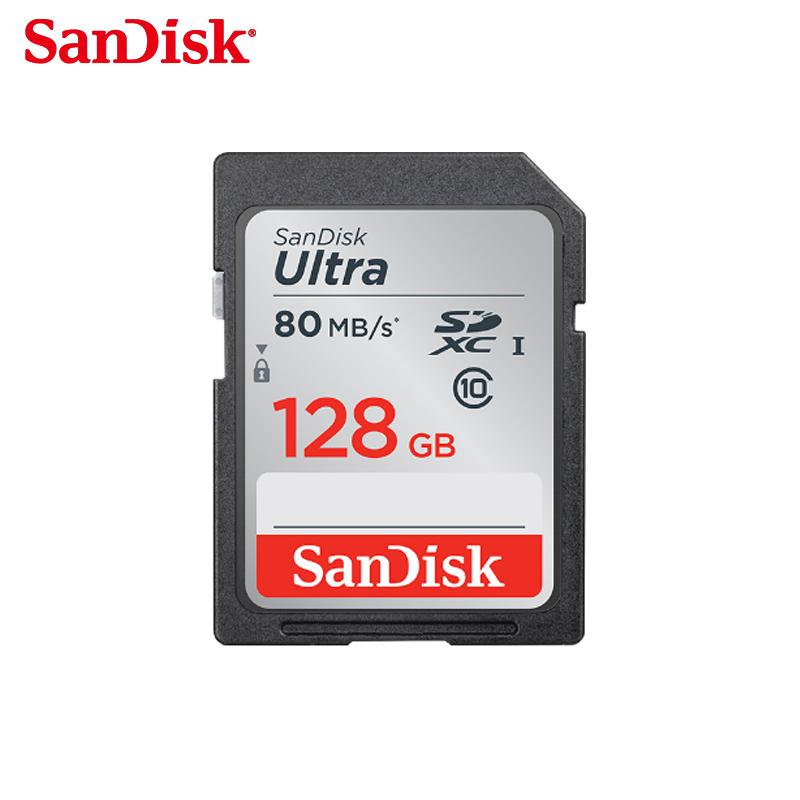
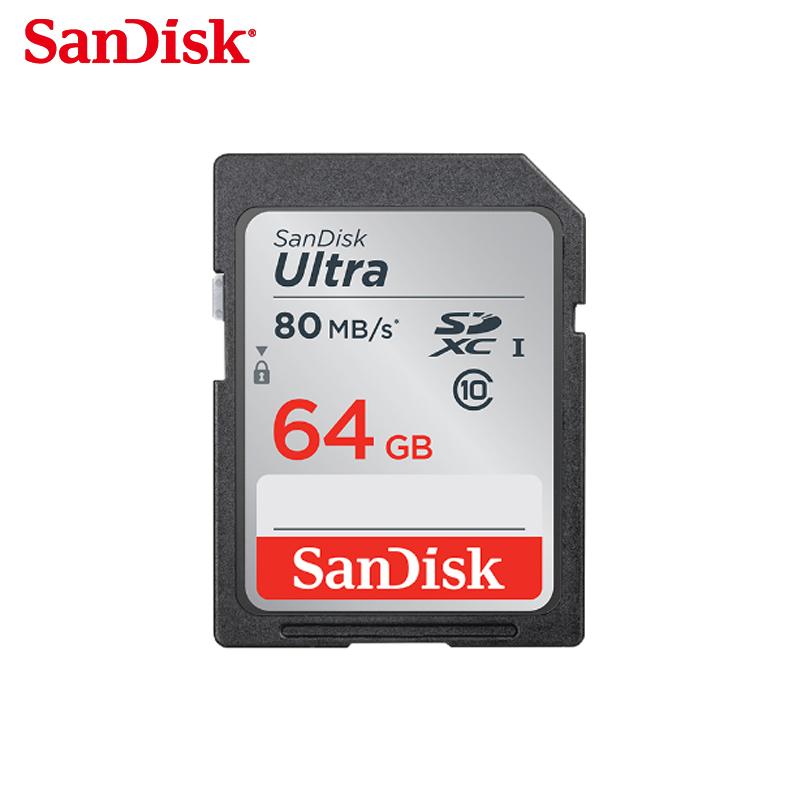
Burst shots and full HD clips keep writing when the card is rated for it. This SanDisk SD card carries an 80 MB/s UHS-I rating and a Class 10 mark printed right on the card, so you can check the speed before you buy. Available from 16GB to 128GB for photography, travel and dashcam loops.
Read the full descriptionBurst shots and full HD clips keep writing when the card is rated for it. This SanDisk SD card carries an 80 MB/s UHS-I rating and a Class 10 mark printed right on the card, so you can check the speed before you buy. Available from 16GB to 128GB for photography, travel and dashcam loops.
SanDisk Ultra SD card with 80 MB/s transfer speed for full HD recording and photo storage
Burst shots and full HD video used to stall while the card caught up. With an 80 MB/s UHS-I SanDisk card, your camera keeps writing and you keep the moment.

The 80 MB/s UHS-I rating and the Class 10 mark are printed on the card itself. That combination is what keeps a burst sequence writing when the buffer would otherwise fill and stall the shutter. Full HD video holds its frame rate for the same reason.

The speed class, the UHS-I interface and the SDHC/SDXC logos sit on the card, so you can read them in the shop before you pay. A verified rating is easier to trust than a speed number that only appears in a listing.

The card is offered in 16GB, 32GB, 64GB and 128GB. Smaller sizes suit daily shooting with frequent backups, while 128GB gives dashcam loops and travel shoots more room between offloads.
Confirm the Class 10, UHS-I and 80 MB/s markings on the card match what you need for your device.
Slide the lock switch to the unlocked position. A locked card cannot save new files.
Insert the card into the camera or dashcam you plan to use and format it there. This sets the file structure the device expects.

The moment arrives and the buffer icon starts to blink. The shutter slows, the frames queue up, and the clip stutters just when the action peaks. A slow card turns a fast camera into a waiting game, and you only find out after the moment has passed.

Write speed is often the bottleneck, not the sensor or the processor. This card carries an 80 MB/s rating, a Class 10 mark and the UHS-I interface, so the speed you need is printed where you can check it before you buy.
Bursts and full HD clips write steadily, and you stop planning your shoots around the card. Pick the capacity that fits your trip or dashcam loop and keep shooting.
Format the card inside the camera you will use it with. This sets the file system correctly and helps avoid write errors later.
Continuous bursts and full HD clips should write more steadily than with a slower card. Results depend on your camera and settings.
Over regular shooting or dashcam loops, the card's speed and capacity should keep pace with your routine. Back up files you need to keep.
| SanDisk SD 80MB/s | Unbranded SD card | |
|---|---|---|
| Speed rating printed on card | Often vague | |
| Class 10 marking | Varies | |
| UHS-I interface listed | Not always listed | |
| Recognized brand | — | |
| Physical write-protect switch | Varies |
Any device with a standard SD slot will read it. To get the full 80 MB/s, the device should support UHS-I, which the card's markings confirm. Older devices still accept the card, but they run at their own interface speed. Dashcam owners should format the card inside the dashcam before the first recording.
Yes, when the card is the limit. The rating is the speed the card is built to sustain, and the Class 10 and UHS-I markings confirm it. Your camera's buffer and processor still set the ceiling, so the card removes the bottleneck rather than making the camera faster.
Longer trips and dashcam loops fill cards quickly, so 128GB gives the most room between offloads. 32GB or 64GB suit daily shooting if you back up often. If you edit on a laptop, an apple sd reader makes offloading quick.
The difference buys a speed rating you can read on the card itself, from a brand you can identify. One missed burst sequence or a corrupted clip from a slow card costs more than the upgrade, so the price gap is small compared with the shots you keep.
The capacity on the label is the card's nominal size. As with any SD card, formatting reserves a small amount for the file system, so the usable space shows slightly lower in your device.


 SanDisk SD Memory Card 80MB/s UHS-I Class 10 Camera