
$45.90
Free delivery · 7–14 days
SanDisk SD Memory Card 80MB/s UHS-I Class 10 Camera
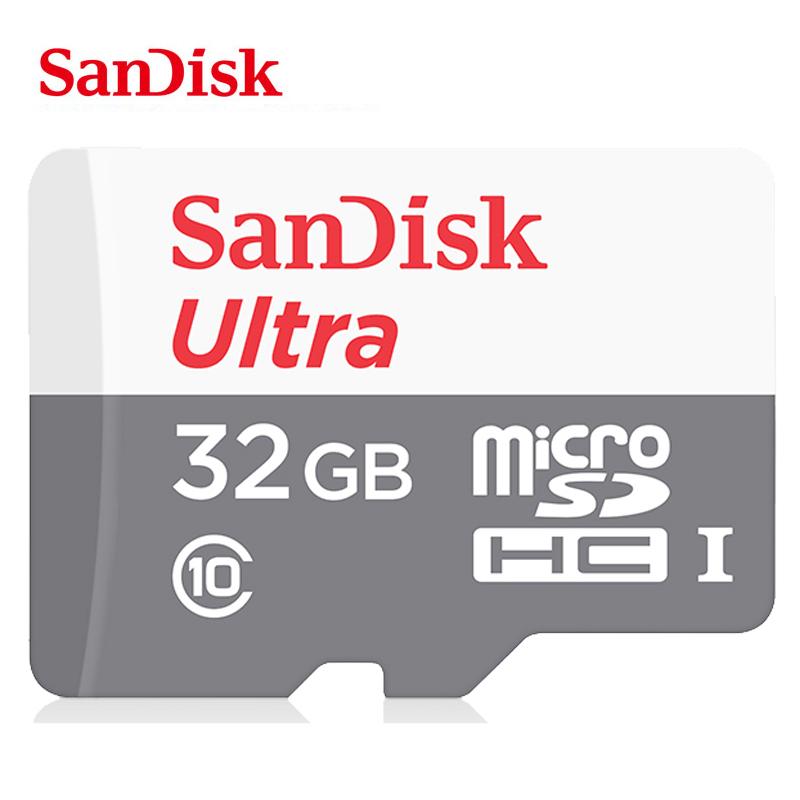

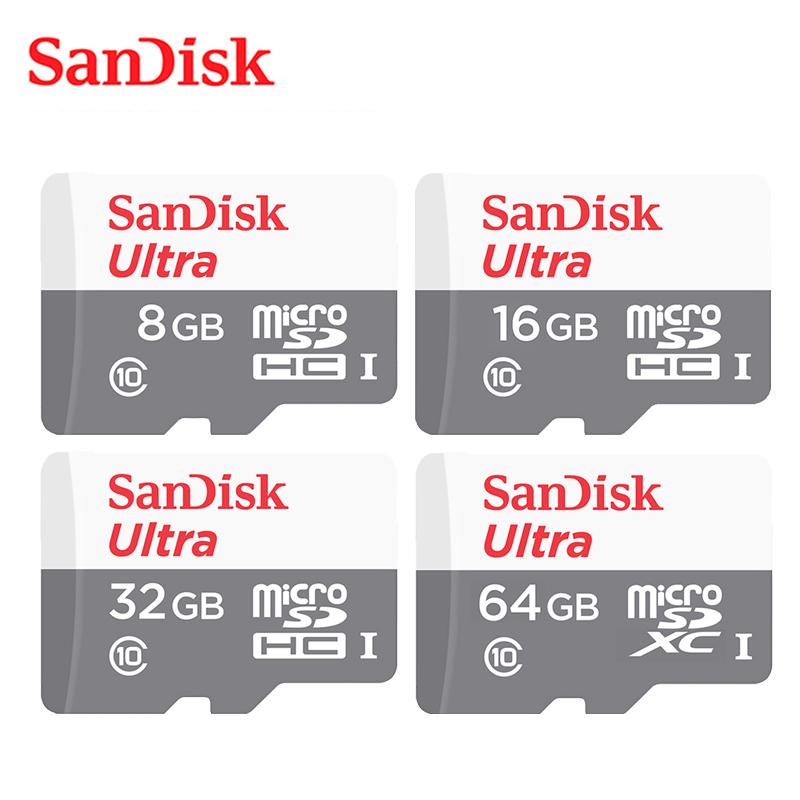

Your phone or dash cam stops recording at the worst moment, and deleting files every week gets old fast. This SanDisk Class 10 microSD card adds expansion space in 16GB, 32GB or 64GB, so photos, videos and recordings keep saving without the cleanup.
Read the full descriptionYour phone or dash cam stops recording at the worst moment, and deleting files every week gets old fast. This SanDisk Class 10 microSD card adds expansion space in 16GB, 32GB or 64GB, so photos, videos and recordings keep saving without the cleanup.
Trusted SanDisk Ultra microSD storage with Class 10 speed for everyday expansion
Your phone or dash cam fills up at the worst moment. Add a trusted SanDisk Class 10 microSD card and record or store without constant cleanup.
Class 10 is printed on the card, and it is the rating to look for when a device writes video all day. It covers smooth HD recording and playback, which is what a dash cam or phone needs when footage is coming in nonstop.
The label shows 16GB, 32GB or 64GB, so the decision comes down to how much footage, music and app data your device holds. Compare the full range in micro sd cards before you pick.
The red SanDisk wordmark and the UHS-I logos sit on a clean, high-contrast card. A known name means you are not gambling on an unbranded card with no visible speed rating.
Turn off your phone, tablet or dash cam, then slide the card into the microSD slot with the notched edge facing the right way.
The device asks to format the card on first use. Confirm it so the full capacity is available. Move anything you want to keep off the card first, because formatting clears it.
In storage settings, set the card as the default location for photos, videos or downloads wherever your device offers that option.
Eject the card in device settings and wait for the device to finish writing. Pulling the card mid-write can corrupt files.
If the device has a microSD slot or card tray, this card fits. It uses the standard microSD form factor with the UHS-I interface. Check your device manual for its maximum card size, since some older models cap the capacity they read.
Pick 16GB for a phone that mostly needs room for photos, 32GB for a dash cam or a tablet with downloaded shows, and 64GB for long trips or heavy video. One larger card saves you from clearing space every week, and that time is worth more than the step up in size.
It is a SanDisk Ultra card with the Class 10 speed logo and UHS-I marking printed on the label. Class 10 is the rating to look for when a dash cam or phone records HD video, and it is the rating this card carries.
Usually yes. Insert the card and let the device format it when prompted, so it can use the full capacity. Formatting erases the card, so move anything you need to keep before you start.


 Class 10 microSD Card for Phone and Dash Cam Storage